
Logos Bible Software Review: Key Features, Pros, Cons, and Pricing Explained
Logos Bible Software stands out for its deep biblical resources and advanced AI study tools, making it ideal for serious Bible study.

We review tools independently, and commissions help fund our testing. See our transparency policy, our methodology, or suggest a tool.
Logos Bible Software is a church AI tool built for pastors and ministry leaders who need AI-assisted sermon research, Bible study, and theological reference in one place. It's worth a close look if you're preparing weekly messages and want AI that works within a deep library of scholarly resources—not just a general-purpose writing assistant. Compared to Accordance Bible Software, Logos offers a broader resource library and more developed AI features for moving from a passage to a fully researched outline faster.
Logos Bible Software Evaluation Summary
4.5/5
- From $9.99/month
- 30-day free trial
Why Trust Our Software Recommendations
6,700+
Reviews
20
Industry experts
16+
Evaluation factors
14
Years
Our team has been testing and reviewing software since 2012. As church leaders ourselves, we know how difficult—and important—it is to choose the right software.
For this guide, we evaluated tools using hands-on testing and independent research, scoring tools using our selection criteria.
Our reviews reflect our human editorial judgment, not a sales pitch.
Logos Bible Software Overview
When judging church AI tools, Logos Bible Software stands out for its unmatched biblical library, advanced AI search, and sermon prep features. Its price is higher than many alternatives, and the interface can feel complex for new users, but the depth of resources and responsive support set it apart. If you're selecting a tool for in-depth study, sermon writing, or theological research, Logos is a top choice—especially for pastors or churches that prioritize scholarly resources and are willing to invest a lot of time in onboarding. For example, its AI-powered passage guides and integration with original language tools outperform most competitors.
Pros
- Extensive digital library with scholarly resources.
- AI-powered search delivers fast, relevant biblical insights.
- Sermon Builder tool streamlines sermon preparation.
Cons
- Subscription pricing is higher than many alternatives.
- Interface complexity can slow down new users.
- Some advanced features require premium plans.
Is Logos Bible Software Right For Your Needs?
Who Would be a Good Fit for Logos Bible Software?
Logos Bible Software is best suited for users who need deep biblical research, sermon preparation, and advanced theological study. Its extensive digital library, AI features, and sermon-building tools make it a strong choice for those in academic, pastoral, or teaching roles where scriptural depth and scholarly resources are essential. Churches, seminaries, and ministry teams that prioritize original language study and detailed exegetical work will find its features especially valuable—particularly for exploring the New Testament and Hebrew scriptures with interlinear and word studies support.
- Seminary FacultyFaculty benefit from advanced language tools and scholarly resources.
- Large ChurchesLarge churches use the digital library for sermon series planning.
- Bible College StudentsStudents access commentaries and original language resources for coursework.
- Denominational LeadersLeaders use AI search to prepare teaching and training materials.
- Research DepartmentsResearch teams leverage the passage guide for in-depth study.
- Teaching PastorsTeaching pastors use the Sermon Builder for weekly sermon preparation.
Who Would be a Bad Fit for Logos Bible Software?
Logos Bible Software may not be the best choice for users who need simple, budget-friendly tools or who focus on administrative, event, or volunteer management. Its pricing, complexity, and focus on scholarly study make it less suitable for small congregations, non-academic ministries, or teams seeking basic church management features rather than advanced biblical research.
- Small CongregationsSmall congregations may not need advanced study or premium resources.
- Volunteer CoordinatorsVolunteer coordinators require tools for scheduling, not biblical research.
- Church AdministratorsAdministrators need event and facility management, not deep study tools.
- Youth Ministry TeamsYouth teams often prefer simpler, more interactive teaching tools.
- Nonprofit OrganizationsNonprofits focused on outreach need communication and donor management.
- Budget-Conscious MinistriesBudget-focused ministries may find the subscription cost prohibitive.
How We Test & Score Tools
We’ve spent years building, refining, and improving our software testing and scoring system. The rubric is designed to capture the nuances of software selection and what makes a tool effective, focusing on critical aspects of the decision-making process.
Below, you can see exactly how our testing and scoring works across seven criteria. It allows us to provide an unbiased evaluation of the software based on core functionality, standout features, ease of use, onboarding, customer support, integrations, customer reviews, and value for money.
Core Functionality (25% of final scoring)
The starting point of our evaluation is always the core functionality of the tool. Does it have the basic features and functions that a user would expect to see? Are any of those core features locked to higher-tiered pricing plans? At its core, we expect a tool to stand up against the baseline capabilities of its competitors.
Standout Features (25% of final scoring)
Next, we evaluate uncommon standout features that go above and beyond the core functionality typically found in tools of its kind. A high score reflects specialized or unique features that make the product faster, more efficient, or offer additional value to the user.
We also evaluate how easy it is to integrate with other tools typically found in the tech stack to expand the functionality and utility of the software. Tools offering plentiful native integrations, 3rd party connections, and API access to build custom integrations score best.
Ease of Use (10% of final scoring)
We consider how quick and easy it is to execute the tasks defined in the core functionality using the tool. High scoring software is well designed, intuitive to use, offers mobile apps, provides templates, and makes relatively complex tasks seem simple.
Onboarding (10% of final scoring)
We know how important rapid team adoption is for a new platform, so we evaluate how easy it is to learn and use a tool with minimal training. We evaluate how quickly a team member can get set up and start using the tool with no experience. High scoring solutions indicate little or no support is required.
Customer Support (10% of final scoring)
We review how quick and easy it is to get unstuck and find help by phone, live chat, or knowledge base. Tools and companies that provide real-time support score best, while chatbots score worst.
Customer Reviews (10% of final scoring)
Beyond our own testing and evaluation, we consider the net promoter score from current and past customers. We review their likelihood, given the option, to choose the tool again for the core functionality. A high scoring software reflects a high net promoter score from current or past customers.
Value for Money (10% of final scoring)
Lastly, in consideration of all the other criteria, we review the average price of entry level plans against the core features and consider the value of the other evaluation criteria. Software that delivers more, for less, will score higher.
Core Features
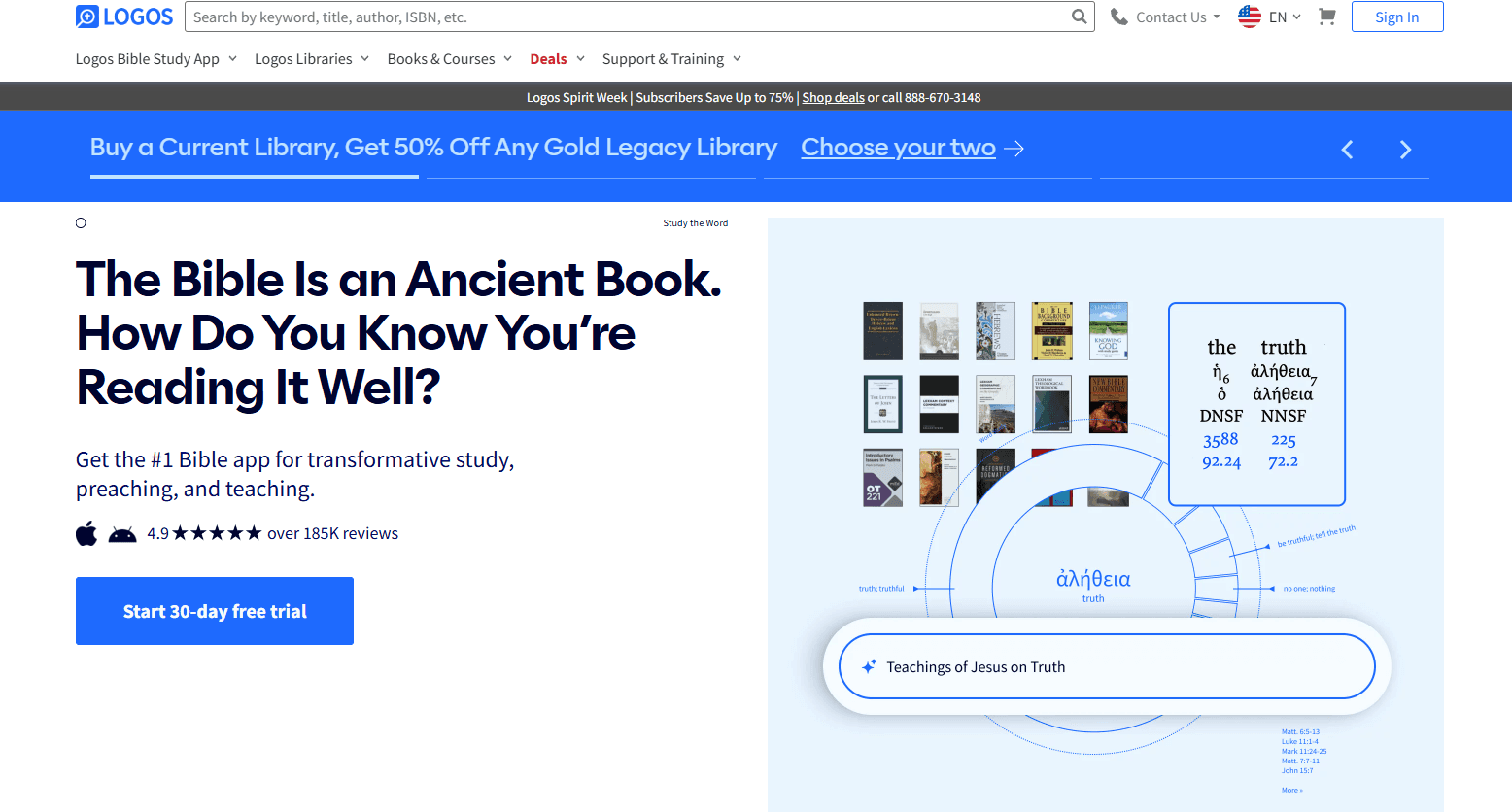
AI-Powered Passage Guide
Search any scripture and instantly receive commentaries, cross references, and original language insights. Quickly prepare sermons or studies with real scholarly depth.
Sermon Builder
Draft, organize, and format sermons with drag-and-drop tools and built-in templates. Export finished sermons to slides or handouts for easy sharing.
Digital Library
Access thousands of theological books, commentaries, and reference works in one searchable platform. Build custom collections for specific study topics.
Bible Word Study
Analyze Greek, Hebrew, or English words with visual breakdowns and linked lexicons through the Bible dictionary. Supports deep dives into original language and syntax meanings.
Factbook
Look up people, places, events, and concepts for instant background information. Connects biblical data with maps, timelines, and media.
Reading Plans and Workflows
Create custom reading plans or follow guided workflows for study, sermon prep, or devotional use. Stay organized and on track with your study goals.

Ease of Use
Logos Bible Software offers powerful features, but its interface can feel overwhelming for new users, especially those unfamiliar with digital Bible study tools. Many logos users appreciate the depth and customization, yet navigating the entire library and advanced search options often requires a lot of time and training. The onboarding tutorials and help resources are thorough, but users seeking quick, simple solutions may find the platform less intuitive than other church AI tools focused on basic tasks.

Integrations
Logos Bible Software integrates with Faithlife Giving, Faithlife Sites, Faithlife Sermons, Faithlife Equip, and Visual Studio, among others.
Logos Bible Software offers a limited COM API to support third-party programs.

Logos Bible Software Specs
- API: No
- Calendar Management: No
- Contact Management: No
- Dashboards: No
- Data Export: Yes
- Data Import: No
- Document Management: Yes
- External Integrations: Yes
- Multi-User: Yes
- Notifications: Yes
- Payment Gateway Integration: No
- Scheduling: No
- Workflow Management: Yes


