
Recensione di Logos Bible Software: Caratteristiche Principali, Vantaggi, Svantaggi e Prezzi Spiegati
Logos Bible Software si distingue per le sue profonde risorse bibliche e avanzati strumenti di studio assistiti dall'IA, rendendolo ideale per uno studio serio della Bibbia.

Recensiamo gli strumenti in modo indipendente e le commissioni ci aiutano a finanziare i nostri test. Consulta la nostra politica sulla trasparenza, la nostra metodologia, oppure suggerisci uno strumento.
Logos Bible Software is a church AI tool built for pastors and ministry leaders who need AI-assisted sermon research, Bible study, and theological reference in one place. It's worth a close look if you're preparing weekly messages and want AI that works within a deep library of scholarly resources—not just a general-purpose writing assistant. Compared to Accordance Bible Software, Logos offers a broader resource library and more developed AI features for moving from a passage to a fully researched outline faster.
Logos Bible Software Evaluation Summary
4.5/5
- From $9.99/month
- 30-day free trial
Perché fidarsi dei nostri consigli sui software
6,700+
Reviews
20
Industry experts
16+
Evaluation factors
14
Years
Il nostro team testa e recensisce software dal 2012. In quanto leader ecclesiastici noi stessi, sappiamo quanto sia difficile — e importante — scegliere il software giusto.
Per questa guida, abbiamo valutato gli strumenti attraverso test pratici e ricerche indipendenti, assegnando un punteggio agli strumenti in base ai nostri criteri di selezione.
Le nostre recensioni riflettono il nostro giudizio editoriale umano, non un discorso di vendita.
Logos Bible Software Overview
When judging church AI tools, Logos Bible Software stands out for its unmatched biblical library, advanced AI search, and sermon prep features. Its price is higher than many alternatives, and the interface can feel complex for new users, but the depth of resources and responsive support set it apart. If you're selecting a tool for in-depth study, sermon writing, or theological research, Logos is a top choice—especially for pastors or churches that prioritize scholarly resources and are willing to invest a lot of time in onboarding. For example, its AI-powered passage guides and integration with original language tools outperform most competitors.
Pros
- Extensive digital library with scholarly resources.
- AI-powered search delivers fast, relevant biblical insights.
- Sermon Builder tool streamlines sermon preparation.
Cons
- Subscription pricing is higher than many alternatives.
- Interface complexity can slow down new users.
- Some advanced features require premium plans.
Is Logos Bible Software Right For Your Needs?
Who Would be a Good Fit for Logos Bible Software?
Logos Bible Software is best suited for users who need deep biblical research, sermon preparation, and advanced theological study. Its extensive digital library, AI features, and sermon-building tools make it a strong choice for those in academic, pastoral, or teaching roles where scriptural depth and scholarly resources are essential. Churches, seminaries, and ministry teams that prioritize original language study and detailed exegetical work will find its features especially valuable—particularly for exploring the New Testament and Hebrew scriptures with interlinear and word studies support.
- Seminary FacultyFaculty benefit from advanced language tools and scholarly resources.
- Large ChurchesLarge churches use the digital library for sermon series planning.
- Bible College StudentsStudents access commentaries and original language resources for coursework.
- Denominational LeadersLeaders use AI search to prepare teaching and training materials.
- Research DepartmentsResearch teams leverage the passage guide for in-depth study.
- Teaching PastorsTeaching pastors use the Sermon Builder for weekly sermon preparation.
Who Would be a Bad Fit for Logos Bible Software?
Logos Bible Software may not be the best choice for users who need simple, budget-friendly tools or who focus on administrative, event, or volunteer management. Its pricing, complexity, and focus on scholarly study make it less suitable for small congregations, non-academic ministries, or teams seeking basic church management features rather than advanced biblical research.
- Small CongregationsSmall congregations may not need advanced study or premium resources.
- Volunteer CoordinatorsVolunteer coordinators require tools for scheduling, not biblical research.
- Church AdministratorsAdministrators need event and facility management, not deep study tools.
- Youth Ministry TeamsYouth teams often prefer simpler, more interactive teaching tools.
- Nonprofit OrganizationsNonprofits focused on outreach need communication and donor management.
- Budget-Conscious MinistriesBudget-focused ministries may find the subscription cost prohibitive.
Come Testiamo e Valutiamo gli Strumenti
Abbiamo trascorso anni a costruire, perfezionare e migliorare il nostro sistema di test e valutazione dei software. Il nostro metodo è progettato per cogliere tutte le sfumature della selezione software e ciò che rende uno strumento efficace, concentrandosi sugli aspetti critici del processo decisionale. Qui sotto puoi vedere esattamente come funzionano i nostri test e valutazioni in base a sette criteri. Questo ci permette di offrire una valutazione imparziale dei software considerando funzionalità di base, caratteristiche distintive, facilità d’uso, onboarding, supporto clienti, integrazioni, recensioni dei clienti e rapporto qualità-prezzo.
Funzionalità di Base (25% del punteggio finale)
Il punto di partenza della nostra valutazione è sempre la funzionalità di base dello strumento. Dispone delle funzionalità e caratteristiche essenziali che un utente si aspetterebbe di trovare? Alcune di queste funzioni di base sono limitate a piani con prezzi superiori? In sostanza, ci aspettiamo che uno strumento sia all’altezza delle capacità minime offerte dai concorrenti.
Caratteristiche Distintive (25% del punteggio finale)
Successivamente analizziamo le caratteristiche distintive che vanno oltre la funzionalità base tipica degli strumenti di questa tipologia. Un punteggio alto riflette funzioni specializzate o uniche che rendono il prodotto più veloce, efficiente o offrono valore aggiunto all’utente. Valutiamo anche quanto sia semplice integrare altri strumenti comunemente presenti nello stack tecnologico per espandere la funzionalità e l’utilità del software. Gli strumenti che offrono numerose integrazioni native, connessioni di terze parti e accesso API per creare integrazioni personalizzate ottengono il punteggio migliore.
Facilità d’Uso (10% del punteggio finale)
Consideriamo quanto sia veloce e facile eseguire i compiti principali definiti usando lo strumento. I software con punteggi elevati sono ben progettati, intuitivi, offrono app mobili, mettono a disposizione modelli e rendono semplici anche i compiti più complessi.
Onboarding (10% del punteggio finale)
Sappiamo quanto sia importante adottare rapidamente una nuova piattaforma, quindi valutiamo quanto sia semplice imparare e utilizzare uno strumento con il minimo training. Esaminiamo quanto rapidamente un membro del team possa essere operativo senza esperienza precedente. Le soluzioni con punteggio alto richiedono poco o nessun supporto.
Supporto Clienti (10% del punteggio finale)
Valutiamo quanto sia rapido e semplice risolvere i problemi e ottenere assistenza tramite telefono, chat dal vivo o knowledge base. Gli strumenti e le aziende che forniscono supporto in tempo reale ottengono il punteggio migliore, mentre i chatbot ottengono la valutazione più bassa.
Recensioni dei Clienti (10% del punteggio finale)
Oltre ai nostri test e valutazioni, prendiamo in considerazione il net promoter score di clienti attuali e passati. Esaminiamo la loro propensione, data la scelta, a selezionare nuovamente lo strumento per le funzioni principali. Un software con punteggio alto riflette un net promoter score elevato da parte dei clienti attuali o precedenti.
Rapporto Qualità-Prezzo (10% del punteggio finale)
Infine, considerando tutti gli altri criteri, esaminiamo il prezzo medio dei piani base rispetto alle funzionalità principali e valutiamo il valore degli altri indicatori. I software che offrono di più, a meno, ottengono un punteggio superiore.
Core Features
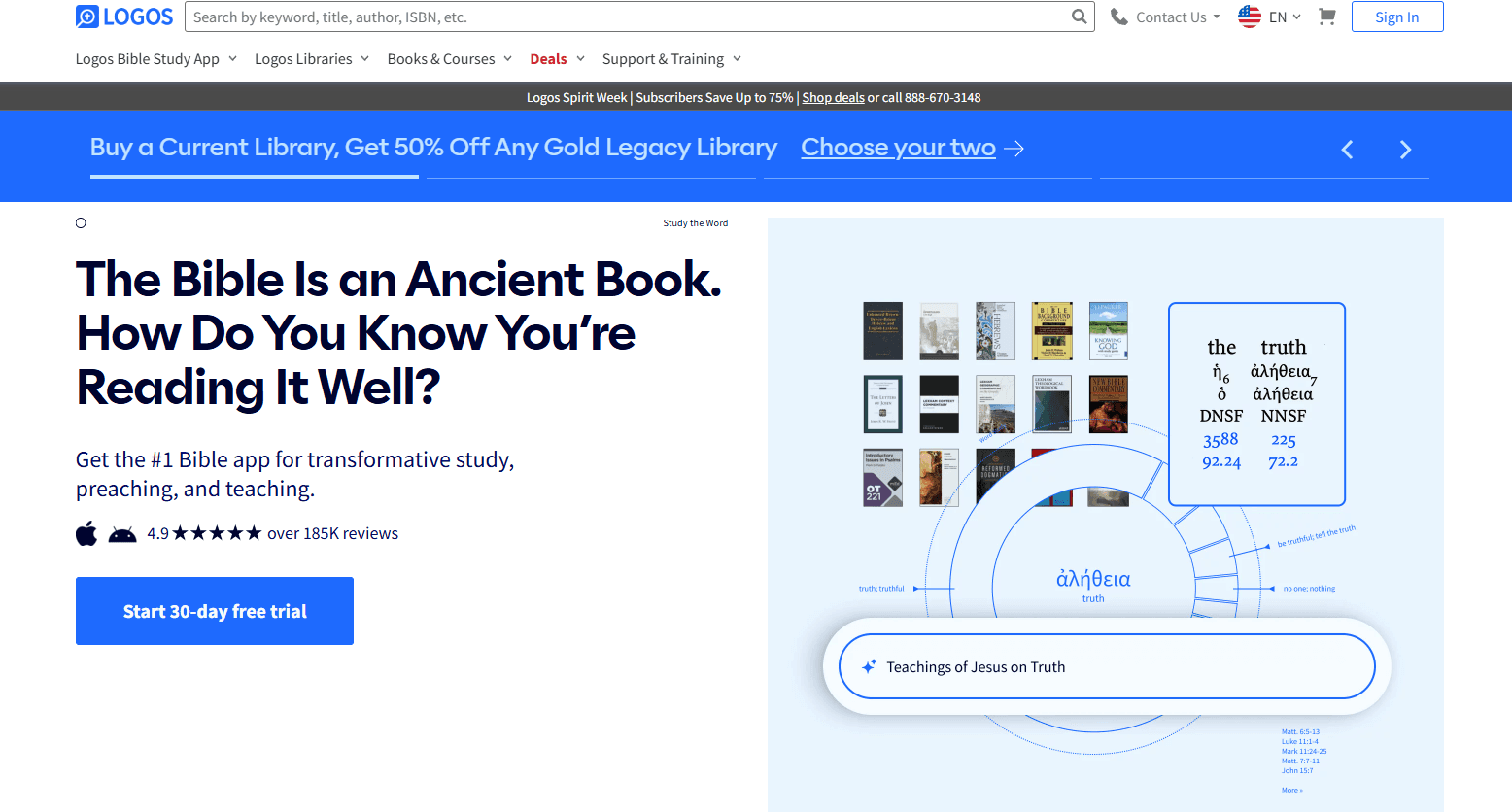
AI-Powered Passage Guide
Search any scripture and instantly receive commentaries, cross references, and original language insights. Quickly prepare sermons or studies with real scholarly depth.
Sermon Builder
Draft, organize, and format sermons with drag-and-drop tools and built-in templates. Export finished sermons to slides or handouts for easy sharing.
Digital Library
Access thousands of theological books, commentaries, and reference works in one searchable platform. Build custom collections for specific study topics.
Bible Word Study
Analyze Greek, Hebrew, or English words with visual breakdowns and linked lexicons through the Bible dictionary. Supports deep dives into original language and syntax meanings.
Factbook
Look up people, places, events, and concepts for instant background information. Connects biblical data with maps, timelines, and media.
Reading Plans and Workflows
Create custom reading plans or follow guided workflows for study, sermon prep, or devotional use. Stay organized and on track with your study goals.

Ease of Use
Logos Bible Software offers powerful features, but its interface can feel overwhelming for new users, especially those unfamiliar with digital Bible study tools. Many logos users appreciate the depth and customization, yet navigating the entire library and advanced search options often requires a lot of time and training. The onboarding tutorials and help resources are thorough, but users seeking quick, simple solutions may find the platform less intuitive than other church AI tools focused on basic tasks.

Integrations
Logos Bible Software integrates with Faithlife Giving, Faithlife Sites, Faithlife Sermons, Faithlife Equip, and Visual Studio, among others.
Logos Bible Software offers a limited COM API to support third-party programs.

Logos Bible Software Specs
- API: No
- Calendar Management: No
- Contact Management: No
- Dashboards: No
- Data Export: Yes
- Data Import: No
- Document Management: Yes
- External Integrations: Yes
- Multi-User: Yes
- Notifications: Yes
- Payment Gateway Integration: No
- Scheduling: No
- Workflow Management: Yes


