


Avis sur Aboundant : Avantages, Inconvénients, Fonctionnalités et Tarifs


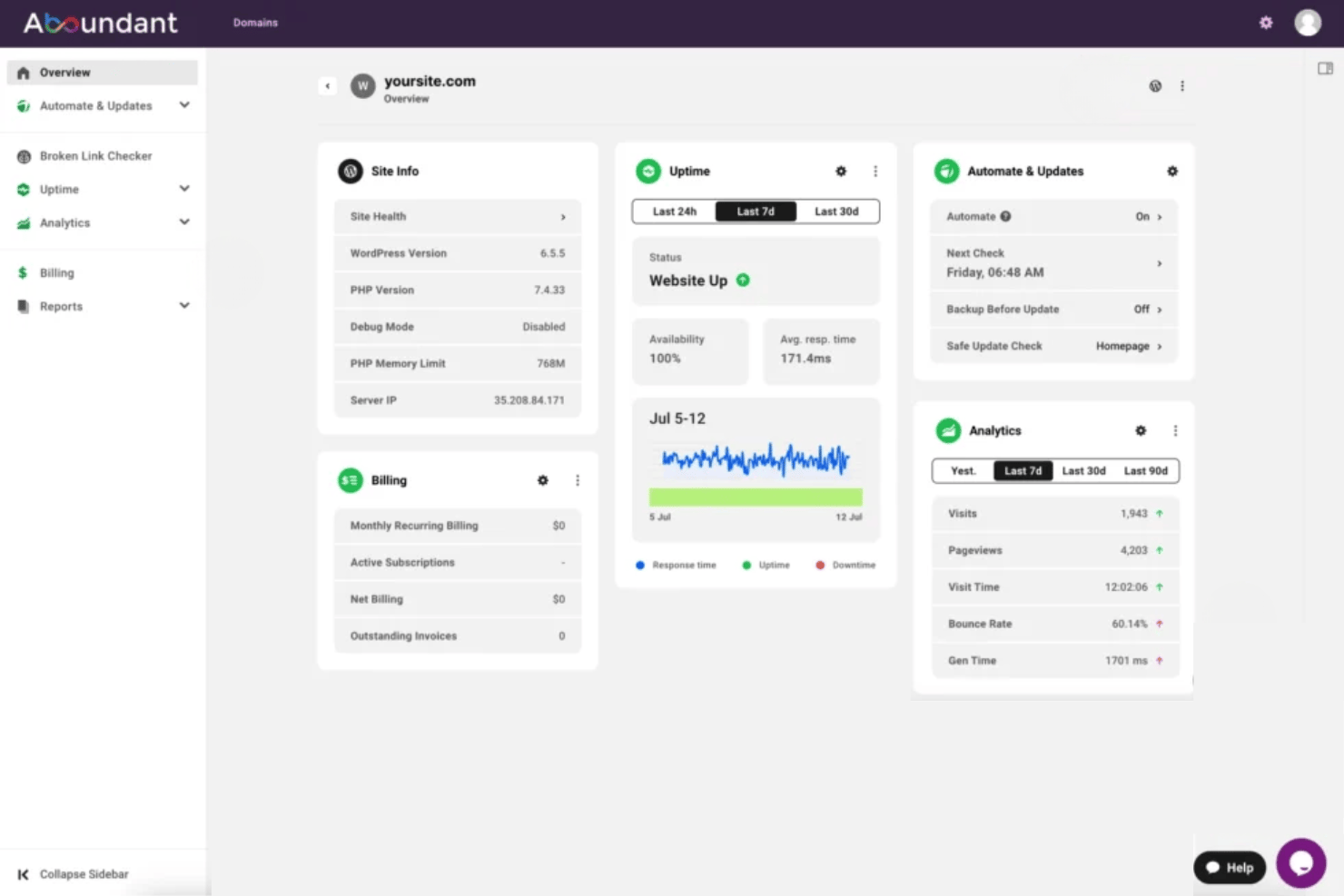
Aboundant is a church website builder built for churches that need a ministry-ready website without hiring a developer. I'd consider it if your congregation needs sermon libraries, event calendars, and online giving tools that work together from day one. If you've been looking at a general builder like Squarespace, Aboundant is the better fit. Its templates and features are designed around church workflows, not repurposed from business use cases.
Aboundant Evaluation Summary
- From $180/year
- 30-day free trial
Pourquoi faire confiance à nos recommandations de logiciels
Notre équipe teste et évalue des logiciels depuis 2012. En tant que dirigeants d’église nous-mêmes, nous savons à quel point il est difficile — et important — de choisir le bon logiciel.
Pour ce guide, nous avons évalué les outils grâce à des tests pratiques et une recherche indépendante, en notant les outils selon nos critères de sélection.
Nos avis reflètent notre jugement éditorial humain, et non un argumentaire de vente.
Aboundant Overview
When I compare Aboundant to other church website options, I notice its strengths in ready-to-use templates, built-in giving tools, and simple pricing plans. I think its support team understands church needs better than most, and the admin interface is easy enough for volunteers to manage. You might choose Aboundant if you want quick onboarding and don’t need complex integrations. For small to midsize congregations looking to unite their digital presence without tech stress, I’d say Aboundant deserves serious consideration. It may underperform if you want deep customization or advanced event features, but for most churches, it checks the right boxes.
pros
-
Built-in church calendar with event management tools
-
Online giving forms included at all pricing tiers
-
Ministry-specific content widgets simplify update
cons
-
No native mobile app for member access
-
Limited options for advanced sermon media organization
-
Fewer pre-built integrations than other platforms
-

AskMyChurch
Visit Website -
ChMeetings
Visit WebsiteThis rating combines scores from multiple user review sites to reflect overall customer sentiment about the product.4.9 -
Subsplash
Visit WebsiteThis rating combines scores from multiple user review sites to reflect overall customer sentiment about the product.4.5





Comment nous testons et évaluons les outils
Nous avons passé des années à construire, affiner et améliorer notre système de test et d’évaluation de logiciels. Notre grille a été conçue pour saisir les nuances de la sélection de logiciels et ce qui rend un outil efficace, en mettant l’accent sur les aspects critiques du processus de prise de décision. Vous trouverez ci-dessous exactement comment notre système d’évaluation fonctionne selon sept critères. Cela nous permet de fournir une évaluation impartiale du logiciel basée sur les fonctionnalités de base, les caractéristiques remarquables, la facilité d’utilisation, l’intégration, l’assistance client, les intégrations, les avis clients et le rapport qualité/prix.
Fonctionnalités de base (25 % de la note finale)
Le point de départ de notre évaluation est toujours la fonctionnalité de base de l’outil. Dispose-t-il des fonctionnalités et options fondamentales qu’un utilisateur s’attendrait à trouver ? Certaines de ces fonctionnalités essentielles sont-elles réservées à des forfaits plus chers ? Nous attendons d’un outil qu’il soutienne efficacement la comparaison avec les capacités minimales de ses concurrents.
Fonctionnalités remarquables (25 % de la note finale)
Ensuite, nous évaluons les fonctionnalités remarquables ou uniques qui dépassent la simple fonctionnalité de base habituellement proposée dans ce type d’outils. Un score élevé reflète des caractéristiques spécialisées ou atypiques qui rendent le produit plus rapide, plus efficace, ou offrent une valeur ajoutée à l’utilisateur. Nous évaluons aussi la facilité d’intégration à d’autres outils généralement présents dans la pile technologique pour élargir la fonctionnalité et l’utilité du logiciel. Les outils offrant de nombreuses intégrations natives, des connexions tierces et un accès à une API pour créer des intégrations personnalisées obtiennent les meilleurs scores.
Facilité d’utilisation (10 % de la note finale)
Nous considérons la rapidité et la simplicité avec laquelle il est possible d’effectuer les tâches relevant des fonctions de base grâce à l’outil. Les logiciels les mieux notés sont bien conçus, intuitifs, proposent des applications mobiles, offrent des modèles prêts à l’emploi et simplifient des tâches relativement complexes.
Intégration et prise en main (10 % de la note finale)
Nous savons à quel point il est important d’assurer une adoption rapide de la plateforme par les équipes. Nous évaluons donc la simplicité d’apprentissage et d’utilisation d’un outil avec très peu de formation. Nous vérifions à quelle vitesse un membre de l’équipe peut s’installer et commencer à utiliser l’outil sans expérience préalable. Les solutions les mieux notées nécessitent peu ou pas du tout de support.
Support client (10 % de la note finale)
Nous vérifions la rapidité et la facilité avec lesquelles il est possible de sortir une impasse et d’obtenir de l’aide par téléphone, chat en direct ou base de connaissance. Les outils/entreprises qui offrent un support en temps réel obtiennent la meilleure note, tandis que les chatbots obtiennent la moins bonne.
Avis clients (10 % de la note finale)
Au-delà de notre propre test et évaluation, nous tenons compte du score net de recommandation des clients actuels et passés. Nous examinons leur probabilité, à l’avenir, de choisir à nouveau cet outil pour la fonctionnalité de base. Un logiciel très bien noté reflète un score de recommandation élevé de la part de ses utilisateurs actuels ou anciens.
Rapport qualité/prix (10 % de la note finale)
Enfin, en tenant compte de tous les autres critères, nous examinons le prix moyen des offres d’entrée de gamme au regard des fonctionnalités essentielles et la valeur offerte selon les autres critères d’évaluation. Les logiciels qui offrent plus, pour moins cher, obtiennent une meilleure note.
Core Features
Drag-and-Drop Page Builder
Create pages visually with intuitive drag-and-drop tools. This lets any staff or volunteer quickly update content without coding.
Church Calendar and Event Tools
Publish upcoming services, group meetings, and community events in a unified calendar. Members can view details or RSVP with a click.
Online Giving and Donation Forms
Embed branded giving forms on any page for easy contributions. All pricing plans include donation tracking and recurring gift options.
Sermon Media Library
Organize and display sermons by date, topic, or preacher. Users can watch media directly on your site or download sermon files.
Built-In Blog and News Feed
Share updates, devotionals, or ministry stories with a built-in blogging tool. Scheduled publishing keeps your congregation in the loop.
Ministry-Focused Content Widgets
Add content blocks like staff bios, prayer requests, or scripture easily. Pre-built widgets help churches display ministry-specific information in seconds.
Ease of Use
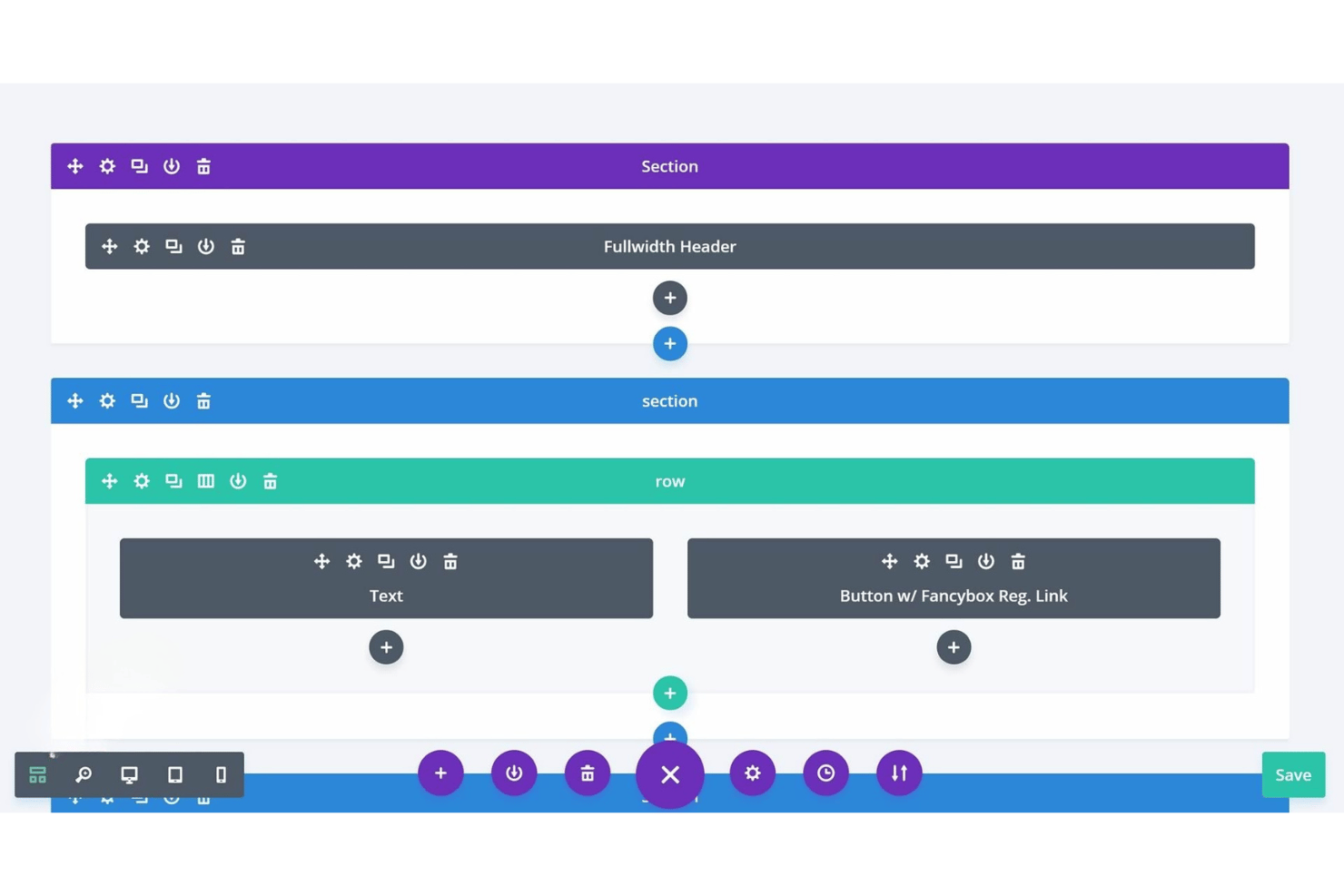
Aboundant stands out for its genuinely accessible interface—most church volunteers can build pages or update events with minimal tech skills. Its drag-and-drop builder, clear navigation, and pre-made ministry widgets reduce confusion and rework.
Users mention fast setup, while built-in tutorials guide you through common site tasks, making it one of the more approachable options available.
Integrations
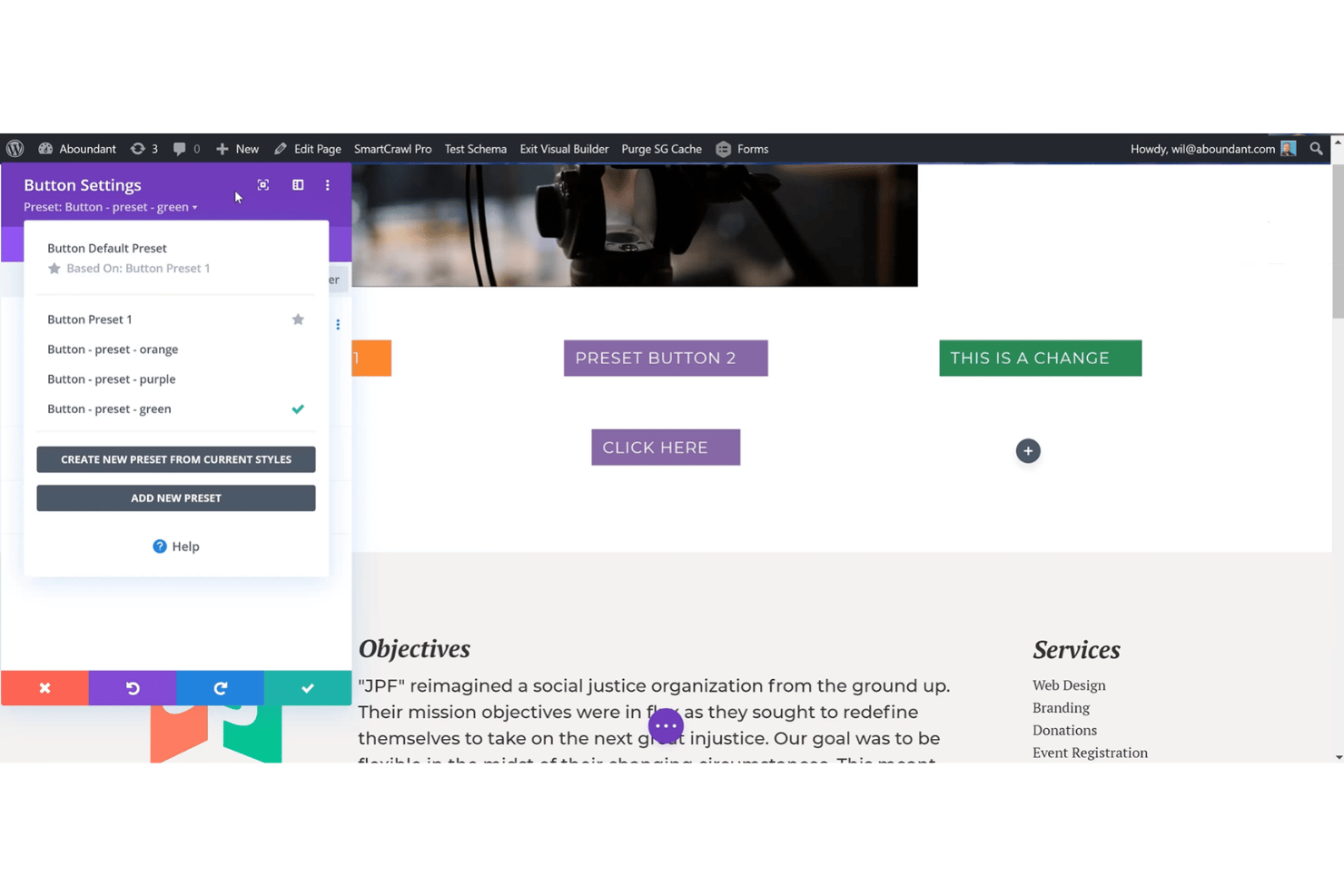
Aboundant integrates with PayPal, Stripe, Google Analytics, Mailchimp, Vimeo, YouTube, Facebook, Twitter, Google Maps, and Google Calendar.
Aboundant does not currently offer an open API or direct connections with third-party integration platforms.
Aboundant Specs
- API
- Calendar Management
- Contact Management
- Dashboards
- Data Export
- Data Import
- Document Management
- External Integrations
- Multi-User
- Notifications
- Payment Gateway Integration
- Scheduling
- Workflow Management

