

OnPay-arvostelu: hyvät ja huonot puolet, ominaisuudet & hinnoittelu
OnPay loistaa kirkkojen palkkahallintaohjelmistona käyttäjäystävällisen käyttöliittymänsä ja kattavien palkkahallintaominaisuuksiensa ansiosta, mikä tekee siitä erinomaisen vaihtoehdon kirkkosi palkkahallintotarpeiden hallintaan.

We review tools independently, and commissions help fund our testing. See our transparency policy, our methodology, or suggest a tool.
OnPay is a church payroll software built to handle the tax complexities that come with paying clergy and church staff—things like minister housing allowances and dual tax status for ordained employees. I'd consider it if your church needs a dedicated payroll tool that handles clergy-specific tax treatment better than general-purpose platforms like Gusto, without requiring a full HR system to get there.
OnPay Evaluation Summary
5/5
- From $49/month + $6/user/month
- One month free trial
Miksi luottaa ohjelmistosuosituksiimme
6,700+
Reviews
20
Industry experts
16+
Evaluation factors
14
Years
Tiimimme on testannut ja arvioinut ohjelmistoja vuodesta 2012 lähtien. Seurakuntajohtajina tiedämme itse, kuinka vaikeaa — ja tärkeää — oikean ohjelmiston valitseminen on.
Tätä opasta varten arvioimme työkaluja käytännön testauksen ja itsenäisen tutkimuksen avulla, pisteyttäen työkalut valintakriteeriemme perusteella.
Arvostelumme perustuvat inhimilliseen toimitukselliseen harkintaamme, eivät myyntipuheeseen.
OnPay Overview
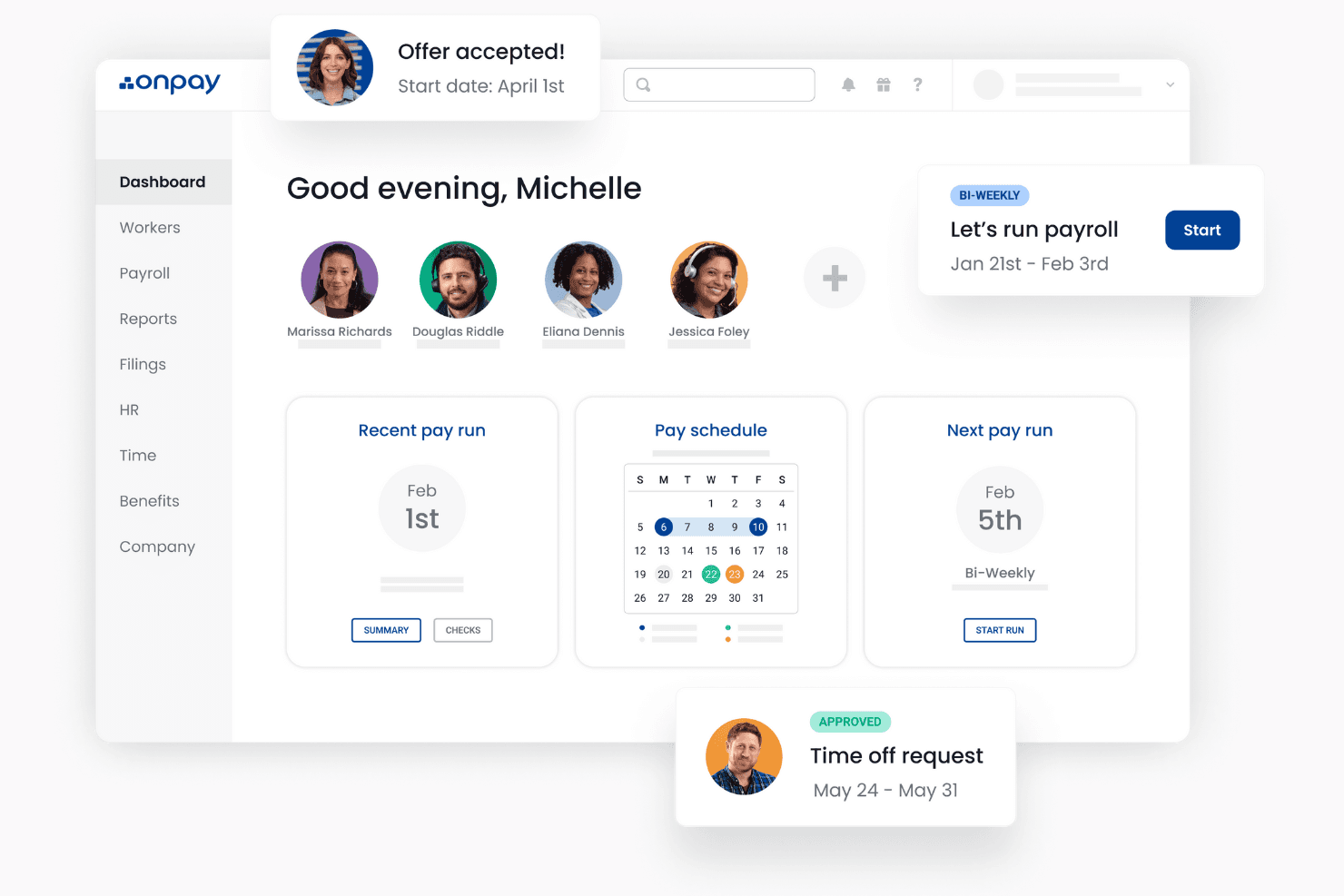
In my opinion, OnPay stands out as a strong contender in the church payroll software sector. Its intuitive interface and comprehensive features make it particularly appealing for small to mid-sized churches that need efficient payroll processing without complex setups. Compared to its competitors, OnPay's pricing and customer support are commendable, although its onboarding process may require some improvement. It's best suited for churches that value ease of use and require reliable payroll management without excessive customization needs.
Pros
- OnPay offers an intuitive interface that makes payroll processing straightforward for your team.
- It provides accurate tax calculations, reducing your administrative burden.
- Customer support is responsive, helping you resolve issues quickly.
Cons
- Onboarding can be a bit challenging if you're new to payroll systems.
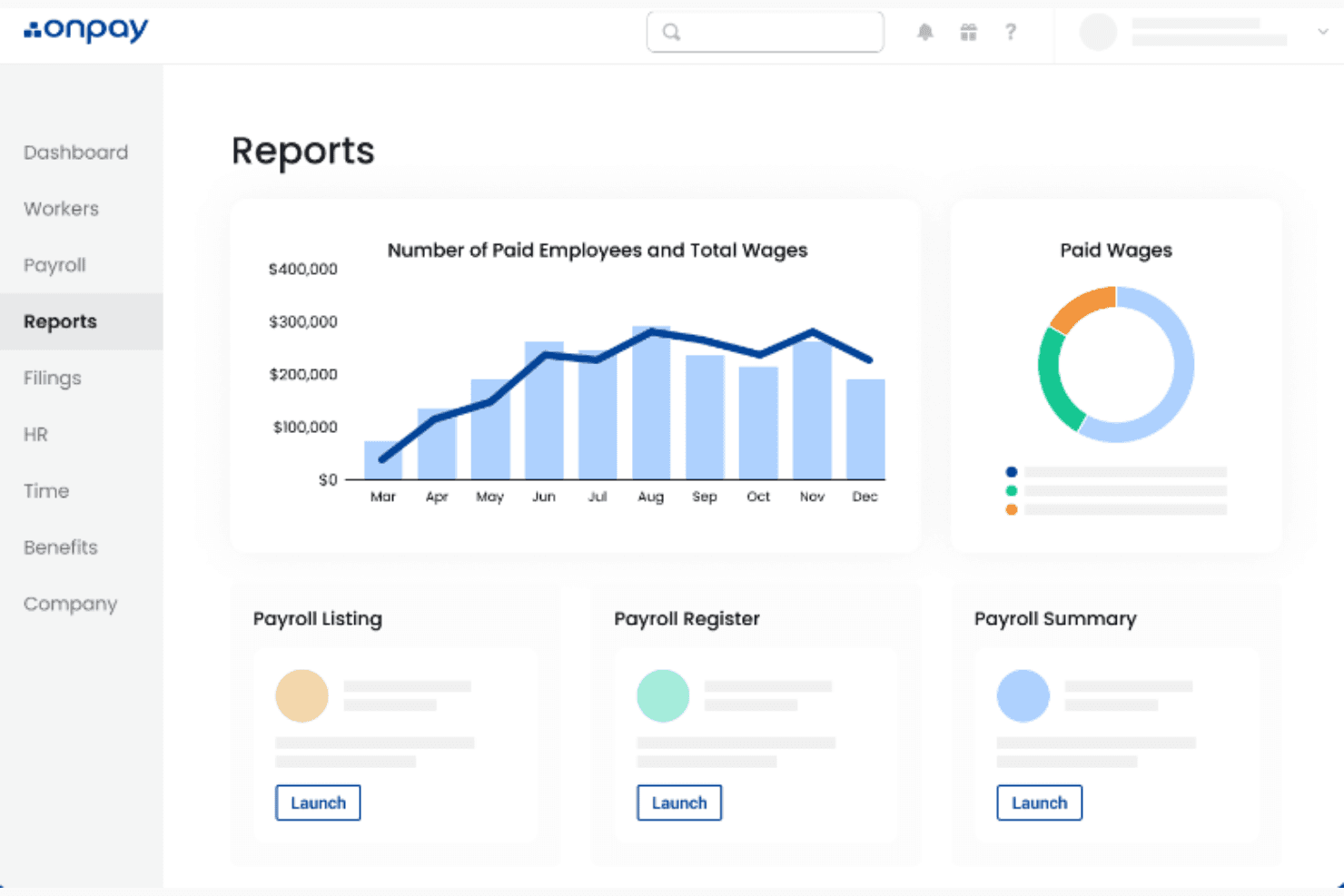
- Some users find that the reporting features lack depth compared to other options.
- Customization options are somewhat limited, which might restrict your flexibility.
Is OnPay Right For Your Needs?
Ken sopisivat hyvin OnPaylle?
Small to mid-sized churches and religious organizations are ideal users for OnPay. If you're part of a church administration or finance team, OnPay's straightforward interface and reliable tax calculations can simplify your payroll tasks. Its responsive customer support ensures that any issues you face are swiftly addressed, making it a valuable tool for those who prefer a hassle-free payroll process.
- Small ChurchesOnPay is perfect for small churches needing a user-friendly payroll system without unnecessary complexity.
- Finance TeamsYour finance team will appreciate OnPay’s accurate tax calculations, reducing manual errors.
- Church AdministratorsChurch administrators will find OnPay’s intuitive interface helpful for managing payroll efficiently.
- Nonprofit OrganizationsNonprofits can benefit from OnPay’s straightforward approach to payroll, saving time for mission-focused activities.
- New Payroll UsersIf you’re new to payroll systems, OnPay’s simplicity makes it an excellent starting point.
- Volunteer CoordinatorsVolunteer coordinators can use OnPay to manage stipends or other forms of compensation with ease.
Kenelle OnPay ei sopisi?
Large organizations with complex payroll needs might find OnPay lacking in customization and advanced reporting features. If your church requires detailed analytics or extensive payroll customization, OnPay might not meet your expectations. Teams that rely heavily on deep data insights or complex payroll structures might struggle with its limited reporting capabilities.
- Large ChurchesLarge churches with complex payroll demands may find OnPay's customization options insufficient.
- Data AnalystsData analysts needing in-depth reporting might find OnPay's reporting tools too basic.
- Tech-Savvy TeamsTech-savvy teams looking for extensive customization options might feel constrained by OnPay.
- Corporate EnvironmentsCorporate environments requiring detailed payroll analytics might require more robust solutions.
- International OrganizationsInternational organizations needing multi-currency support won't find OnPay suitable.
- Complex Payroll StructuresTeams managing complex payroll structures may find OnPay's capabilities limited for their needs.
How We Test & Score Tools
We’ve spent years building, refining, and improving our software testing and scoring system. The rubric is designed to capture the nuances of software selection and what makes a tool effective, focusing on critical aspects of the decision-making process.
Below, you can see exactly how our testing and scoring works across seven criteria. It allows us to provide an unbiased evaluation of the software based on core functionality, standout features, ease of use, onboarding, customer support, integrations, customer reviews, and value for money.
Core Functionality (25% of final scoring)
The starting point of our evaluation is always the core functionality of the tool. Does it have the basic features and functions that a user would expect to see? Are any of those core features locked to higher-tiered pricing plans? At its core, we expect a tool to stand up against the baseline capabilities of its competitors.
Standout Features (25% of final scoring)
Next, we evaluate uncommon standout features that go above and beyond the core functionality typically found in tools of its kind. A high score reflects specialized or unique features that make the product faster, more efficient, or offer additional value to the user.
We also evaluate how easy it is to integrate with other tools typically found in the tech stack to expand the functionality and utility of the software. Tools offering plentiful native integrations, 3rd party connections, and API access to build custom integrations score best.
Ease of Use (10% of final scoring)
We consider how quick and easy it is to execute the tasks defined in the core functionality using the tool. High scoring software is well designed, intuitive to use, offers mobile apps, provides templates, and makes relatively complex tasks seem simple.
Onboarding (10% of final scoring)
We know how important rapid team adoption is for a new platform, so we evaluate how easy it is to learn and use a tool with minimal training. We evaluate how quickly a team member can get set up and start using the tool with no experience. High scoring solutions indicate little or no support is required.
Customer Support (10% of final scoring)
We review how quick and easy it is to get unstuck and find help by phone, live chat, or knowledge base. Tools and companies that provide real-time support score best, while chatbots score worst.
Customer Reviews (10% of final scoring)
Beyond our own testing and evaluation, we consider the net promoter score from current and past customers. We review their likelihood, given the option, to choose the tool again for the core functionality. A high scoring software reflects a high net promoter score from current or past customers.
Value for Money (10% of final scoring)
Lastly, in consideration of all the other criteria, we review the average price of entry level plans against the core features and consider the value of the other evaluation criteria. Software that delivers more, for less, will score higher.
Core Features
Automated Tax Filing:
OnPay automatically handles tax calculations and filings for you, ensuring compliance and reducing manual work. This feature saves time and minimizes errors in your payroll processing.
Direct Deposit:
You can set up direct deposit for your staff, making payroll distribution quick and hassle-free. It provides convenience for both you and your team.
Employee Self-Service:
OnPay allows employees to access their own pay stubs and tax forms, reducing your administrative workload. This feature empowers your team with easy access to essential documents.
Customizable Payroll Schedules:
You can create payroll schedules that fit your church's unique needs, whether weekly, bi-weekly, or monthly. This flexibility ensures your payroll aligns with your operations.
Built-In HR Tools:
OnPay offers essential HR functionalities, like tracking paid time off, without needing separate software. It simplifies managing HR tasks alongside payroll.
Compliance Monitoring:
OnPay keeps an eye on regulatory changes, helping your church stay compliant with labor laws. This feature provides peace of mind by reducing compliance risks.
Ease of Use
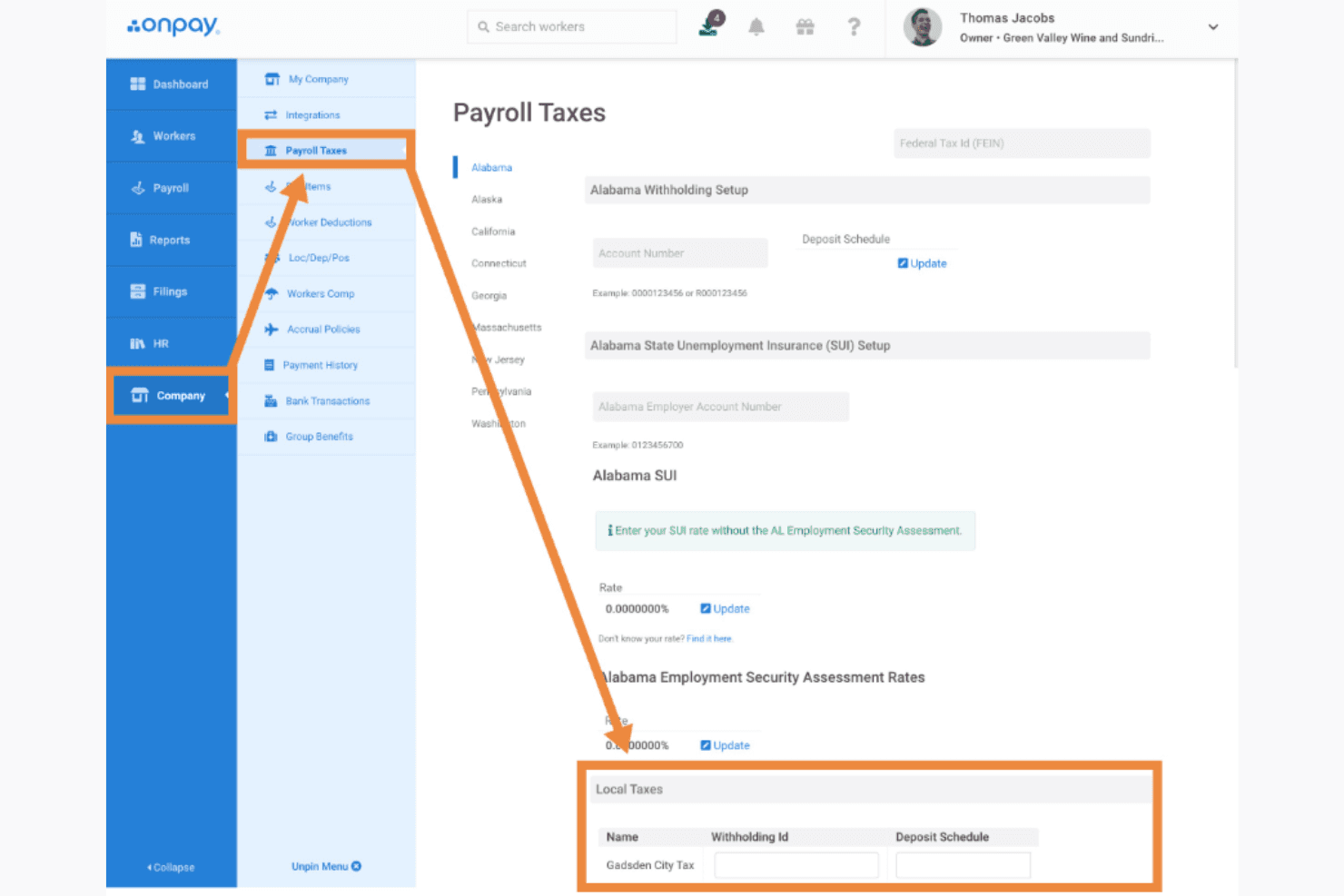
OnPay excels in user-friendliness, making it a top choice for church payroll management. Its intuitive interface allows you to navigate tasks easily, even if you're not tech-savvy. Users appreciate the simplicity of setting up payroll schedules and accessing employee records without a steep learning curve. OnPay's straightforward design ensures that you spend less time figuring out the software and more time focusing on your church's core activities.
OnPay Specs
- 2-Factor Authentication: Yes
- 360 Degree Feedback: No
- API: Yes
- Application Tracking: No
- Attendance Tracking: Yes
- Batch Permissions & Access: No
- Compliance Tracking: Yes
- Dashboard: Yes
- Data Export: Yes
- Data Import: Yes
- Data Visualization: Yes
- Employee Database: Yes
- Employee Engagement: No
- Employee Incentive Management: Yes
- Employee Onboarding: Yes
- Employee Training: Yes
- Expense Tracking: No
- External Integrations: Yes
- Feedback Management: No
- Multi-User: Yes
- Notifications: Yes
- Payroll: Yes
- Performance Appraisal: No
- Scheduling: Yes
- Time Management: Yes
- Timesheets: Yes
- Travel Management: No
- Vacation & Absence Calendar: Yes
Alternatives to OnPay


OnPay FAQs
Mitä seuraavaksi?
Tilaa uutiskirjeemme saadaksesi uusimmat resurssit, parhaat käytännöt ja asiantuntijapastoreiden sekä kirkkojen johtajien näkemykset kirkkojen johtamisesta.