
Reseña de Logos Bible Software: Características Clave, Ventajas, Desventajas y Precios Explicados
Logos Bible Software destaca por sus profundos recursos bíblicos y avanzadas herramientas de estudio con IA, lo que lo hace ideal para un estudio bíblico serio.

Revisamos herramientas de manera independiente, y las comisiones ayudan a financiar nuestras pruebas. Consulta nuestra política de transparencia, nuestra metodología o sugiere una herramienta.
Logos Bible Software is a church AI tool built for pastors and ministry leaders who need AI-assisted sermon research, Bible study, and theological reference in one place. It's worth a close look if you're preparing weekly messages and want AI that works within a deep library of scholarly resources—not just a general-purpose writing assistant. Compared to Accordance Bible Software, Logos offers a broader resource library and more developed AI features for moving from a passage to a fully researched outline faster.
Logos Bible Software Evaluation Summary
4.5/5
- From $9.99/month
- 30-day free trial
Por qué confiar en nuestras recomendaciones de software
6,700+
Reviews
20
Industry experts
16+
Evaluation factors
14
Years
Nuestro equipo lleva probando y evaluando software desde 2012. Como líderes eclesiásticos, sabemos lo difícil —y lo importante— que es elegir el software adecuado.
Para esta guía, evaluamos las herramientas mediante pruebas prácticas e investigación independiente, puntuando las herramientas según nuestros criterios de selección.
Nuestras reseñas reflejan nuestro criterio editorial humano, no un discurso de ventas.
Logos Bible Software Overview
When judging church AI tools, Logos Bible Software stands out for its unmatched biblical library, advanced AI search, and sermon prep features. Its price is higher than many alternatives, and the interface can feel complex for new users, but the depth of resources and responsive support set it apart. If you're selecting a tool for in-depth study, sermon writing, or theological research, Logos is a top choice—especially for pastors or churches that prioritize scholarly resources and are willing to invest a lot of time in onboarding. For example, its AI-powered passage guides and integration with original language tools outperform most competitors.
Pros
- Extensive digital library with scholarly resources.
- AI-powered search delivers fast, relevant biblical insights.
- Sermon Builder tool streamlines sermon preparation.
Cons
- Subscription pricing is higher than many alternatives.
- Interface complexity can slow down new users.
- Some advanced features require premium plans.
Is Logos Bible Software Right For Your Needs?
Who Would be a Good Fit for Logos Bible Software?
Logos Bible Software is best suited for users who need deep biblical research, sermon preparation, and advanced theological study. Its extensive digital library, AI features, and sermon-building tools make it a strong choice for those in academic, pastoral, or teaching roles where scriptural depth and scholarly resources are essential. Churches, seminaries, and ministry teams that prioritize original language study and detailed exegetical work will find its features especially valuable—particularly for exploring the New Testament and Hebrew scriptures with interlinear and word studies support.
- Seminary FacultyFaculty benefit from advanced language tools and scholarly resources.
- Large ChurchesLarge churches use the digital library for sermon series planning.
- Bible College StudentsStudents access commentaries and original language resources for coursework.
- Denominational LeadersLeaders use AI search to prepare teaching and training materials.
- Research DepartmentsResearch teams leverage the passage guide for in-depth study.
- Teaching PastorsTeaching pastors use the Sermon Builder for weekly sermon preparation.
Who Would be a Bad Fit for Logos Bible Software?
Logos Bible Software may not be the best choice for users who need simple, budget-friendly tools or who focus on administrative, event, or volunteer management. Its pricing, complexity, and focus on scholarly study make it less suitable for small congregations, non-academic ministries, or teams seeking basic church management features rather than advanced biblical research.
- Small CongregationsSmall congregations may not need advanced study or premium resources.
- Volunteer CoordinatorsVolunteer coordinators require tools for scheduling, not biblical research.
- Church AdministratorsAdministrators need event and facility management, not deep study tools.
- Youth Ministry TeamsYouth teams often prefer simpler, more interactive teaching tools.
- Nonprofit OrganizationsNonprofits focused on outreach need communication and donor management.
- Budget-Conscious MinistriesBudget-focused ministries may find the subscription cost prohibitive.
Cómo Probamos y Puntuamos Herramientas
Hemos pasado años creando, refinando y mejorando nuestro sistema de prueba y puntuación de software. La rúbrica está diseñada para captar las particularidades de la selección de software y lo que hace que una herramienta sea efectiva, centrándose en los aspectos críticos del proceso de toma de decisiones. A continuación, puedes ver exactamente cómo funcionan nuestras pruebas y puntuaciones en siete criterios. Nos permite proporcionar una evaluación imparcial del software basada en la funcionalidad principal, características destacadas, facilidad de uso, incorporación, soporte al cliente, integraciones, reseñas de clientes y relación calidad-precio.
Funcionalidad principal (25% de la puntuación final)
El punto de partida de nuestra evaluación es siempre la funcionalidad principal de la herramienta. ¿Tiene las funciones y características básicas que un usuario esperaría ver? ¿Alguna de esas funciones principales está bloqueada en planes de precios superiores? En esencia, esperamos que una herramienta se mantenga frente a las capacidades mínimas de sus competidores.
Características destacadas (25% de la puntuación final)
A continuación, evaluamos características poco comunes que van más allá de la funcionalidad principal típicamente encontrada en herramientas de su tipo. Una puntuación alta refleja funciones especializadas o únicas que hacen que el producto sea más rápido, eficiente o que aporte valor adicional al usuario. También evaluamos lo fácil que es integrarse con otras herramientas habitualmente presentes en la infraestructura tecnológica, para ampliar la funcionalidad y utilidad del software. Las herramientas que ofrecen muchas integraciones nativas, conexiones con terceros y acceso API para crear integraciones personalizadas obtienen la mejor puntuación.
Facilidad de uso (10% de la puntuación final)
Consideramos qué tan rápido y fácil es ejecutar las tareas definidas en la funcionalidad principal utilizando la herramienta. El software con alta puntuación está bien diseñado, es intuitivo de usar, ofrece aplicaciones móviles, proporciona plantillas y hace que tareas relativamente complejas parezcan simples.
Incorporación (10% de la puntuación final)
Sabemos lo importante que es la rápida adopción por parte del equipo en una nueva plataforma, por lo que evaluamos lo fácil que es aprender y usar una herramienta con una formación mínima. Evaluamos lo rápido que un miembro del equipo puede configurarse y comenzar a usar la herramienta sin experiencia previa. Las soluciones mejor puntuadas indican que se requiere poco o ningún soporte.
Soporte al cliente (10% de la puntuación final)
Revisamos lo rápido y fácil que es obtener ayuda por teléfono, chat en vivo o base de conocimiento. Las herramientas y empresas que brindan soporte en tiempo real obtienen la mejor puntuación, mientras que los chatbots obtienen la peor.
Reseñas de clientes (10% de la puntuación final)
Más allá de nuestras propias pruebas y evaluaciones, consideramos la puntuación neta del promotor de clientes actuales y anteriores. Revisamos la probabilidad de que elegirían nuevamente la herramienta para la funcionalidad principal. Un software de alta puntuación refleja una puntuación neta del promotor elevada por parte de sus clientes actuales o pasados.
Relación calidad-precio (10% de la puntuación final)
Por último, en consideración del resto de los criterios, revisamos el precio promedio de los planes de nivel inicial frente a las funciones principales y consideramos el valor de los otros criterios de evaluación. El software que ofrece más, por menos, obtendrá una mejor puntuación.
Core Features
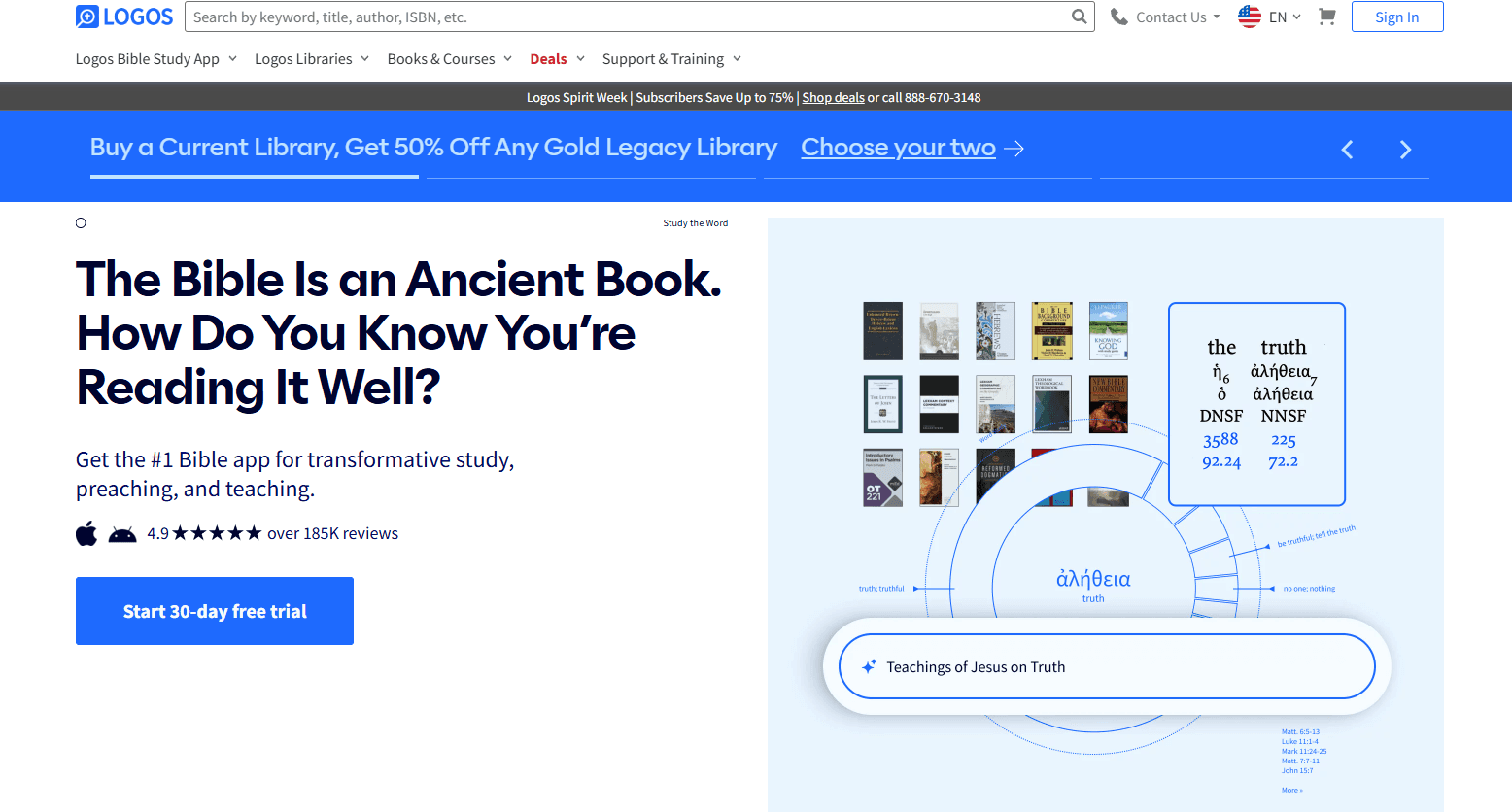
AI-Powered Passage Guide
Search any scripture and instantly receive commentaries, cross references, and original language insights. Quickly prepare sermons or studies with real scholarly depth.
Sermon Builder
Draft, organize, and format sermons with drag-and-drop tools and built-in templates. Export finished sermons to slides or handouts for easy sharing.
Digital Library
Access thousands of theological books, commentaries, and reference works in one searchable platform. Build custom collections for specific study topics.
Bible Word Study
Analyze Greek, Hebrew, or English words with visual breakdowns and linked lexicons through the Bible dictionary. Supports deep dives into original language and syntax meanings.
Factbook
Look up people, places, events, and concepts for instant background information. Connects biblical data with maps, timelines, and media.
Reading Plans and Workflows
Create custom reading plans or follow guided workflows for study, sermon prep, or devotional use. Stay organized and on track with your study goals.

Ease of Use
Logos Bible Software offers powerful features, but its interface can feel overwhelming for new users, especially those unfamiliar with digital Bible study tools. Many logos users appreciate the depth and customization, yet navigating the entire library and advanced search options often requires a lot of time and training. The onboarding tutorials and help resources are thorough, but users seeking quick, simple solutions may find the platform less intuitive than other church AI tools focused on basic tasks.

Integrations
Logos Bible Software integrates with Faithlife Giving, Faithlife Sites, Faithlife Sermons, Faithlife Equip, and Visual Studio, among others.
Logos Bible Software offers a limited COM API to support third-party programs.

Logos Bible Software Specs
- API: No
- Calendar Management: No
- Contact Management: No
- Dashboards: No
- Data Export: Yes
- Data Import: No
- Document Management: Yes
- External Integrations: Yes
- Multi-User: Yes
- Notifications: Yes
- Payment Gateway Integration: No
- Scheduling: No
- Workflow Management: Yes


