

Reseña de Google Calendar: Pros, Contras, Características y Precios
Google Calendar destaca por su interfaz fácil de usar y sus capacidades de integración sin complicaciones, lo que lo convierte en una excelente opción para iglesias que buscan una programación eficiente.

Revisamos herramientas de manera independiente, y las comisiones ayudan a financiar nuestras pruebas. Consulta nuestra política de transparencia, nuestra metodología o sugiere una herramienta.
Google Calendar is a free church scheduling software for ministries that need to coordinate services, events, and room bookings across staff and volunteers. I'd consider it over Planning Center if your church doesn't need a full ministry management platform and instead needs shared calendars that your team can use right away.
Google Calendar Evaluation Summary
4.6/5
- $7.56/month
- 14-day free trial
Por qué confiar en nuestras recomendaciones de software
6,700+
Reviews
20
Industry experts
16+
Evaluation factors
14
Years
Nuestro equipo lleva probando y evaluando software desde 2012. Como líderes eclesiásticos, sabemos lo difícil —y lo importante— que es elegir el software adecuado.
Para esta guía, evaluamos las herramientas mediante pruebas prácticas e investigación independiente, puntuando las herramientas según nuestros criterios de selección.
Nuestras reseñas reflejan nuestro criterio editorial humano, no un discurso de ventas.
Google Calendar Overview
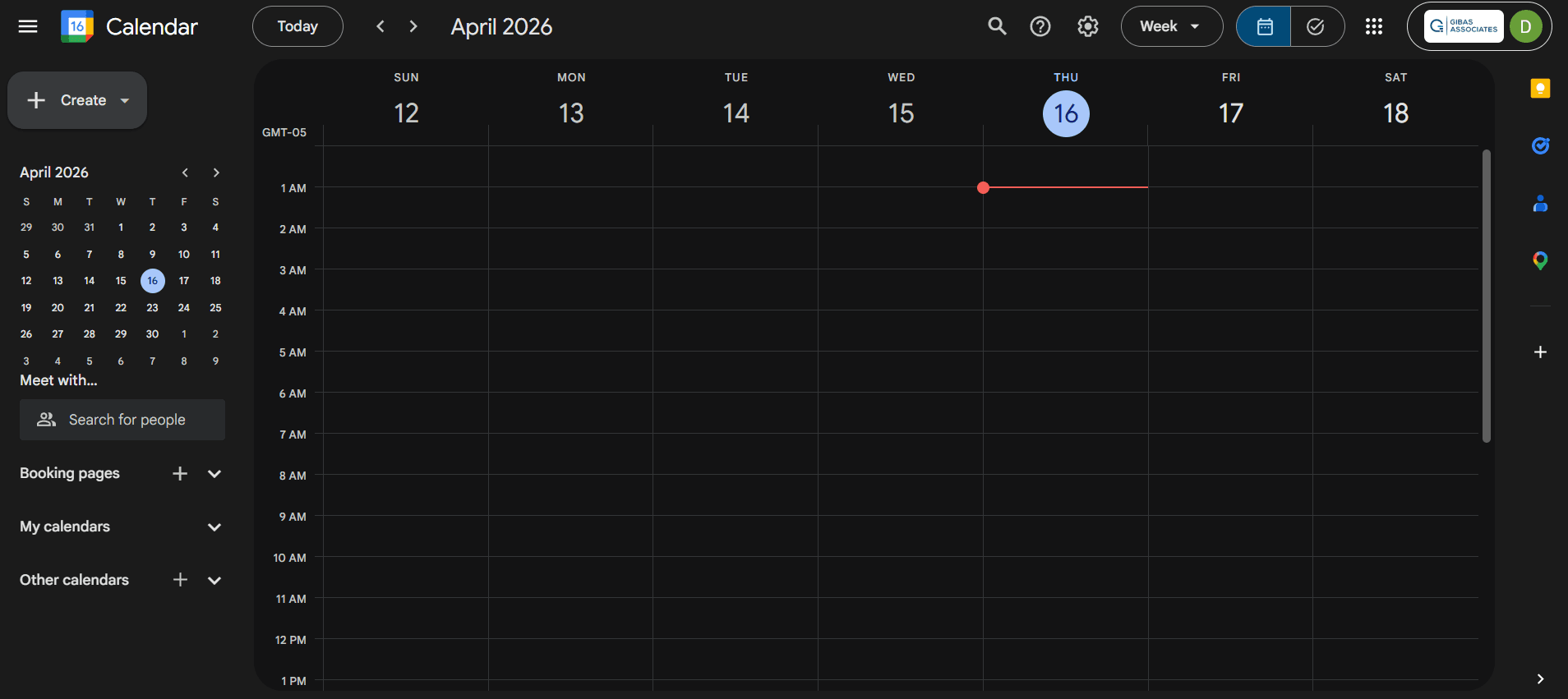
In my opinion, Google Calendar is a solid choice for church scheduling. Its intuitive interface and seamless integration with other Google services make it a great fit for tech-savvy teams. Compared to other church scheduling tools, it stands out in ease of use and cost-effectiveness. However, it may lack some advanced features specific to larger church organizations. It's best for smaller churches or those already using Google Workspace. If you're choosing a scheduling tool, consider Google Calendar for its simplicity and excellent value.
Pros
- It's easy to use, so your team can start scheduling right away.
- You can access it from any device, making it convenient for everyone.
- Its intuitive design helps you manage your church's events effortlessly.
Cons
- It may lack some specialized features for larger church organizations.
- Customization options are limited compared to other church-specific tools.
- There's no direct support for complex scheduling needs.
Is Google Calendar Right For Your Needs?
Who Would be a Good Fit for Google Calendar?
Google Calendar is a great fit for small church teams, volunteer coordinators, and administrative staff who need an easy-to-use scheduling tool. It's perfect for those already using Google Workspace, as it integrates seamlessly with other Google services. Beyond church use, it works just as well for personal use and small businesses that need a reliable calendar app without the overhead of complex scheduling apps. If your team values accessibility and simplicity, Google Calendar's intuitive design and device compatibility make it ideal for managing events and tasks. Its straightforward interface allows your team to quickly organize schedules without a steep learning curve.
- Small ChurchesGoogle Calendar offers user-friendly scheduling for smaller congregations with fewer events and simpler coordination needs.
- Volunteer CoordinatorsIts intuitive interface helps you manage volunteer schedules efficiently, keeping everyone informed and organized.
- Administrative StaffGoogle Calendar's easy access across devices allows your team to manage tasks and appointments on the go.
- Educational InstitutionsSchools and colleges can benefit from its scheduling features for organizing classes, meetings, and events.
- Non-Profit OrganizationsNon-profits with limited resources will appreciate Google Calendar's cost-effectiveness and ease of use.
- Remote TeamsDistributed teams can coordinate effectively with Google Calendar's real-time updates and accessibility from anywhere.
Who Would be a Bad Fit for Google Calendar?
Google Calendar may not be ideal for large churches or organizations with complex scheduling needs that require advanced features. If your team needs detailed reporting, resource management, or integration with specialized church management systems, you might find Google Calendar lacking. Its limited customization options and lack of church-specific functionality can be a drawback for teams needing tailored scheduling solutions.
- Large ChurchesIts lack of advanced scheduling features makes it unsuitable for managing multiple services or large events.
- Event PlannersGoogle Calendar doesn't provide the intricate tools needed for detailed event planning and resource allocation.
- Resource ManagersYou'll find its lack of resource management capabilities limiting if you need to coordinate facilities or equipment.
- Church NetworksFor networks managing multiple locations, Google Calendar's basic features might not suffice for complex oversight.
- Corporate OfficesLarge corporations requiring detailed scheduling analytics will miss the reporting features found in specialized tools.
- Hospitality IndustryHotels and venues needing comprehensive booking systems will find Google Calendar too basic.
Cómo Probamos y Puntuamos Herramientas
Hemos pasado años creando, refinando y mejorando nuestro sistema de prueba y puntuación de software. La rúbrica está diseñada para captar las particularidades de la selección de software y lo que hace que una herramienta sea efectiva, centrándose en los aspectos críticos del proceso de toma de decisiones. A continuación, puedes ver exactamente cómo funcionan nuestras pruebas y puntuaciones en siete criterios. Nos permite proporcionar una evaluación imparcial del software basada en la funcionalidad principal, características destacadas, facilidad de uso, incorporación, soporte al cliente, integraciones, reseñas de clientes y relación calidad-precio.
Funcionalidad principal (25% de la puntuación final)
El punto de partida de nuestra evaluación es siempre la funcionalidad principal de la herramienta. ¿Tiene las funciones y características básicas que un usuario esperaría ver? ¿Alguna de esas funciones principales está bloqueada en planes de precios superiores? En esencia, esperamos que una herramienta se mantenga frente a las capacidades mínimas de sus competidores.
Características destacadas (25% de la puntuación final)
A continuación, evaluamos características poco comunes que van más allá de la funcionalidad principal típicamente encontrada en herramientas de su tipo. Una puntuación alta refleja funciones especializadas o únicas que hacen que el producto sea más rápido, eficiente o que aporte valor adicional al usuario. También evaluamos lo fácil que es integrarse con otras herramientas habitualmente presentes en la infraestructura tecnológica, para ampliar la funcionalidad y utilidad del software. Las herramientas que ofrecen muchas integraciones nativas, conexiones con terceros y acceso API para crear integraciones personalizadas obtienen la mejor puntuación.
Facilidad de uso (10% de la puntuación final)
Consideramos qué tan rápido y fácil es ejecutar las tareas definidas en la funcionalidad principal utilizando la herramienta. El software con alta puntuación está bien diseñado, es intuitivo de usar, ofrece aplicaciones móviles, proporciona plantillas y hace que tareas relativamente complejas parezcan simples.
Incorporación (10% de la puntuación final)
Sabemos lo importante que es la rápida adopción por parte del equipo en una nueva plataforma, por lo que evaluamos lo fácil que es aprender y usar una herramienta con una formación mínima. Evaluamos lo rápido que un miembro del equipo puede configurarse y comenzar a usar la herramienta sin experiencia previa. Las soluciones mejor puntuadas indican que se requiere poco o ningún soporte.
Soporte al cliente (10% de la puntuación final)
Revisamos lo rápido y fácil que es obtener ayuda por teléfono, chat en vivo o base de conocimiento. Las herramientas y empresas que brindan soporte en tiempo real obtienen la mejor puntuación, mientras que los chatbots obtienen la peor.
Reseñas de clientes (10% de la puntuación final)
Más allá de nuestras propias pruebas y evaluaciones, consideramos la puntuación neta del promotor de clientes actuales y anteriores. Revisamos la probabilidad de que elegirían nuevamente la herramienta para la funcionalidad principal. Un software de alta puntuación refleja una puntuación neta del promotor elevada por parte de sus clientes actuales o pasados.
Relación calidad-precio (10% de la puntuación final)
Por último, en consideración del resto de los criterios, revisamos el precio promedio de los planes de nivel inicial frente a las funciones principales y consideramos el valor de los otros criterios de evaluación. El software que ofrece más, por menos, obtendrá una mejor puntuación.
Core Features
Event Scheduling
Easily create and manage specific events, set reminders, and send calendar invites to attendees. Coordination stays simple and your team stays on track.
Recurring Events
Set up repeating events like weekly services or meetings, saving time on scheduling. Consistency in your church's calendar is built right in.
Shared Calendars
Share multiple calendars with your team to keep everyone in sync. Avoid scheduling conflicts and improve communication across the board.
Notifications
Receive timely alerts for upcoming events so nothing slips through the cracks. Customize notifications to suit your team's preferences.
Time Zone Support
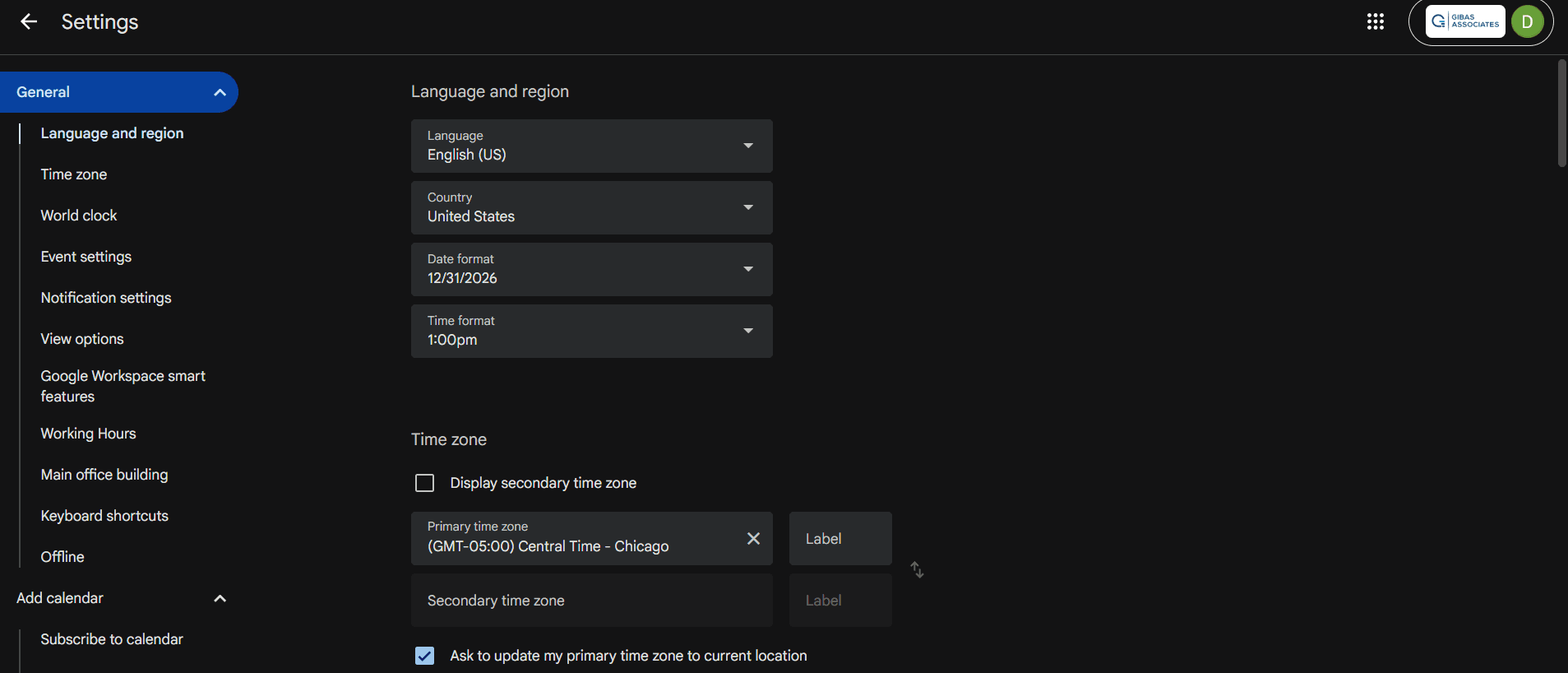
Scheduling across different time zones is hassle-free for virtual meetings and webinars. Events automatically adjust to the correct local time.
Color-Coding
Organize your calendar visually with color-coded events to differentiate activities at a glance. Quickly identify what's on your schedule without digging through details.

Ease of Use
Google Calendar shines in user-friendliness, making it a top choice for church scheduling. Its intuitive interface allows your team to quickly create, manage, and share events without a steep learning curve. You'll appreciate the straightforward drag-and-drop functionality and customizable notifications that keep everyone informed. Its mobile accessibility ensures you can manage your schedule from anywhere, adding to its practicality. Compared to other tools, Google Calendar's simplicity and accessibility make it easy for anyone to use effectively.
Integrations
Google Calendar integrates natively with the entire Google ecosystem; Gmail, Google Drive, and Google Meet. It also natively connects with tools like Zoom, Asana, Microsoft Outlook, Calendly, TogglTrack, and Notion.
For custom workflows, it provides an API and works with automation platforms like Zapier to help you automate repetitive tasks and book meetings without manual effort.

Google Calendar Specs
- API: Yes
- Appointment Scheduling: Yes
- Attendance Tracking: Yes
- Calendar Management: Yes
- Contact Management: Yes
- Contact Sharing: Yes
- Dashboards: Yes
- Email Integration: Yes
- External Integrations: Yes
- Google Apps Integration: Yes
- Mobile App: Yes
- Multi-User: Yes
- Notifications: Yes
- Project Management: Yes
- Reports: Yes
- Resource Management: Yes
- Scheduling: Yes
- Task Scheduling/Tracking: Yes
- Time Management: Yes
- Vacation & Absence Calendar: Yes

