


WorshipTools vs. Planning Center: Expert Comparison and Reviews for 2026

We review tools independently, and commissions help fund our testing. See our transparency policy, our methodology, or suggest a tool.
Choosing between WorshipTools and Planning Center can feel overwhelming when you want worship services to run smoothly and look professional. You might be struggling with clunky software, limited features, or tools that don’t fit your team’s workflow. Both worship tools promise to simplify your church and worship management needs, but which one truly delivers for your church?
In this article, you’ll get a clear comparison of WorshipTools and Planning Center, including pros and cons, use cases, pricing, security, and usability. I’ll help you decide which solution best supports your ministry’s goals and your team’s unique needs.
WorshipTools
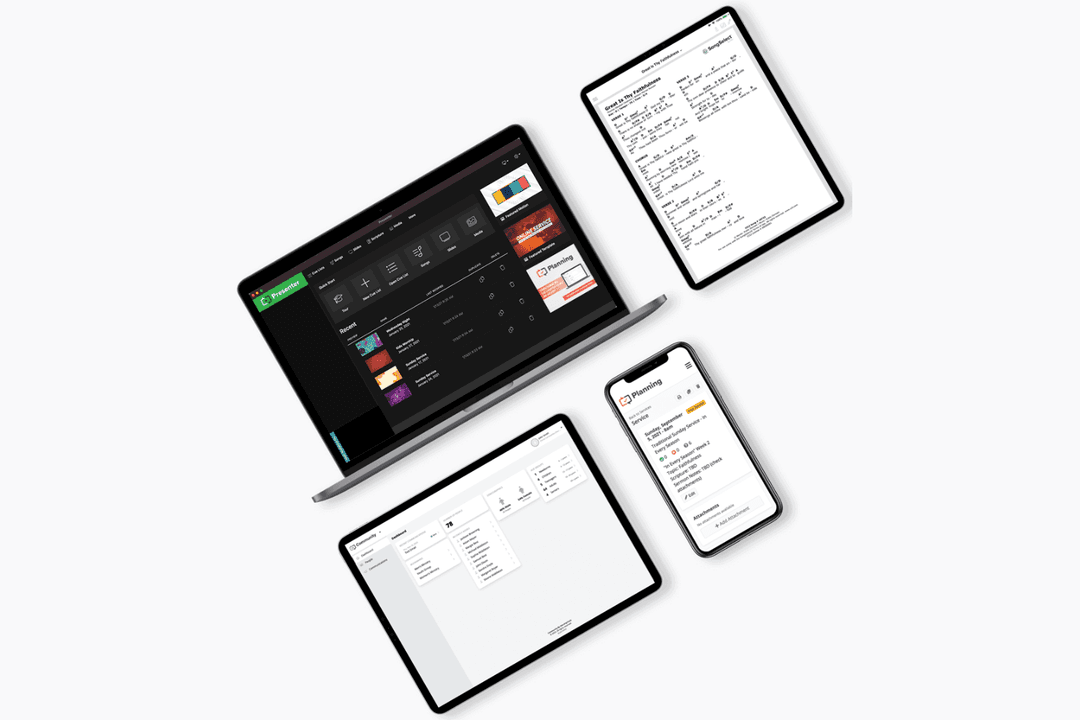
4.2/5
- Free plan available
- From $19/month
Planning Center
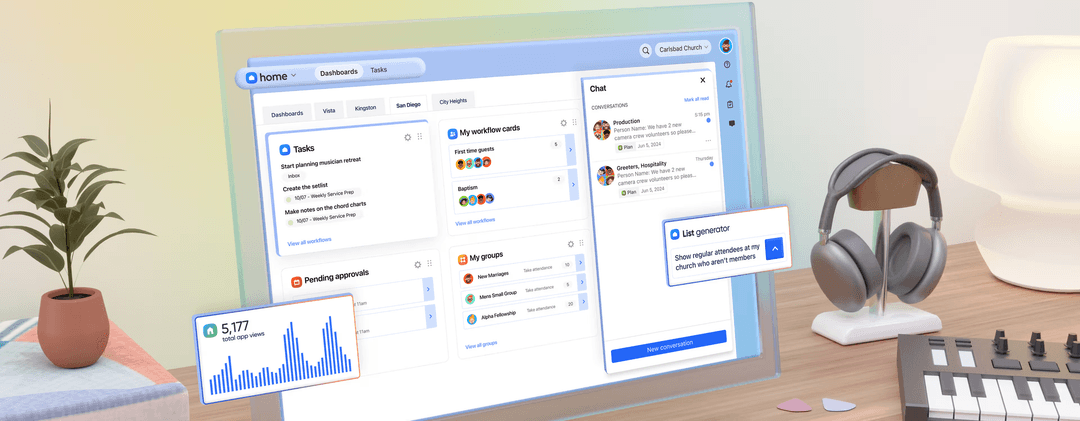
4.7/5
- Free plan available
- From $15/month
Why Trust Our Software Recommendations
6,700+
Reviews
20
Industry experts
16+
Evaluation factors
14
Years
Our team has been testing and reviewing software since 2012. As church leaders ourselves, we know how difficult—and important—it is to choose the right software.
For this guide, we evaluated tools using hands-on testing and independent research, scoring tools using our selection criteria.
Our reviews reflect our human editorial judgment, not a sales pitch.
| WorshipTools | Planning Center | |
|---|---|---|
| Free Trial | Free plan available | Free plan available |
| Pricing | From $19/month | From $15/month |
WorshipTools vs. Planning Center Pricing & Hidden Costs
WorshipTools offers a straightforward pricing model with a free tier and paid plans that unlock more advanced features, making it easy for smaller churches to get started. Planning Center uses a modular pricing structure, where you pay based on the specific apps and features you need, which can add up as your ministry grows or if you require multiple modules.
To choose the right vendor, start by mapping out your church’s current and future needs—consider the number of users, the features you’ll actually use, and how your ministry might grow. Look for transparent pricing, and ask about any extra fees for support, training, or add-ons. Reach out to each vendor’s sales or support team with your specific use cases to get a clear picture of the total cost before you commit.
Both WorshipTools and Planning Center offer essential features like song libraries, service planning, and presentation tools that help you organize and run worship services smoothly. You’ll also find volunteer scheduling, media integration, and cloud-based access on both platforms, making collaboration easier for your team.
WorshipTools stands out with its simple, all-in-one worship service design that keeps everything in one place, including a built-in lyrics and chord chart editor. Planning Center, on the other hand, shines with its modular approach, letting you add specialized apps, such as check-ins, giving, and people management, as your ministry grows. It also provides a separate mobile app (iOS and Android) for each module.
| WorshipTools | Planning Center | |
|---|---|---|
| API | No | Yes |
| Calendar Management | Yes | Yes |
| Contact Management | Yes | Yes |
| Dashboards | Yes | Yes |
| Data Export | Yes | Yes |
| Data Import | Yes | Yes |
| Document Management | No | No |
| External Integrations | Yes | Yes |
| Multi-User | Yes | Yes |
| Notifications | Yes | Yes |
| Payment Gateway Integration | Yes | Yes |
| Scheduling | Yes | Yes |
| Workflow Management | Yes | Yes |
| Integration | WorshipTools | Planning Center |
| SongSelect | ✅ | ✅ |
| ProPresenter | ❌ | ✅ |
| YouTube | ✅ | ❌ |
| Dropbox | ✅ | ❌ |
| Google Drive | ✅ | ❌ |
| Zoom | ❌ | ❌ |
| Mailchimp | ❌ | ✅ |
| Elvanto | ❌ | ❌ |
| Planning Center | ✅ | - |
| API | ✅ | ✅ |
| Zapier | ❌ | ✅ |
In general, both platforms cover core integrations you’d expect from worship tools and church management softare. Both platforms have an API, so you can build custom connections with more unique tools in your tech stack. However, if your ministry relies on connecting multiple tools or automating workflows, Planning Center’s broader integration options and Zapier support may be a better fit, while WorshipTools keeps things simple for churches with more focused needs.
| Factor | WorshipTools | Planning Center |
| Data Privacy | Uses secure cloud storage and limits access to authorized users. | Follows strict privacy policies with granular permissions and controlled internal access. |
| Encryption | Encrypts data in transit and at rest for user protection. | Encrypts data in transit (HTTPS) and at rest using industry-standard practices. |
| Uptime Reliability | Offers cloud-based access with regular backups and high uptime. | Uses AWS infrastructure with redundancy, monitoring, and strong availability practices. |
| Regulatory Compliance | Adheres to standard data protection practices for churches. | SOC 2 Type II certified and PCI Level 1 compliant, following major data protection standards. |
| User Authentication | Supports password protection and role-based access. | Uses encrypted passwords, rate limiting, and secure authentication practices. |
Both WorshipTools and Planning Center provide reliable security foundations, including encryption and secure cloud infrastructure. WorshipTools covers essential protections and is well-suited for smaller teams, while Planning Center offers more advanced safeguards such as SOC 2 Type II certification, PCI compliance, and robust infrastructure monitoring. Overall, Planning Center stands out for its audited compliance and enterprise-grade reliability, while WorshipTools focuses on straightforward, dependable security.
| Factor | WorshipTools | Planning Center |
| User Interface | Clean, intuitive layout designed for quick learning and minimal clicks. | Modern, customizable dashboard with more options and deeper menus. |
| Onboarding | Simple setup with guided tutorials and easy import of songs and media. | Step-by-step onboarding with in-depth help articles and video guides. |
| Volunteer Access | Easy for volunteers to log in and access only what they need. | Flexible permissions for volunteers, but may require more setup. |
| Support | Responsive email support and a searchable help center. | Live chat, email support, and a large online knowledge base. |
| Customization | Limited customization keeps things straightforward and consistent. | Highly customizable workflows and layouts for complex needs. |
WorshipTools is easier for new users and smaller teams, while Planning Center offers more customization and depth for those willing to invest time in setup. Overall, WorshipTools stands out for its simplicity and quick learning curve, but Planning Center’s flexibility and broader church management modules setup make it a favorite for larger or more complex ministries.
WorshipTools
- It's user-friendly, making it perfect for volunteers and tech-savvy leaders.
- Customer support is responsive and helpful when you need it.
- Onboarding is straightforward, so your team can get started quickly.
- Advanced features are limited for larger congregations.
- It may not support all the customization options your team wants.
- The software could benefit from more frequent updates to stay competitive.
Planning Center
- Modular system lets you choose the tools you need—People, Services, Giving, Check-Ins, and more.
- Strong tools for scheduling, reminders, and communication.
- Solid mobile apps for both staff and congregants.
- Can add up if you use multiple tools.
- Not built for full accounting or fund management.
- Focuses more on engagement than donor development.
WorshipTools
- Small ChurchesWorshipTools is great for small churches thanks to its ease of use and simple onboarding process.
- Volunteer TeamsIt's perfect for volunteer teams due to its intuitive interface that doesn't require technical expertise.
- Tech-Savvy LeadersTech-savvy leaders will appreciate WorshipTools's straightforward design and functionality.
- Youth MinistriesYouth ministries benefit from the engaging presentation tools that make services more dynamic.
- Community CentersCommunity centers can use WorshipTools for events with its basic yet effective presentation features.
- Non-Profit OrganizationsNon-profits find value in WorshipTools's affordability and ease of access for diverse teams.
Planning Center
- Small to Mid-Sized Churches:Planning Center’s simple layout and flexible tools make it ideal for churches with lean teams.
- Volunteer CoordinationEasily schedule, remind, and communicate with volunteers across ministries.
- Worship TeamsThe Services module is built specifically for planning worship sets and assigning roles.
- Family MinistriesCheck-ins and attendance tools make managing kids' ministry or youth groups simple and secure.
- Multi-Ministry ChurchesEach module works well independently, or together, to support multiple departments.
- Churches Focused on Sunday ExcellenceHelps your team stay aligned, prepared, and distraction-free heading into weekends.
Who Should Use WorshipTools, and Who Should Use a Planning Center?
WorshipTools is best suited for smaller to mid-sized churches, volunteer-led teams, and ministries that want simple, affordable tools for worship planning and presentations. It focuses on ease of use, with features like cloud-based service planning, chord charts, and presentation software that are easy for volunteers and musicians to adopt quickly.
Planning Center is ideal for churches that need a more comprehensive church management system for operations like people management, events, services, and communication. Its suite of integrated tools and scalable structure makes it a strong fit for growing, multi-team, or multi-campus churches with more complex workflows.
| WorshipTools | Planning Center | |
|---|---|---|
| Automation | WorshipTools Basic automation for service planning and scheduling. | Planning Center Advanced automation through Zapier and built-in workflows. |
| Feature Scope | WorshipTools Focuses on core worship presentation and worship service planning tools. | Planning Center Offers a full suite for broader ministry needs, including giving and check-ins |
| Integration Options | WorshipTools Limited integrations, mainly with music and cloud storage. | Planning Center More extensive integrations with third-party apps and automation tools. |
| Pricing Model | WorshipTools Simple, tiered plans with a free option for basic use. | Planning Center Modular pricing based on selected apps and features. |
| User Interface | WorshipTools Minimalist, easy-to-learn interface for quick adoption. | Planning Center Highly customizable dashboard with more advanced options. |
| Cloud-Based Access | Both platforms are fully cloud-based, letting teams collaborate and access service plans from anywhere. |
|---|---|
| Presentation Tools | Each provides built-in tools for projecting lyrics, scripture, and media during services. |
| Song Library | Each tool offers a searchable song library with chord charts, sheet music, and lyrics for easy worship music planning. |
| Team Communication | Each platform includes messaging functionality or communication tools for coordinating with volunteers and team members. |
| User Permissions | Both allow you to set user roles and permissions, ensuring volunteers and staff only see what they need. |