


Subsplash vs. Planning Center: Comparison and Expert Reviews for 2026
Struggling to choose between Subsplash and Planning Center for your church? I break down features, pricing, and fit, so you can make a smart, confident decision in 2026.

We review tools independently, and commissions help fund our testing. See our transparency policy, our methodology, or suggest a tool.
As your church grows, the way you manage people, programs, and giving starts to matter more. The right platform should match how your ministry actually operates, not force it into someone else’s system.
Are you feeling torn between Subsplash and Planning Center? The world of church management software can get overwhelming, especially when you’re trying to lead well and make every dollar count. You want technology that actually fits your ministry without adding headaches or complexity. These two come at that from opposite ends: one starts with what your congregation sees, the other with how your staff runs the week.
In this article, I’ll break down how Subsplash and Planning Center stack up, sharing the pros, cons, best-fit use cases, pricing details, security features, and overall usability. My goal is to help you find the right solution so you can focus on what matters most: serving your church.
Subsplash
4.5/5
- Free demo available
- Pricing upon request
Planning Center
4.7/5
- Free plan available
- From $15/month
Why Trust Our Software Recommendations
6,700+
Reviews
20
Industry experts
16+
Evaluation factors
14
Years
Our team has been testing and reviewing software since 2012. As church leaders ourselves, we know how difficult—and important—it is to choose the right software.
For this guide, we evaluated tools using hands-on testing and independent research, scoring tools using our selection criteria.
Our reviews reflect our human editorial judgment, not a sales pitch.
| Subsplash | Planning Center | |
|---|---|---|
| Free Trial | Free demo available | Free plan available |
| Pricing | Pricing upon request | From $15/month |
Subsplash Vs. Planning Center Pricing & Hidden Costs
Subsplash prices as a bundled platform, with the number shaped by which pieces you take: website, custom app, giving, media hosting, and whatever is layered on top. Exact figures come out of a sales conversation rather than a page you can read on your own. Planning Center goes the other way and publishes everything. Each product is priced separately, every one of them has a free tier, the people database costs nothing at all, and the member app is included, so a small church can run real ministry software without paying anything. Costs climb only as you cross usage limits or switch on more products.
To choose the right vendor, look at what you’ll realistically want a year from now, not just what you need this month. With Planning Center, add up the products you expect to outgrow the free limits on, because that’s where the bill actually comes from, and note that no contract holds you in if the mix turns out wrong. With Subsplash, ask where the bundle ends and what counts as an upgrade, and budget for the Apple and Google developer accounts your app will need. Getting both to spell out a full year is the only way to compare them honestly.
| Subsplash | Planning Center | |
|---|---|---|
| API | Yes | Yes |
| Calendar Management | Yes | Yes |
| Contact Management | Yes | Yes |
| Dashboards | Yes | Yes |
| Data Export | Yes | Yes |
| Data Import | Yes | Yes |
| Document Management | Yes | No |
| External Integrations | Yes | Yes |
| Multi-User | Yes | Yes |
| Notifications | Yes | Yes |
| Payment Gateway Integration | Yes | Yes |
| Scheduling | Yes | Yes |
| Workflow Management | Yes | Yes |
| Integration | Subsplash | Planning Center |
|---|---|---|
| IntegrationRock RMS | Subsplash✅ | Planning Center❌ |
| IntegrationChurch Community Builder | Subsplash✅ | Planning Center❌ |
| IntegrationBreeze | Subsplash✅ | Planning Center❌ |
| IntegrationStudioC | Subsplash✅ | Planning Center❌ |
| IntegrationMailchimp | Subsplash❌ | Planning Center✅ |
| IntegrationProPresenter | Subsplash❌ | Planning Center✅ |
| IntegrationSongSelect | Subsplash❌ | Planning Center✅ |
| IntegrationCheckr | Subsplash❌ | Planning Center✅ |
| IntegrationAPI | Subsplash✅ | Planning Center✅ |
| IntegrationZapier | Subsplash✅ | Planning Center✅ |
The integration lists here tell you what each platform actually is. Subsplash connects outward to church management systems like Rock RMS, Church Community Builder, and Breeze, because that’s the layer it sits beside. Planning Center is that layer, so its connections run to the tools that surround it instead: worship presentation, song licensing, email marketing, and volunteer background checks. Both offer an API and both support Zapier, so whichever gap one of them leaves, you can usually bridge it.
| Factor | Subsplash | Planning Center |
|---|---|---|
| FactorData Privacy | SubsplashCommits to GDPR principles, CCPA, and the EU-US Data Privacy Framework, and keeps no full congregation directory in the app by design. | Planning CenterCongregant privacy is handled separately from staff data, with documented GDPR commitments and member-controlled directory visibility. |
| FactorRegulatory Compliance | SubsplashLevel 1 PCI DSS for giving, with SOC and ISO 27001 certifications held by the data center infrastructure underneath. | Planning CenterSOC 2 Type 2 certified in its own name, and a Level 1 PCI compliant merchant through its payment processor. |
| FactorEncryption | SubsplashGiving transactions and sensitive records are encrypted in transit and at rest. | Planning CenterTraffic runs over HTTPS, databases are encrypted at rest, and passwords are hashed rather than stored. |
| FactorUptime & Support | SubsplashProactive monitoring and fast chat support, though it doesn’t commit to a stated uptime guarantee. | Planning CenterLayered backups with point-in-time recovery, a standing bug bounty program, and quick support response. |
| FactorAccess Controls | SubsplashRoles and permissions scope what admins, staff, and volunteers can reach. | Planning CenterGranular roles product by product, with time-limited credentials governing staff access to church accounts. |
Both take this seriously, but Planning Center has the cleaner answer for a board that asks hard questions. It carries SOC 2 Type 2 certification in its own name, where Subsplash’s SOC and ISO credentials belong to the infrastructure underneath it. Subsplash counters on privacy scope, with explicit GDPR, CCPA, and data framework commitments that matter if members give from outside the country. For most churches the practical gap is small, and either will clear a due diligence review.
| Factor | Subsplash | Planning Center |
|---|---|---|
| FactorUser Interface | SubsplashModern dashboard with visual tools, though menus get crowded as you add more of the platform. | Planning CenterClean, minimal design that stays readable for new users, with each product living in its own space. |
| FactorOnboarding | SubsplashSelf-guided courses carry most of the build, with a specialist calling in for the app store steps. | Planning CenterYou can sign up free, import your people, and have a product running the same day, with no sales call in the way. |
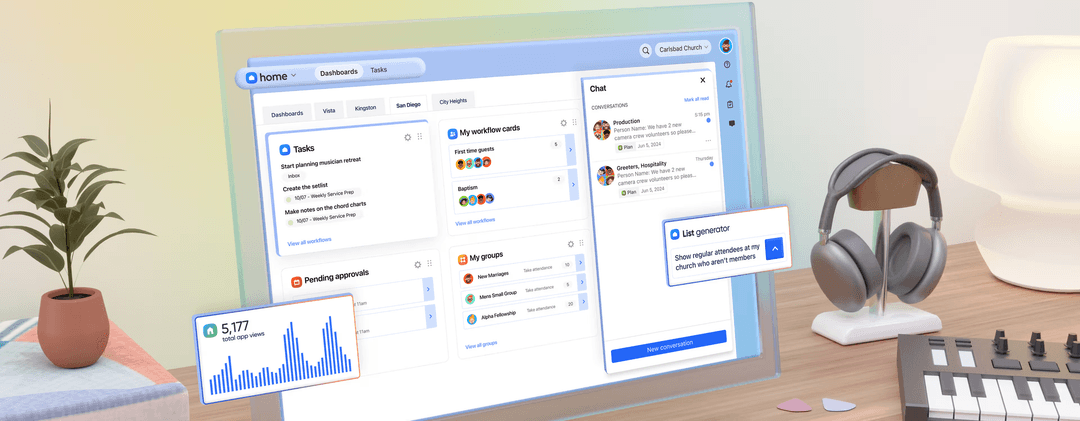
| FactorCustomization | SubsplashPlenty of branding control across the app and website, though deeper changes lean on support. | Planning CenterDrag-and-drop pages and themes shape the member app, and modular products let you skip what you don’t need. |
| FactorVolunteer Access | SubsplashVolunteers work in a streamlined portal, but permissions take planning to set up. | Planning CenterVolunteers accept schedules and arrange swaps from the member app, with role-based permissions per product. |
Planning Center is easier to get moving with, largely because you can sign up and start using it without talking to anyone. Subsplash asks for more setup at the front and hands you a more finished congregation-facing product at the end. I think Planning Center wins for a team that wants to try before it commits, and Subsplash wins for a church that would rather the branded experience were handled for them.
Subsplash
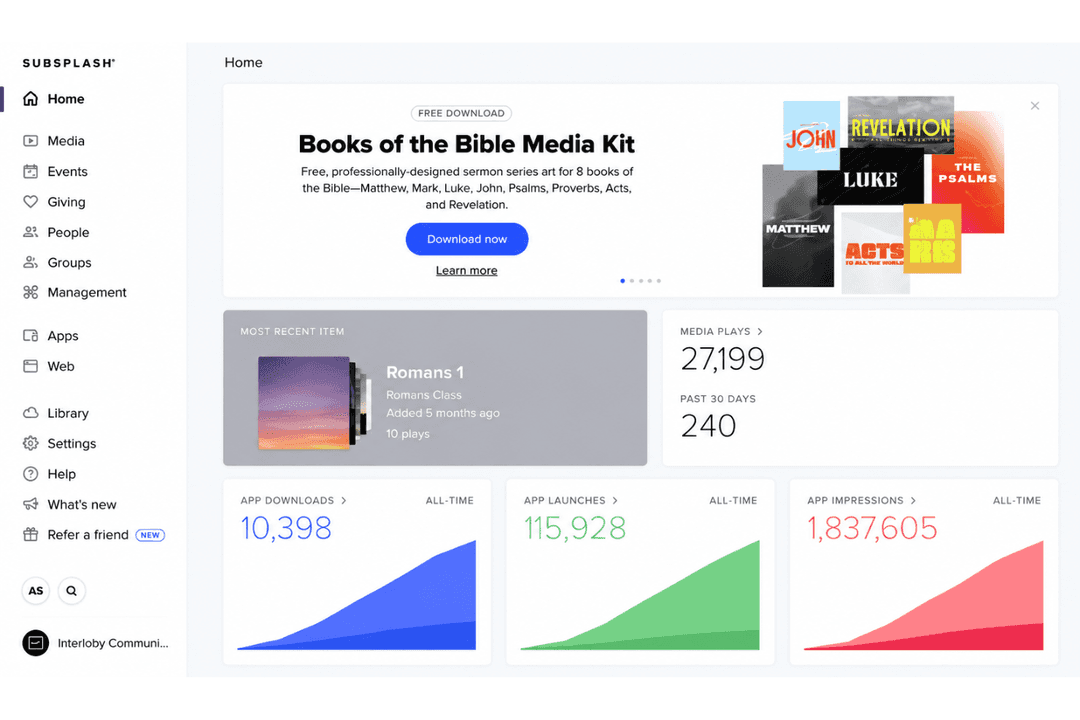
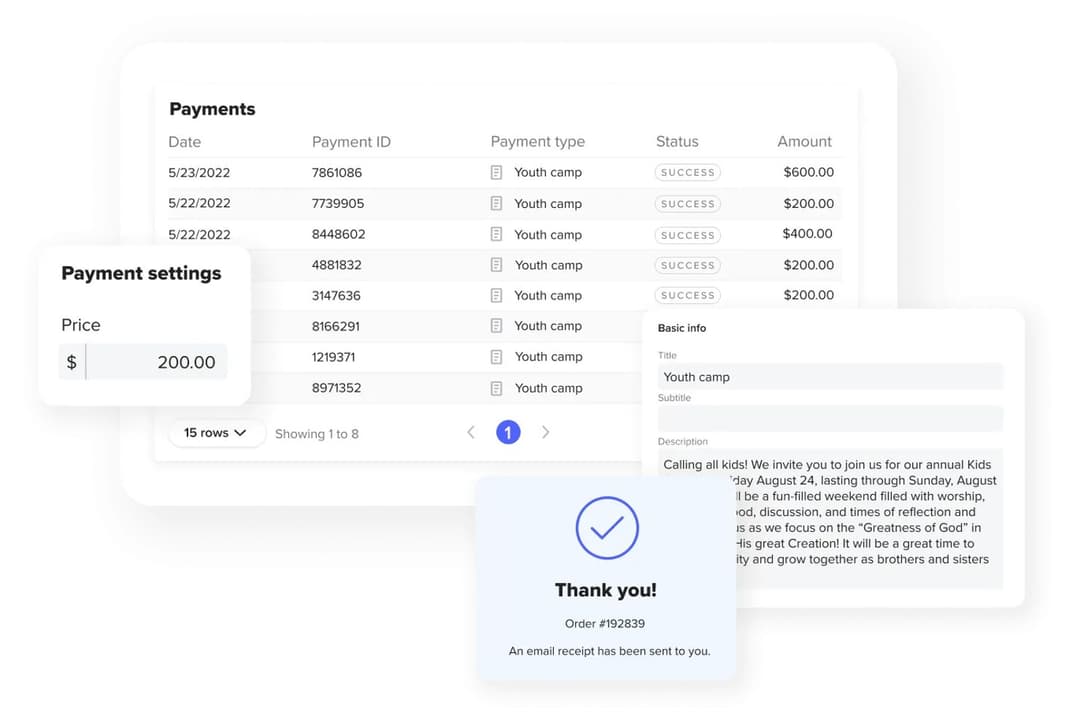
- Combines app, website, giving, media, and people management in one platform
- Branded apps reach mobile, TV, and car, with updates published in a single step
- Quick setup for digital giving and live streaming
- Multi-site administration is thinner than purpose-built church management systems
- No built-in bookkeeping or accounting, so finance still lives in separate software
- Upfront costs are higher than some other church platforms
Planning Center
- Modular system lets you choose the tools you need—People, Services, Giving, Check-Ins, and more.
- Strong tools for scheduling, reminders, and communication.
- Solid mobile apps for both staff and congregants.
- Can add up if you use multiple tools.
- Not built for full accounting or fund management.
- Focuses more on engagement than donor development.
Subsplash
- Small to Mid-Sized ChurchesSubsplash’s simple app setup, guided onboarding, and friendly support make it ideal for small teams handling multiple roles.
- Churches Consolidating Scattered ToolsGreat for congregations wanting all activities (giving, app, groups) integrated into a single branded experience.
- Digital Ministry TeamsEnables easy launch of mobile apps, live streaming, and integrated giving with minimal training.
- Volunteer CoordinatorsIntegrated volunteer management and messaging make scheduling and follow-up seamless.
- Ministries Wanting Fast LaunchClear guides and live chat support shorten the learning curve and speed up digital presence launches.
- Churches Using Church Management IntegrationsReady-made integrations with Church Community Builder, Planning Center, or Breeze reduce manual work and keep info in sync.
Planning Center
- Small to Mid-Sized Churches:Planning Center’s simple layout and flexible tools make it ideal for churches with lean teams.
- Volunteer CoordinationEasily schedule, remind, and communicate with volunteers across ministries.
- Worship TeamsThe Services module is built specifically for planning worship sets and assigning roles.
- Family MinistriesCheck-ins and attendance tools make managing kids' ministry or youth groups simple and secure.
- Multi-Ministry ChurchesEach module works well independently, or together, to support multiple departments.
- Churches Focused on Sunday ExcellenceHelps your team stay aligned, prepared, and distraction-free heading into weekends.
Who Should Use Subsplash, and Who Should Use Planning Center?
Subsplash is a great fit for churches that want the congregation-facing side handled in one place, especially if streaming, video, and a branded app that reaches past the phone matter to how you do ministry. Planning Center works best for teams who want to mix and match, who run a busy Sunday with volunteers and worship teams to coordinate, and who would rather start free and grow into it. If your week revolves around service planning, scheduling, and check-in, I’d lean toward Planning Center. But if your church’s public identity and media presence matter most, Subsplash is the way to go.
| Subsplash | Planning Center | |
|---|---|---|
| Media Delivery | Subsplash Strong media hosting, live streaming, media templates, and podcast support. | Planning Center Limited native media tools; focuses more on planning than distribution. |
| Mobile App | Subsplash Offers a custom-branded mobile app for your church. | Planning Center No custom-branded app builder, provides multiple purpose-built mobile apps (iOS and Android). |
| Pricing Model | Subsplash Bundled packages with features grouped together. | Planning Center Modular pricing lets you pay only for what you use. |
| Workflow Automation | Subsplash Drag-and-drop tools for app and website updates. | Planning Center Customizable workflows and automation for church processes. |
| Worship Planning | Subsplash Basic event scheduling and volunteer management. | Planning Center Advanced worship planning tools for complex services. |
| Cloud-Based Access | Both are fully could-based, allowing staff and volunteers to access features from anywhere, anytime. |
|---|---|
| Communication Tools | Both include email, push notifications, and messaging features to keep your church connected. |
| Membership Management | Each platform provides member directories, attendance tracking, and group management for congregations. |
| Multi-Location Support | Can support churches with multiple locations or campuses. |
| Online Giving | Both offer secure, PCI-compliant online giving tools with customizable donation forms and reporting. |