


actiTIME Review: Pros, Cons, Features, and Pricing


actiTIME is a church attendance software built around time and attendance tracking for teams managing recurring schedules and participation data. It's worth considering if your church needs a structured way to log volunteer hours, track engagement across ministries, and report on attendance patterns over time. I'd lean toward actiTIME over something like Planning Center if your priority is detailed time and attendance reporting rather than a broader church management suite—it's a more focused tool for leaders who want that data front and center.
actiTIME Evaluation Summary
- From $6/user/month (billed annually)
- Free plan + 30-day free trial + free demo available
Why Trust Our Software Recommendations
Our team has been testing and reviewing software since 2012. As church leaders ourselves, we know how difficult—and important—it is to choose the right software.
For this guide, we evaluated tools using hands-on testing and independent research, scoring tools using our selection criteria.
Our reviews reflect our human editorial judgment, not a sales pitch.
actiTIME Overview
In my opinion, actiTIME is a solid choice for teams looking for an effective time tracker. It offers a user-friendly interface and valuable features that simplify time management tasks. Compared to other tools, actiTIME stands out for its ease of use and strong customer support, although its onboarding process could be smoother. It's best suited for small and midsized teams in industries such as IT and consulting, where detailed time tracking is important. While it might not offer more advanced features like competitors such as Toggl, its pricing and functionality make it a strong option for those wanting reliable time management without the need for complex spreadsheets.
pros
-
actiTIME's user-friendly interface makes time tracking simple.
-
Detailed reporting helps you analyze productivity and project progress.
-
Reliable customer support is available to assist when needed.
cons
-
Onboarding can be challenging for new users.
-
Its customization options might feel limited.
-
Some users find the mobile app less intuitive than the desktop version.
Is actiTIME Right For Your Needs?
Who Would be a Good Fit for actiTIME?
actiTIME is perfect for project-based teams and businesses that need a precise time tracking solution with detailed reporting. IT departments or consulting firms can benefit from its intuitive user interface and strong reporting features. If your team needs to monitor project progress closely and manage time efficiently, actiTIME offers the tools you need. Its user-friendly design ensures your team can adapt quickly, making it a valuable asset for industries where time tracking accuracy is critical.
-
IT Departments
IT teams will appreciate actiTIME's precise tracking and reporting features for managing complex projects and deadlines.
-
Consulting Firms
actiTIME helps consultants track billable hours accurately, ensuring transparent client billing.
-
Remote Teams
Remote teams can log hours and track productivity with actiTIME's user-friendly interface.
-
Small Businesses
actiTIME offers small businesses an affordable solution for managing time and resources efficiently.
-
Project Managers
actiTIME supports your project managers with detailed reports to oversee project timelines and team productivity.
-
Freelancers
Freelancers can use actiTIME to track their hours and manage multiple different projects without hassle.
Who Would be a Bad Fit for actiTIME?
actiTIME might not suit large enterprises needing extensive customization and integration capabilities. If your business requires highly tailored solutions or complex integrations with other systems, actiTIME's limited customization may not meet your needs. Industries like manufacturing and large-scale logistics, which involve detailed tracking across multiple systems, might find actiTIME lacking in flexibility. If your team needs a tool that can adapt to a wide range of unique workflows, you might want to consider other options.
-
Large Enterprises
Large enterprises may find actiTIME's limited customization options restrictive for complex workflows.
-
Manufacturing
actiTIME might not provide the detailed tracking your manufacturing processes require across multiple systems.
-
Logistics Companies
Logistics operations might need more flexible integration options than actiTIME offers.
-
Highly Specialized Industries
If your industry demands specific features, actiTIME's general approach might not meet your unique needs.
-
Custom Software Development
Your custom software projects might require more adaptable tools than actiTIME provides.
-
Complex Project Management
If your project management needs are intricate, actiTIME's simplicity might not handle all your requirements.
How We Test & Score Tools
We’ve spent years building, refining, and improving our software testing and scoring system. The rubric is designed to capture the nuances of software selection and what makes a tool effective, focusing on critical aspects of the decision-making process.
Below, you can see exactly how our testing and scoring works across seven criteria. It allows us to provide an unbiased evaluation of the software based on core functionality, standout features, ease of use, onboarding, customer support, integrations, customer reviews, and value for money.
Core Functionality (25% of final scoring)
The starting point of our evaluation is always the core functionality of the tool. Does it have the basic features and functions that a user would expect to see? Are any of those core features locked to higher-tiered pricing plans? At its core, we expect a tool to stand up against the baseline capabilities of its competitors.
Standout Features (25% of final scoring)
Next, we evaluate uncommon standout features that go above and beyond the core functionality typically found in tools of its kind. A high score reflects specialized or unique features that make the product faster, more efficient, or offer additional value to the user.
We also evaluate how easy it is to integrate with other tools typically found in the tech stack to expand the functionality and utility of the software. Tools offering plentiful native integrations, 3rd party connections, and API access to build custom integrations score best.
Ease of Use (10% of final scoring)
We consider how quick and easy it is to execute the tasks defined in the core functionality using the tool. High scoring software is well designed, intuitive to use, offers mobile apps, provides templates, and makes relatively complex tasks seem simple.
Onboarding (10% of final scoring)
We know how important rapid team adoption is for a new platform, so we evaluate how easy it is to learn and use a tool with minimal training. We evaluate how quickly a team member can get set up and start using the tool with no experience. High scoring solutions indicate little or no support is required.
Customer Support (10% of final scoring)
We review how quick and easy it is to get unstuck and find help by phone, live chat, or knowledge base. Tools and companies that provide real-time support score best, while chatbots score worst.
Customer Reviews (10% of final scoring)
Beyond our own testing and evaluation, we consider the net promoter score from current and past customers. We review their likelihood, given the option, to choose the tool again for the core functionality. A high scoring software reflects a high net promoter score from current or past customers.
Value for Money (10% of final scoring)
Lastly, in consideration of all the other criteria, we review the average price of entry level plans against the core features and consider the value of the other evaluation criteria. Software that delivers more, for less, will score higher.
Core Features
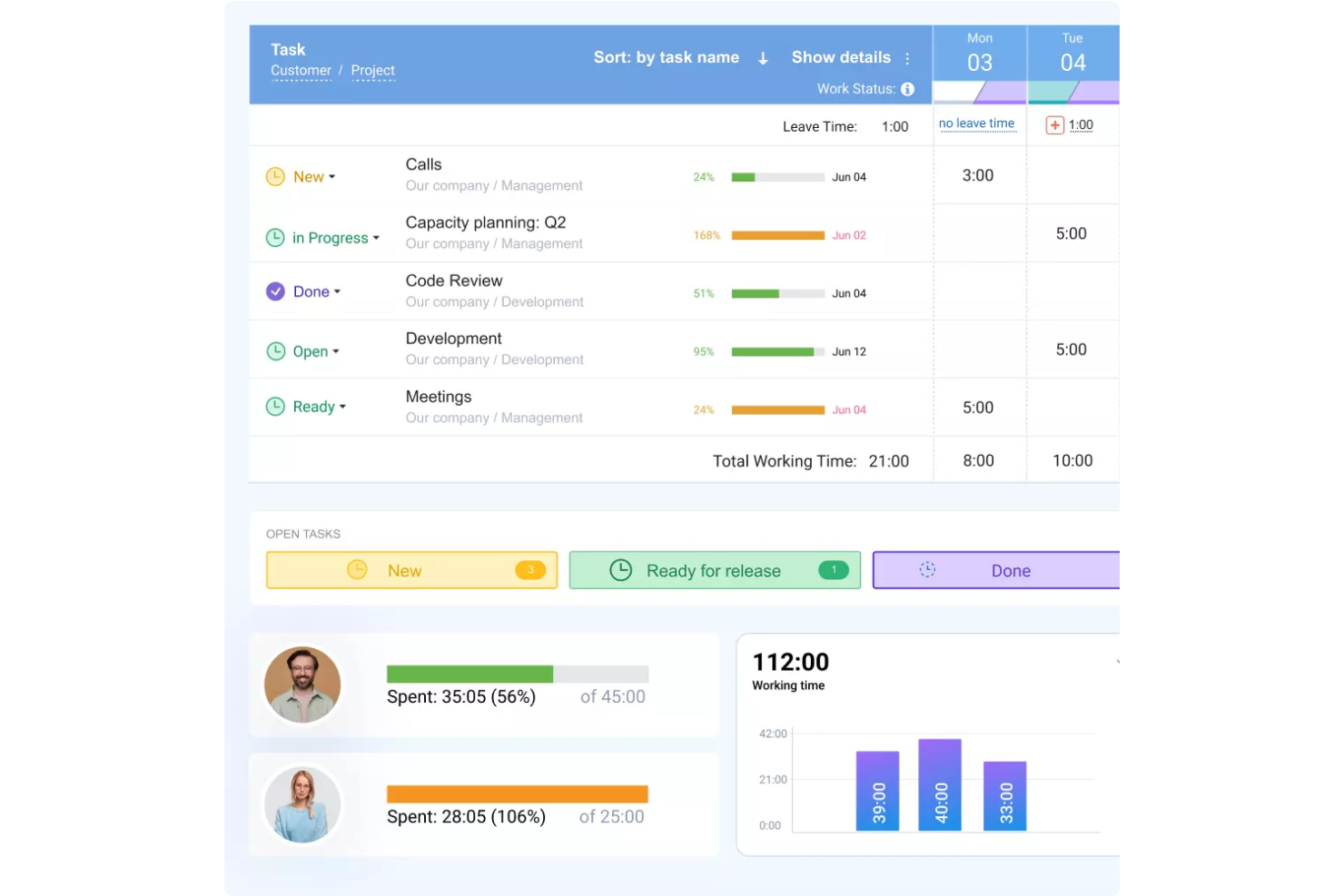
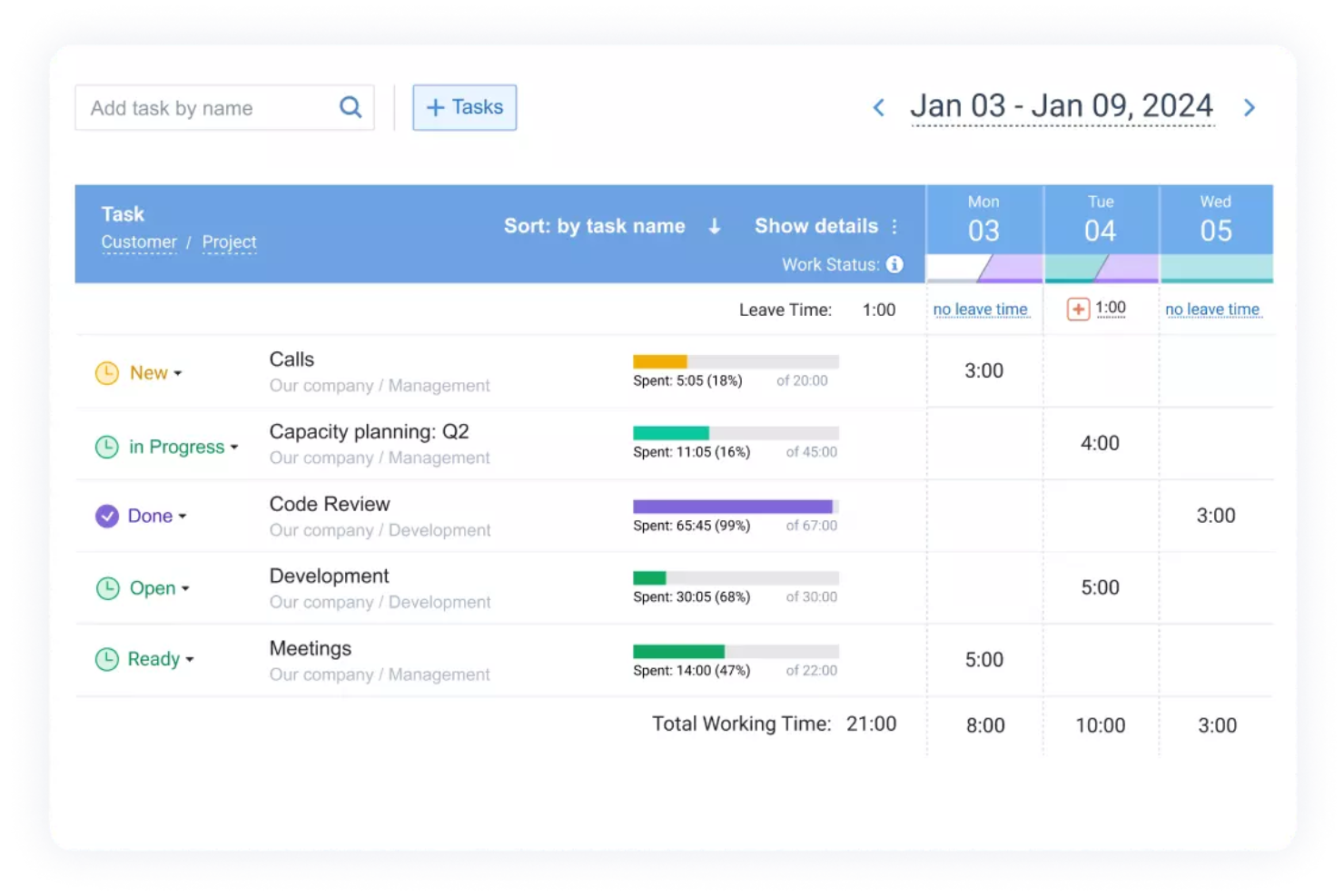
Time Tracking: You can log hours with actiTIME's intuitive time tracking interface. This helps you maintain an accurate record of employee time.
Project Management: Manage projects with actiTIME's built-in tools that let you assign tasks, set deadlines, and grant access permissions. This keeps your team organized and on track.
Reporting Tools: Generate detailed reports to analyze productivity and project time. You can display data in Kanban boards and bar graphs to monitor your team's performance in real time and make more informed decisions.
Task Management: Assign and track tasks to ensure your team meets deadlines. actiTIME makes it simple for you to monitor task completion.
Overtime Calculation: Automatically calculate overtime for your team, ensuring accurate payroll. This saves you time and reduces errors.
Administrative Tasks: Carry out tasks such as filling out employee timesheets and approving time off and leave requests.
Standout Features
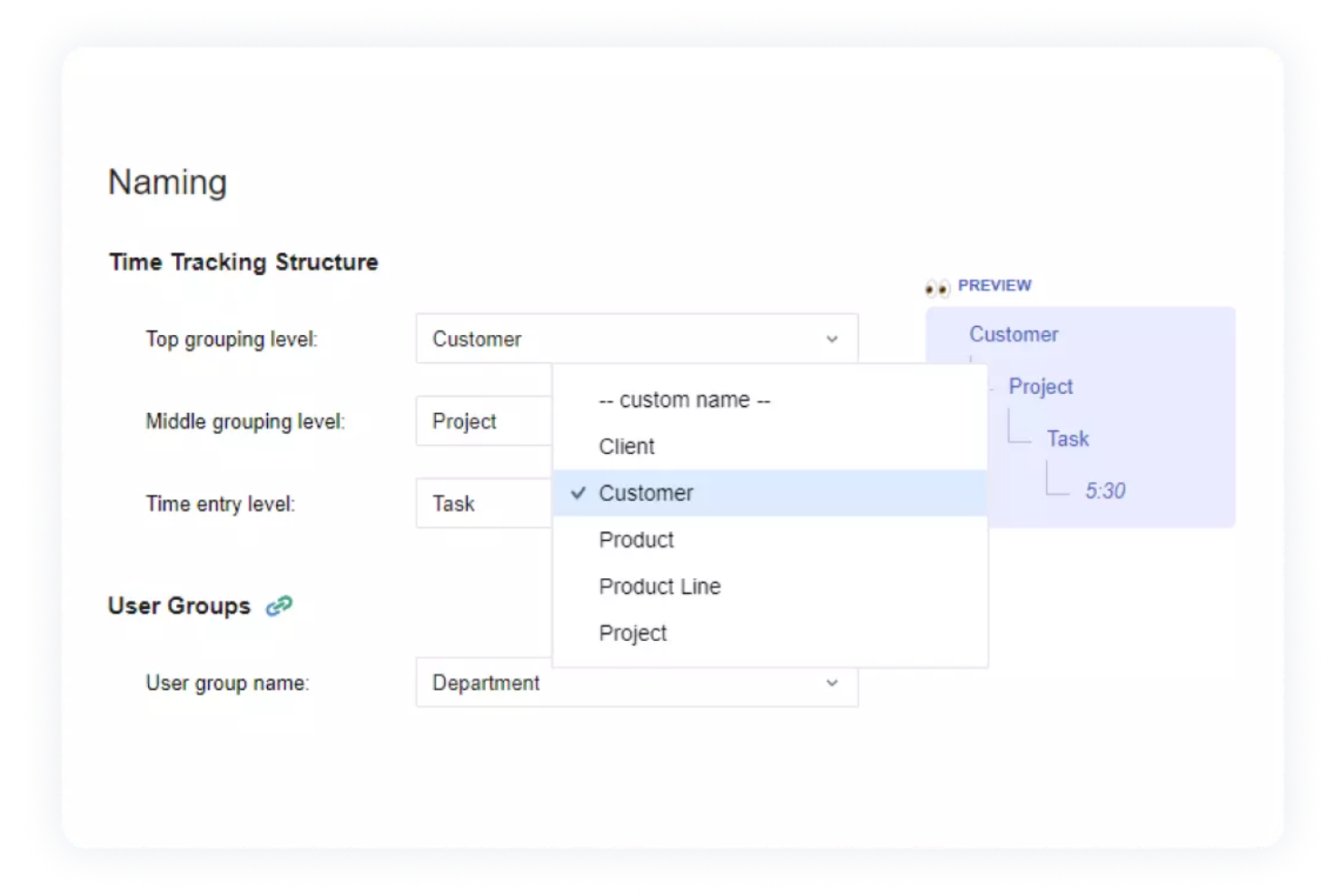
Customizable Workflows: You can tailor workflows to fit your team's specific needs, increasing flexibility. This lets you adapt actiTIME to your unique processes.
Mobile Accessibility: Track time and manage tasks on the go with actiTIME's mobile app, keeping your team connected and productive.
Ease of Use
actiTIME scores high for usability, with an intuitive interface that makes time tracking straightforward for your team. You can quickly log hours, manage projects, and generate reports without hassle. Its simplicity ensures a strong user experience, even for those new to time tracking. Users often praise its clean design and clear navigation, which helps your team stay focused on their work rather than struggling with complex software. Overall, actiTIME keeps your time management tasks simple and efficient.
Onboarding
actiTIME's onboarding process is straightforward, but it could be simplified to reduce the learning curve for new users. Your team gets access to helpful tutorials and support resources, but some users find the initial setup challenging. While the support team is responsive and ready to assist, a more guided onboarding flow could improve your team's experience. Despite this, once you get familiar, actiTIME's functionalities become more simple to navigate.
Customer Support
actiTIME offers solid customer support, with responsive channels that help your team resolve issues quickly. Users appreciate the prompt assistance and knowledgeable support staff. They provide helpful resources and are available through various channels, including phone support, email, and live chat, ensuring you get the help you need without delay. This support reliability makes actiTIME a dependable choice for managing your time reporting needs.
Integrations
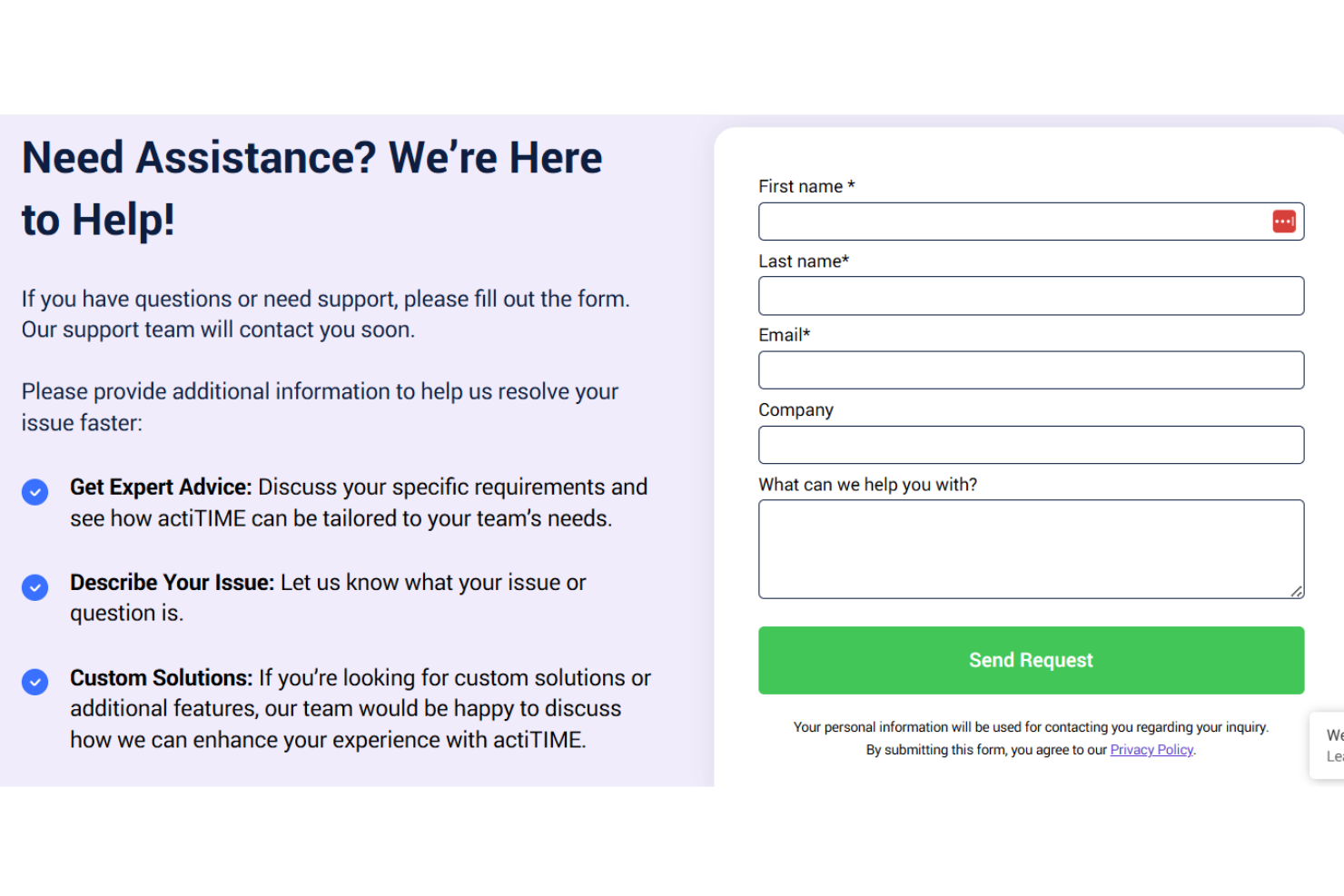
actiTIME integrates actiPLANS and QuickBooks.
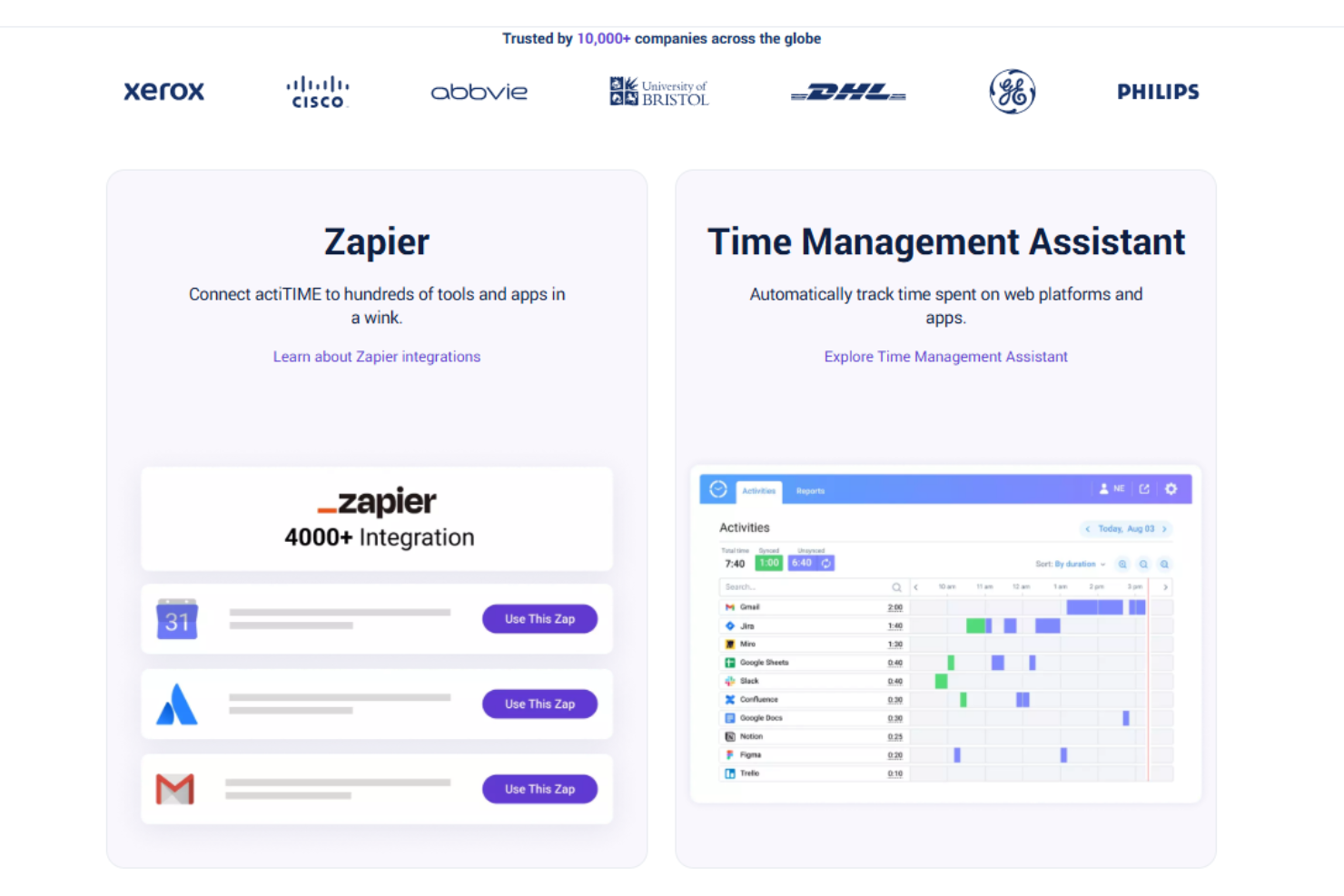
It also offers an API for custom integrations and connects with third-party tools such as Zapier to expand its capabilities.
Value for Money
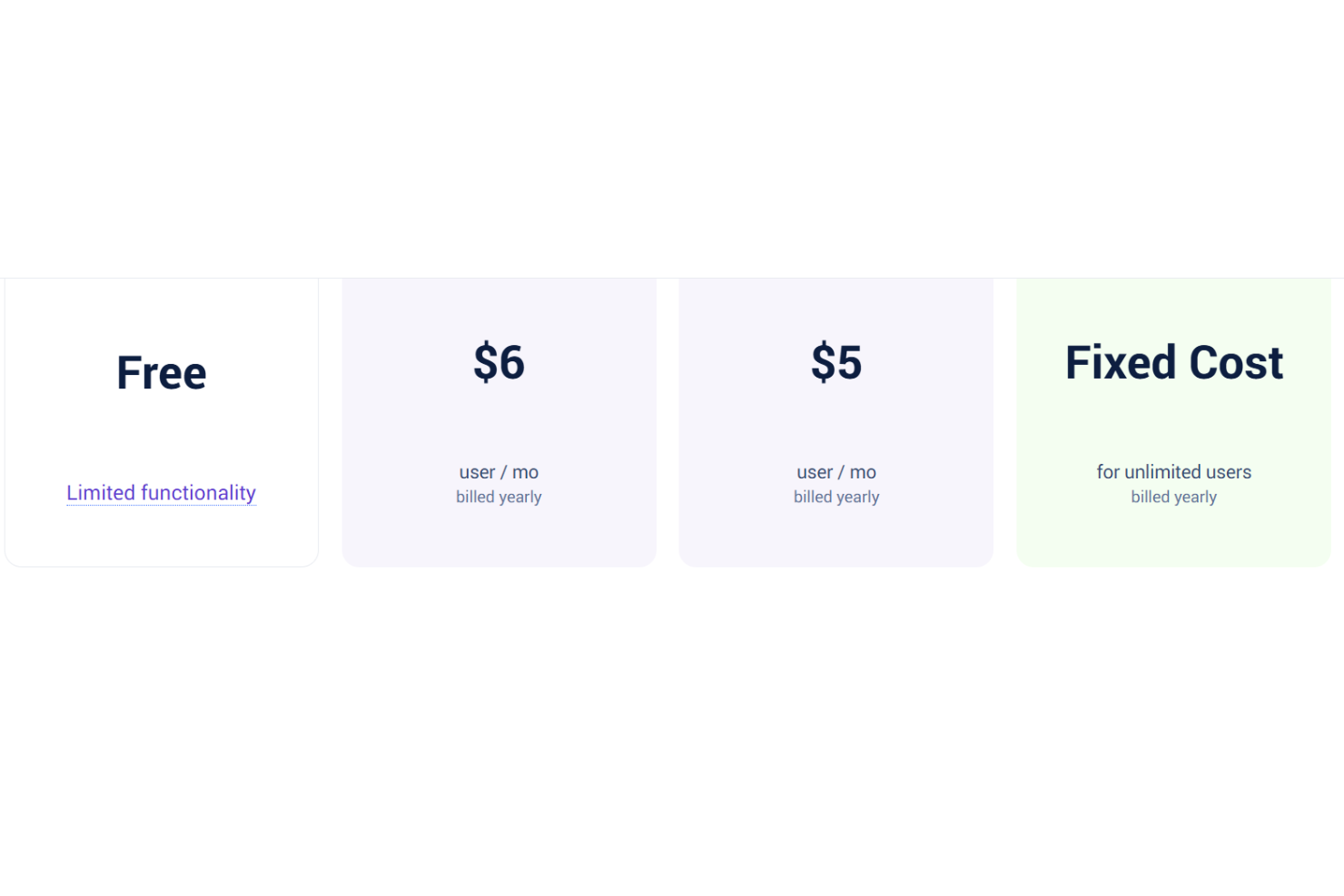
actiTIME pricing offers competitive plans that scale according to your team's size. Users find value in its cost-effective pricing, especially when considering its strong set of features for time tracking and project management. A free version and a 30-day trial are available, allowing your team to evaluate the software before committing to a purchase.
- Free actiTIME Online: Offers basic functionality for up to three users.
- actiTIME Online: Custom pricing (billed annually); includes full functionality, integration with QuickBooks, and API access.
- actiTIME Self-Hosted: $120/user; offers full platform access on your internal server for a one-time payment.
New Product Updates from actiTIME

actiTIME Visual Hour Indicator and Time-Track Report Redesign
actiTIME introduces the Visual Hour Indicator and a redesigned Time-Track Report to improve time tracking and reporting. These updates add visual progress indicators, continuous scrolling, custom sorting, and clearer report layouts for a more efficient reporting experience. Highlights include:
- Visual Hour Indicator: Displays logged hours with a wave-based progress indicator that shows daily completion status and weekly totals at a glance.
- Redesigned Time-Track Report: Adds continuous scrolling, improved table hierarchy, custom sorting, and updated charts for easier navigation and clearer reporting.
Visit actiTIME's official site for more details.
 for more details.
actiTIME Specs
- Analytics
- API
- Approval Workflows
- Attendance Tracking
- Batch Permissions & Access
- Billing/Invoicing
- Budgeting
- Calendar Management
- Dashboard
- Data Export
- Data Import
- Data Visualization
- Expense Tracking
- External Integrations
- Forecasting
- Multi-User
- Notifications
- Project Management
- Resource Management
- Scheduling
- Task Scheduling/Tracking
- Time Management
- Timesheets
- Vacation & Absence Calendar
actiTIME FAQs
How can actiTIME help improve my team's productivity?
Is actiTIME suitable for remote teams?
How does actiTIME ensure data security and compliance?
Can I customize actiTIME to fit my team's needs?
What kind of support does actiTIME offer if I encounter issues?
How easy is it to onboard new team members to actiTIME?
Does actiTIME offer multi-language support for global teams?
Can actiTIME handle complex project management needs?
actiTIME Company Overview & History
actiTIME is a time tracking software company founded in 2004 by Charlie Gilkey, headquartered in Toronto, Canada. The company operates without external funding and with a small team of eight employees. actiTIME offers features such as time and project tracking, data analysis and reporting, leave management, and billing.
actiTIME Major Milestones
- 2004: Founded by Charlie Gilkey in Toronto, Canada.
- 2026: Ranked 127th among over 600 competitors on Tracxn's platform.