

FellowshipOne Review: Pros, Cons, Features & Pricing
FellowshipOne excels in providing comprehensive tools tailored for your church's unique management needs, setting it apart from other solutions.

We review tools independently, and commissions help fund our testing. See our transparency policy, our methodology, or suggest a tool.
Fellowship One is a church software for congregations that need to manage membership, giving, check-ins, groups, and ministry workflows in one place. I'd consider it over something like Planning Center if your church is larger or multi-campus, since Fellowship One gives you deeper reporting and more integrated management across teams and locations. It's built for the kind of organizational complexity that simpler tools can't quite handle.
Fellowship One Evaluation Summary
0/5
- Pricing available upon request
- 30-day free trial
Why Trust Our Software Recommendations
6,700+
Reviews
20
Industry experts
16+
Evaluation factors
14
Years
Our team has been testing and reviewing software since 2012. As church leaders ourselves, we know how difficult—and important—it is to choose the right software.
For this guide, we evaluated tools using hands-on testing and independent research, scoring tools using our selection criteria.
Our reviews reflect our human editorial judgment, not a sales pitch.
Fellowship One Overview
In my opinion, FellowshipOne is a solid choice for church management, especially for large congregations needing robust organizational tools. While its core features and standout functionalities like volunteer scheduling are commendable, it can be a bit challenging to navigate for newcomers. It outperforms many competitors in customer support, providing timely assistance, but it may not offer the best value for smaller churches due to its pricing structure. FellowshipOne is best suited for churches with experienced administrative teams who can leverage its full potential.
Pros
- You can easily manage large congregations with its advanced organizational tools.
- The volunteer scheduling feature simplifies coordinating your team's efforts.
- Their customer support is responsive and helpful when you need assistance.
Cons
- The interface can be tricky for newcomers to navigate.
- Your team might find the onboarding process a bit lengthy.
- Some users report that it can feel overwhelming due to its many features.
Is Fellowship One Right For Your Needs?
Who Would be a Good Fit for Fellowship One?
FellowshipOne is ideal for large churches or multi-campus congregations needing advanced organizational tools to manage complex operations. If your team handles diverse ministries, FellowshipOne's robust feature set, like volunteer scheduling and detailed reporting, can streamline your work. Its strong customer support also ensures you get help when you need it, making it a solid choice for church leaders who prioritize efficiency and comprehensive management.
- Large ChurchesFellowshipOne handles large congregations with ease, offering tools for detailed member management and communication.
- Multi-Campus ChurchesIts capabilities allow you to manage multiple locations seamlessly, keeping all campuses connected and organized.
- Volunteer CoordinatorsThe volunteer scheduling feature helps your team efficiently organize and track volunteer activities.
- Youth MinistriesYou can use FellowshipOne to manage events and track attendance, keeping youth programs engaging and well-organized.
- Administrative TeamsFellowshipOne's comprehensive reporting tools give you insights into church operations, aiding decision-making.
- Event PlannersIts event management features simplify planning and executing church events, ensuring everything runs smoothly.
Who Would be a Bad Fit for Fellowship One?
Small churches or organizations with limited resources might not find FellowshipOne suitable due to its complexity and cost. If your team isn't tech-savvy, the detailed features and longer onboarding process could be overwhelming. FellowshipOne's comprehensive tools may be more than you need, making simpler software a better fit for your requirements.
- Small ChurchesFellowshipOne's robust features might be too complex and costly for smaller congregations.
- Non-Tech-Savvy TeamsYour team might struggle with its detailed interface and the learning curve involved.
- Limited BudgetsThe cost of FellowshipOne may not justify its use for churches with tight financial constraints.
- Simple OperationsIf your church operations are straightforward, you might find simpler software more efficient and user-friendly.
- Temporary EventsFor short-term or one-off events, FellowshipOne's extensive features might be unnecessary.
- Minimal Volunteer NeedsIf you don't require detailed volunteer management, simpler tools could serve you better.
How We Test & Score Tools
We’ve spent years building, refining, and improving our software testing and scoring system. The rubric is designed to capture the nuances of software selection and what makes a tool effective, focusing on critical aspects of the decision-making process.
Below, you can see exactly how our testing and scoring works across seven criteria. It allows us to provide an unbiased evaluation of the software based on core functionality, standout features, ease of use, onboarding, customer support, integrations, customer reviews, and value for money.
Core Functionality (25% of final scoring)
The starting point of our evaluation is always the core functionality of the tool. Does it have the basic features and functions that a user would expect to see? Are any of those core features locked to higher-tiered pricing plans? At its core, we expect a tool to stand up against the baseline capabilities of its competitors.
Standout Features (25% of final scoring)
Next, we evaluate uncommon standout features that go above and beyond the core functionality typically found in tools of its kind. A high score reflects specialized or unique features that make the product faster, more efficient, or offer additional value to the user.
We also evaluate how easy it is to integrate with other tools typically found in the tech stack to expand the functionality and utility of the software. Tools offering plentiful native integrations, 3rd party connections, and API access to build custom integrations score best.
Ease of Use (10% of final scoring)
We consider how quick and easy it is to execute the tasks defined in the core functionality using the tool. High scoring software is well designed, intuitive to use, offers mobile apps, provides templates, and makes relatively complex tasks seem simple.
Onboarding (10% of final scoring)
We know how important rapid team adoption is for a new platform, so we evaluate how easy it is to learn and use a tool with minimal training. We evaluate how quickly a team member can get set up and start using the tool with no experience. High scoring solutions indicate little or no support is required.
Customer Support (10% of final scoring)
We review how quick and easy it is to get unstuck and find help by phone, live chat, or knowledge base. Tools and companies that provide real-time support score best, while chatbots score worst.
Customer Reviews (10% of final scoring)
Beyond our own testing and evaluation, we consider the net promoter score from current and past customers. We review their likelihood, given the option, to choose the tool again for the core functionality. A high scoring software reflects a high net promoter score from current or past customers.
Value for Money (10% of final scoring)
Lastly, in consideration of all the other criteria, we review the average price of entry level plans against the core features and consider the value of the other evaluation criteria. Software that delivers more, for less, will score higher.
Core Features
Member Management:
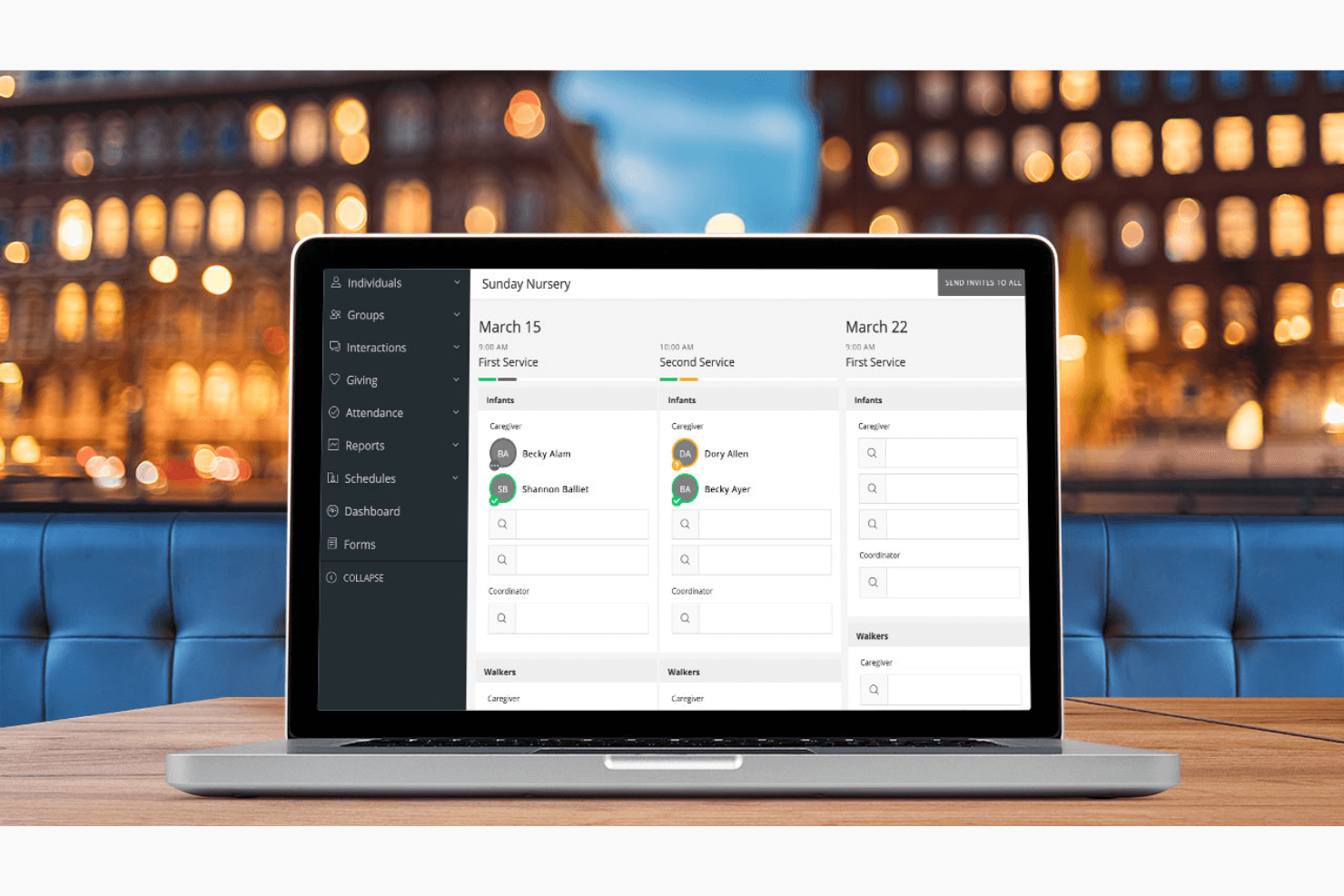
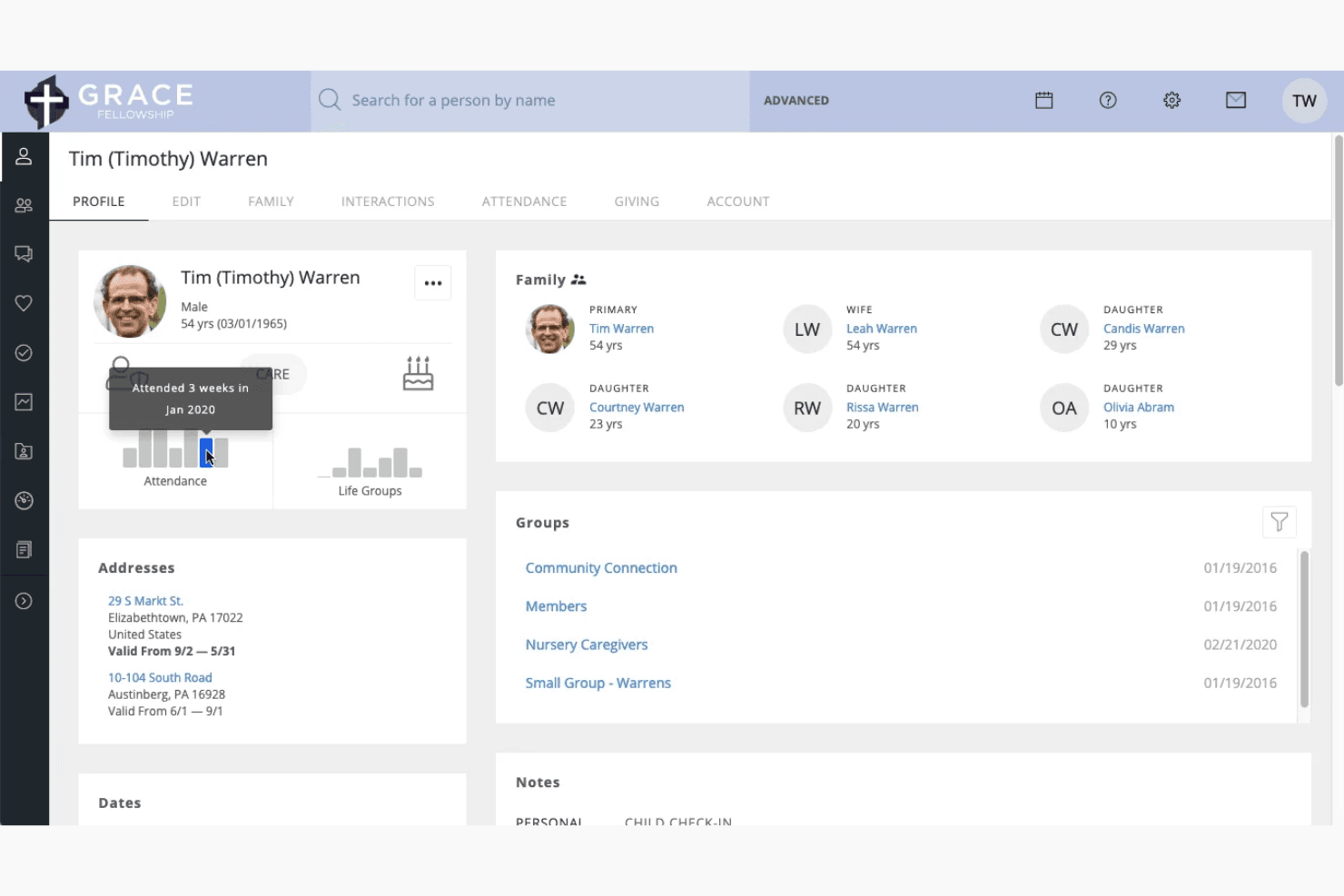
You can track and manage detailed member profiles, including contact information and activity history. This helps you keep your congregation organized and engaged.
Attendance Tracking:
Easily record and monitor attendance for services and events, providing insights into participation trends. This data supports your planning and outreach efforts.
Volunteer Scheduling:
Coordinate and schedule volunteers efficiently, ensuring your events and services run smoothly. It simplifies your team's workload by automating assignments.
Donation Management:
Track and manage donations with comprehensive reporting, helping you manage your church's finances transparently. This builds trust with your congregation.
Communication Tools:
Send targeted messages to your congregation via email or text, keeping everyone informed and connected. This enhances your community engagement and outreach.
Standout Features
Customizable Dashboards:
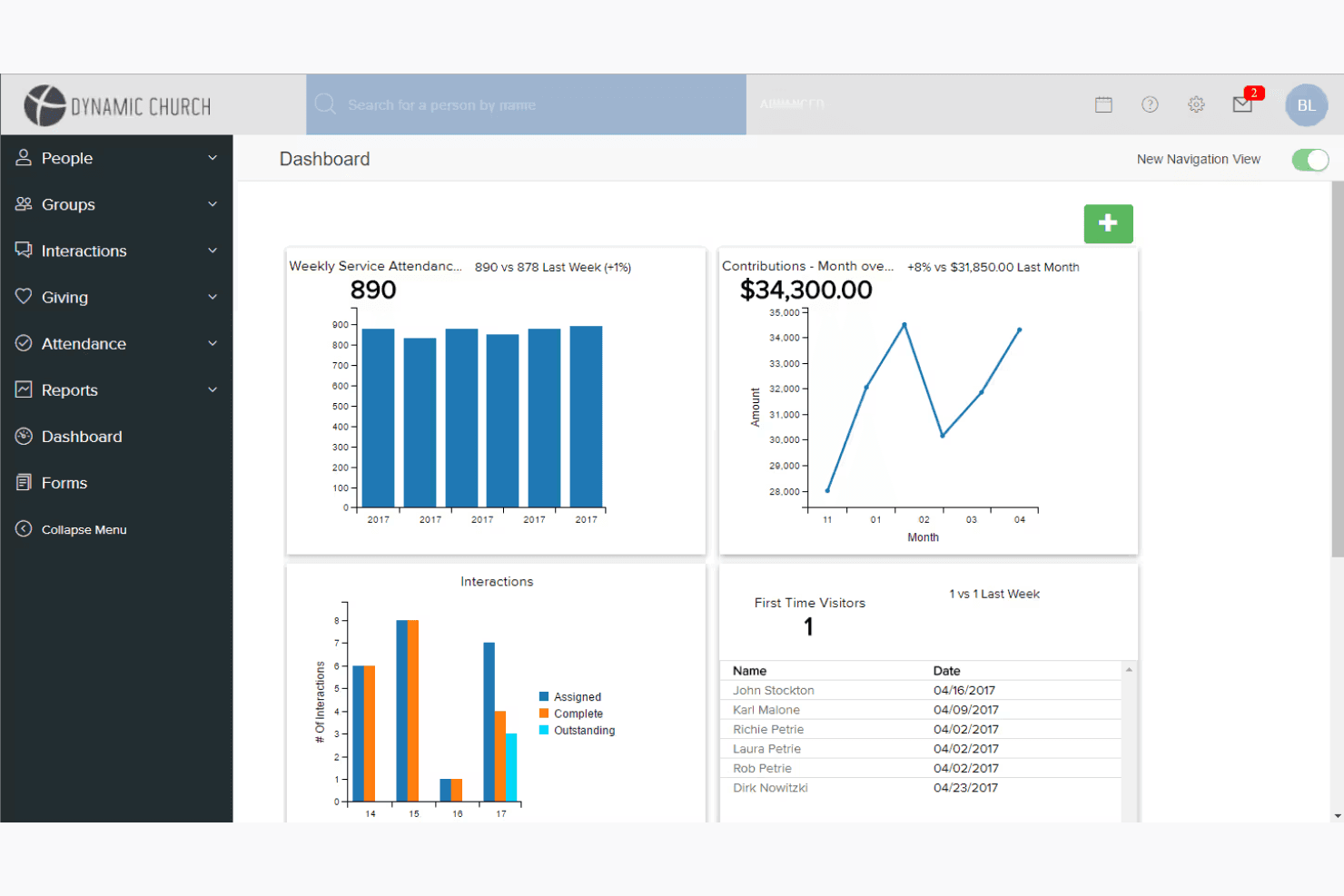
FellowshipOne offers dashboards you can tailor to display the metrics and information your team values most. This customization ensures you have quick access to the data that drives your decisions.
Advanced Reporting:
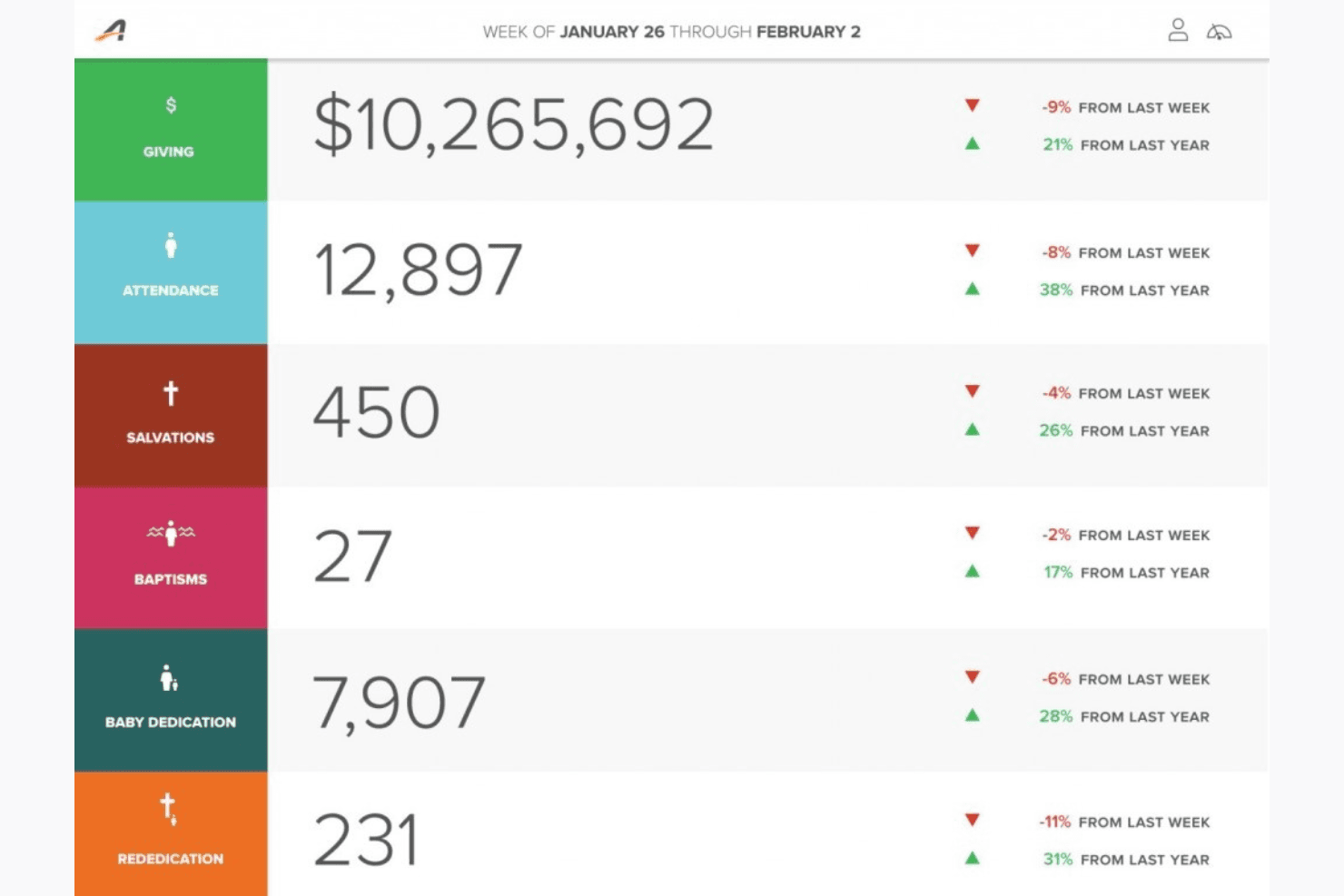
Gain deep insights with robust reporting tools that analyze various church activities and trends. This empowers your leadership with data-driven decision-making capabilities.
Ease of Use
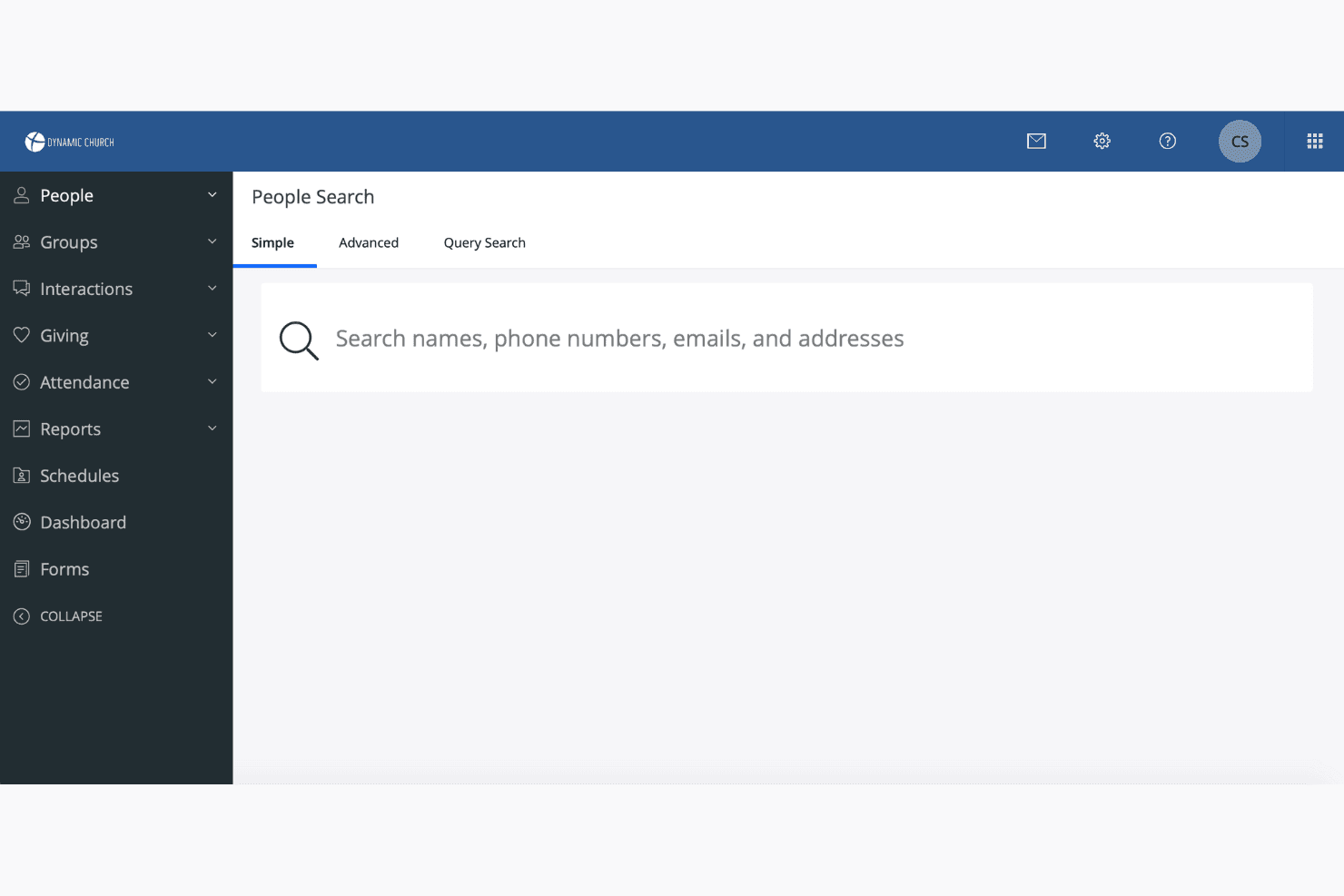
FellowshipOne offers a range of features that can initially seem overwhelming, especially for those new to church management software. While its comprehensive tools provide value, the interface may require some time for your team to learn and navigate. Users often find the setup and customization options a bit complex, but once you're familiar, it becomes a powerful tool. If you're tech-savvy, you'll likely appreciate the depth of functionalities it offers.
Onboarding
FellowshipOne provides a structured onboarding experience, but it can feel lengthy due to the complexity of its features. Your team will find the available training resources and customer support helpful in navigating the initial setup. While the learning curve is noticeable, the support team is responsive, offering guidance to ensure you're equipped to use the software effectively. Once you're through the onboarding, you'll appreciate the comprehensive capabilities it brings to your church management.
Customer Support
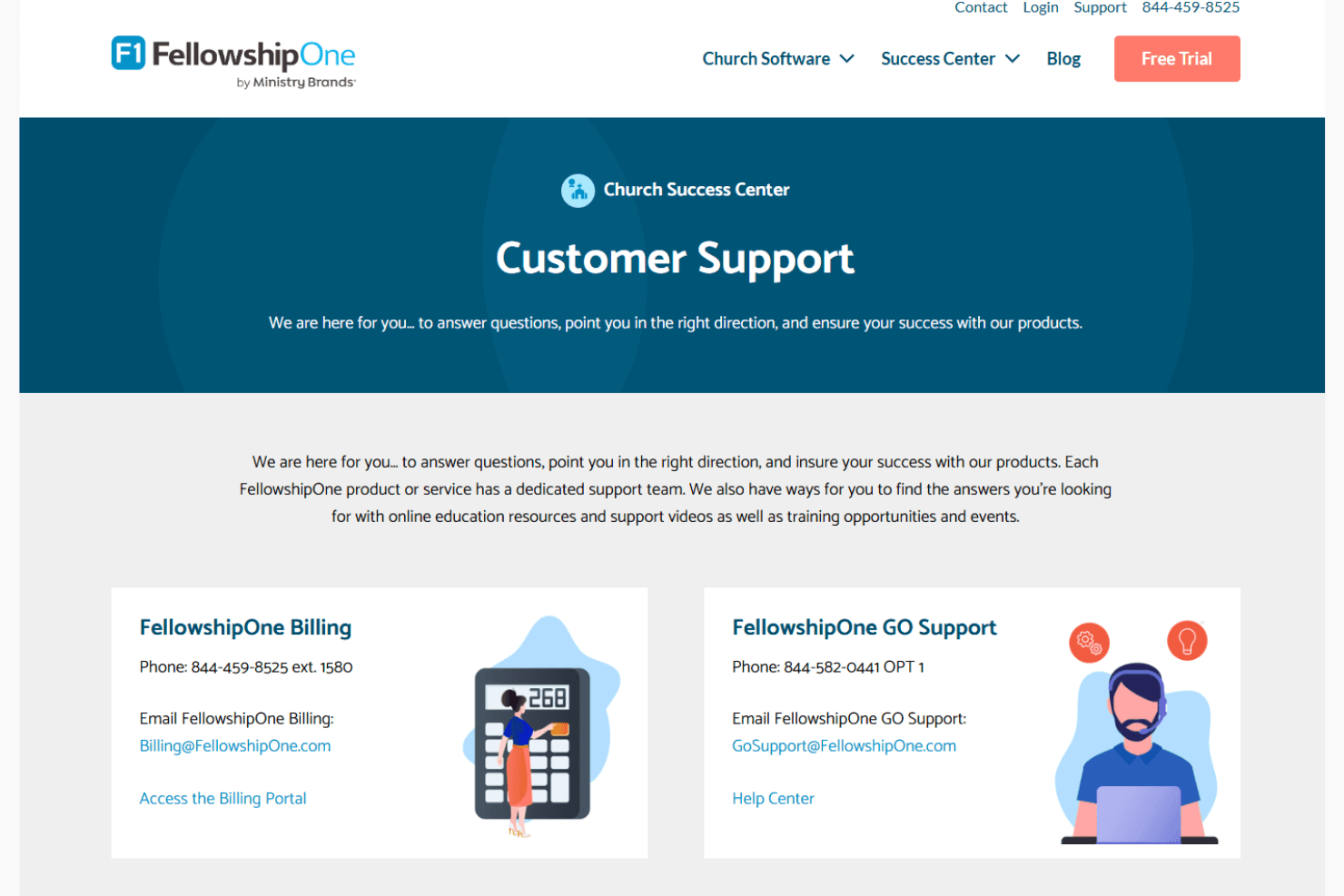
FellowshipOne's customer support is well-regarded for its responsiveness and helpfulness. Your team can count on timely assistance through various support channels, ensuring you get the help you need when navigating the software. Users appreciate the knowledgeable support staff who guide them through challenges, making the experience smoother. The availability of detailed resources and responsive support enhances your ability to address issues quickly and efficiently, which is crucial for maintaining your church's operations.
Value for Money
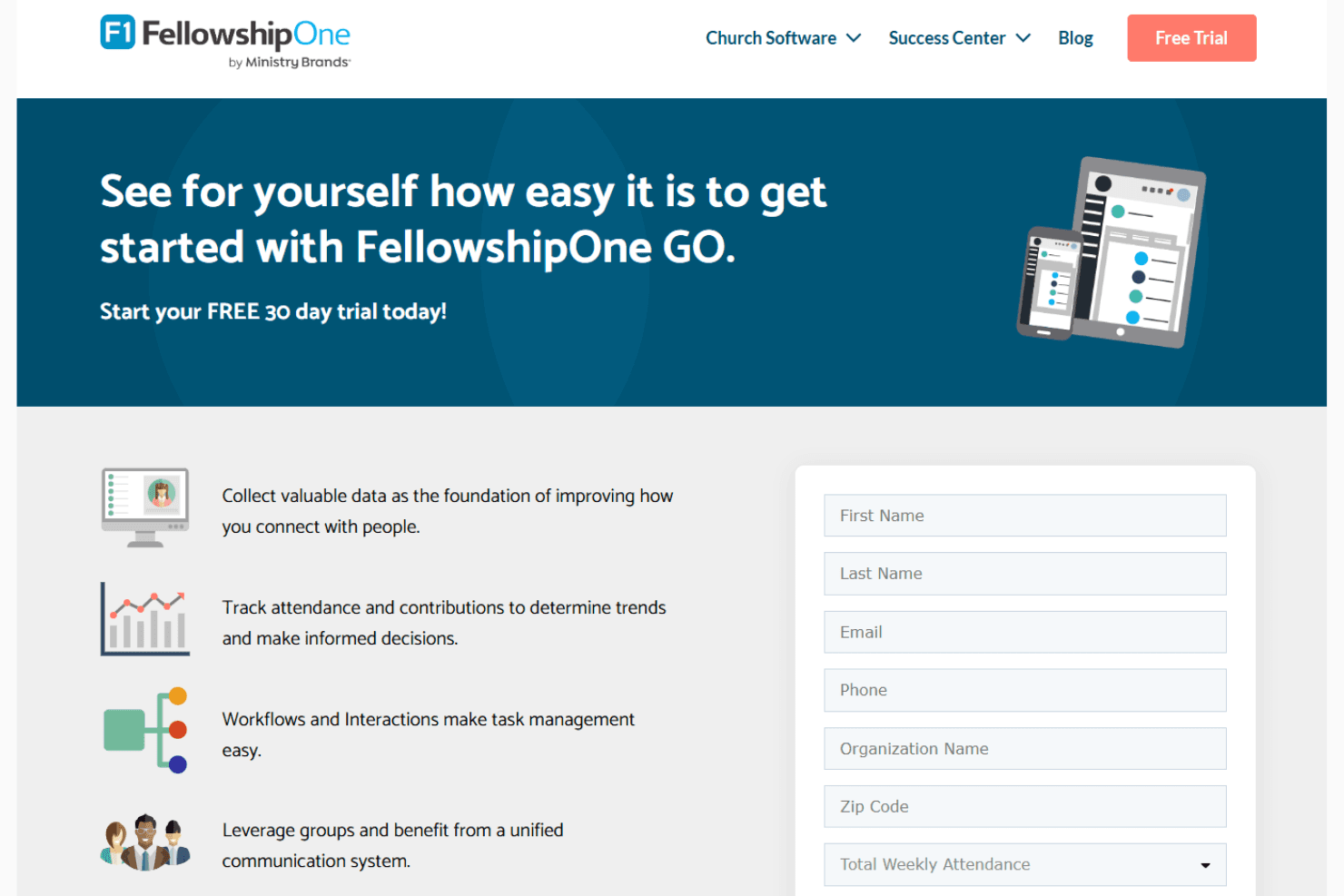
FellowshipOne offers flexible pricing tailored to your church’s unique size and needs. While exact costs aren’t publicly listed, the platform is known for its robust functionality, especially for medium to large churches. You get access to powerful features like contribution tracking, volunteer scheduling, and event management, making it a strong option for churches seeking an all-in-one solution. Its scalability ensures you're only paying for what fits your ministry’s operational scope.
Fellowship One Specs
- API: No
- Calendar Management: No
- Contact Management: No
- Dashboards: No
- Data Export: No
- Data Import: No
- Document Management: No
- External Integrations: No
- Multi-User: No
- Notifications: No
- Payment Gateway Integration: No
- Scheduling: No
- Workflow Management: No
Fellowship One FAQs
Fellowship One Company Overview & History
FellowshipOne, originally known as Fellowship Technologies, is a privately held company founded in 2004 by Jeff Hook in Irving, Texas. It specializes in church management software, evolving from software initially developed for Fellowship Church in 1999. The company was acquired by ACTIVE Network in 2011 and later sold to Ministry Brands in 2016. FellowshipOne is known for its robust solutions that help churches manage operations, member engagement, and event planning.
FellowshipOne Major Milestones
- 1999: Fellowship Church began developing the initial software.
- 2004: Fellowship Technologies was founded by Jeff Hook.
- 2011: Acquired by ACTIVE Network.
- 2016: Sold to Ministry Brands.
What's Next?
Subscribe to our newsletter to get the latest resources, best practices, and insights on managing churches from expert pastors and church leaders.