


Recensione Donorbox: Vantaggi, Svantaggi, Caratteristiche e Prezzi Spiegati


Donorbox is a donor management software built for nonprofits and faith-based organizations that need to collect donations, manage donor records, and run recurring giving campaigns in one place. I'd consider it a strong fit if your church is ready to move beyond a basic giving platform but doesn't need the full depth of something like Bloomerang—Donorbox gives you a cleaner setup path and a lower cost of entry without sacrificing the core donor tracking your ministry needs.
Donorbox Evaluation Summary
- From $150/month
- Free plan available
Perché fidarsi dei nostri consigli sui software
Il nostro team testa e recensisce software dal 2012. In quanto leader ecclesiastici noi stessi, sappiamo quanto sia difficile — e importante — scegliere il software giusto.
Per questa guida, abbiamo valutato gli strumenti attraverso test pratici e ricerche indipendenti, assegnando un punteggio agli strumenti in base ai nostri criteri di selezione.
Le nostre recensioni riflettono il nostro giudizio editoriale umano, non un discorso di vendita.
Donorbox Overview
Donorbox is a top choice if you’re judging donation platforms by ease of use, transparent pricing, and quick onboarding. Its clean interface and simple setup help churches start accepting gifts in minutes, while integrations with website builders and email tools add flexibility. While its customization options and reporting are less advanced than some alternatives, Donorbox’s responsive support and affordable fees make it a strong fit for small to mid-sized ministries or those selecting a straightforward, reliable giving solution. If you’re comparing options, Donorbox stands out for churches prioritizing simplicity and donor experience over complex feature sets.
pros
-
Recurring donation options support sustained giving campaigns.
-
Donor management tools include segmentation and engagement tracking.
-
Embeddable forms work on most church and ministry websites.
cons
-
Limited advanced reporting compared to some donation platforms.
-
ACH bank transfer support requires additional setup steps.
-
Branded receipts and emails have fewer customization options.
-

AskMyChurch
Visit Website -
ChMeetings
Visit WebsiteThis rating combines scores from multiple user review sites to reflect overall customer sentiment about the product.4.9 -
Subsplash
Visit WebsiteThis rating combines scores from multiple user review sites to reflect overall customer sentiment about the product.4.5





Come Testiamo e Valutiamo gli Strumenti
Abbiamo trascorso anni a costruire, perfezionare e migliorare il nostro sistema di test e valutazione dei software. Il nostro metodo è progettato per cogliere tutte le sfumature della selezione software e ciò che rende uno strumento efficace, concentrandosi sugli aspetti critici del processo decisionale. Qui sotto puoi vedere esattamente come funzionano i nostri test e valutazioni in base a sette criteri. Questo ci permette di offrire una valutazione imparziale dei software considerando funzionalità di base, caratteristiche distintive, facilità d’uso, onboarding, supporto clienti, integrazioni, recensioni dei clienti e rapporto qualità-prezzo.
Funzionalità di Base (25% del punteggio finale)
Il punto di partenza della nostra valutazione è sempre la funzionalità di base dello strumento. Dispone delle funzionalità e caratteristiche essenziali che un utente si aspetterebbe di trovare? Alcune di queste funzioni di base sono limitate a piani con prezzi superiori? In sostanza, ci aspettiamo che uno strumento sia all’altezza delle capacità minime offerte dai concorrenti.
Caratteristiche Distintive (25% del punteggio finale)
Successivamente analizziamo le caratteristiche distintive che vanno oltre la funzionalità base tipica degli strumenti di questa tipologia. Un punteggio alto riflette funzioni specializzate o uniche che rendono il prodotto più veloce, efficiente o offrono valore aggiunto all’utente. Valutiamo anche quanto sia semplice integrare altri strumenti comunemente presenti nello stack tecnologico per espandere la funzionalità e l’utilità del software. Gli strumenti che offrono numerose integrazioni native, connessioni di terze parti e accesso API per creare integrazioni personalizzate ottengono il punteggio migliore.
Facilità d’Uso (10% del punteggio finale)
Consideriamo quanto sia veloce e facile eseguire i compiti principali definiti usando lo strumento. I software con punteggi elevati sono ben progettati, intuitivi, offrono app mobili, mettono a disposizione modelli e rendono semplici anche i compiti più complessi.
Onboarding (10% del punteggio finale)
Sappiamo quanto sia importante adottare rapidamente una nuova piattaforma, quindi valutiamo quanto sia semplice imparare e utilizzare uno strumento con il minimo training. Esaminiamo quanto rapidamente un membro del team possa essere operativo senza esperienza precedente. Le soluzioni con punteggio alto richiedono poco o nessun supporto.
Supporto Clienti (10% del punteggio finale)
Valutiamo quanto sia rapido e semplice risolvere i problemi e ottenere assistenza tramite telefono, chat dal vivo o knowledge base. Gli strumenti e le aziende che forniscono supporto in tempo reale ottengono il punteggio migliore, mentre i chatbot ottengono la valutazione più bassa.
Recensioni dei Clienti (10% del punteggio finale)
Oltre ai nostri test e valutazioni, prendiamo in considerazione il net promoter score di clienti attuali e passati. Esaminiamo la loro propensione, data la scelta, a selezionare nuovamente lo strumento per le funzioni principali. Un software con punteggio alto riflette un net promoter score elevato da parte dei clienti attuali o precedenti.
Rapporto Qualità-Prezzo (10% del punteggio finale)
Infine, considerando tutti gli altri criteri, esaminiamo il prezzo medio dei piani base rispetto alle funzionalità principali e valutiamo il valore degli altri indicatori. I software che offrono di più, a meno, ottengono un punteggio superiore.
Core Features
Recurring Donations
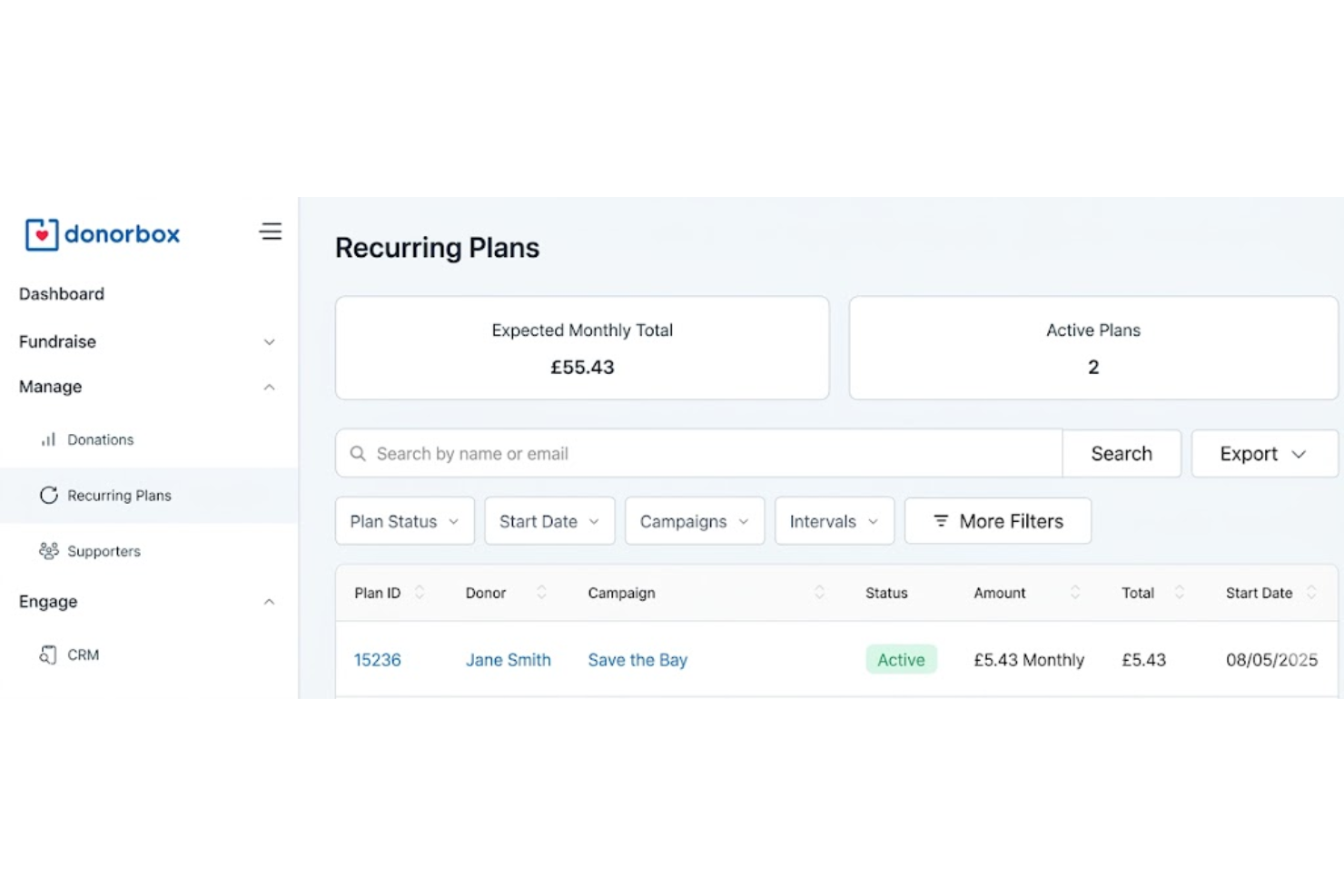
Set up automated, scheduled giving for donors with flexible intervals. This helps churches and nonprofits build predictable, ongoing support.
Customizable Donation Forms
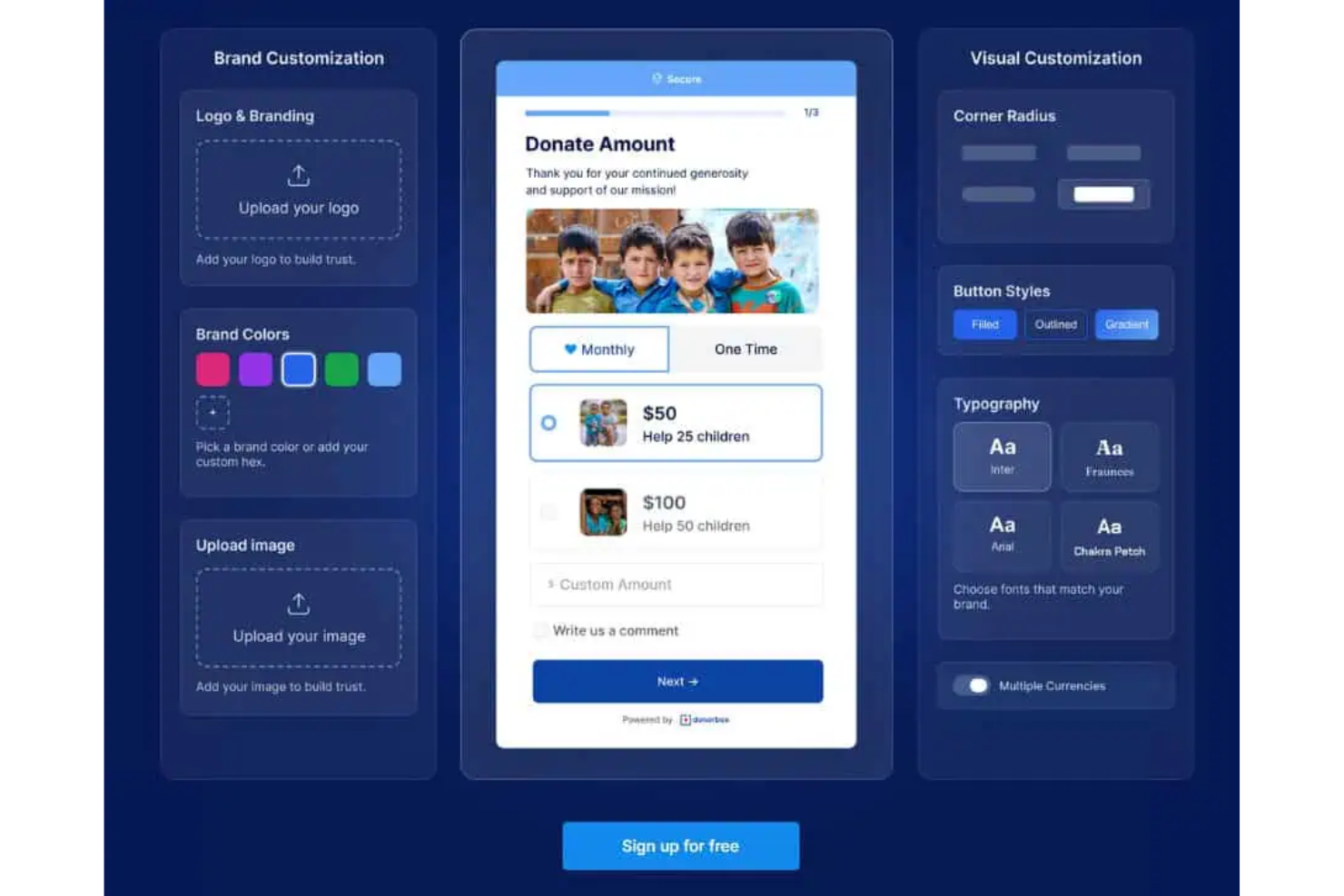
Create branded forms that match your website and campaign needs. Add custom fields to collect specific donor information.
Donor Management Dashboard
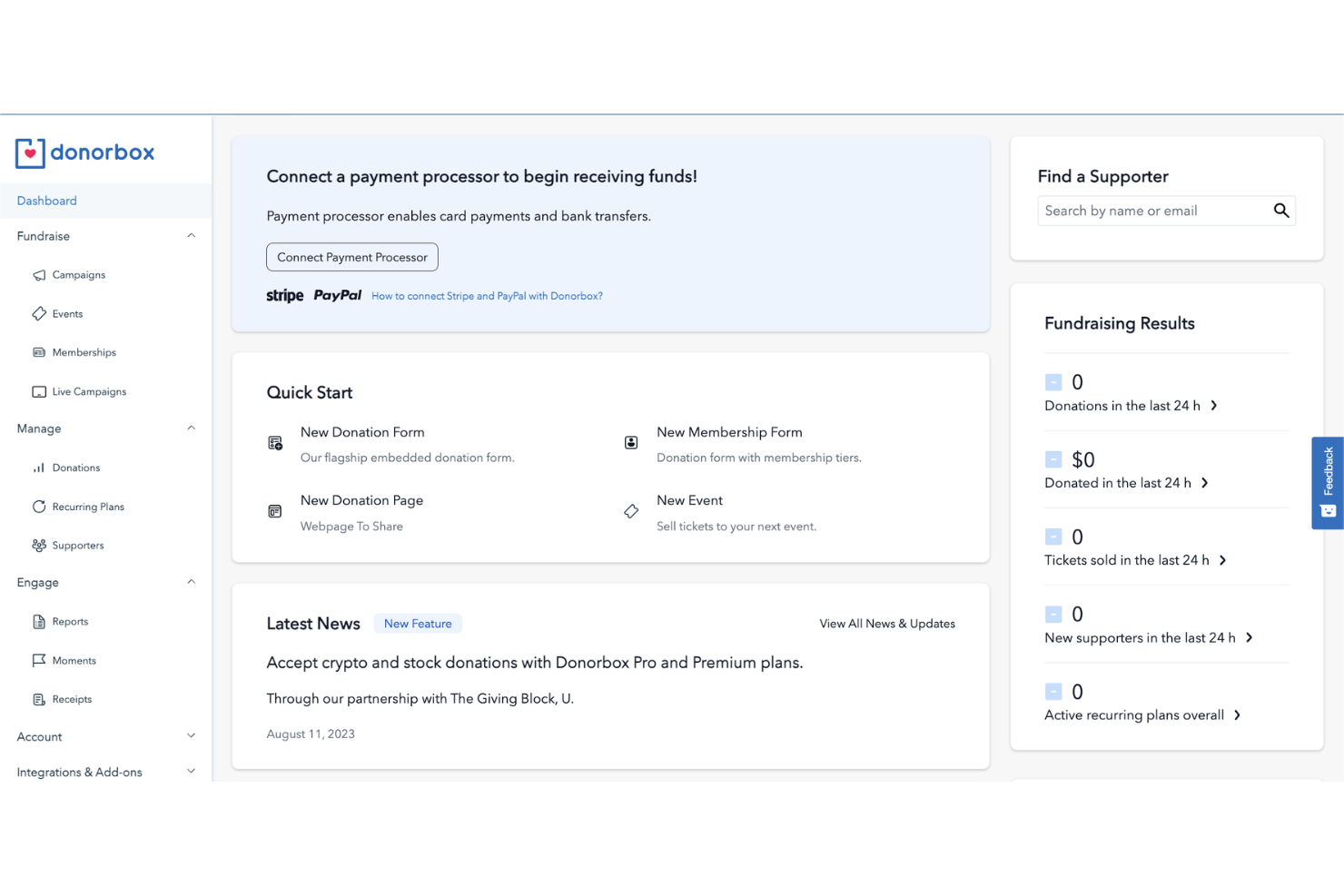
Track donor history, segment supporters, and view giving trends in one place. The dashboard simplifies follow-up and engagement.
Fundraising Campaign Pages
Launch dedicated pages for events, projects, or special appeals. Each page includes progress bars and storytelling sections.
Text-to-Give
Enable donors to give by texting a unique code, making mobile giving easy. This feature is especially useful during live events or services.
Automated Receipts and Thank-Yous
Send instant, customizable receipts and thank-you emails after each donation. This saves time and improves donor relationships.
Ease of Use
Donorbox is widely recognized for its straightforward setup and intuitive interface, making it accessible even for users with limited technical experience. Most users can launch donation forms or campaign pages in minutes, thanks to clear step-by-step guides and minimal required configuration. The dashboard is organized and uncluttered, so tracking donations and managing donors feels simple. This focus on usability helps churches and small teams avoid the frustration of complex onboarding or hidden settings.
Integrations
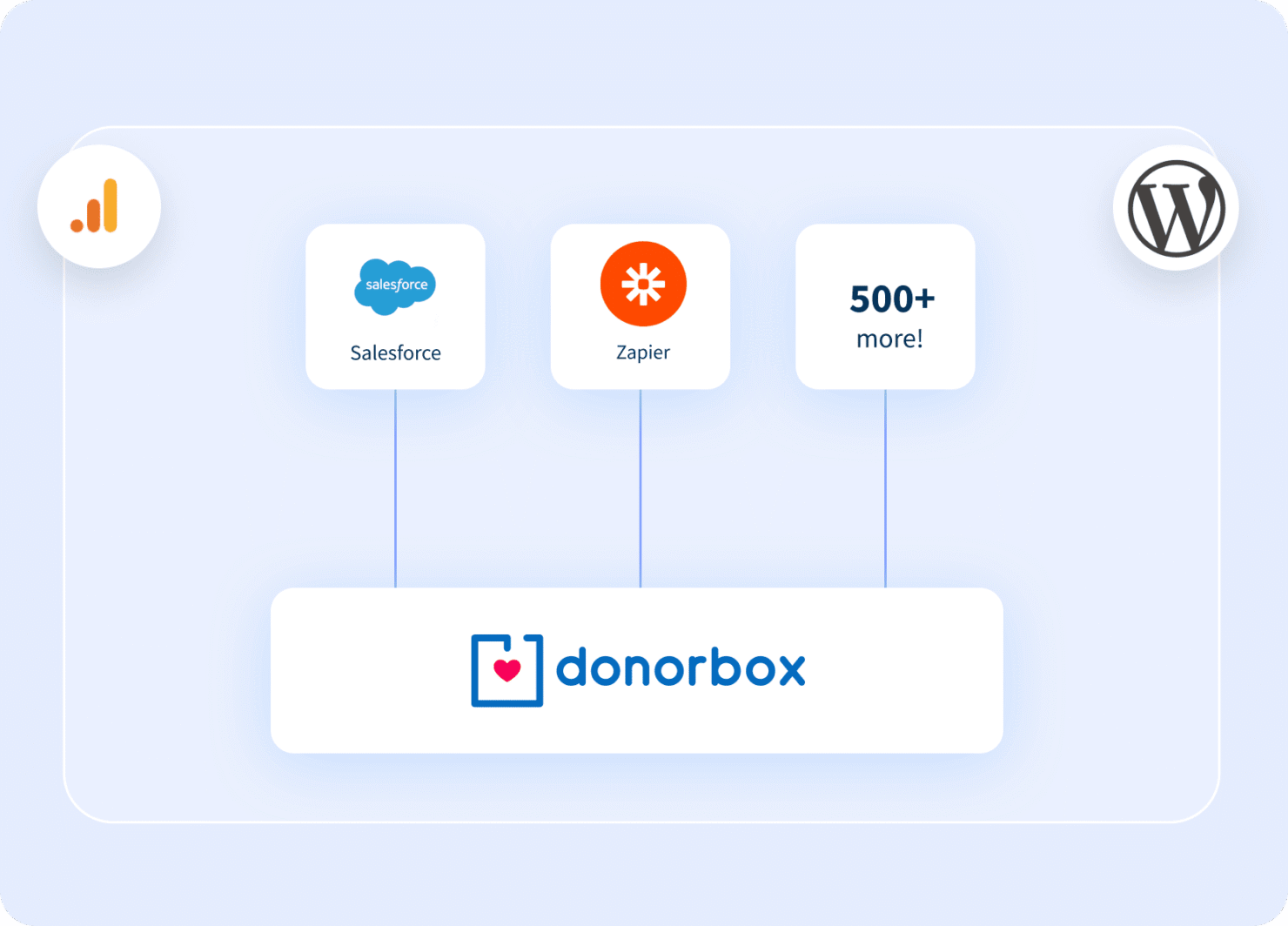
Donorbox integrates with Salesforce, Mailchimp, Zapier, PayPal, Stripe, Double the Donation, Hubspot, and Slack, among others.
Donorbox also offers an API and connects with third-party integration tools for expanded functionality.
Donorbox Specs
- API
- Calendar Management
- Contact Management
- Contact Sharing
- Customer Management
- Dashboard
- Data Export
- Data Import
- Email Integration
- File Sharing
- Multi-User
- Notifications
- Payment Processor
- Scheduling


