
PowerChurch Review: Pros, Cons, Features & Pricing

We review tools independently, and commissions help fund our testing. See our transparency policy, our methodology, or suggest a tool.
PowerChurch is a church software built around membership tracking, fund accounting, and contribution management for local churches. I'd consider it most seriously if your congregation needs an all-in-one system with built-in accounting rather than paying for separate modules. Compared to Planning Center, PowerChurch bundles accounting natively, which makes a real difference for smaller churches managing a tighter budget with limited admin staff.
PowerChurch Evaluation Summary

0/5
- From $47/month
- Free demo available
Why Trust Our Software Recommendations
6,700+
Reviews
20
Industry experts
16+
Evaluation factors
14
Years
Our team has been testing and reviewing software since 2012. As church leaders ourselves, we know how difficult—and important—it is to choose the right software.
For this guide, we evaluated tools using hands-on testing and independent research, scoring tools using our selection criteria.
Our reviews reflect our human editorial judgment, not a sales pitch.
PowerChurch Overview
In my opinion, PowerChurch is a solid option for churches that need comprehensive management tools. It excels in accounting and member management, offering good value for money. However, its interface might feel dated compared to newer platforms. It's best suited for small to mid-sized churches that prioritize financial and membership management over cutting-edge design or extensive integrations. If you're choosing software for a church that needs robust financial tracking, PowerChurch is worth considering.
Pros
- PowerChurch offers robust accounting features that simplify financial management for your church.
- The member management tools help you keep track of your congregation with ease.
- It provides customizable reports that aid in making informed decisions for your church's growth.
Cons
- The user interface might feel outdated, which can affect your team's experience.
- There's a steep learning curve during onboarding, which could slow down your initial setup.
- Limited integrations with other tools might restrict your workflow flexibility.
Is PowerChurch Right For Your Needs?
Who Would Be a Good Fit for PowerChurch?
Small to mid-sized churches and religious organizations are well-suited for PowerChurch. If your team needs strong accounting and member management tools, you'll find PowerChurch valuable. Its customizable reports can help you make informed decisions, which is crucial for churches focusing on financial health and community engagement. PowerChurch is ideal for local parishes and community churches looking to streamline their administrative tasks without needing extensive integrations.
- Small ChurchesPowerChurch provides essential tools for handling finances and tracking members without overwhelming your team.
- Community ChurchesIts focus on member management helps you maintain strong connections with your congregation.
- Religious OrganizationsFor those needing detailed financial oversight, PowerChurch's accounting features are a great fit.
- Finance TeamsYou'll appreciate the robust accounting tools that simplify complex financial tasks.
- Membership CoordinatorsPowerChurch's member management capabilities make it easier to track and engage with your community.
- Local ParishesThe customizable reports assist in guiding your decisions and supporting your parish's growth.
Who Would Be a Bad Fit for PowerChurch?
Large churches or organizations needing extensive integrations and modern interfaces might find PowerChurch lacking. If your team relies on cutting-edge technology and seamless tool integration, PowerChurch's limited integration options and dated interface could be a hindrance. It's not ideal for tech-savvy teams that prioritize visual design and advanced digital capabilities over core management tasks.
- Large ChurchesThe limited integration options can restrict your ability to connect with other tools you use.
- Tech-Savvy TeamsYou'll likely find the interface outdated compared to newer, sleeker options.
- Multi-Location ChurchesPowerChurch might not support the complex needs of managing multiple sites efficiently.
- Digital Marketing TeamsIf you rely on modern digital tools, the lack of integration can be a significant drawback.
- Innovative OrganizationsOrganizations seeking cutting-edge technology will find PowerChurch's traditional approach limiting.
- Advanced IT DepartmentsYour team might struggle with the lack of advanced technical features and integration capabilities.
How We Test & Score Tools
We’ve spent years building, refining, and improving our software testing and scoring system. The rubric is designed to capture the nuances of software selection and what makes a tool effective, focusing on critical aspects of the decision-making process.
Below, you can see exactly how our testing and scoring works across seven criteria. It allows us to provide an unbiased evaluation of the software based on core functionality, standout features, ease of use, onboarding, customer support, integrations, customer reviews, and value for money.
Core Functionality (25% of final scoring)
The starting point of our evaluation is always the core functionality of the tool. Does it have the basic features and functions that a user would expect to see? Are any of those core features locked to higher-tiered pricing plans? At its core, we expect a tool to stand up against the baseline capabilities of its competitors.
Standout Features (25% of final scoring)
Next, we evaluate uncommon standout features that go above and beyond the core functionality typically found in tools of its kind. A high score reflects specialized or unique features that make the product faster, more efficient, or offer additional value to the user.
We also evaluate how easy it is to integrate with other tools typically found in the tech stack to expand the functionality and utility of the software. Tools offering plentiful native integrations, 3rd party connections, and API access to build custom integrations score best.
Ease of Use (10% of final scoring)
We consider how quick and easy it is to execute the tasks defined in the core functionality using the tool. High scoring software is well designed, intuitive to use, offers mobile apps, provides templates, and makes relatively complex tasks seem simple.
Onboarding (10% of final scoring)
We know how important rapid team adoption is for a new platform, so we evaluate how easy it is to learn and use a tool with minimal training. We evaluate how quickly a team member can get set up and start using the tool with no experience. High scoring solutions indicate little or no support is required.
Customer Support (10% of final scoring)
We review how quick and easy it is to get unstuck and find help by phone, live chat, or knowledge base. Tools and companies that provide real-time support score best, while chatbots score worst.
Customer Reviews (10% of final scoring)
Beyond our own testing and evaluation, we consider the net promoter score from current and past customers. We review their likelihood, given the option, to choose the tool again for the core functionality. A high scoring software reflects a high net promoter score from current or past customers.
Value for Money (10% of final scoring)
Lastly, in consideration of all the other criteria, we review the average price of entry level plans against the core features and consider the value of the other evaluation criteria. Software that delivers more, for less, will score higher.
Core Features
Member Management:
You can easily track and manage your congregation's information, ensuring you stay connected with your community. This feature helps you organize contact details, attendance, and participation.
Accounting:
PowerChurch offers robust financial tools to manage your church's finances, including budgeting and payroll. You can maintain transparency and accuracy in your financial records.
Event Management:
Plan and manage church events with ease, keeping your team and congregation informed. This ensures smooth coordination and successful gatherings.
Donation Tracking:
Keep track of contributions and generate reports to recognize donors. This feature simplifies your fundraising efforts and helps maintain donor relationships.
Customizable Reports:
Generate reports tailored to your church's specific needs, aiding in decision-making. You can analyze data to support your church's growth and goals.
Check-In System:
Manage attendance at events and services, ensuring a secure environment for your congregation. This feature provides peace of mind for parents and leaders.

Standout Features
Volunteer Management:
Organize and coordinate volunteers efficiently, ensuring every role is filled. This helps you match skills with needs and maintain an active volunteer base.
Facility Scheduling:
Manage your church's facilities with ease, avoiding conflicts and maximizing space usage. This feature ensures that your events run smoothly without double-bookings.

Ease of Use
PowerChurch offers a straightforward interface that might feel a bit dated, but it gets the job done for managing church operations. You'll find the core features are easy to navigate, though the initial setup can be challenging. Once you're familiar with the system, managing tasks like accounting and member tracking becomes second nature. While it may not have the sleekest design, its functionality supports your church's administrative needs effectively.

Onboarding
PowerChurch's onboarding process can be a bit overwhelming due to its steep learning curve. New users might find the initial setup challenging, but the available support and resources, like user manuals and community forums, help ease the transition. While it may take time to reach full value, once you're acclimated, the comprehensive features can significantly aid your church management tasks. Patience during the onboarding phase pays off as you become proficient in using the software.
.png&w=3840&q=75)
Customer Support
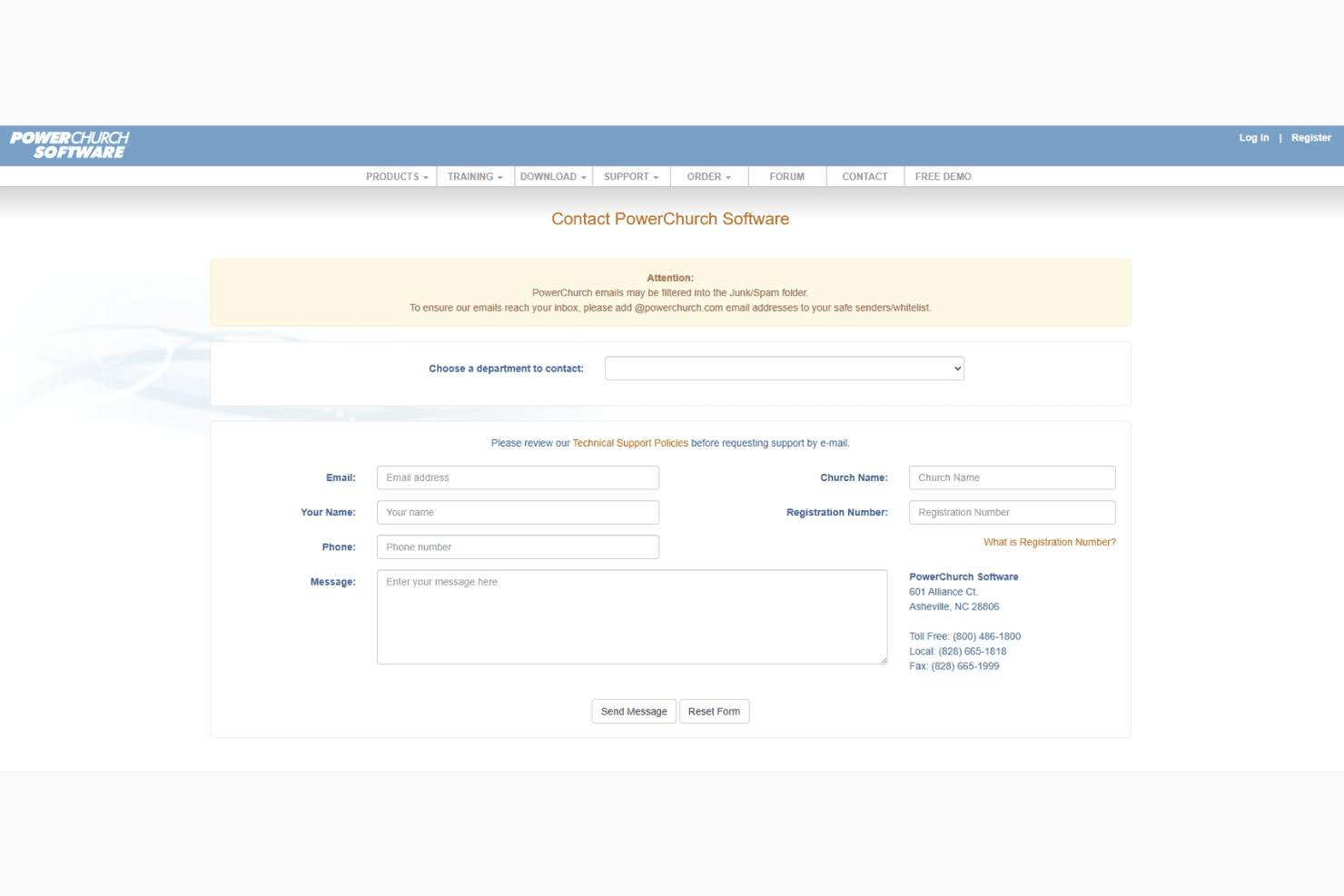
PowerChurch provides solid customer support, helping you navigate any challenges with their responsive team. Users appreciate the timely assistance through phone and email, ensuring your issues are addressed promptly. The availability of detailed user manuals and active forums adds another layer of support. While the support isn't 24/7, the quality of help during business hours makes a difference in resolving your concerns effectively. This ensures your team can keep operations running smoothly.
Value for Money
PowerChurch offers strong value for small to mid-sized churches seeking an all-in-one administrative solution. While specific pricing isn’t publicly listed, users find the platform cost-effective given its wide range of features. From accounting to member tracking, it provides robust tools that help streamline church operations without unnecessary complexity.
PowerChurch Specs
- API: No
- Calendar Management: No
- Contact Management: No
- Dashboards: No
- Data Export: No
- Data Import: No
- Document Management: No
- External Integrations: No
- Multi-User: No
- Notifications: No
- Payment Gateway Integration: No
- Scheduling: No
- Workflow Management: No
PowerChurch FAQs
PowerChurch Company Overview & History
PowerChurch Software was founded in 1984 and is headquartered in Asheville, NC. PowerChurch focuses on providing flexible and customizable church management software for ministries. With over 39,000 organizations relying on its products, PowerChurch has established a strong reputation in the industry. The company is known for its commitment to customer loyalty and providing tailored solutions to meet the diverse needs of churches.
PowerChurch Major Milestones
- 1984: Founded with a vision to support churches and ministries.
- 1990s: Expanded its product offerings to include customizable software solutions.
- 2000s: Reached over 10,000 organizations using PowerChurch Software.
- 2010s: Continued growth with over 39,000 organizations relying on its products.
- 2020s: Maintained a strong presence in the church management software market.