

Breeze ChMS:n arvostelu: hyvät puolet, huonot puolet, ominaisuudet ja hinnoittelu
Breeze ChMS erottuu kirkonhallintaohjelmistojen markkinoilla helppokäyttöisen käyttöliittymänsä ja edullisen hinnoittelunsa ansiosta, mikä tekee siitä erinomaisen vaihtoehdon pienille ja keskikokoisille kirkoille.

We review tools independently, and commissions help fund our testing. See our transparency policy, our methodology, or suggest a tool.
Breeze ChMS is a church management software built for small to mid-sized congregations that need to track members, giving, and attendance without a steep learning curve. I'd consider it if your church has outgrown spreadsheets but finds something like Planning Center more complex than you actually need. Breeze focuses on the core features most churches use daily, and you can get up and running with it faster than most platforms in this category.
Breeze ChMS Evaluation Summary
4.8/5
- From $72/month
- Free demo available
Miksi luottaa ohjelmistosuosituksiimme
6,700+
Reviews
20
Industry experts
16+
Evaluation factors
14
Years
Tiimimme on testannut ja arvioinut ohjelmistoja vuodesta 2012 lähtien. Seurakuntajohtajina tiedämme itse, kuinka vaikeaa — ja tärkeää — oikean ohjelmiston valitseminen on.
Tätä opasta varten arvioimme työkaluja käytännön testauksen ja itsenäisen tutkimuksen avulla, pisteyttäen työkalut valintakriteeriemme perusteella.
Arvostelumme perustuvat inhimilliseen toimitukselliseen harkintaamme, eivät myyntipuheeseen.
Breeze ChMS Overview
When I compare Breeze ChMS to other church management software, its clean interface and easy onboarding make it a top pick for small to mid-sized churches. The flat-rate pricing is predictable, and support is responsive. While it doesn’t offer deep customization or advanced integrations, I think its simplicity is a strength for teams who want to get up and running fast.
If you’re judging options for volunteer tracking, event management, and online giving without a steep learning curve, Breeze ChMS is a solid choice. It’s best for churches that value ease of use over complex features.
Pros
- Free data migration for new users
- Responsive phone and email support included
- Flat-rate pricing with no hidden fees or contracts
Cons
- Occasional bugs and slowdowns during peak usage
- No built-in accounting or finance module
- Limited reporting options for custom data analysis
Is Breeze ChMS Right For Your Needs?
Who Would be a Good Fit for Breeze ChMS?
Breeze ChMS is a strong choice for smaller churches, volunteer-driven ministries, and teams that want a straightforward way to manage people, events, and giving. Its flat-rate pricing, simple interface, and responsive support make it especially appealing for organizations with limited tech resources or part-time staff. If you’re looking for a tool that covers the basics without overwhelming your team, Breeze ChMS is likely to meet your needs.
- Small ChurchesBreeze ChMS is designed for congregations with fewer administrative staff and volunteers.
- Youth MinistriesThe event management and communication tools help coordinate youth activities.
- Volunteer CoordinatorsEasy volunteer scheduling and tracking make it simple to manage teams.
- Church PlantersQuick setup and free data migration support new church launches.
- Nonprofit MinistriesBasic donor tracking and communication features suit small nonprofits.
- Part-Time AdministratorsThe intuitive dashboard helps part-time staff stay organized and efficient.
Who Would be a Bad Fit for Breeze ChMS?
Breeze ChMS isn’t ideal for large, multi-site churches, organizations needing advanced financial tools, or teams that rely on deep reporting and integrations. If your ministry requires complex workflows, custom analytics, or built-in accounting, you’ll likely find Breeze ChMS limiting compared to more feature-rich platforms.
- Large Multi-Site ChurchesBreeze ChMS lacks advanced tools for managing multiple campuses.
- Finance DepartmentsNo built-in accounting or budgeting modules for financial oversight.
- Data AnalystsLimited reporting restricts custom data analysis and insights.
- Schools or DaycaresNo attendance tracking or billing features for educational programs.
- Tech-Savvy TeamsFew advanced integrations or automation options for complex workflows.
- Event-Heavy MinistriesEvent management features are basic and may not scale for large events.
How We Test & Score Tools
We’ve spent years building, refining, and improving our software testing and scoring system. The rubric is designed to capture the nuances of software selection and what makes a tool effective, focusing on critical aspects of the decision-making process.
Below, you can see exactly how our testing and scoring works across seven criteria. It allows us to provide an unbiased evaluation of the software based on core functionality, standout features, ease of use, onboarding, customer support, integrations, customer reviews, and value for money.
Core Functionality (25% of final scoring)
The starting point of our evaluation is always the core functionality of the tool. Does it have the basic features and functions that a user would expect to see? Are any of those core features locked to higher-tiered pricing plans? At its core, we expect a tool to stand up against the baseline capabilities of its competitors.
Standout Features (25% of final scoring)
Next, we evaluate uncommon standout features that go above and beyond the core functionality typically found in tools of its kind. A high score reflects specialized or unique features that make the product faster, more efficient, or offer additional value to the user.
We also evaluate how easy it is to integrate with other tools typically found in the tech stack to expand the functionality and utility of the software. Tools offering plentiful native integrations, 3rd party connections, and API access to build custom integrations score best.
Ease of Use (10% of final scoring)
We consider how quick and easy it is to execute the tasks defined in the core functionality using the tool. High scoring software is well designed, intuitive to use, offers mobile apps, provides templates, and makes relatively complex tasks seem simple.
Onboarding (10% of final scoring)
We know how important rapid team adoption is for a new platform, so we evaluate how easy it is to learn and use a tool with minimal training. We evaluate how quickly a team member can get set up and start using the tool with no experience. High scoring solutions indicate little or no support is required.
Customer Support (10% of final scoring)
We review how quick and easy it is to get unstuck and find help by phone, live chat, or knowledge base. Tools and companies that provide real-time support score best, while chatbots score worst.
Customer Reviews (10% of final scoring)
Beyond our own testing and evaluation, we consider the net promoter score from current and past customers. We review their likelihood, given the option, to choose the tool again for the core functionality. A high scoring software reflects a high net promoter score from current or past customers.
Value for Money (10% of final scoring)
Lastly, in consideration of all the other criteria, we review the average price of entry level plans against the core features and consider the value of the other evaluation criteria. Software that delivers more, for less, will score higher.
Core Features
Member Management
Breeze ChMS functions as a CRM for churches, allowing them to efficiently manage member information, track attendance, and maintain engagement records. Its interface makes accessing and updating member data straightforward and intuitive.
Event Scheduling
This function enables churches to plan and organize events with ease, allowing users to schedule, notify, and manage church activities in one place.
Donation Tracking
Breeze ChMS provides a robust donation tracking system, allowing churches to record, manage, and report on contributions, making financial management transparent and efficient.
Communication Tools
The software includes tools to facilitate communication within the church community, such as sending emails and text messages, ensuring that members are always informed and engaged.
Volunteer Management
Breeze ChMS helps coordinate volunteer activities by tracking participation and scheduling, making it easier for churches to manage their volunteer workforce.
Reporting
The platform offers customizable reporting features, enabling churches to generate reports on various activities and metrics, providing valuable insights into church operations.
Ease of Use
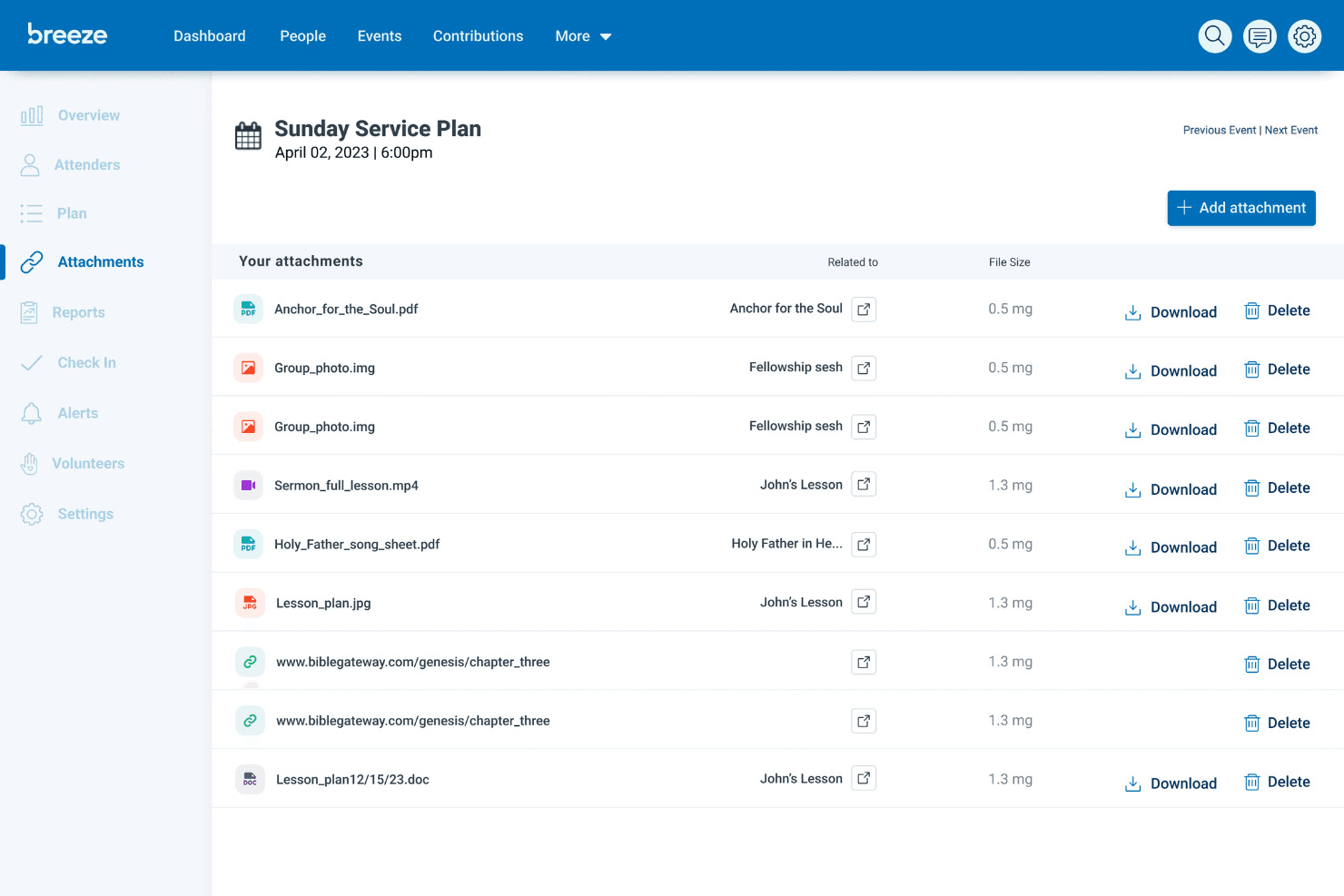
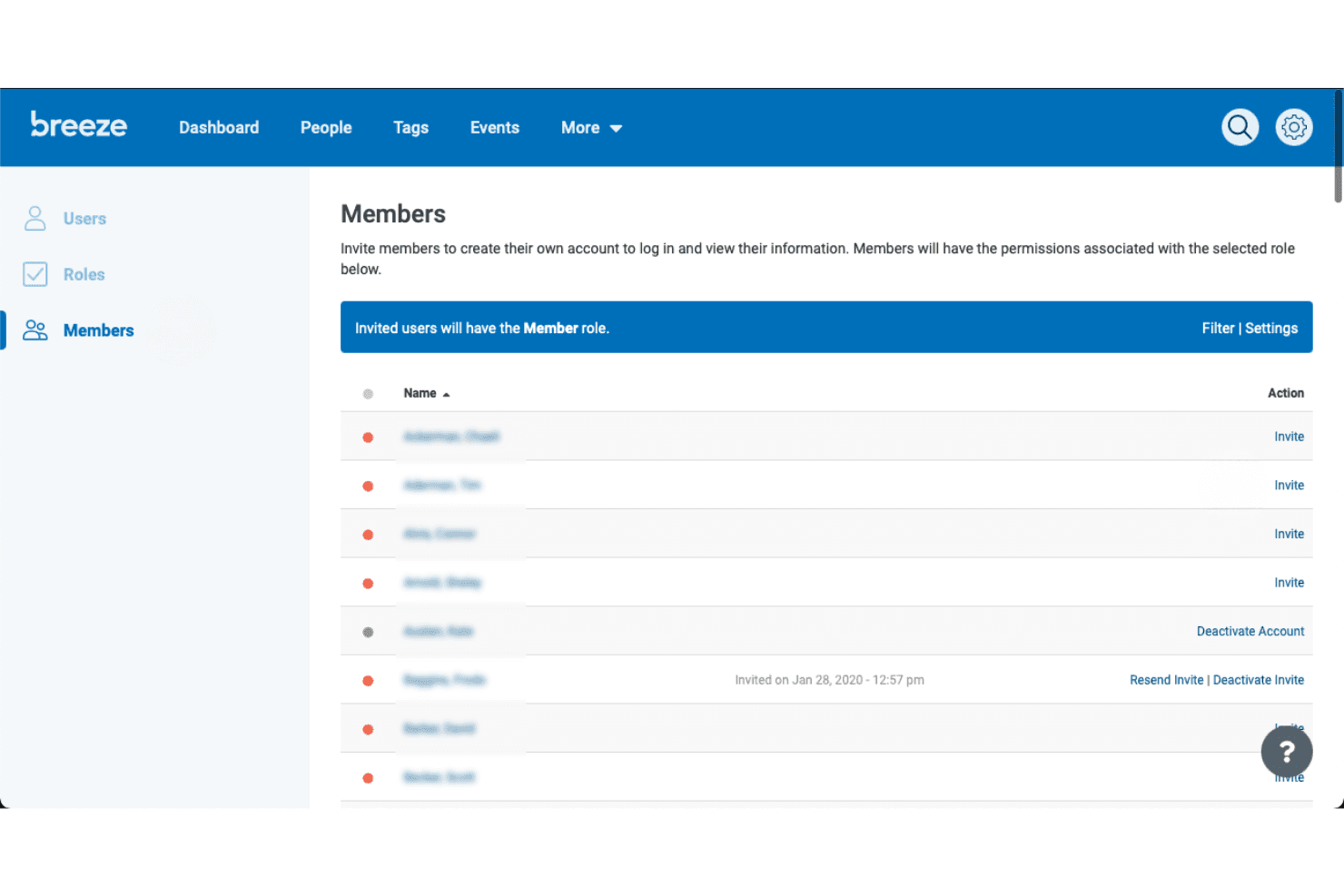
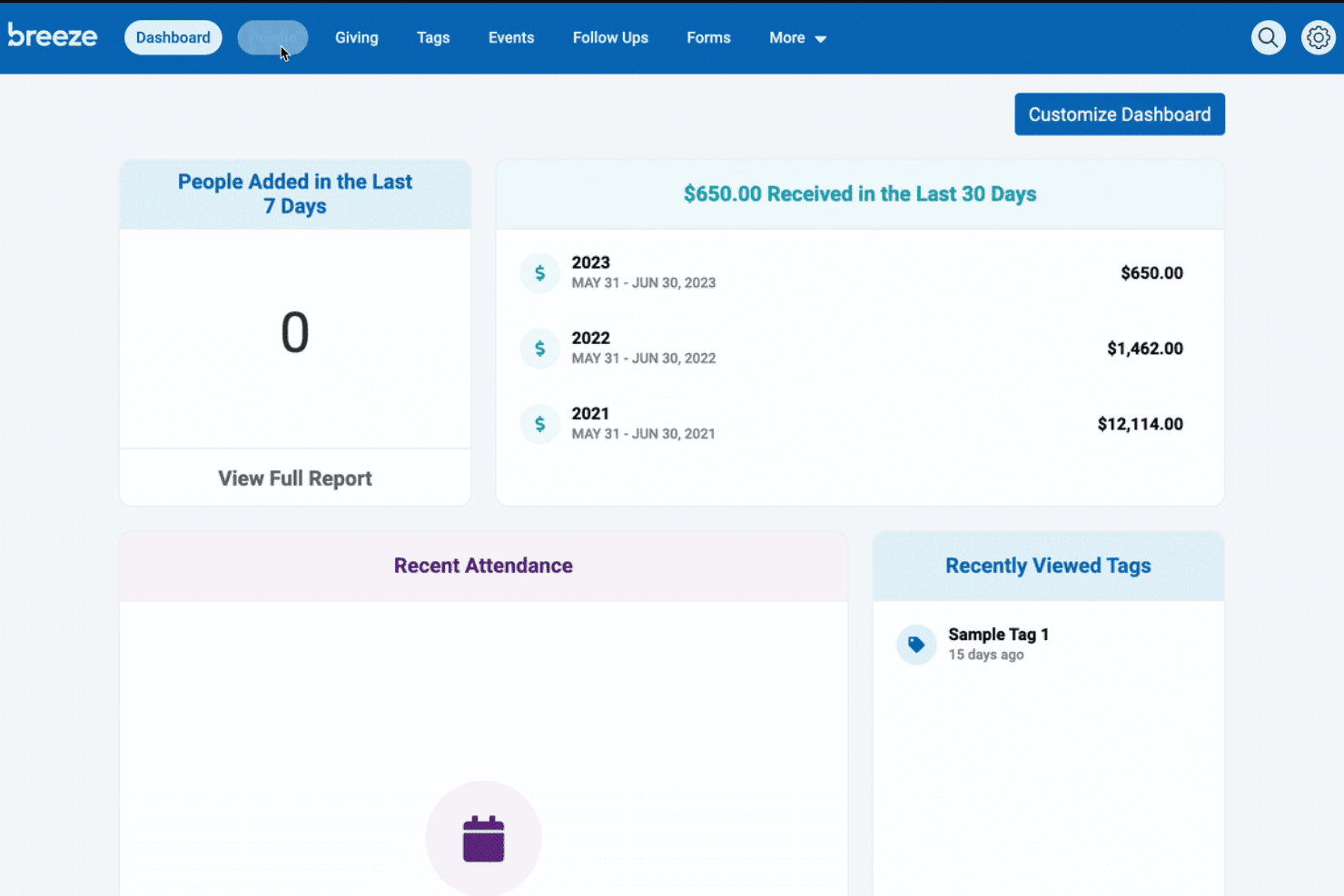
Breeze ChMS is one of the most approachable church management tools I’ve used. The dashboard is clean, navigation is intuitive, and most features are accessible with just a few clicks.
Users often mention how quickly they can train new staff or volunteers, thanks to clear menus and built-in help guides. Even those with limited tech experience find it easy to manage people, events, and giving without feeling overwhelmed by unnecessary complexity.
Integrations
Breeze ChMS natively integrates with QuickBooks and SongSelect, enabling seamless data management, financial tracking, and communication. It also provides an API for custom integrations, allowing users to connect additional platforms, automate workflows, sync data across systems, and expand functionality beyond native offerings to better suit their church management needs.
Breeze ChMS Specs
- API: Yes
- Calendar Management: Yes
- Contact Management: Yes
- Dashboards: No
- Data Export: Yes
- Data Import: Yes
- Document Management: No
- External Integrations: Yes
- Multi-User: Yes
- Notifications: Yes
- Payment Gateway Integration: No
- Scheduling: No
- Workflow Management: No


