

Reseña de Google Slides: Ventajas, Desventajas, Funciones y Precios
Google Slides destaca en presentaciones para iglesias gracias a sus funciones colaborativas y su facilidad de uso, lo que lo convierte en una opción sobresaliente entre los programas gratuitos.

Revisamos herramientas de manera independiente, y las comisiones ayudan a financiar nuestras pruebas. Consulta nuestra política de transparencia, nuestra metodología o sugiere una herramienta.
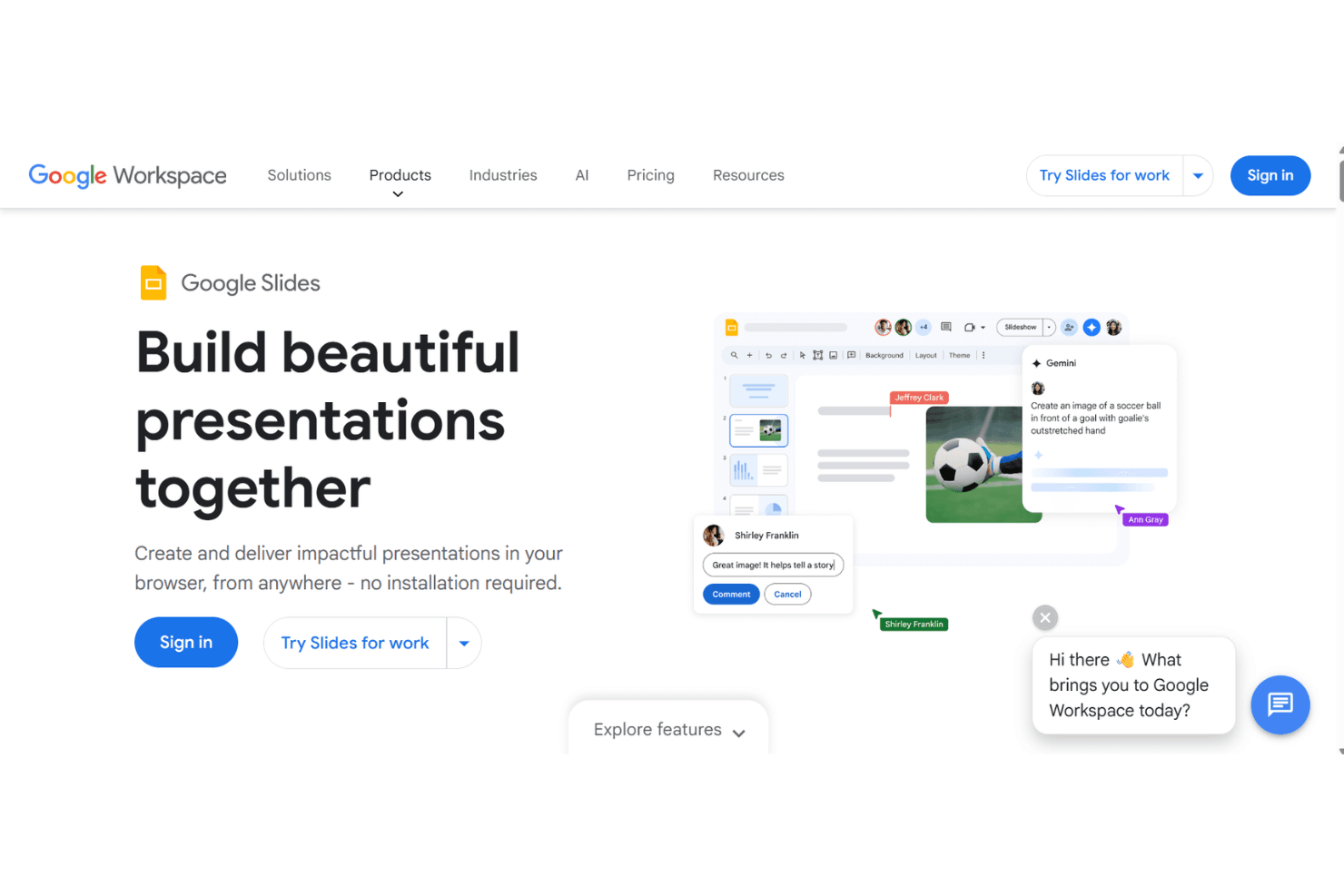
Google Slides is a free church presentation software built for creating and displaying slides across any device with a browser. It's worth considering if your church needs to put sermon notes, song lyrics, or announcements on screen without paying for a dedicated tool. I'd choose it over something like ProPresenter if budget is the primary constraint—you get real-time collaboration, cloud storage, and a familiar editing interface at no cost, even if it trades some of the worship-specific features that paid platforms offer.
Google Slides Evaluation Summary
4.6/5
- Free
Por qué confiar en nuestras recomendaciones de software
6,700+
Reviews
20
Industry experts
16+
Evaluation factors
14
Years
Nuestro equipo lleva probando y evaluando software desde 2012. Como líderes eclesiásticos, sabemos lo difícil —y lo importante— que es elegir el software adecuado.
Para esta guía, evaluamos las herramientas mediante pruebas prácticas e investigación independiente, puntuando las herramientas según nuestros criterios de selección.
Nuestras reseñas reflejan nuestro criterio editorial humano, no un discurso de ventas.
Google Slides Overview
In my opinion, Google Slides is a solid choice for church presentations and slideshows if you're looking for free cloud-based options. It's great for teams that need real-time collaboration without spending a dime. While it might not have the advanced features of paid software like ProPresenter, it outperforms in ease of use and accessibility. You can determine if it's right for your team by considering your need for simple, collaborative tools over complex features. It's best suited for small churches or volunteer groups that prioritize easy sharing and editing over bells and whistles.
Pros
- You can easily collaborate with your team in real-time.
- It's simple to use, even for beginners.
- You have access to it anywhere with an internet connection.
Cons
- It lacks advanced features found in specialized presentation tools.
- You might find customization options limited for unique presentations.
- It doesn't support offline editing without prior setup.
Is Google Slides Right For Your Needs?
Who Would be a Good Fit for Google Slides?
Google Slides is great for small church teams needing easy collaboration without spending money. It suits youth ministry groups and volunteer teams who value real-time editing and sharing over complex features. If your team prefers working online and needs a tool that's simple to use, Google Slides is a good choice. Its functionality lets you focus on creating engaging online presentations without a steep learning curve.
- Small ChurchesGoogle Slides is ideal for small churches needing a free, easy-to-use tool for presentations.
- Volunteer GroupsIt's perfect for volunteer groups who need to collaborate on presentations without advanced features.
- Youth MinistriesYouth ministries benefit from its simplicity and real-time collaboration features.
- NonprofitsNonprofits can use Google Slides to create professional presentations without spending on software.
- Event PlannersEvent planners find it useful for quickly creating and sharing presentation materials online.
- Education DepartmentsEducation departments can use it for lesson planning to create slide decks easily.
Who Would be a Bad Fit for Google Slides?
Google Slides isn't ideal for large churches or organizations needing advanced presentation features. If your work requires intricate design elements or offline editing capabilities, you'll find Google Slides lacking. It's not suited for teams that need robust customization or specialized presentation tools. If your presentations demand high-level multimedia integration or detailed analytics, you might find Google Slides falls short in meeting those needs.
- Large CorporationsLarge corporations requiring advanced features won't find Google Slides sufficient for their complex presentation needs.
- Design AgenciesDesign agencies needing extensive customization and design tools will find Google Slides too basic.
- Media CompaniesMedia companies requiring high-quality multimedia integration will find Google Slides lacking.
- Offline TeamsTeams working primarily offline won't benefit from Google Slides as it relies on internet access.
- Data-Intensive DepartmentsDepartments needing detailed data analytics and reporting won't find Google Slides capable of meeting those demands.
- Advanced Marketing TeamsMarketing teams needing advanced features and integrations will find Google Slides too limited for their strategies.
Cómo Probamos y Puntuamos Herramientas
Hemos pasado años creando, refinando y mejorando nuestro sistema de prueba y puntuación de software. La rúbrica está diseñada para captar las particularidades de la selección de software y lo que hace que una herramienta sea efectiva, centrándose en los aspectos críticos del proceso de toma de decisiones. A continuación, puedes ver exactamente cómo funcionan nuestras pruebas y puntuaciones en siete criterios. Nos permite proporcionar una evaluación imparcial del software basada en la funcionalidad principal, características destacadas, facilidad de uso, incorporación, soporte al cliente, integraciones, reseñas de clientes y relación calidad-precio.
Funcionalidad principal (25% de la puntuación final)
El punto de partida de nuestra evaluación es siempre la funcionalidad principal de la herramienta. ¿Tiene las funciones y características básicas que un usuario esperaría ver? ¿Alguna de esas funciones principales está bloqueada en planes de precios superiores? En esencia, esperamos que una herramienta se mantenga frente a las capacidades mínimas de sus competidores.
Características destacadas (25% de la puntuación final)
A continuación, evaluamos características poco comunes que van más allá de la funcionalidad principal típicamente encontrada en herramientas de su tipo. Una puntuación alta refleja funciones especializadas o únicas que hacen que el producto sea más rápido, eficiente o que aporte valor adicional al usuario. También evaluamos lo fácil que es integrarse con otras herramientas habitualmente presentes en la infraestructura tecnológica, para ampliar la funcionalidad y utilidad del software. Las herramientas que ofrecen muchas integraciones nativas, conexiones con terceros y acceso API para crear integraciones personalizadas obtienen la mejor puntuación.
Facilidad de uso (10% de la puntuación final)
Consideramos qué tan rápido y fácil es ejecutar las tareas definidas en la funcionalidad principal utilizando la herramienta. El software con alta puntuación está bien diseñado, es intuitivo de usar, ofrece aplicaciones móviles, proporciona plantillas y hace que tareas relativamente complejas parezcan simples.
Incorporación (10% de la puntuación final)
Sabemos lo importante que es la rápida adopción por parte del equipo en una nueva plataforma, por lo que evaluamos lo fácil que es aprender y usar una herramienta con una formación mínima. Evaluamos lo rápido que un miembro del equipo puede configurarse y comenzar a usar la herramienta sin experiencia previa. Las soluciones mejor puntuadas indican que se requiere poco o ningún soporte.
Soporte al cliente (10% de la puntuación final)
Revisamos lo rápido y fácil que es obtener ayuda por teléfono, chat en vivo o base de conocimiento. Las herramientas y empresas que brindan soporte en tiempo real obtienen la mejor puntuación, mientras que los chatbots obtienen la peor.
Reseñas de clientes (10% de la puntuación final)
Más allá de nuestras propias pruebas y evaluaciones, consideramos la puntuación neta del promotor de clientes actuales y anteriores. Revisamos la probabilidad de que elegirían nuevamente la herramienta para la funcionalidad principal. Un software de alta puntuación refleja una puntuación neta del promotor elevada por parte de sus clientes actuales o pasados.
Relación calidad-precio (10% de la puntuación final)
Por último, en consideración del resto de los criterios, revisamos el precio promedio de los planes de nivel inicial frente a las funciones principales y consideramos el valor de los otros criterios de evaluación. El software que ofrece más, por menos, obtendrá una mejor puntuación.
Core Features
Real-Time Collaboration
You and your team can edit presentations simultaneously, seeing changes instantly. This makes group work seamless and efficient.
Templates and Themes
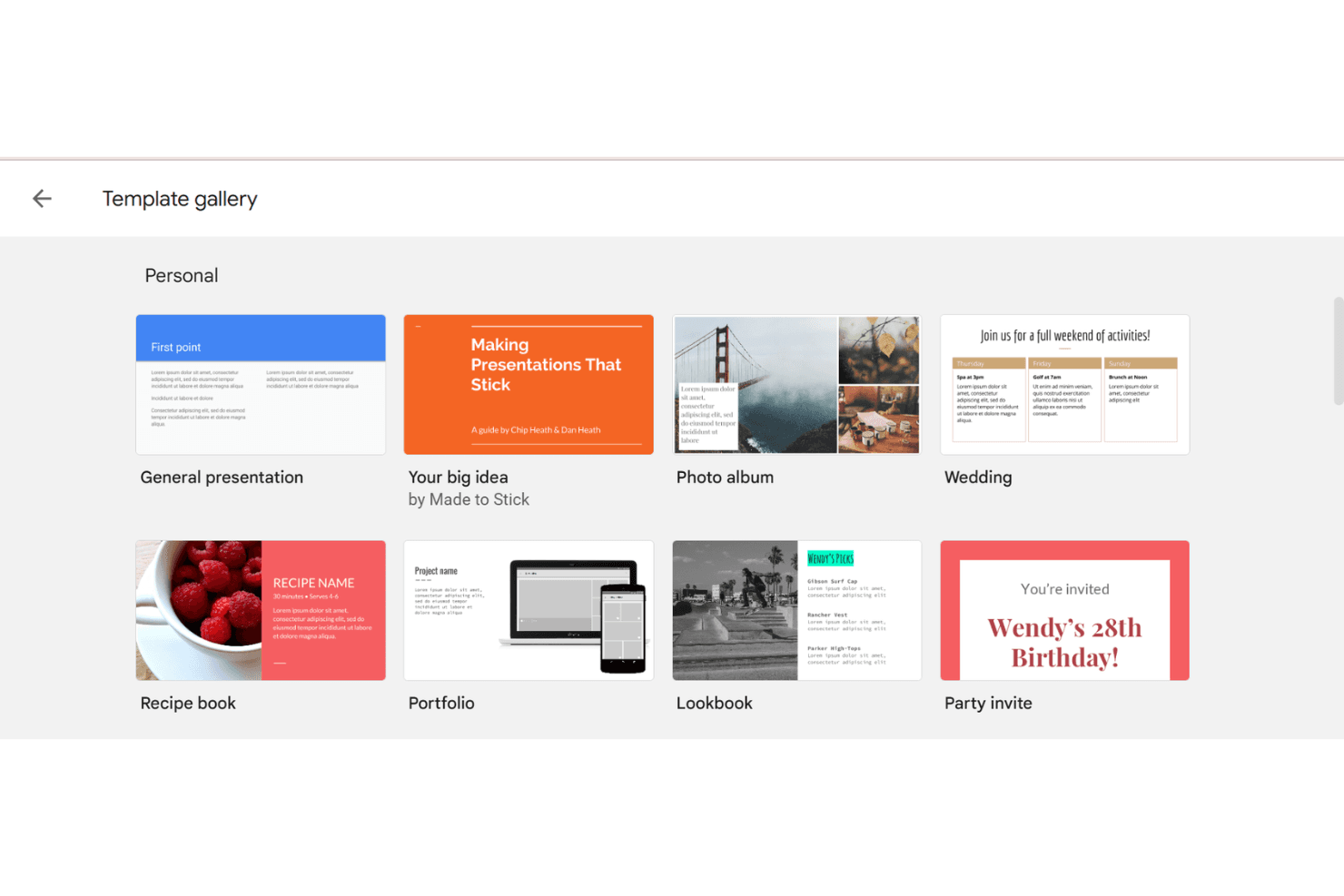
Google Slides offers a variety of templates and themes for your presentations. It helps you create professional-looking slides without design skills.
Cloud Storage
Your presentations are stored in the cloud, so you can access them anywhere with an internet connection. This makes sharing and collaborating easy.
Presenter View
You can use Presenter View to see your notes while presenting. It helps you stay organized and focused during your presentation.
Offline Access
You can enable offline access to work on presentations without an internet connection. This is useful for making edits on the go.
Version History
Google Slides keeps a version history of your presentations. You can revert to previous versions if needed, ensuring you never lose important changes.
Ease of Use
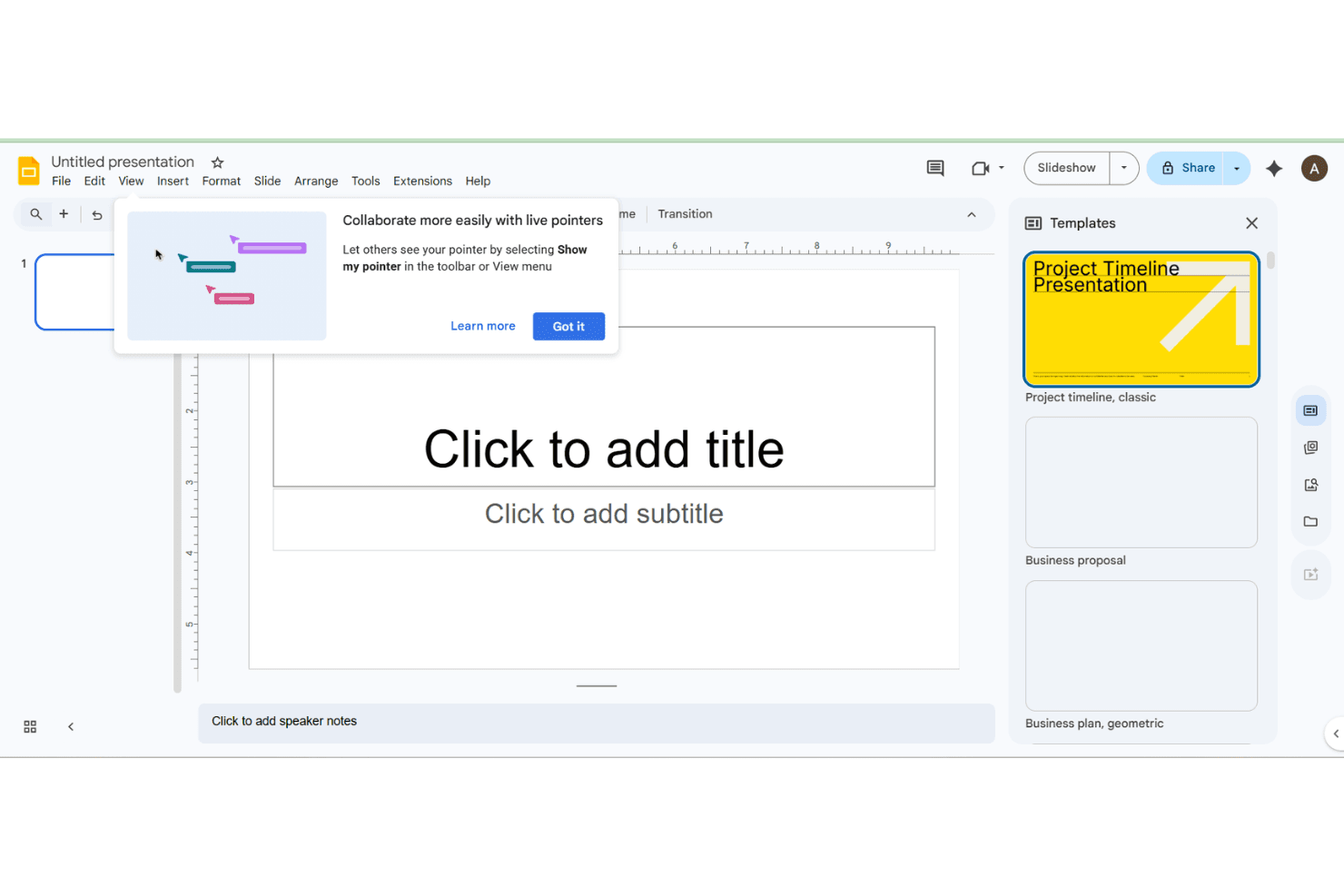
Google Slides is easy to use, making it perfect for teams without technical expertise. Its intuitive interface lets you quickly create and edit presentations, while real-time collaboration fosters teamwork. You don't need to download anything, and everything's accessible with an internet connection. User reviews highlight its straightforward design and simple navigation. If you're looking for a hassle-free tool to get presentations done efficiently, Google Slides is a solid choice.
Integrations
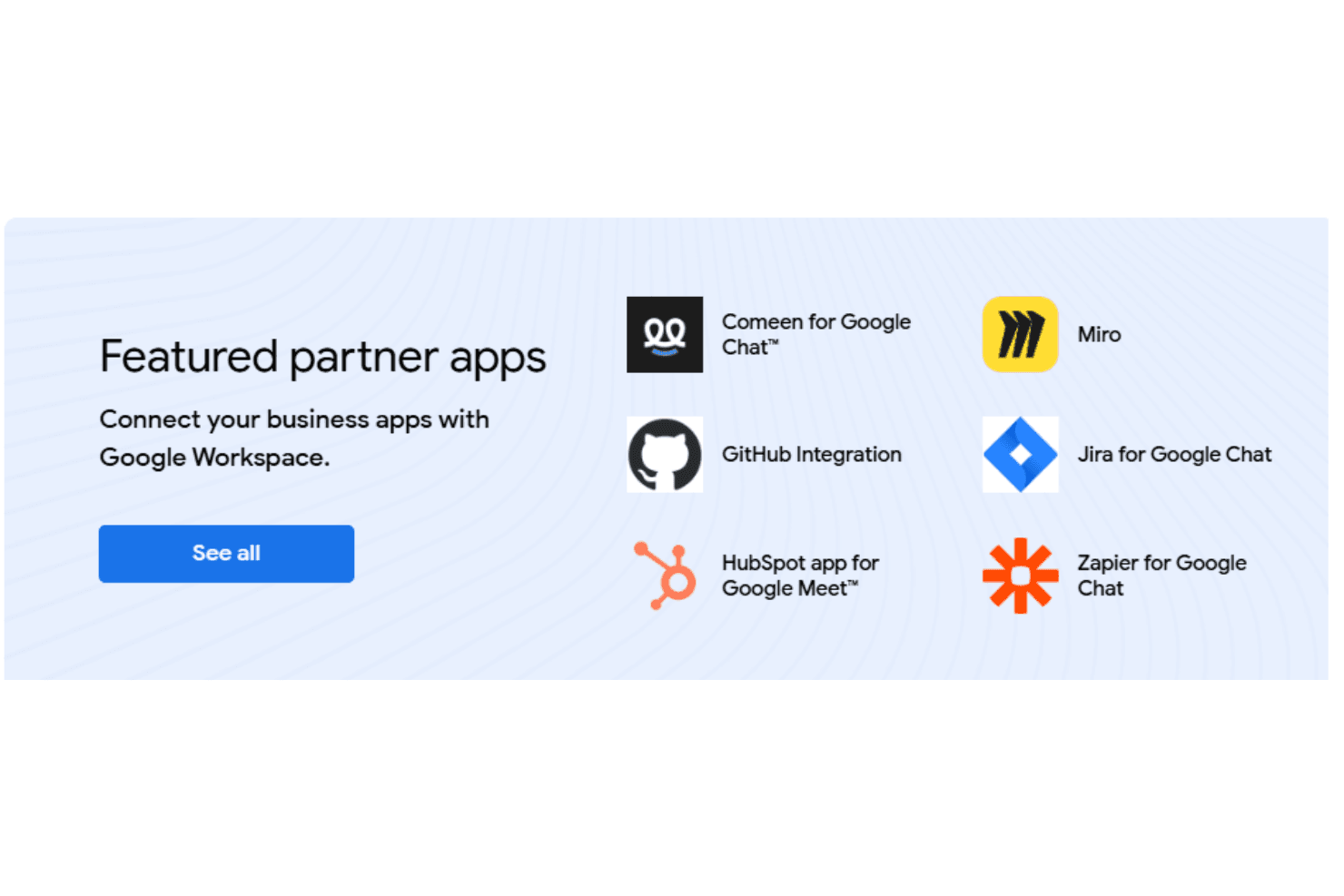
Google Slides integrates natively with a wide array of Google apps including Google Drive, Google Docs, Google Sheets, Google Meet, Gmail, and YouTube, enabling seamless content creation and sharing. It also supports integrations with tools like Miro, Jotform, Typeform, and HubSpot through add-ons, embeds, or automation platforms.
Google Slides provides an API and works with third-party integration tools such as Zapier for extended connectivity.
Google Slides Specs
- API: Yes
- Calendar Management: No
- Chat: Yes
- Data Export: Yes
- Data Import: Yes
- Data Visualization: Yes
- Document Comparison: Yes
- External Integrations: Yes
- History/Version Control: Yes
- Multi-User: Yes
- Notifications: Yes
- Scheduling: No