

Ekklesia360 Review: Pros, Cons, Features & Pricing

We review tools independently, and commissions help fund our testing. See our transparency policy, our methodology, or suggest a tool.
Ekklesia360 is a church website builder designed specifically for churches that need a web presence built around ministry functions—sermon archives, event registration, and giving tools included. I'd look at it seriously if your church needs more than a general builder like Squarespace can offer out of the box. Where Squarespace requires you to piece together third-party plugins to handle church-specific needs, Ekklesia360 builds those features in from the start.
Ekklesia360 Evaluation Summary
0/5
- from $65/month
- No free trial
Why Trust Our Software Recommendations
6,700+
Reviews
20
Industry experts
16+
Evaluation factors
14
Years
Our team has been testing and reviewing software since 2012. As church leaders ourselves, we know how difficult—and important—it is to choose the right software.
For this guide, we evaluated tools using hands-on testing and independent research, scoring tools using our selection criteria.
Our reviews reflect our human editorial judgment, not a sales pitch.
Ekklesia360 Overview
Ekklesia360 is an excellent choice for churches looking for a website builder that truly understands their unique needs, offering specialized features like integrated giving, event management, and sermon media hosting. I highly recommend it to small to mid-sized churches seeking a user-friendly platform tailored specifically to faith communities, as it simplifies complex church operations while providing attractive designs. However, larger churches with highly customized requirements might find it somewhat limiting compared to more flexible web development options.
Ekklesia360 offers integrations with popular tools like Planning Center and Mailchimp to streamline church management and communication. These integrations help churches connect their administrative and outreach efforts efficiently.
Pros
- You can easily manage events and sermons, which helps keep your congregation informed and engaged through strong event management features.
- The platform provides strong customer support, ensuring you get help when you need it from a dedicated support team.
- Ekklesia360 offers a user-friendly interface that makes managing your church’s online presence straightforward.
Cons
- Some users find the website design options limited compared to other platforms.
- The initial setup can be time-consuming for those unfamiliar with web design or workflow tools.
- Users have noted that the platform lacks certain financial management features, such as advanced online giving or check-in functionality.


How We Test & Score Tools
We’ve spent years building, refining, and improving our software testing and scoring system. The rubric is designed to capture the nuances of software selection and what makes a tool effective, focusing on critical aspects of the decision-making process.
Below, you can see exactly how our testing and scoring works across seven criteria. It allows us to provide an unbiased evaluation of the software based on core functionality, standout features, ease of use, onboarding, customer support, integrations, customer reviews, and value for money.
Core Functionality (25% of final scoring)
The starting point of our evaluation is always the core functionality of the tool. Does it have the basic features and functions that a user would expect to see? Are any of those core features locked to higher-tiered pricing plans? At its core, we expect a tool to stand up against the baseline capabilities of its competitors.
Standout Features (25% of final scoring)
Next, we evaluate uncommon standout features that go above and beyond the core functionality typically found in tools of its kind. A high score reflects specialized or unique features that make the product faster, more efficient, or offer additional value to the user.
We also evaluate how easy it is to integrate with other tools typically found in the tech stack to expand the functionality and utility of the software. Tools offering plentiful native integrations, 3rd party connections, and API access to build custom integrations score best.
Ease of Use (10% of final scoring)
We consider how quick and easy it is to execute the tasks defined in the core functionality using the tool. High scoring software is well designed, intuitive to use, offers mobile apps, provides templates, and makes relatively complex tasks seem simple.
Onboarding (10% of final scoring)
We know how important rapid team adoption is for a new platform, so we evaluate how easy it is to learn and use a tool with minimal training. We evaluate how quickly a team member can get set up and start using the tool with no experience. High scoring solutions indicate little or no support is required.
Customer Support (10% of final scoring)
We review how quick and easy it is to get unstuck and find help by phone, live chat, or knowledge base. Tools and companies that provide real-time support score best, while chatbots score worst.
Customer Reviews (10% of final scoring)
Beyond our own testing and evaluation, we consider the net promoter score from current and past customers. We review their likelihood, given the option, to choose the tool again for the core functionality. A high scoring software reflects a high net promoter score from current or past customers.
Value for Money (10% of final scoring)
Lastly, in consideration of all the other criteria, we review the average price of entry level plans against the core features and consider the value of the other evaluation criteria. Software that delivers more, for less, will score higher.
Core Features
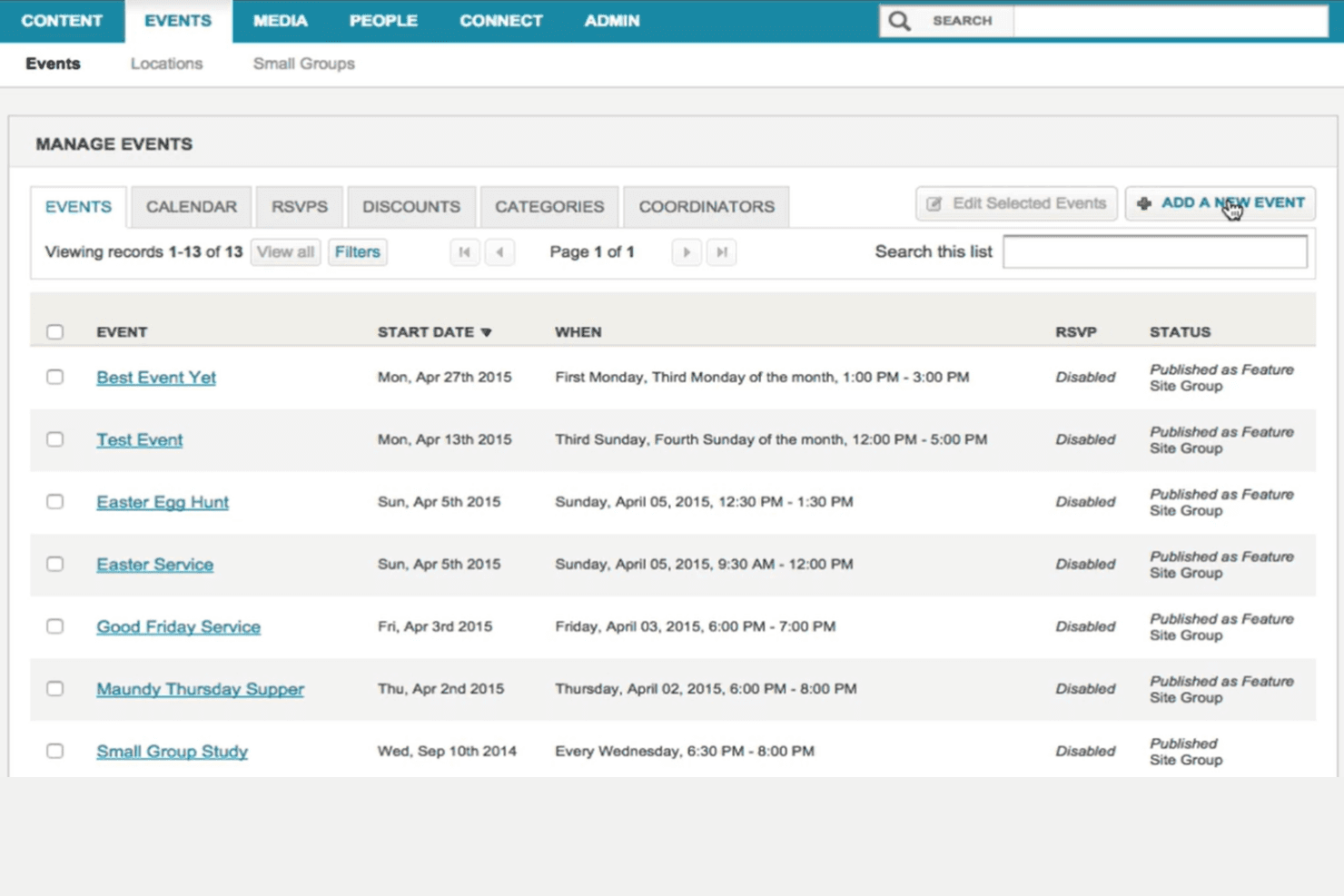
Event Management: You can easily schedule and promote church events, helping your congregation stay informed and involved. This feature simplifies event registration and boosts attendance.
Sermon Sharing: Upload and share sermons to connect with your community, even if they can’t attend in person. This keeps your message accessible and extends your reach, supporting small group engagement.
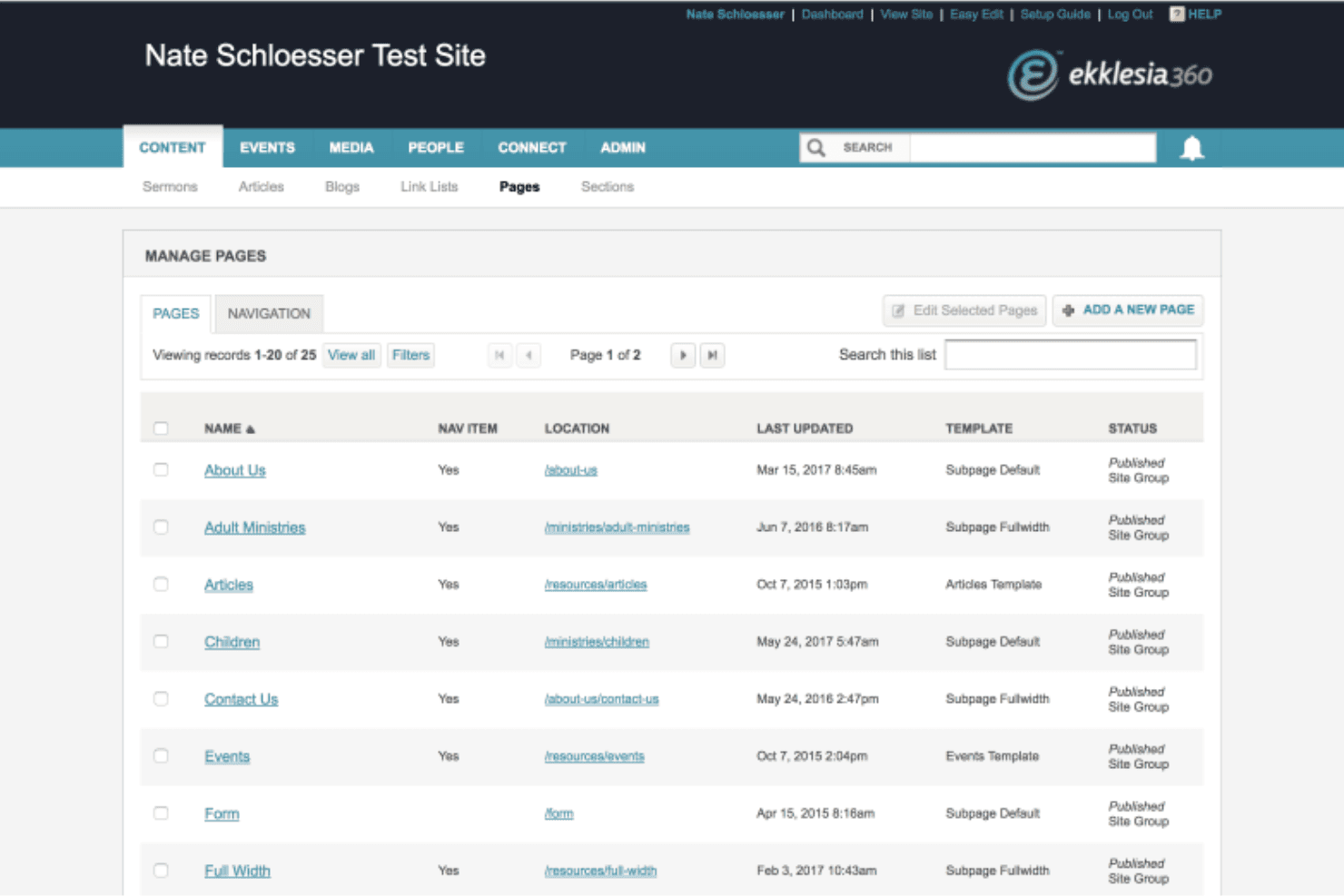
Content Management: Ekklesia360 allows you to manage your website content effortlessly, ensuring your site stays updated and relevant. You can make changes quickly without needing technical skills, thanks to its user-friendly interface.
Volunteer Coordination: Organize and manage volunteers efficiently, ensuring your events and activities run smoothly. This feature helps you match volunteers with roles that fit their skills, making volunteer management simple.
Donation Handling: Securely process online giving, making it easy for your congregation to contribute. This feature supports various payment methods to accommodate your donors, helping your nonprofit thrive.
Responsive Design: Your website will look great on any device, ensuring accessibility for your community. This feature enhances user experience by adapting to different screen sizes, which is essential for a strong online presence.
Ease of Use
Ekklesia360 offers a user-friendly interface that makes managing your church’s website straightforward, even if you’re not tech-savvy. Its drag-and-drop functionality allows you to update content with ease, saving you time and effort. While some users find the initial setup a bit complex, the platform’s intuitive design helps you navigate smoothly once you’re familiar with it. Compared to other options, Ekklesia360 strikes a good balance between functionalities and ease of use for church teams.
Integrations
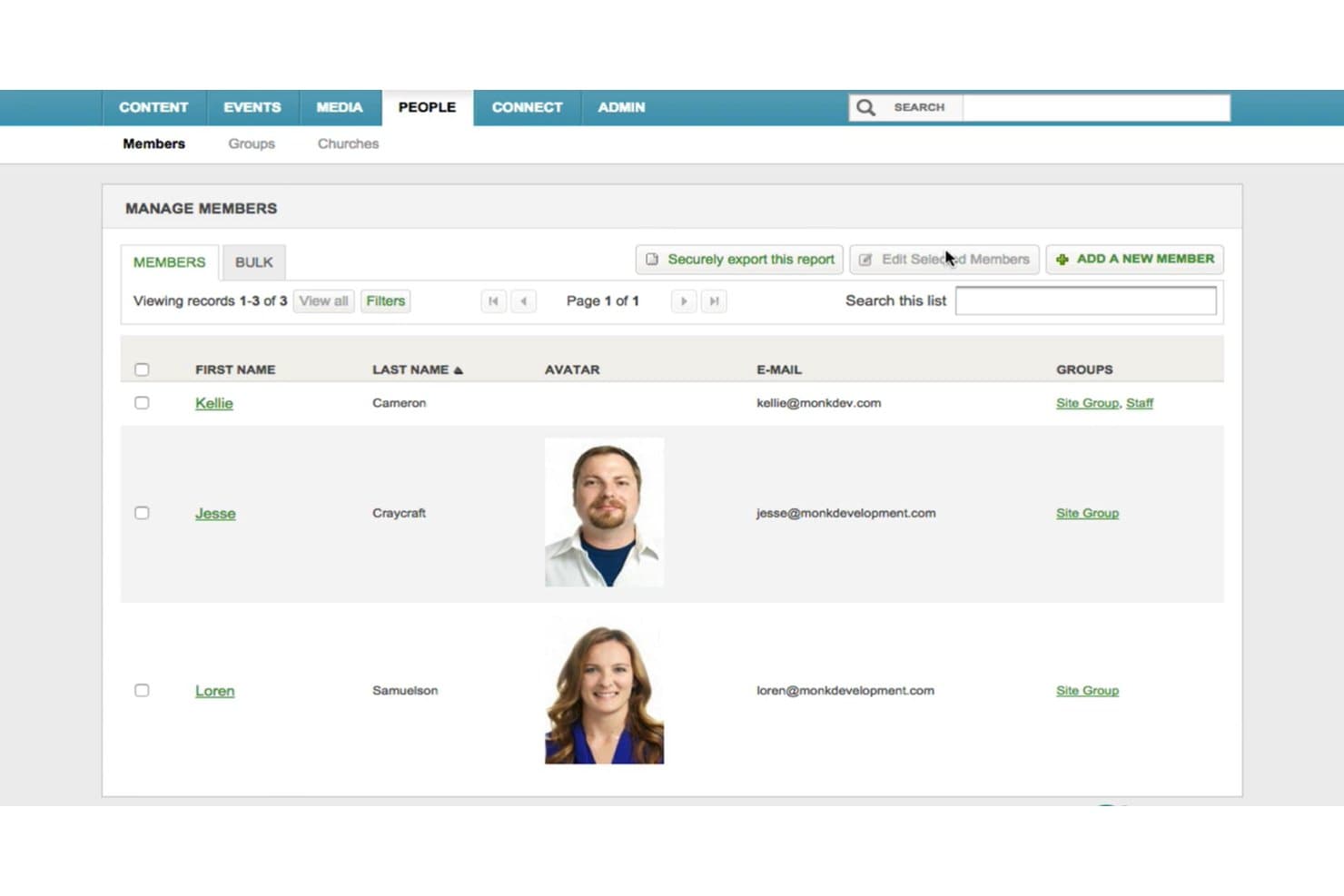
Ekklesia360 offers integrations with popular tools like Planning Center and Mailchimp to streamline church management and communication. These integrations help churches connect their administrative and outreach efforts efficiently.
Ekklesia360 Specs
- API: No
- Calendar Management: No
- Contact Management: No
- Dashboards: No
- Data Export: No
- Data Import: No
- Document Management: No
- External Integrations: No
- Multi-User: No
- Notifications: No
- Payment Gateway Integration: No
- Scheduling: No
- Workflow Management: No
Alternatives to Ekklesia360


Ekklesia360 FAQs
What’s Next?
Subscribe to our newsletter to get the latest resources, best practices, and insights on managing churches from expert pastors and church leaders, including tips on webinars, social media, and using all-in-one platforms like Ekklesia360.