

GoFundMe Review: Pros, Cons, Features, and Pricing Explained
GoFundMe stands out for its user-friendly platform and broad reach, but may not suit organizations needing advanced donor management or lower fees compared to specialized donation software.

We review tools independently, and commissions help fund our testing. See our transparency policy, our methodology, or suggest a tool.
GoFundMe is a free donation software built around crowdfunding campaigns, making it a natural fit for churches running one-time fundraisers, mission trip collections, or emergency relief drives. I'd choose it over other tools like Fundly if reaching donors outside your congregation matters. GoFundMe's name recognition and built-in social sharing tend to pull in contributions from people who've never attended your church before.
GoFundMe Evaluation Summary
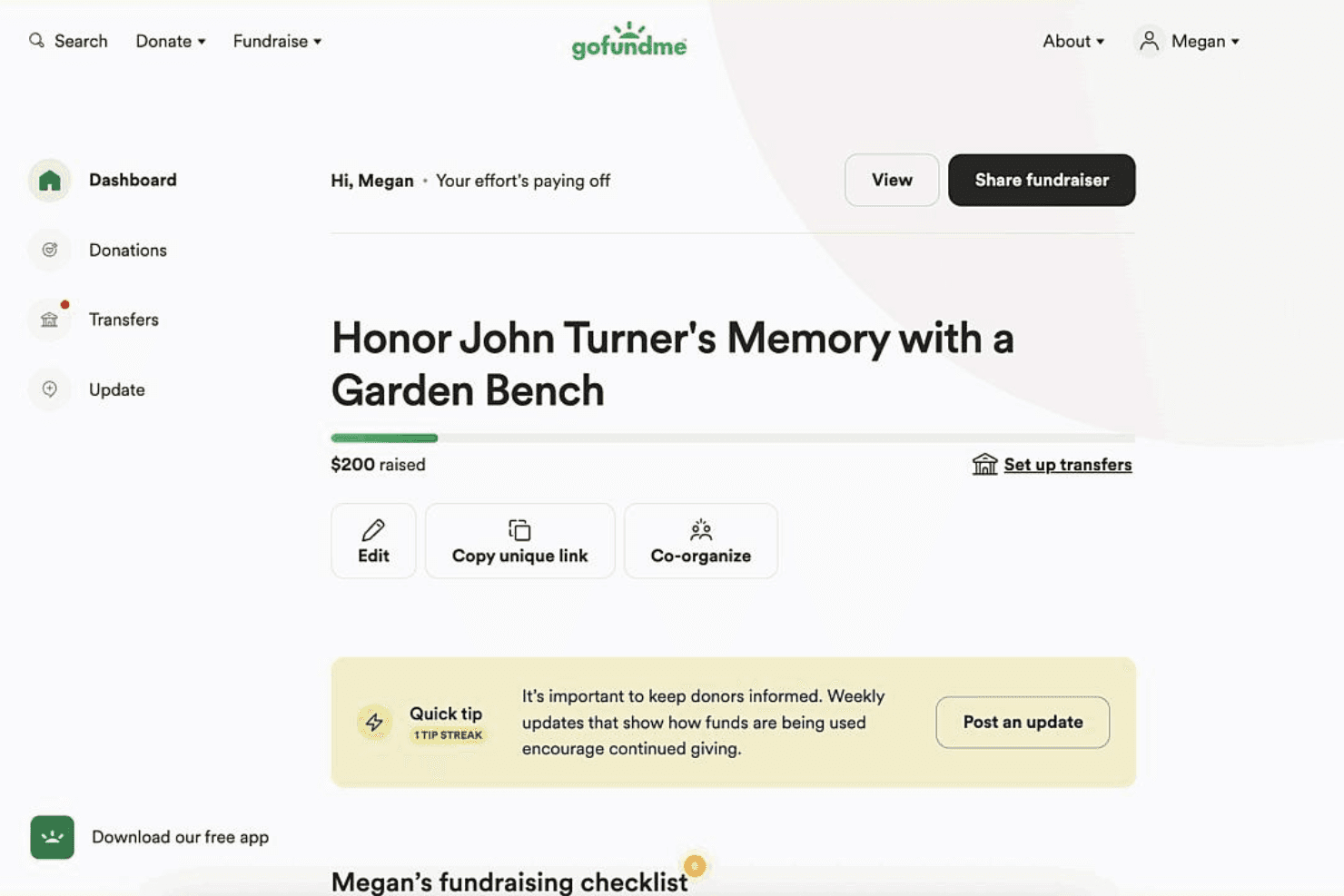
3.2/5
- From 2.9% + $0.30 per transaction
- Free plan available
Why Trust Our Software Recommendations
6,700+
Reviews
20
Industry experts
16+
Evaluation factors
14
Years
Our team has been testing and reviewing software since 2012. As church leaders ourselves, we know how difficult—and important—it is to choose the right software.
For this guide, we evaluated tools using hands-on testing and independent research, scoring tools using our selection criteria.
Our reviews reflect our human editorial judgment, not a sales pitch.
GoFundMe Overview
When judging GoFundMe as a donation software and crowdfunding platform, its intuitive interface, quick onboarding, and strong brand recognition make it easy for churches to launch campaigns and reach a wide audience. While its pricing and limited donor management features may not suit those seeking deep integrations or advanced reporting functionality, GoFundMe excels for leaders prioritizing simplicity and public visibility. If you’re selecting a platform for one-time projects, urgent needs, or community-driven giving, GoFundMe’s ease of use and support resources set it apart from more complex solutions.
Pros
- Recognized brand increases donor trust and campaign visibility
- Fast campaign setup for urgent or one-time fundraising needs
- Social sharing tools help campaigns reach wider audiences
Cons
- Lacks advanced donor management and reporting features
- Transaction fees are higher than some donation platforms
- Limited options for recurring or church-specific giving needs
Is GoFundMe Right For Your Needs?
Who Would be a Good Fit for GoFundMe?
GoFundMe is best suited for individuals, small teams, or organizations that need to raise funds quickly and publicly, especially when storytelling and social sharing are key to success. Its platform is ideal for causes that benefit from broad community support, urgent needs, or one-time projects, rather than ongoing donor relationships or complex financial tracking. If your fundraising depends on visibility and trust, GoFundMe’s brand and sharing tools make it a strong choice.
- Emergency ReliefGoFundMe’s fast setup and wide reach help urgent causes gain support quickly.
- Small NonprofitsLimited administrative features suit nonprofits with simple fundraising needs.
- Community GroupsSocial sharing tools help local groups rally support from their networks.
- Personal CausesIndividuals can easily launch campaigns for medical or personal emergencies.
- School FundraisersSchools benefit from GoFundMe’s visibility and easy donation process.
- Faith-Based ProjectsChurches or ministries can use GoFundMe for specific, time-bound campaigns.
Who Would be a Bad Fit for GoFundMe?
The GoFundMe platform is less effective for organizations that require advanced donor management, recurring giving, or integration with existing financial systems. Larger nonprofits, established churches, or businesses with complex reporting needs may find GoFundMe’s features too limited. If your fundraising relies on long-term donor engagement or detailed analytics, you’ll likely need a more specialized solution.
- Large Nonprofit OrganizationsLacks robust donor tracking and reporting for complex fundraising operations.
- Enterprise OrganizationsNo integration with enterprise accounting or CRM systems.
- Development DepartmentsMissing tools for managing donor relationships and recurring gifts.
- Higher EducationInsufficient features for alumni engagement and multi-year campaigns.
- Healthcare FoundationsLimited compliance and reporting for regulated fundraising environments.
- Multi-Campus ChurchesNo support for managing multiple funds or locations within one account.
How We Test & Score Tools
We’ve spent years building, refining, and improving our software testing and scoring system. The rubric is designed to capture the nuances of software selection and what makes a tool effective, focusing on critical aspects of the decision-making process.
Below, you can see exactly how our testing and scoring works across seven criteria. It allows us to provide an unbiased evaluation of the software based on core functionality, standout features, ease of use, onboarding, customer support, integrations, customer reviews, and value for money.
Core Functionality (25% of final scoring)
The starting point of our evaluation is always the core functionality of the tool. Does it have the basic features and functions that a user would expect to see? Are any of those core features locked to higher-tiered pricing plans? At its core, we expect a tool to stand up against the baseline capabilities of its competitors.
Standout Features (25% of final scoring)
Next, we evaluate uncommon standout features that go above and beyond the core functionality typically found in tools of its kind. A high score reflects specialized or unique features that make the product faster, more efficient, or offer additional value to the user.
We also evaluate how easy it is to integrate with other tools typically found in the tech stack to expand the functionality and utility of the software. Tools offering plentiful native integrations, 3rd party connections, and API access to build custom integrations score best.
Ease of Use (10% of final scoring)
We consider how quick and easy it is to execute the tasks defined in the core functionality using the tool. High scoring software is well designed, intuitive to use, offers mobile apps, provides templates, and makes relatively complex tasks seem simple.
Onboarding (10% of final scoring)
We know how important rapid team adoption is for a new platform, so we evaluate how easy it is to learn and use a tool with minimal training. We evaluate how quickly a team member can get set up and start using the tool with no experience. High scoring solutions indicate little or no support is required.
Customer Support (10% of final scoring)
We review how quick and easy it is to get unstuck and find help by phone, live chat, or knowledge base. Tools and companies that provide real-time support score best, while chatbots score worst.
Customer Reviews (10% of final scoring)
Beyond our own testing and evaluation, we consider the net promoter score from current and past customers. We review their likelihood, given the option, to choose the tool again for the core functionality. A high scoring software reflects a high net promoter score from current or past customers.
Value for Money (10% of final scoring)
Lastly, in consideration of all the other criteria, we review the average price of entry level plans against the core features and consider the value of the other evaluation criteria. Software that delivers more, for less, will score higher.
Core Features
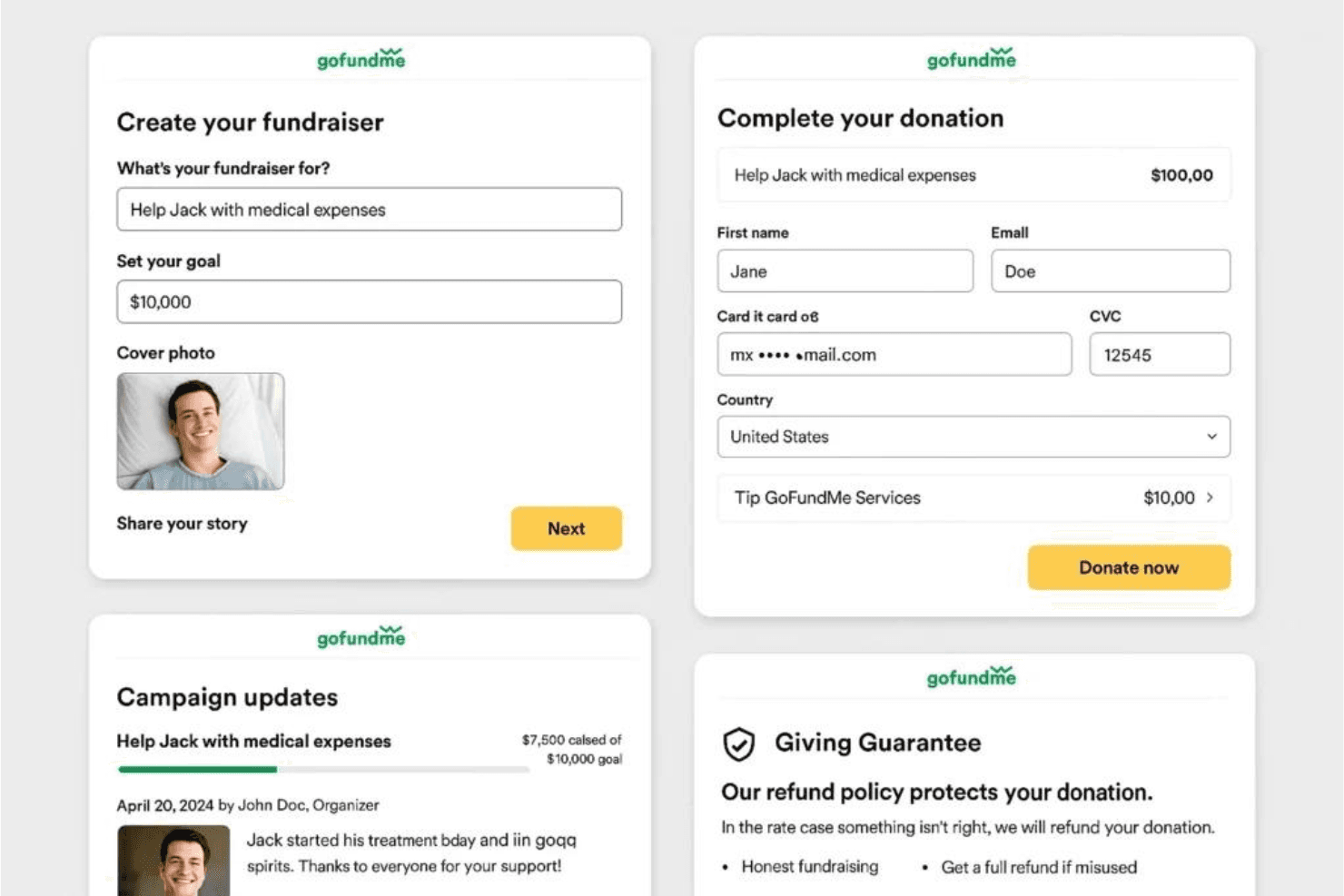
Campaign Creation Wizard
Guided prompts help you set up a fundraiser, add details, and set goals in minutes.
Storytelling Tools
Customizable story sections let you share your cause with photos, updates, and compelling narratives.
Social Sharing Dashboard
Built-in tools make it easy to share your campaign link across social media and email.
Secure Fund Disbursement
Funds are transferred directly to your bank account or a designated beneficiary with secure processing.
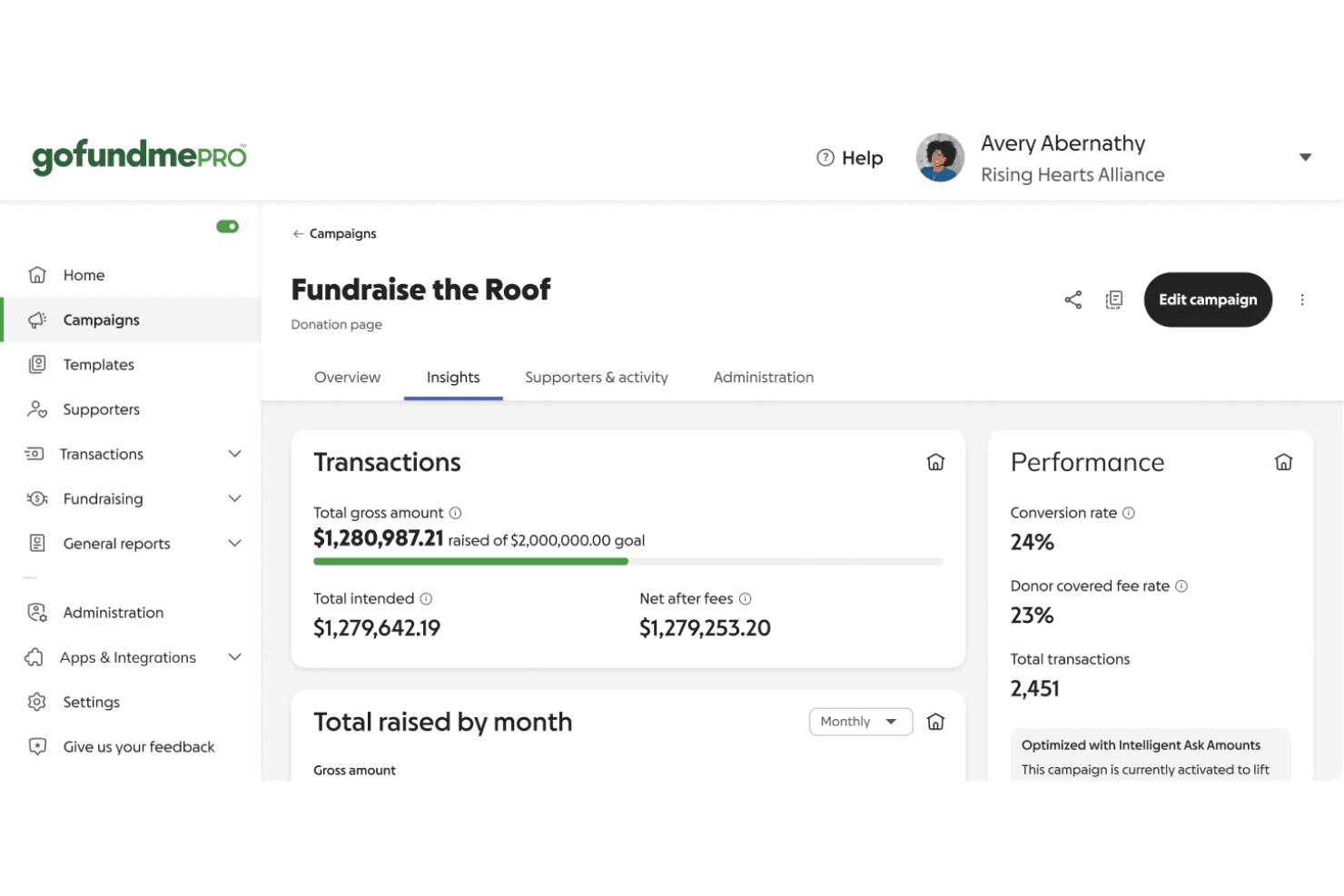
Donor Management Dashboard
Track donations, send thank-yous, and manage campaign updates from a single dashboard.
Trust & Safety Support
A dedicated team monitors campaigns for fraud and provides resources to protect both organizers and donors.
Standout Features
GoFundMe Guarantee
GoFundMe offers a donor protection guarantee that refunds donations in cases of fraud or scams. This builds trust for both donors and organizers, encouraging more people to give.
Team Fundraising
Multiple organizers can manage a single campaign, each with their own access and ability to post updates. This feature supports collaborative fundraising efforts.
Ease of Use
GoFundMe is widely recognized for its straightforward setup and intuitive interface, making it accessible even for first-time fundraisers. Users consistently mention how quickly they can launch campaigns and start accepting donations without technical hurdles. The platform’s guided prompts, clear navigation, and mobile-friendly design reduce confusion and help organizers focus on sharing their story, not troubleshooting software. This simplicity is a major reason many choose GoFundMe for urgent or community-driven fundraising.
Onboarding
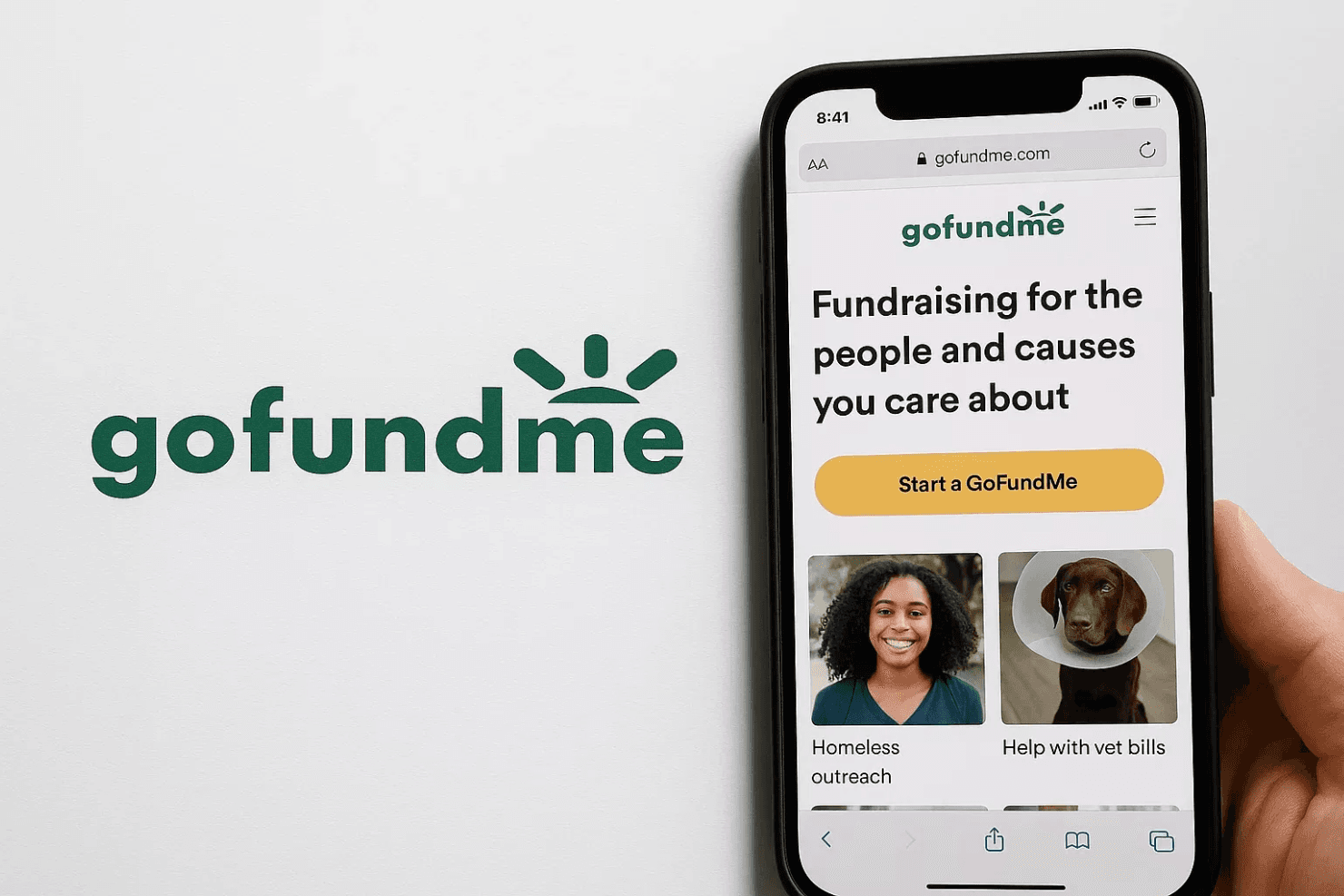
GoFundMe’s onboarding process is fast and approachable, with step-by-step guides that walk new users through campaign setup and best practices. Many users highlight the helpful resource center, FAQs, and responsive customer support team, which make it easy to resolve questions quickly. The platform’s clear instructions and built-in tips help organizers reach “live” status and start collecting donations in minutes, minimizing barriers for those new to online fundraising.
Customer Support
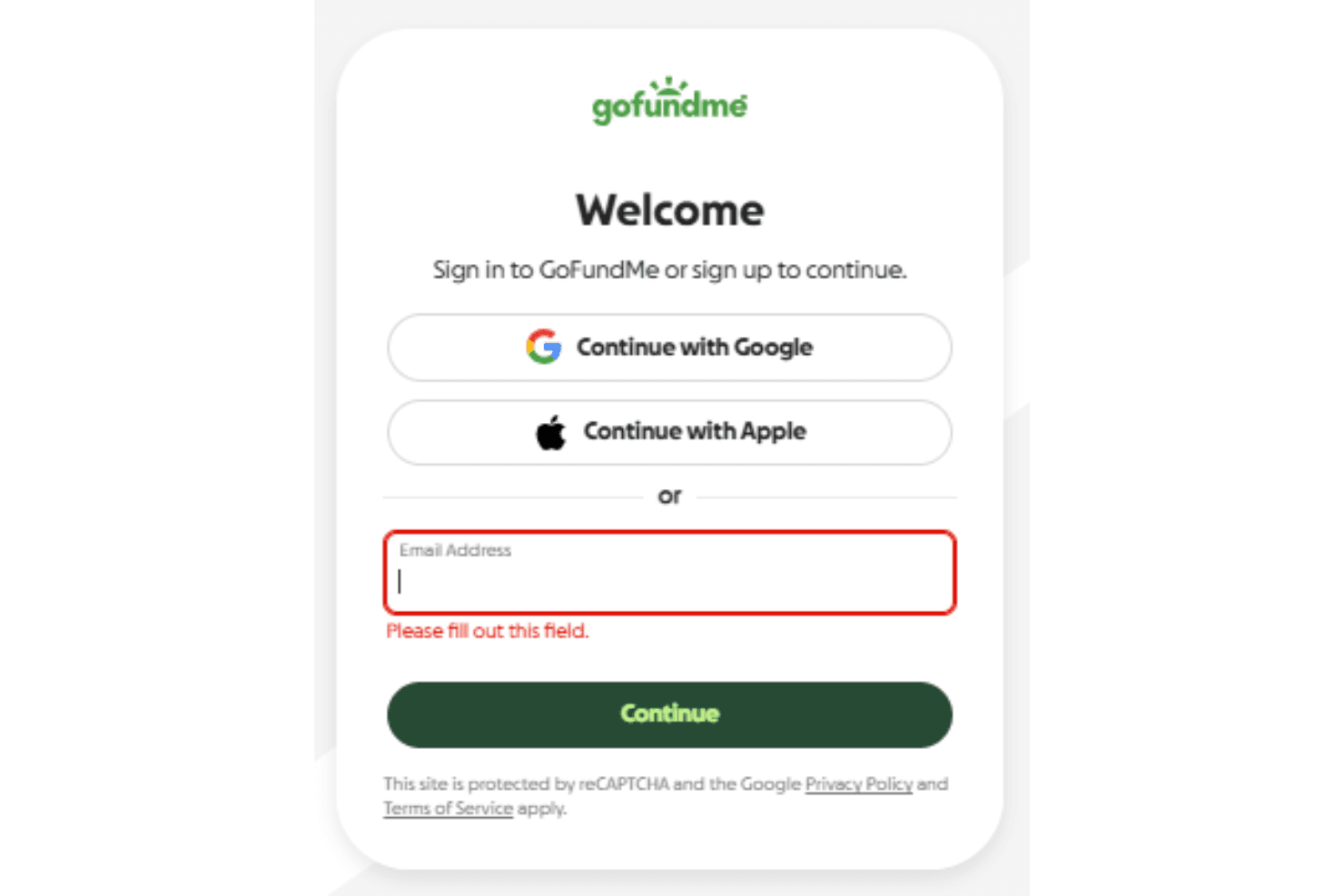
GoFundMe offers responsive customer support through email, help center articles, and a detailed FAQ, which users often describe as prompt and helpful. Many reviewers appreciate the platform’s proactive fraud monitoring and the availability of real people to resolve urgent issues. While there’s no live phone support, the combination of self-serve resources and timely email responses ensures most users get the assistance they need to keep their campaigns running smoothly.
Integrations
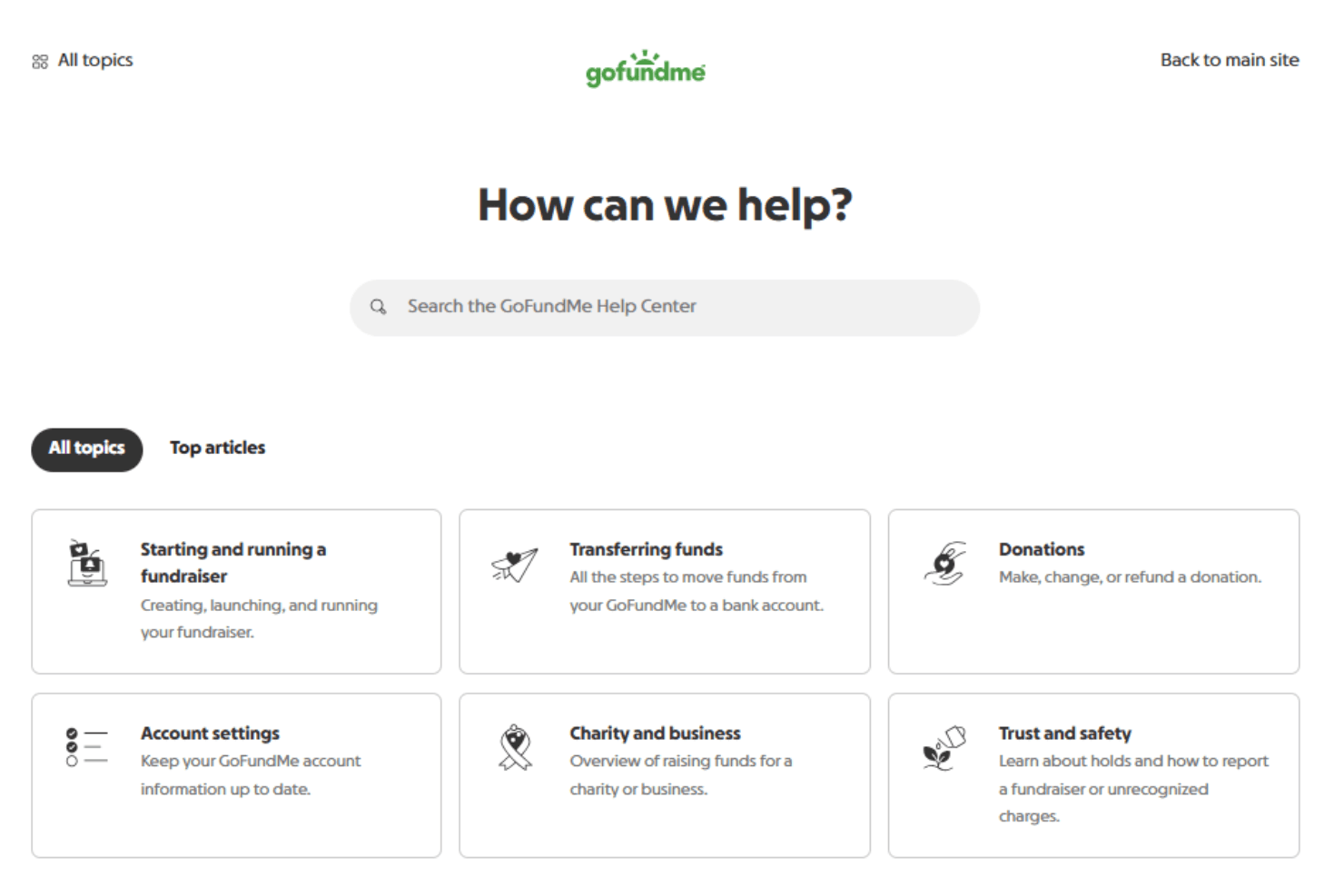
GoFundMe integrates with Mailchimp, Amply, Facebook, DonateStock, Little Green Light, HubSpot, and DonorPerfect among others.
GoFundMe also offers an API and connects with third-party integration tools like Zapier for expanded automation and connectivity.
Value for Money
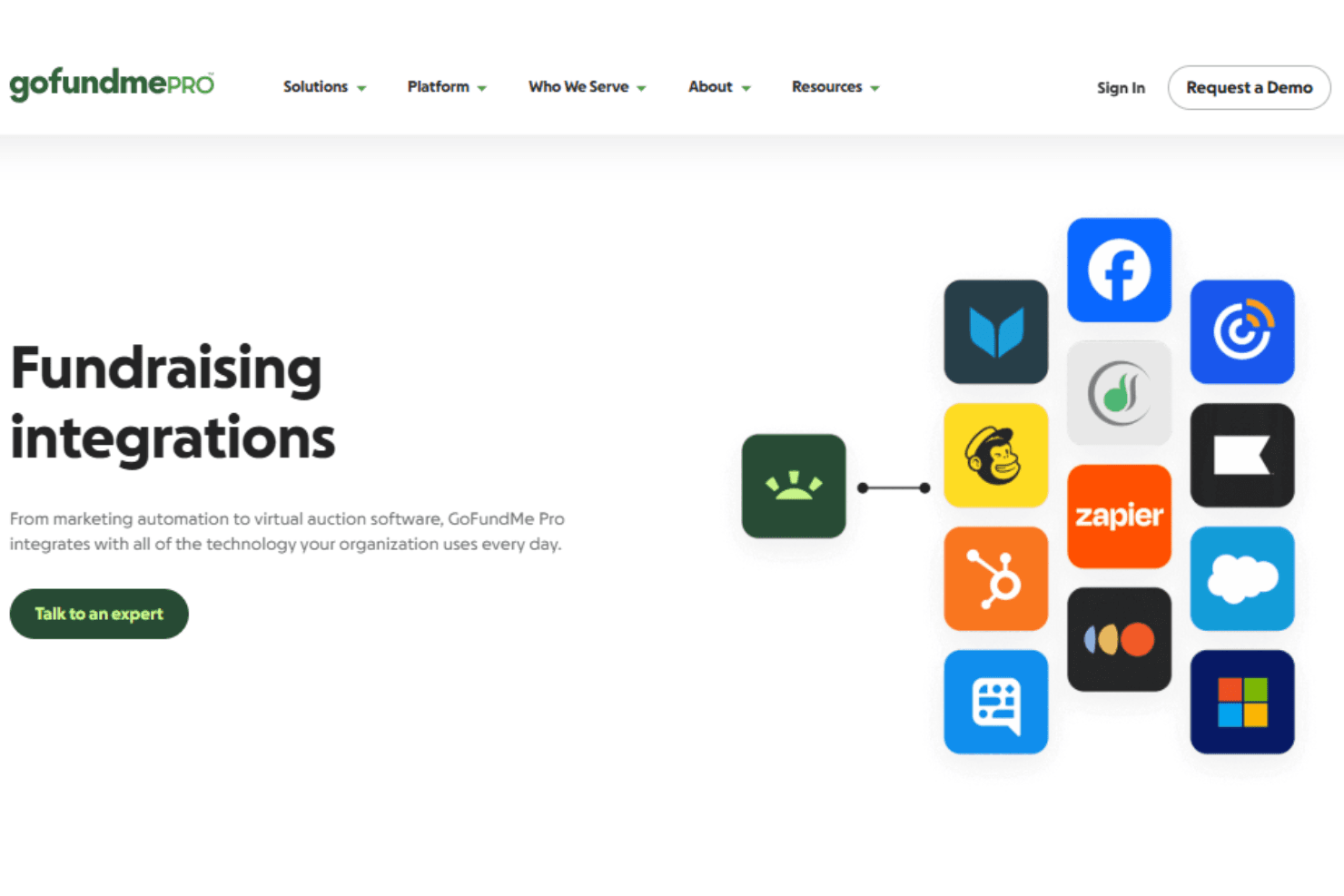
GoFundMe offers a simple and accessible pricing structure with no upfront or platform fees, making it easy for anyone to start fundraising. The only cost comes from payment processing fees per donation, which many users find reasonable given the platform’s reach, trust, and ease of use. This makes it especially valuable for personal and time-sensitive fundraising campaigns.
- Transaction Fee: Automatically deducted from each contribution to cover payment processing.
GoFundMe Specs
- API: Yes
- Calendar Management: Yes
- Contact Management: Yes
- Contact Sharing: Yes
- Customer Management: Yes
- Dashboard: Yes
- Data Export: Yes
- Data Import: Yes
- Email Integration: Yes
- File Sharing: Yes
- Multi-User: Yes
- Notifications: Yes
- Payment Processor: Yes
- Scheduling: Yes
GoFundMe FAQs
GoFundMe Company Overview & History
GoFundMe, founded in 2010, is headquartered in Redwood City, California. The company has helped over 190 million people worldwide raise more than $40 billion for personal, charitable, and community causes. In 2022, GoFundMe acquired Classy, which now operates as GoFundMe Pro, expanding its reach into nonprofit fundraising. GoFundMe is known for its strong workplace culture and has been recognized as a great place to work by its employees.
GoFundMe Major Milestones
- 2010: GoFundMe founded and launches its online fundraising platform via gofundme.com.
- 2017: GoFundMe.org, the company’s charitable arm, is established.
- 2022: GoFundMe acquires Classy, launching GoFundMe Pro for nonprofits.
- 2024: Platform surpasses $40 billion raised and 190 million users globally.
- 2025: Named to the TIME100 Most Influential Companies list.