

Givebutter Review: Pros, Cons, Features, and Pricing Explained
Givebutter stands out as a free donor management platform, offering robust fundraising tools and transparency, but may not suit organizations needing advanced customization or integrations.

We review tools independently, and commissions help fund our testing. See our transparency policy, our methodology, or suggest a tool.
Givebutter is an online fundraising platform for nonprofits and ministries. It helps your church run giving campaigns, collect donations, and manage donor relationships in one place. I'd consider it over a tool like Pushpay if keeping costs low matters—Givebutter charges no monthly fees and funds itself through optional donor tips instead.
Givebutter Evaluation Summary
4.7/5
- From $29/month (billed annually)
- 30-day free trial + free plan available
Why Trust Our Software Recommendations
6,700+
Reviews
20
Industry experts
16+
Evaluation factors
14
Years
Our team has been testing and reviewing software since 2012. As church leaders ourselves, we know how difficult—and important—it is to choose the right software.
For this guide, we evaluated tools using hands-on testing and independent research, scoring tools using our selection criteria.
Our reviews reflect our human editorial judgment, not a sales pitch.
Givebutter Overview
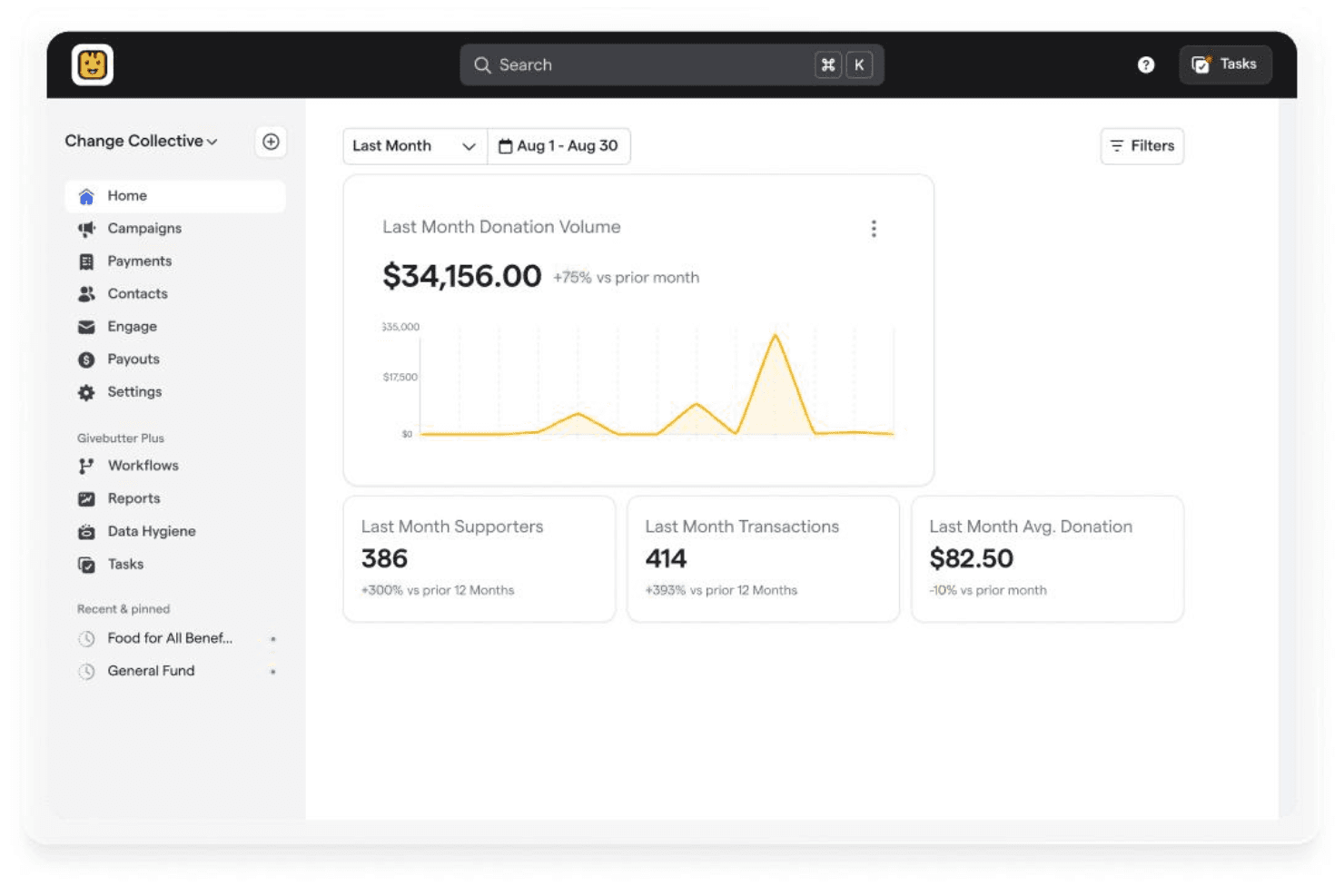
When judging Givebutter as a donor management software, its intuitive interface, transparent pricing, and built-in fundraising tools make it a strong choice for churches seeking simplicity and quick onboarding. Compared to others, Givebutter outperforms with its event ticketing, peer-to-peer fundraising, and live supporter feeds, but underperforms if you need deep integrations or advanced reporting. If you’re selecting software for a small to mid-sized church that values ease of use and clear donor communication, Givebutter is a practical option. For example, you can launch a campaign or track giving history with minimal setup or training.
Pros
- Supports donations via different payment gateway options.
- Offers unlimited contacts and donation records for free.
- Built-in event ticketing and peer-to-peer fundraising tools.
Cons
- Reporting features are basic compared to paid platforms.
- Limited options for custom donor fields and segmentation.
- Customer support response times can be inconsistent.
Is Givebutter Right For Your Needs?
Who Would be a Good Fit for Givebutter?
Givebutter works best for organizations and teams that need simple, accessible donor management and fundraising tools without upfront costs. Its free pricing, unlimited contacts, and built-in event and campaign features make it especially useful for smaller nonprofits, faith-based groups, and volunteer-led initiatives. If your team values easy digital giving options and quick campaign setup, Givebutter’s platform is a practical choice.
- Small ChurchesGivebutter’s unlimited contacts and free event ticketing suit small congregations with limited budgets.
- Student OrganizationsPeer-to-peer fundraising and digital payment support help student groups run campaigns easily.
- Community NonprofitsUnlimited donor records and simple campaign tools fit grassroots nonprofits with volunteer staff.
- Booster ClubsEvent ticketing and donation tracking help booster clubs manage fundraisers and attendance.
- Faith-Based MinistriesMultiple payment options and campaign pages support ministries engaging diverse donors.
- School FundraisersEasy campaign setup and digital giving tools help schools run donation drives.
Who Would be a Bad Fit for Givebutter?
Givebutter may not meet the needs of organizations that require advanced donor segmentation, deep reporting, or complex integrations. Larger teams or those with specialized compliance, analytics, or CRM needs may find the platform’s features too limited for their workflows. If your organization relies on detailed data analysis or custom workflows, Givebutter’s simplicity could be a drawback.
- Large EnterprisesGivebutter’s basic reporting and segmentation won’t support complex enterprise needs.
- Healthcare FoundationsLack of advanced compliance and donor privacy features limits suitability for healthcare.
- Higher Education AdvancementLimited alumni tracking and segmentation make it less useful for universities.
- Professional Fundraising FirmsAbsence of advanced analytics and workflow automation restricts agency use.
- Government AgenciesGivebutter’s feature set lacks the compliance and audit tools required by the government.
- Multi-Department NonprofitsNo advanced user permissions or department-level controls for large, multi-team organizations.
How We Test & Score Tools
We’ve spent years building, refining, and improving our software testing and scoring system. The rubric is designed to capture the nuances of software selection and what makes a tool effective, focusing on critical aspects of the decision-making process.
Below, you can see exactly how our testing and scoring works across seven criteria. It allows us to provide an unbiased evaluation of the software based on core functionality, standout features, ease of use, onboarding, customer support, integrations, customer reviews, and value for money.
Core Functionality (25% of final scoring)
The starting point of our evaluation is always the core functionality of the tool. Does it have the basic features and functions that a user would expect to see? Are any of those core features locked to higher-tiered pricing plans? At its core, we expect a tool to stand up against the baseline capabilities of its competitors.
Standout Features (25% of final scoring)
Next, we evaluate uncommon standout features that go above and beyond the core functionality typically found in tools of its kind. A high score reflects specialized or unique features that make the product faster, more efficient, or offer additional value to the user.
We also evaluate how easy it is to integrate with other tools typically found in the tech stack to expand the functionality and utility of the software. Tools offering plentiful native integrations, 3rd party connections, and API access to build custom integrations score best.
Ease of Use (10% of final scoring)
We consider how quick and easy it is to execute the tasks defined in the core functionality using the tool. High scoring software is well designed, intuitive to use, offers mobile apps, provides templates, and makes relatively complex tasks seem simple.
Onboarding (10% of final scoring)
We know how important rapid team adoption is for a new platform, so we evaluate how easy it is to learn and use a tool with minimal training. We evaluate how quickly a team member can get set up and start using the tool with no experience. High scoring solutions indicate little or no support is required.
Customer Support (10% of final scoring)
We review how quick and easy it is to get unstuck and find help by phone, live chat, or knowledge base. Tools and companies that provide real-time support score best, while chatbots score worst.
Customer Reviews (10% of final scoring)
Beyond our own testing and evaluation, we consider the net promoter score from current and past customers. We review their likelihood, given the option, to choose the tool again for the core functionality. A high scoring software reflects a high net promoter score from current or past customers.
Value for Money (10% of final scoring)
Lastly, in consideration of all the other criteria, we review the average price of entry level plans against the core features and consider the value of the other evaluation criteria. Software that delivers more, for less, will score higher.
Core Features
Unlimited Contacts and Donors
Store and manage unlimited donor profiles and giving histories at no cost. This allows churches and nonprofits to track donations and supporters without worrying about data caps.
Online Giving Pages
Create branded donation pages for campaigns, events, or general giving. Each page supports custom messaging, images, and goal tracking.
Event Ticketing
Sell tickets for in-person or virtual events directly through Givebutter. Track attendance and payments in one place, with no extra software needed.
Peer-to-Peer Fundraising
Empower supporters to create their own fundraising pages linked to your campaign. This feature helps expand your reach and engage new donors.
Multiple Payment Methods
Accept donations via credit card, ACH, Venmo, PayPal, Apple Pay, and Cash App. Donors can choose their preferred payment method for convenience.
Basic Reporting and Receipts
Access simple reports on donations, campaigns, and donor activity. Automatically send tax-compliant receipts to donors after each gift.
Standout Features
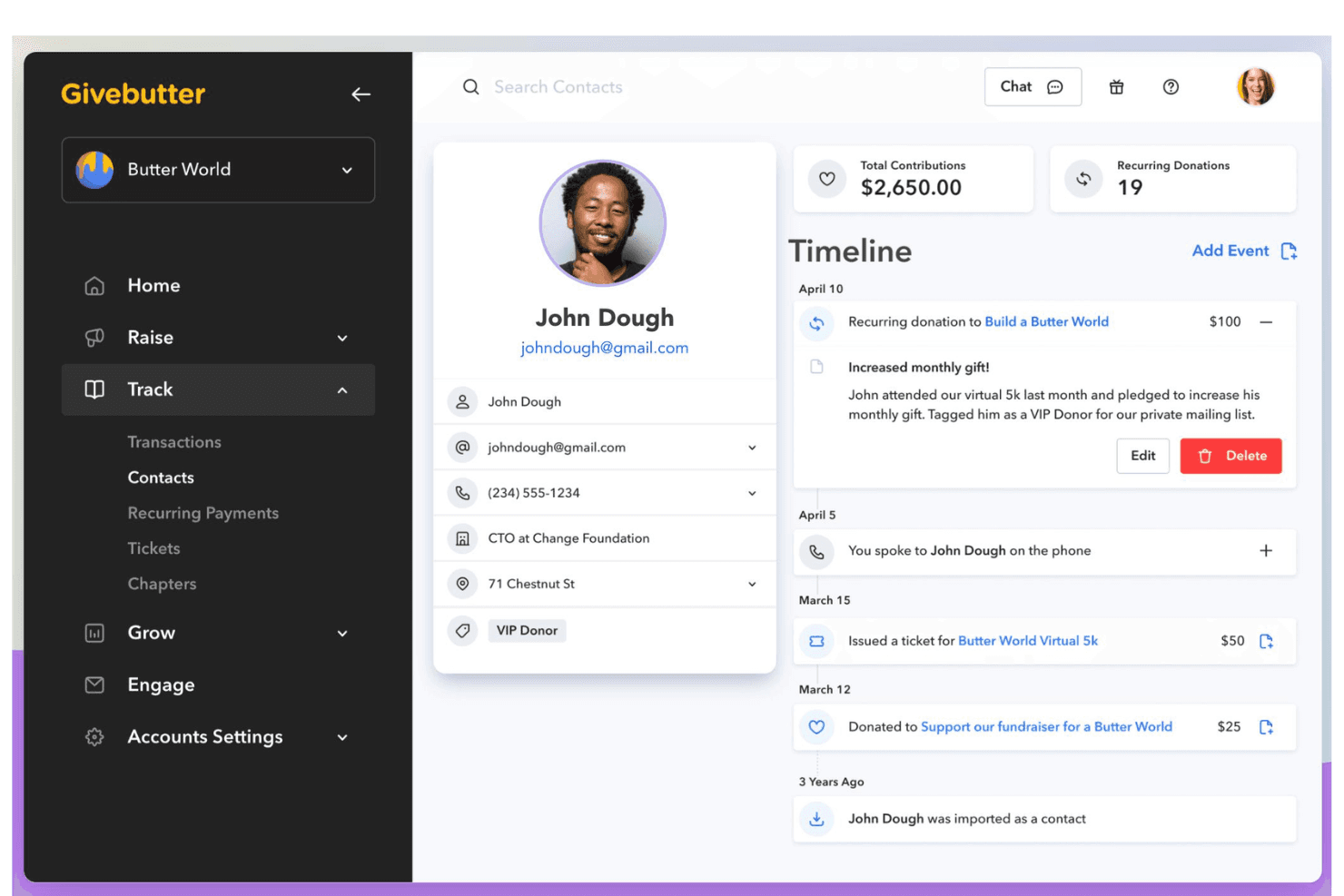
Live Supporter Feed
Display real-time donation activity and supporter messages on your campaign pages. This feature builds excitement and community engagement during live events or fundraising drives.
Built-In Text-to-Donate
Enable donors to give by texting a custom keyword to a dedicated number. This makes giving accessible during services, events, or on-the-go, and thus expanding your reach.
Ease of Use
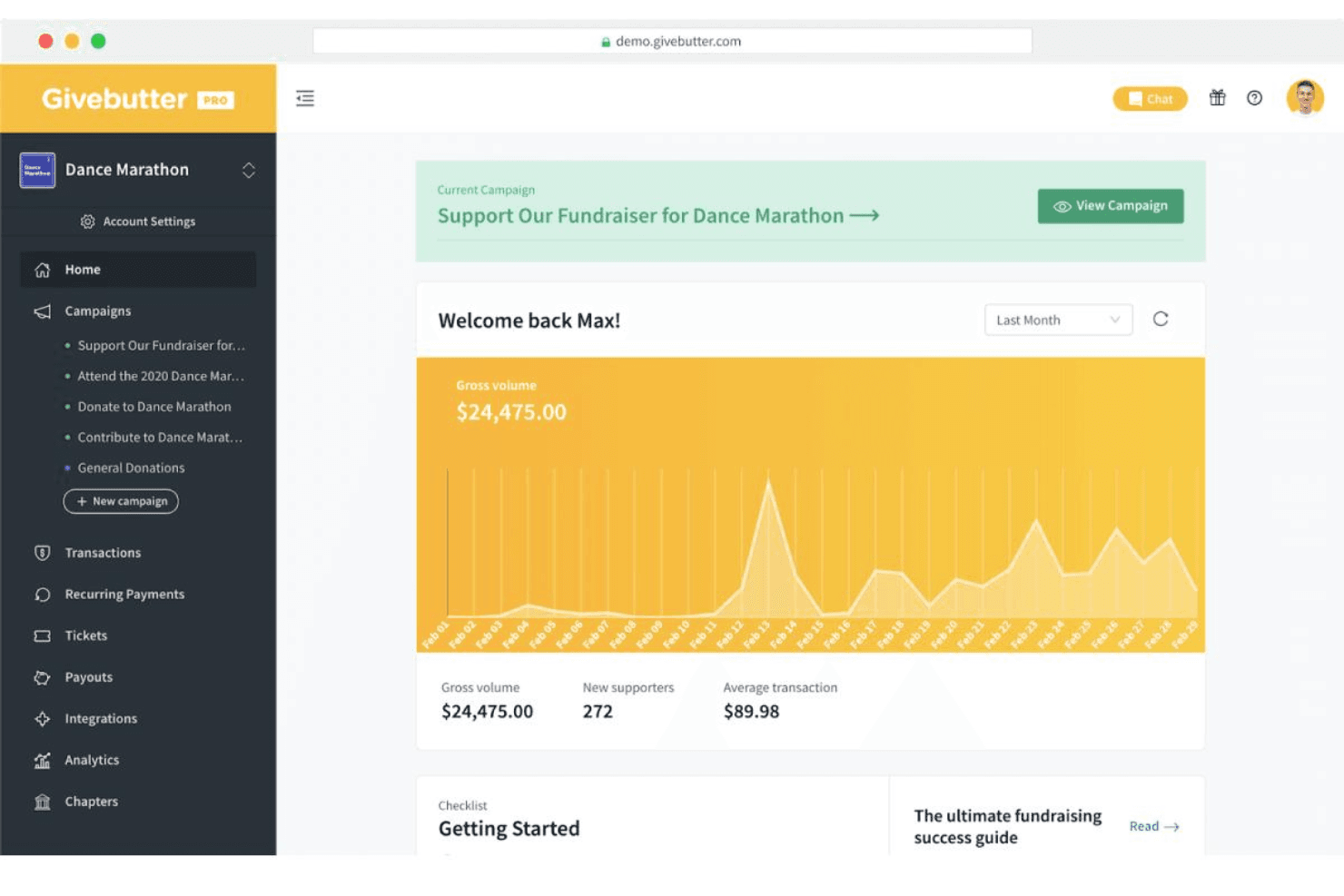
Givebutter is widely praised for its clean interface and straightforward navigation, making it easy for new users to set up campaigns and manage donors with minimal training. The platform’s guided setup, clear menus, and built-in templates help users launch donation pages or events quickly. Compared to other free donor management software, Givebutter’s simplicity stands out, especially for teams with limited technical experience or volunteer-driven operations.
Onboarding
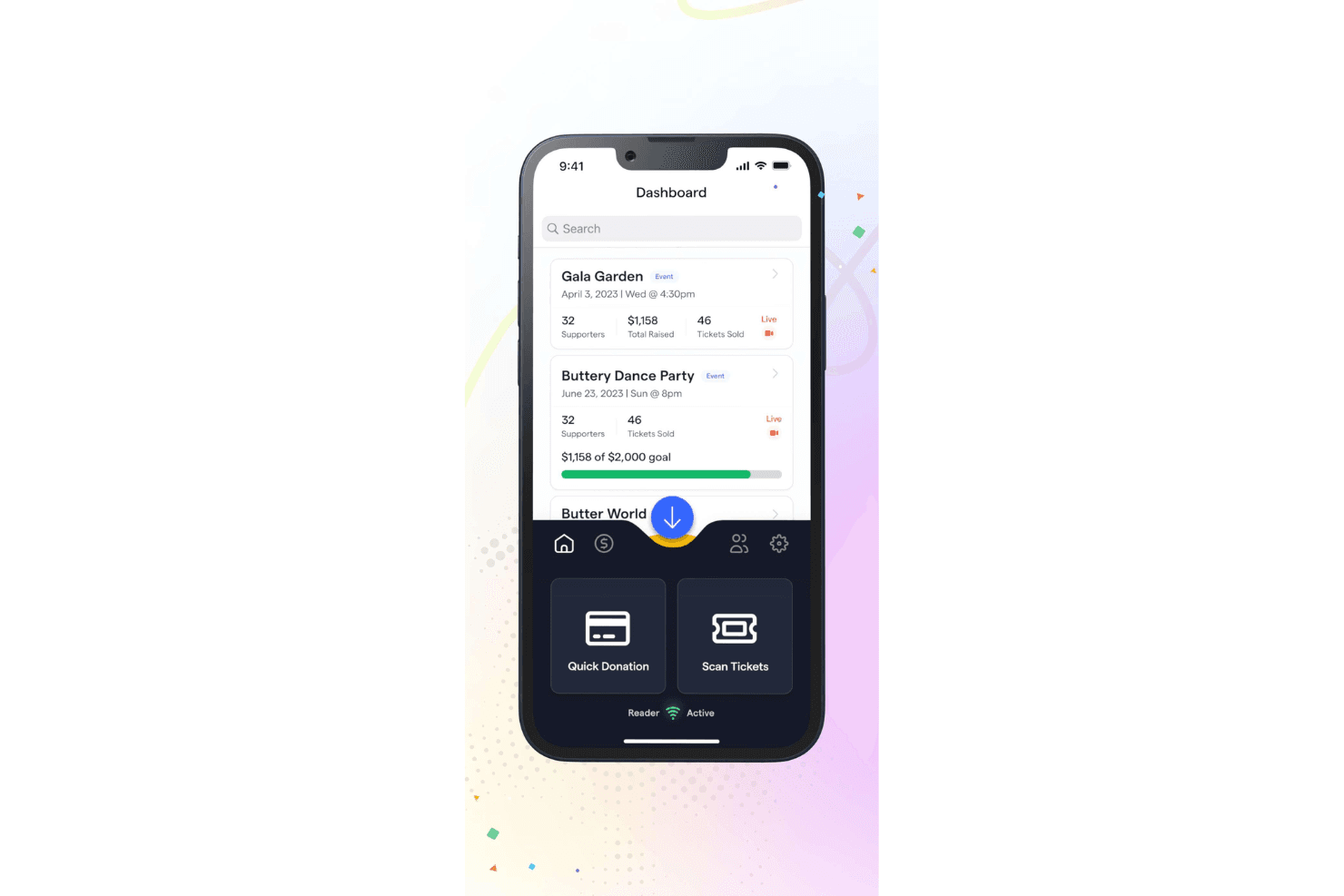
Givebutter offers a quick onboarding process, with most users able to create an account and launch their first campaign in under an hour. The platform provides step-by-step guides, video tutorials, and a searchable help center, which users find helpful for getting started. While some reviews mention occasional delays in live support, the self-serve resources and intuitive setup make it easy for new users to see value right away.
Customer Support
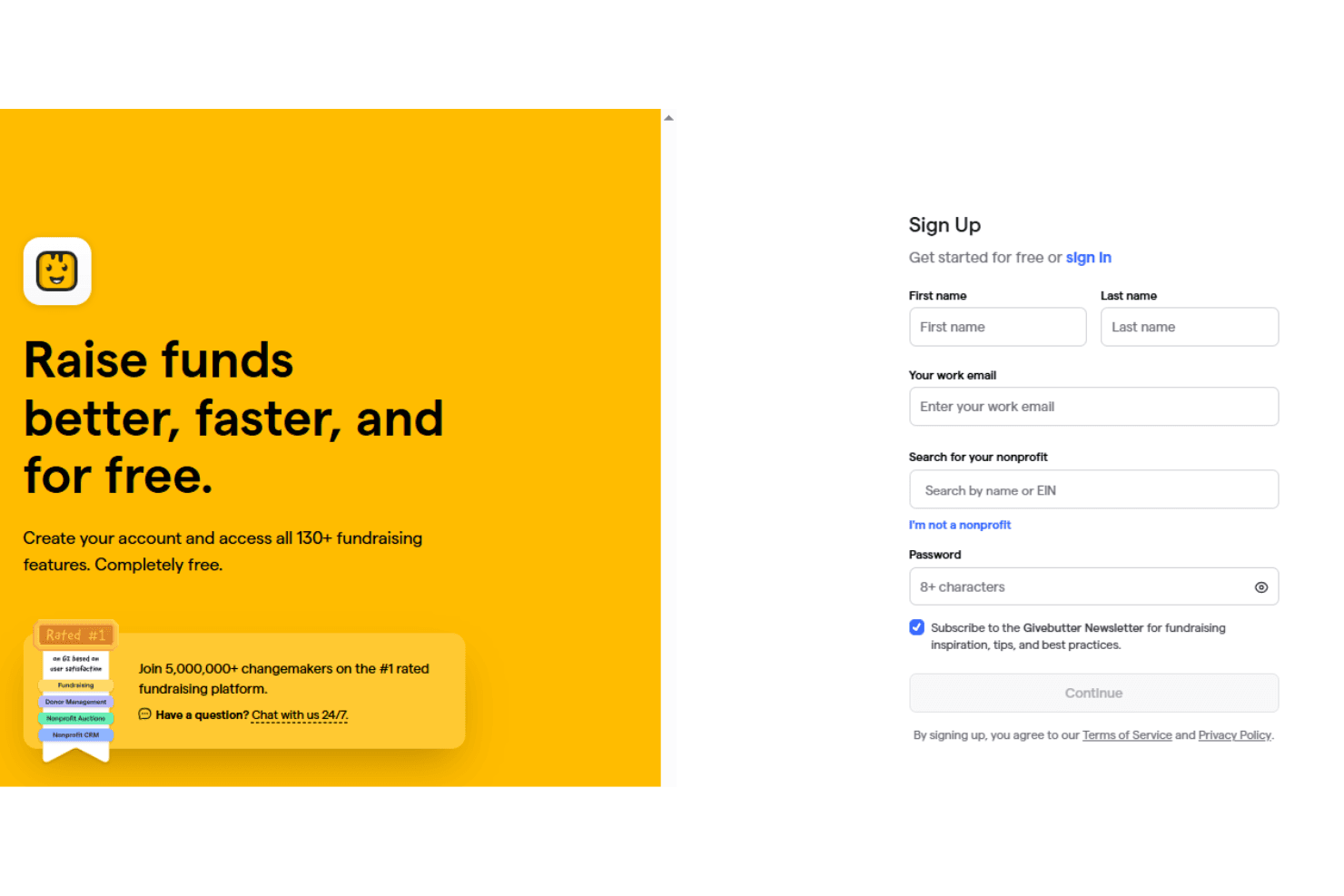
Givebutter provides customer support through email, live chat, and a detailed online help center. Many users appreciate the helpfulness of the support team and the quality of self-serve resources, though some report slow response times during peak periods. The platform’s extensive documentation and video guides help users troubleshoot common issues independently, but organizations needing immediate, hands-on assistance may find the wait times challenging at times.

Integrations
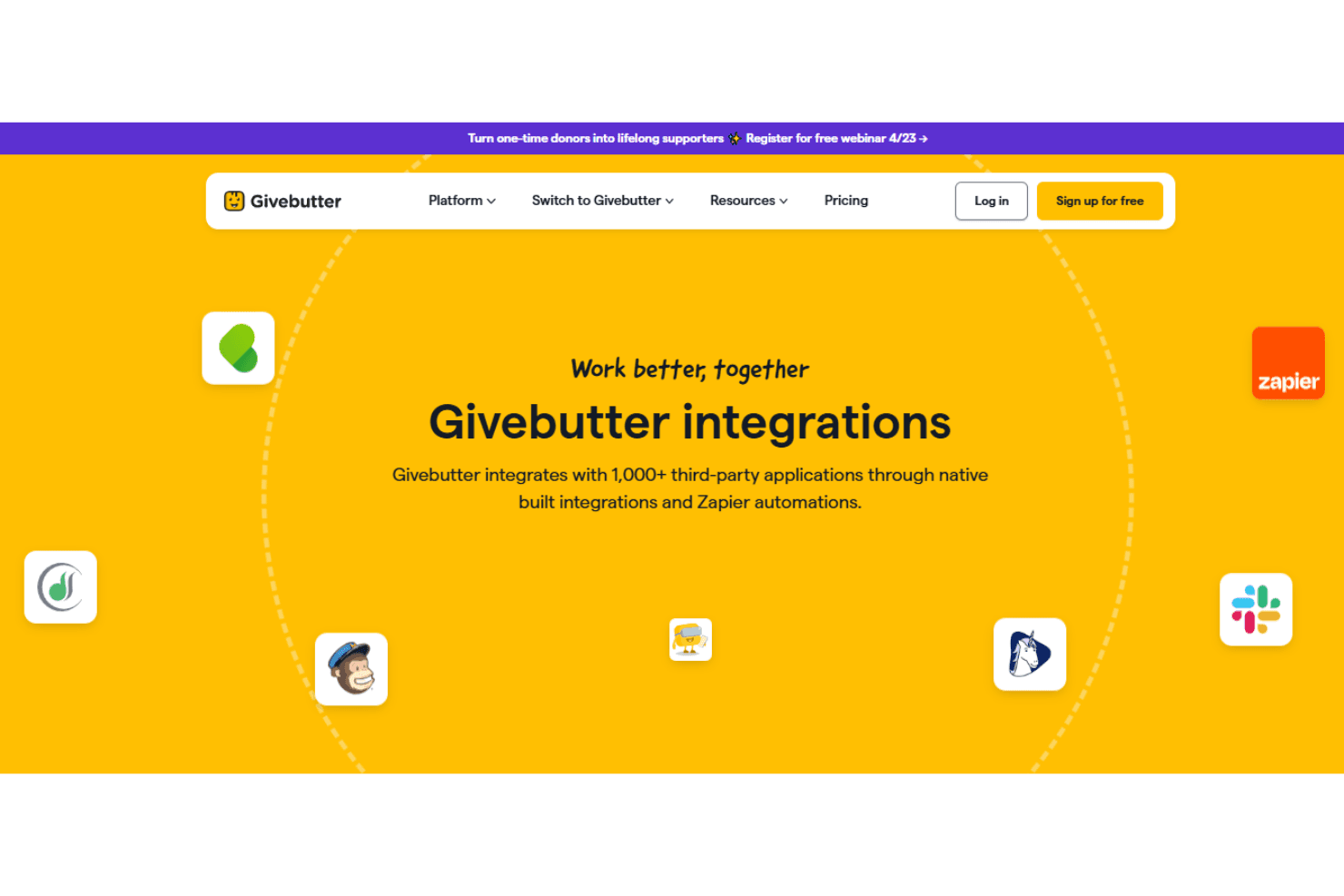
Givebutter integrates with PayPal, Stripe, Venmo, Apple Pay, Cash App, Quickbooks Online, Google Workspace, Facebook, Instagram, Linkedin, Mailchimp, and Slack, among others.
Givebutter also offers an API and connects with third-party integration tools like Zapier for expanded functionality.
Value for Money
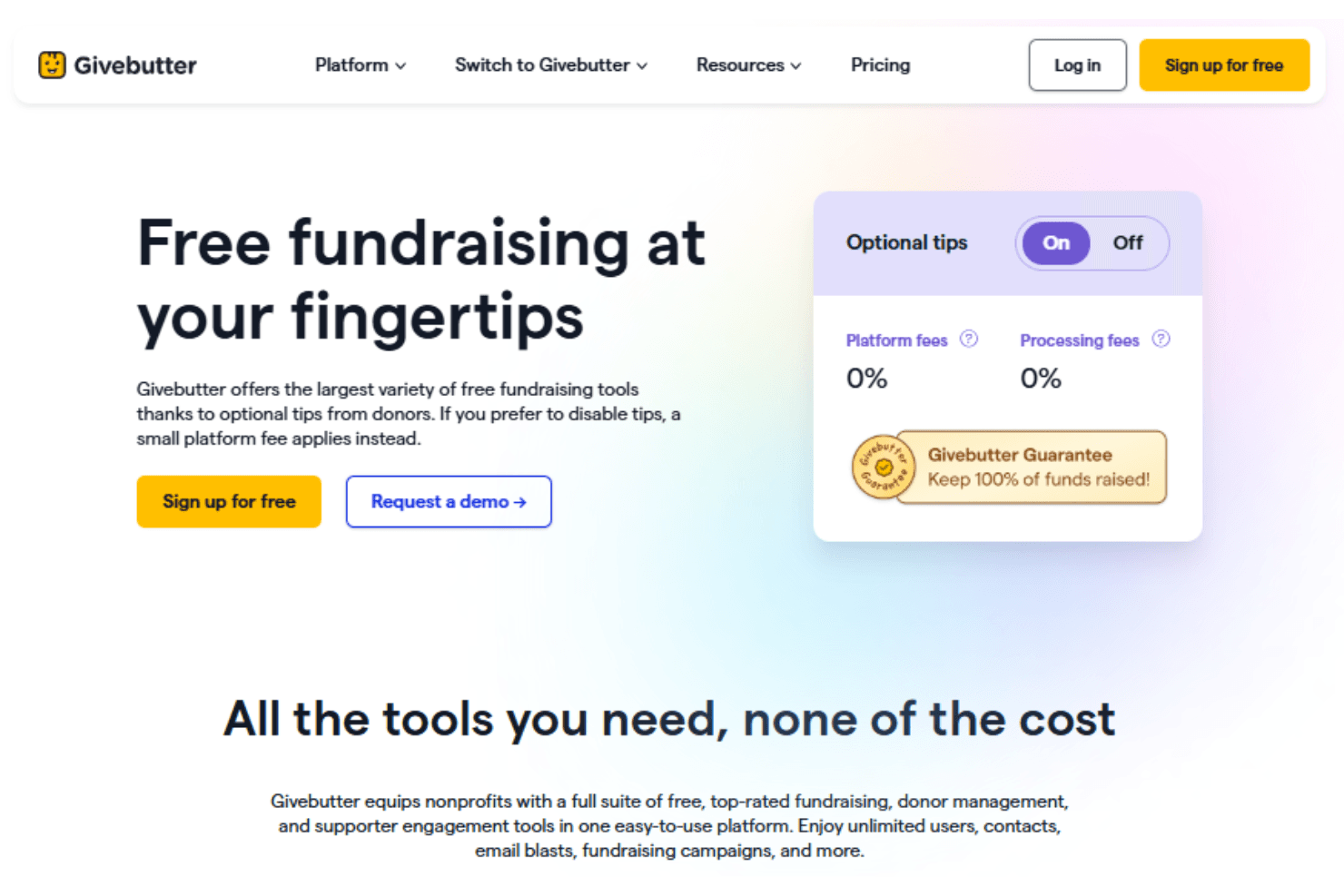
Givebutter offers a free plan with no monthly platform fee, which makes it accessible for nonprofits of all sizes. Core fundraising tools like donation forms, fundraising pages, events, auctions, CRM, and marketing features are included at no cost. Organizations primarily pay standard payment processing fees, and optional features are available through a paid plan.
- Givebutter: Includes unlimited contacts, donation forms, fundraising pages, events, auctions, CRM, marketing tools, widgets, integrations, and 24/7 support.
- Givebutter Plus: Adds automated workflows, task management, custom reports, data hygiene, and file uploads.
Givebutter Specs
- API: Yes
- Calendar Management: Yes
- Contact Management: Yes
- Dashboards: Yes
- Data Export: Yes
- Data Import: Yes
- Document Management: Yes
- External Integrations: Yes
- Multi-User: Yes
- Notifications: Yes
- Payment Gateway Integration: Yes
- Scheduling: Yes
- Workflow Management: Yes
Givebutter FAQs
Givebutter Company Overview & History
Givebutter is a fundraising and donor management platform founded in 2016 and headquartered in Washington, DC. The company has grown to a workforce of around 147 employees and is known for its modern, product-led approach to nonprofit fundraising. Givebutter is not affiliated with other companies or products and operates independently. Notable clients include United Way, Meals on Wheels America, and Big Shoulders Fund, and the platform has powered hundreds of millions of dollars in donations for nonprofits of all sizes.
Givebutter Major Milestones
- 2016: Founded by Ari Krasner, Liran Cohen, and Max Friedman.
- 2022: Raised its first major funding round.
- 2024: Secured a $50M funding round.
- 2025: Launched new financial management tools and expanded platform capabilities.