

Canva Review: Pros, Cons, Features, and Pricing Explained
Canva stands out for its user-friendly design tools and flexible templates, making it ideal for churches seeking creative, affordable bulletin solutions.

We review tools independently, and commissions help fund our testing. See our transparency policy, our methodology, or suggest a tool.
Canva is a church bulletin software that helps churches design visually engaging bulletins with ease and flexibility. For pastors and church leaders balancing ministry demands with limited design resources, Canva offers a practical solution for content creation and creating professional bulletins without specialized design skills or graphic design tools.
This review explores Canva’s features, use cases, pros and cons, and pricing—helping you decide if it’s the right church bulletin software for your congregation’s needs.
Canva Evaluation Summary
4.7/5
- From $144/user/year (billed annually)
- Free trial + free plan available
Why Trust Our Software Recommendations
6,700+
Reviews
20
Industry experts
16+
Evaluation factors
14
Years
Our team has been testing and reviewing software since 2012. As church leaders ourselves, we know how difficult—and important—it is to choose the right software.
For this guide, we evaluated tools using hands-on testing and independent research, scoring tools using our selection criteria.
Our reviews reflect our human editorial judgment, not a sales pitch.
Canva Overview
When judging Canva as a church bulletin software, its intuitive interface for graphic design, vast template library, and affordable pricing make it a top pick for churches wanting creative control without design expertise. Canva outperforms competitors in ease of onboarding and template variety, but underperforms if you need advanced print layout or direct church management integrations. It’s best for leaders who value quick, visually appealing bulletins and are comfortable with cloud-based tools. For example, small to mid-sized churches can select Canva to empower volunteers or staff with minimal training, while larger churches may determine it lacks some specialized features.
Pros
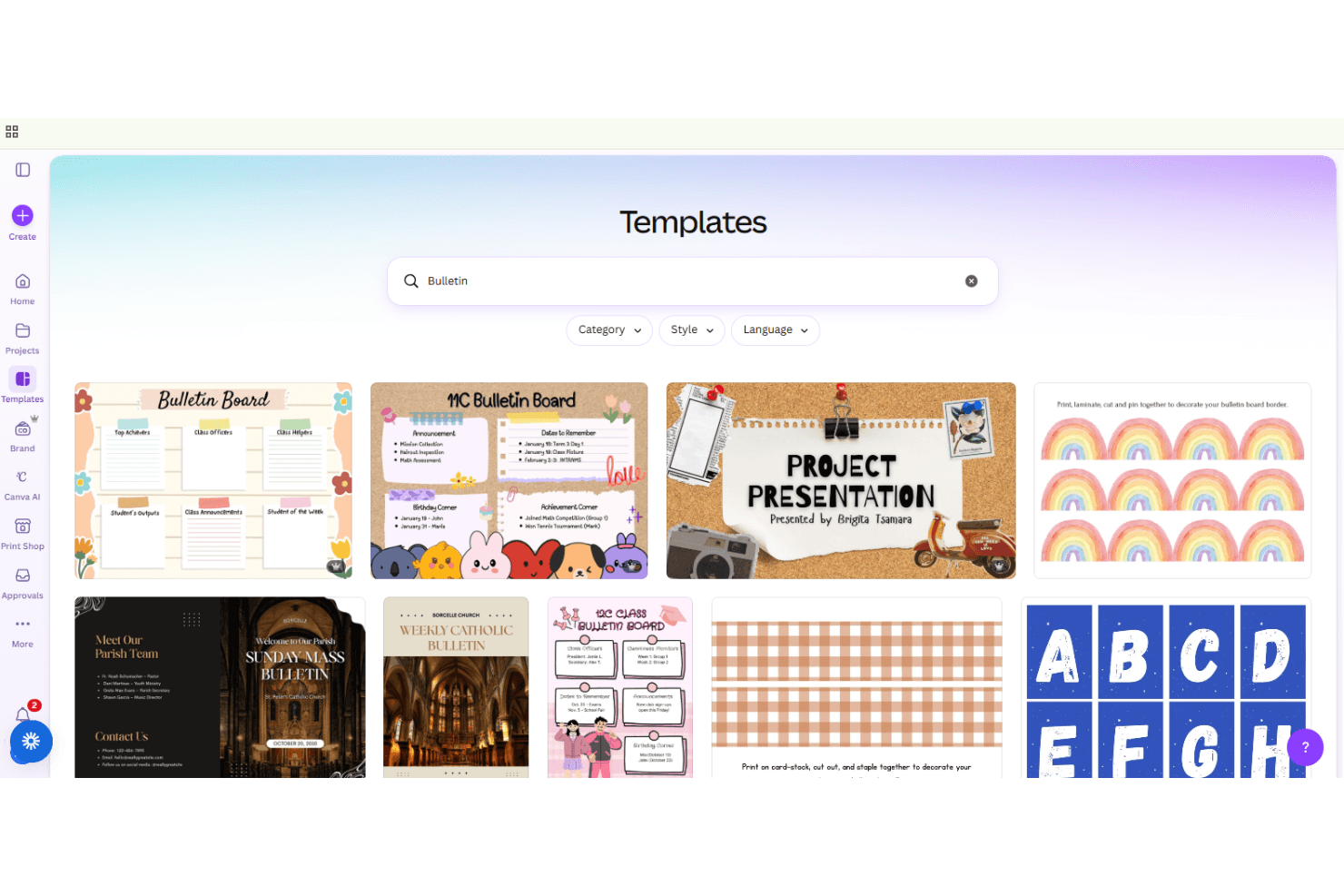
- Offers thousands of church bulletin templates for quick customization
- Provides free Pro features for eligible nonprofits and churches
- Enables collaborative editing for staff and volunteers in real time
Cons
- Lacks advanced print layout controls for complex bulletins
- Does not integrate directly with church management systems
- Requires internet access for most design and editing features
Is Canva Right For Your Needs?
Who Would be a Good Fit for Canva?
Canva is a strong choice for churches and ministries that prioritize visual appeal, collaboration functionality, and quick turnaround for bulletin creation. Its template library, real-time editing, and nonprofit pricing make it especially useful for smaller teams, volunteer-driven environments, and those without dedicated design staff. Canva’s cloud-based platform supports flexible, distributed work and is ideal for organizations that value creativity and the ability to quickly produce social media graphics.
- Small ChurchesCanva’s templates and simple interface help small teams create bulletins without design experience.
- Youth MinistriesYouth leaders can use Canva’s modern designs to engage younger audiences.
- Volunteer TeamsVolunteers can collaborate on bulletin projects from anywhere using shared links.
- Remote StaffCloud-based access allows distributed staff to edit and approve bulletins together.
- Nonprofit OrganizationsEligible nonprofits receive free Pro access, reducing costs for churches.
- Event CoordinatorsEvent-specific templates make it easy to create themed bulletins for special services.
Who Would be a Bad Fit for Canva?
Canva may not suit organizations needing advanced publishing, strict brand controls, or deep integration with church management systems. Larger churches or those with complex print requirements may find Canva’s layout tools limiting. If your workflow depends on offline access, industry-standard graphic design software, or specialized print production, Canva’s cloud-first approach and export options may fall short.
- Large ChurchesComplex, multi-page bulletins may exceed Canva’s print layout capabilities.
- Print Production TeamsLack of advanced print settings limits control over final output.
- Communications DepartmentsNo direct integration with church management software for automated content updates.
- Traditional CongregationsModern design templates may not match traditional bulletin aesthetics.
- IT-Restricted EnvironmentsRequires reliable internet access, which may not suit all facilities.
- Accessibility-Focused TeamsLimited accessibility features may not meet all congregation needs.
How We Test & Score Tools
We’ve spent years building, refining, and improving our software testing and scoring system. The rubric is designed to capture the nuances of software selection and what makes a tool effective, focusing on critical aspects of the decision-making process.
Below, you can see exactly how our testing and scoring works across seven criteria. It allows us to provide an unbiased evaluation of the software based on core functionality, standout features, ease of use, onboarding, customer support, integrations, customer reviews, and value for money.
Core Functionality (25% of final scoring)
The starting point of our evaluation is always the core functionality of the tool. Does it have the basic features and functions that a user would expect to see? Are any of those core features locked to higher-tiered pricing plans? At its core, we expect a tool to stand up against the baseline capabilities of its competitors.
Standout Features (25% of final scoring)
Next, we evaluate uncommon standout features that go above and beyond the core functionality typically found in tools of its kind. A high score reflects specialized or unique features that make the product faster, more efficient, or offer additional value to the user.
We also evaluate how easy it is to integrate with other tools typically found in the tech stack to expand the functionality and utility of the software. Tools offering plentiful native integrations, 3rd party connections, and API access to build custom integrations score best.
Ease of Use (10% of final scoring)
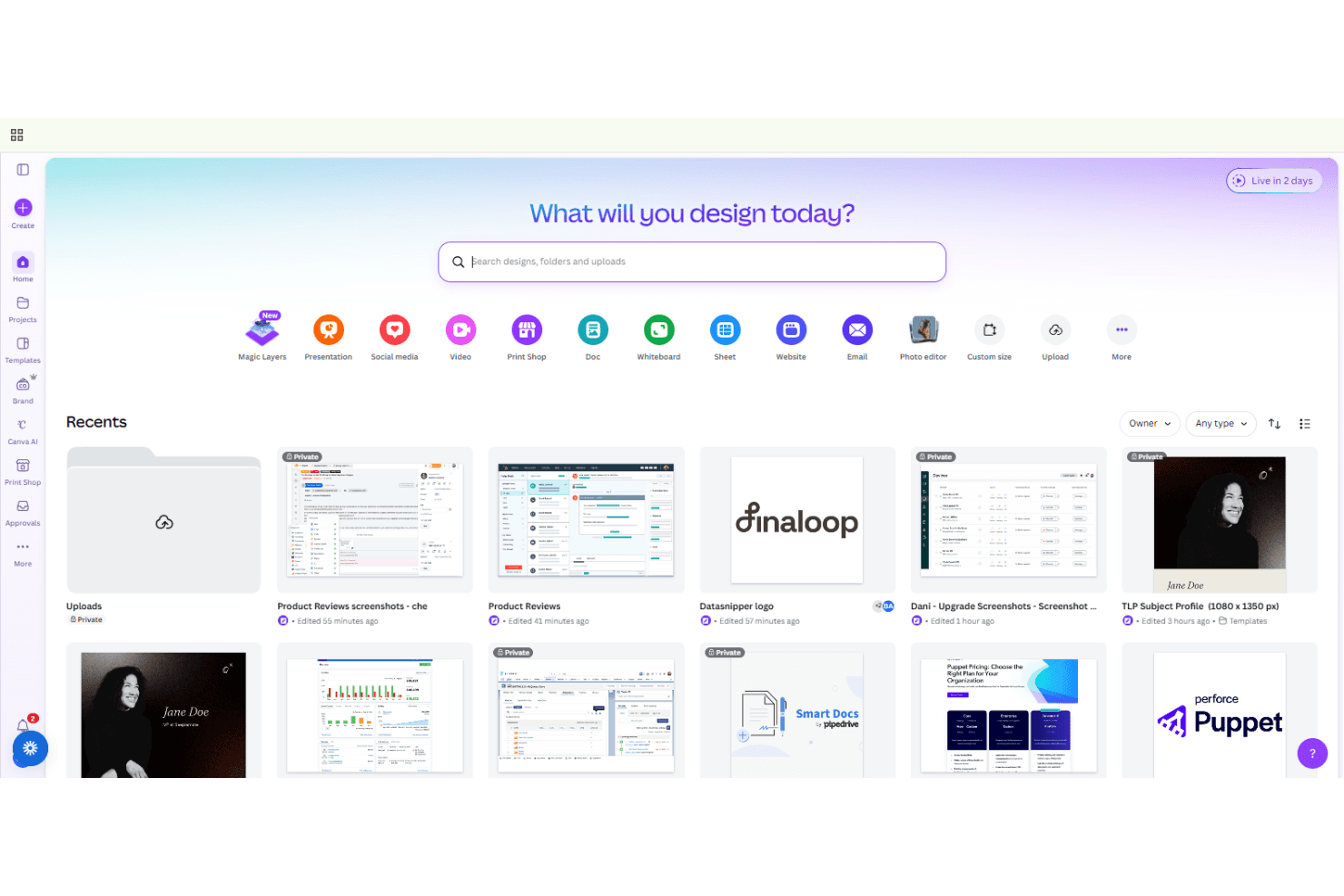
We consider how quick and easy it is to execute the tasks defined in the core functionality using the tool. High scoring software is well designed, intuitive to use, offers mobile apps, provides templates, and makes relatively complex tasks seem simple.
Onboarding (10% of final scoring)
We know how important rapid team adoption is for a new platform, so we evaluate how easy it is to learn and use a tool with minimal training. We evaluate how quickly a team member can get set up and start using the tool with no experience. High scoring solutions indicate little or no support is required.
Customer Support (10% of final scoring)
We review how quick and easy it is to get unstuck and find help by phone, live chat, or knowledge base. Tools and companies that provide real-time support score best, while chatbots score worst.
Customer Reviews (10% of final scoring)
Beyond our own testing and evaluation, we consider the net promoter score from current and past customers. We review their likelihood, given the option, to choose the tool again for the core functionality. A high scoring software reflects a high net promoter score from current or past customers.
Value for Money (10% of final scoring)
Lastly, in consideration of all the other criteria, we review the average price of entry level plans against the core features and consider the value of the other evaluation criteria. Software that delivers more, for less, will score higher.
Core Features
Bulletin Templates
Choose from thousands of pre-made church bulletin templates for quick, professional designs. This ensures brand consistency for your church across bulletins and marketing materials.
Collaborative Editing
Invite staff or volunteers to edit bulletins together in real time from any device.
Magic Resize
Instantly resize your bulletin design for print, digital, or social formats with one click.
Brand Kit
Store your church’s logos, colors, and fonts to keep bulletins visually consistent and on-brand.
Video Editing for Church Bulletins
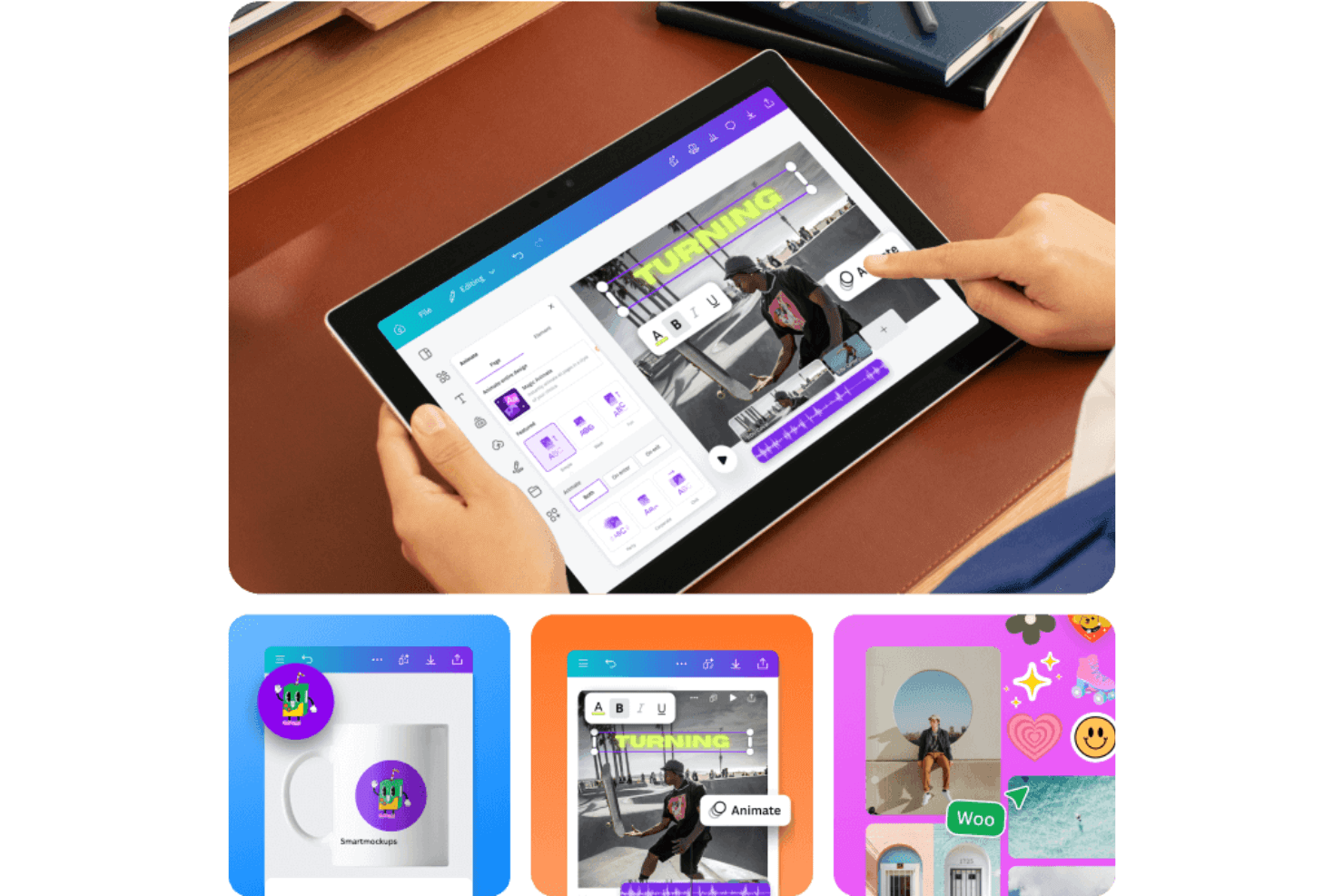
Create and edit engaging video versions of your church bulletins, add simple animations, and then export high-quality formats for sharing online or displaying during services.
AI-Powered Design Tools
Use features like Magic Write, Color Palette AI, and background remover to enhance bulletin content and implement design elements quickly.
Ease of Use
Canva is widely recognized for its intuitive drag-and-drop interface, making it accessible even for users with no design background. Most church staff and volunteers can create and edit bulletins quickly, thanks to clear navigation and helpful tooltips. User reviews consistently praise how easy it is to start a project, customize templates, and collaborate in real time. The platform’s cloud-based design also means there’s nothing to install or update, reducing technical barriers.
Integrations
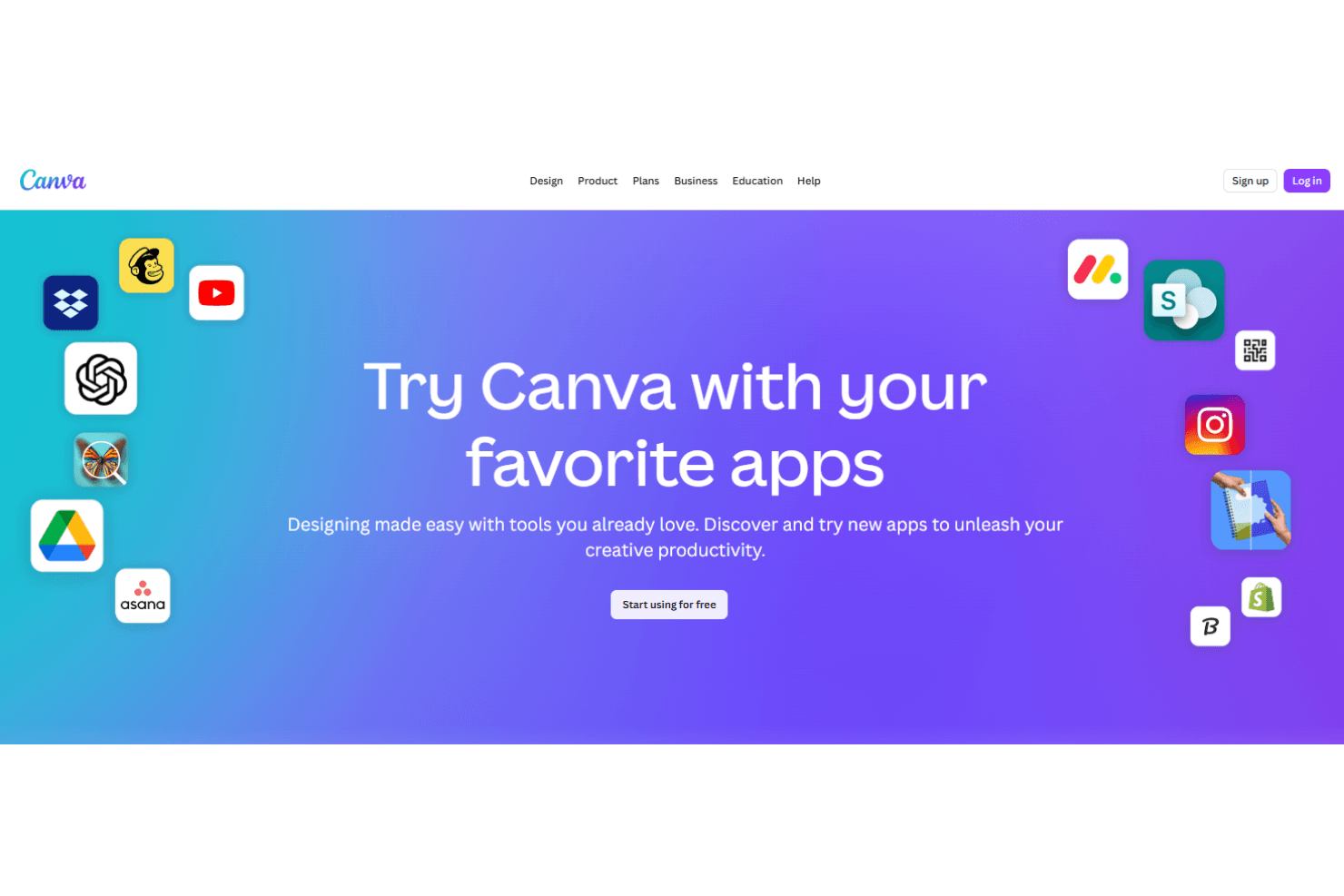
Canva integrates with Facebook, Instagram, Slack, Microsoft Teams, Pinterest, LinkedIn, and YouTube, among others.
Canva also offers an API and connects with third-party integration tools like Zapier for expanded automation and workflow options.
Canva Specs
- CAD Tools: Yes
- Data Export: Yes
- Data Import: Yes
- Multi-User: Yes
- Pixel Graphics: Yes
- Third-Party Plugins/Add-Ons: Yes
- Vector File Support: Yes
- Video: Yes


