
Church Windows-anmeldelse: Fordeler, ulemper, funksjoner & priser

We review tools independently, and commissions help fund our testing. See our transparency policy, our methodology, or suggest a tool.
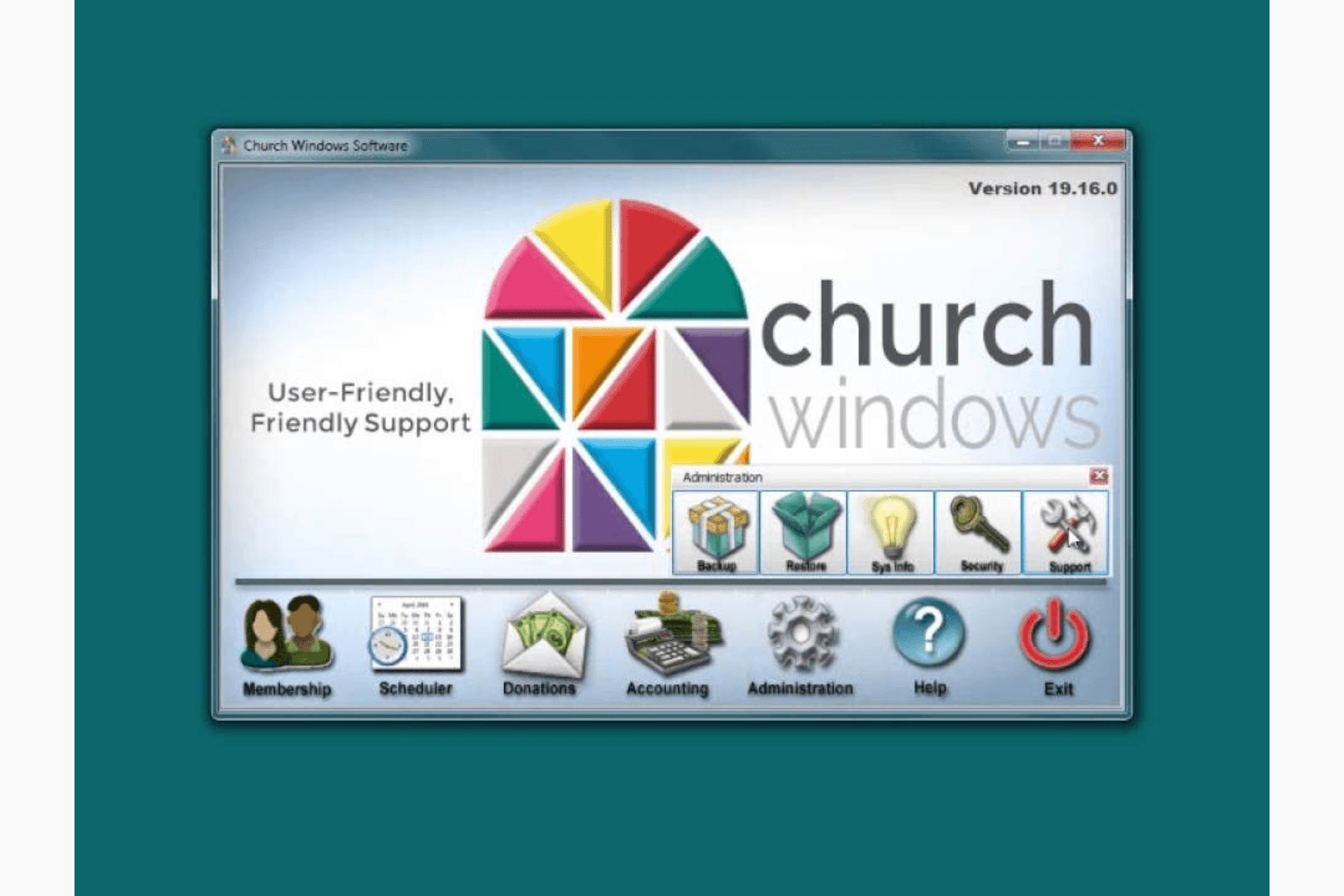
Church Windows is a church software built for congregations that need membership tracking, contribution management, and accounting in one place. I'd consider it if your church manages its own finances and wants to avoid running separate tools for each function. Compared to Planning Center, Church Windows includes built-in accounting. That's a real advantage when your administrator handles both the membership database and the books.
Church Windows Evaluation Summary
0/5
- From $19/month
- Free trial + free demo available
Hvorfor du kan stole på våre programvareanbefalinger
6,700+
Reviews
20
Industry experts
16+
Evaluation factors
14
Years
Teamet vårt har testet og anmeldt programvare siden 2012. Vi er selv kirkeledere, så vi vet hvor vanskelig og hvor viktig det er å velge riktig programvare.
I denne guiden har vi vurdert verktøyene gjennom praktisk testing og uavhengig research og gitt dem poeng ut fra våre utvelgelseskriterier.
Anmeldelsene våre bygger på vår egen redaksjonelle vurdering. De er ikke et salgsargument.
Church Windows Overview
Pros
- The user-friendly interface makes it easy for your team to navigate and manage tasks.
- Excellent customer support helps you resolve issues promptly.
- Comprehensive reporting tools allow you to track and analyze your church's data.
Cons
- The onboarding process can be difficult for your team to get started.
- Limited customization options might not meet all your church's specific needs.
- Some users find the software's updates infrequent compared to competitors.
Is Church Windows Right For Your Needs?
Who Would be a Good Fit for Church Windows?
Church Windows is ideal for small to medium-sized churches that need a user-friendly platform to manage their operations. If you're a pastor or church administrator focused on improving member engagement and administrative efficiency, this software's comprehensive reporting and excellent customer support will serve you well. Its intuitive interface ensures your team can easily handle tasks like event planning and financial tracking, making it a practical choice for churches with limited tech resources.
- Small ChurchesChurch Windows simplifies administrative tasks, making it perfect for your small team to manage church operations efficiently.
- Medium-Sized ChurchesIts comprehensive reporting tools help you track and analyze data, essential for growing congregations.
- Church AdministratorsThe user-friendly interface ensures you can easily navigate and manage membership and contributions.
- Financial TeamsYou can rely on its robust financial tracking features to maintain accurate records and reports.
- PastorsChurch Windows offers excellent customer support, allowing you to focus on your ministry rather than technical issues.
- Event CoordinatorsThe software's capabilities streamline event planning and scheduling, making your job much easier.
Who Would be a Bad Fit for Church Windows?
Church Windows might not suit large churches or organizations needing extensive customization due to its limited customization options. If your team requires frequent software updates or is heavily reliant on complex integrations, you might find Church Windows lacking in these areas. Additionally, businesses outside the religious sector won't benefit from its church-specific features and functionalities.
- Large ChurchesYour large team might find the limited customization options and infrequent updates insufficient for complex needs.
- Tech-Savvy TeamsIf your team demands advanced technical features and frequent updates, Church Windows may not meet your expectations.
- Highly Customizable NeedsOrganizations needing extensive customization might find the software's capabilities too limited for their requirements.
- Non-Religious OrganizationsYou'll find Church Windows's church-specific features irrelevant and unhelpful for your business operations.
- Integration-Heavy EnvironmentsIf your work relies on complex integrations, Church Windows's basic integration options might not suffice.
- Frequent UpdatersTeams expecting regular software updates may be disappointed with Church Windows's update frequency.
How We Test & Score Tools
We’ve spent years building, refining, and improving our software testing and scoring system. The rubric is designed to capture the nuances of software selection and what makes a tool effective, focusing on critical aspects of the decision-making process.
Below, you can see exactly how our testing and scoring works across seven criteria. It allows us to provide an unbiased evaluation of the software based on core functionality, standout features, ease of use, onboarding, customer support, integrations, customer reviews, and value for money.
Core Functionality (25% of final scoring)
The starting point of our evaluation is always the core functionality of the tool. Does it have the basic features and functions that a user would expect to see? Are any of those core features locked to higher-tiered pricing plans? At its core, we expect a tool to stand up against the baseline capabilities of its competitors.
Standout Features (25% of final scoring)
Next, we evaluate uncommon standout features that go above and beyond the core functionality typically found in tools of its kind. A high score reflects specialized or unique features that make the product faster, more efficient, or offer additional value to the user.
We also evaluate how easy it is to integrate with other tools typically found in the tech stack to expand the functionality and utility of the software. Tools offering plentiful native integrations, 3rd party connections, and API access to build custom integrations score best.
Ease of Use (10% of final scoring)
We consider how quick and easy it is to execute the tasks defined in the core functionality using the tool. High scoring software is well designed, intuitive to use, offers mobile apps, provides templates, and makes relatively complex tasks seem simple.
Onboarding (10% of final scoring)
We know how important rapid team adoption is for a new platform, so we evaluate how easy it is to learn and use a tool with minimal training. We evaluate how quickly a team member can get set up and start using the tool with no experience. High scoring solutions indicate little or no support is required.
Customer Support (10% of final scoring)
We review how quick and easy it is to get unstuck and find help by phone, live chat, or knowledge base. Tools and companies that provide real-time support score best, while chatbots score worst.
Customer Reviews (10% of final scoring)
Beyond our own testing and evaluation, we consider the net promoter score from current and past customers. We review their likelihood, given the option, to choose the tool again for the core functionality. A high scoring software reflects a high net promoter score from current or past customers.
Value for Money (10% of final scoring)
Lastly, in consideration of all the other criteria, we review the average price of entry level plans against the core features and consider the value of the other evaluation criteria. Software that delivers more, for less, will score higher.
Church Windows Specs
- API: No
- Calendar Management: No
- Contact Management: No
- Dashboards: No
- Data Export: No
- Data Import: No
- Document Management: No
- External Integrations: No
- Multi-User: No
- Notifications: No
- Payment Gateway Integration: No
- Scheduling: No
- Workflow Management: No
Church Windows FAQs
Church Windows Company Overview & History
Church Windows has been providing church management software solutions for over 30 years, offering tools for membership, scheduling, donations, accounting, and payroll. The company is dedicated to supporting churches with flexible web and desktop access options. Known for its strong customer support, Church Windows employs staff with an average of 14 years of experience and includes an Onboarding Specialist with each new purchase.
Church Windows Major Milestones
- 1990s: Church Windows was first introduced to help manage church operations.
- 2000s: Expanded to include comprehensive modules for donations and accounting.
- 2010s: Began offering both web and desktop access for greater flexibility.
- 2020s: Emphasized strong customer support with experienced staff and onboarding specialists.
Hva skjer videre?
Abonner på nyhetsbrevet vårt for å få de nyeste ressursene, beste praksisene og innsikten i kirkedrift fra erfarne pastorer og kirkeledere.