

Recensione Appy Pie: Vantaggi, Svantaggi, Caratteristiche e Guida ai Prezzi
Ho messo alla prova gli strumenti di Appy Pie per i siti web delle chiese—ecco dove eccelle, dove invece inciampa, e perché potrebbe (o meno) essere la scelta giusta per la tua congregazione.

Recensiamo gli strumenti in modo indipendente e le commissioni ci aiutano a finanziare i nostri test. Consulta la nostra politica sulla trasparenza, la nostra metodologia, oppure suggerisci uno strumento.
Appy Pie is a no-code church website builder for ministry leaders who need to launch a site without a developer or a design background. I'd consider it if budget and speed matter more than pixel-perfect customization—it's easier to get up and running than Squarespace, which rewards users who already have design experience and time to invest in the build.
Appy Pie Evaluation Summary
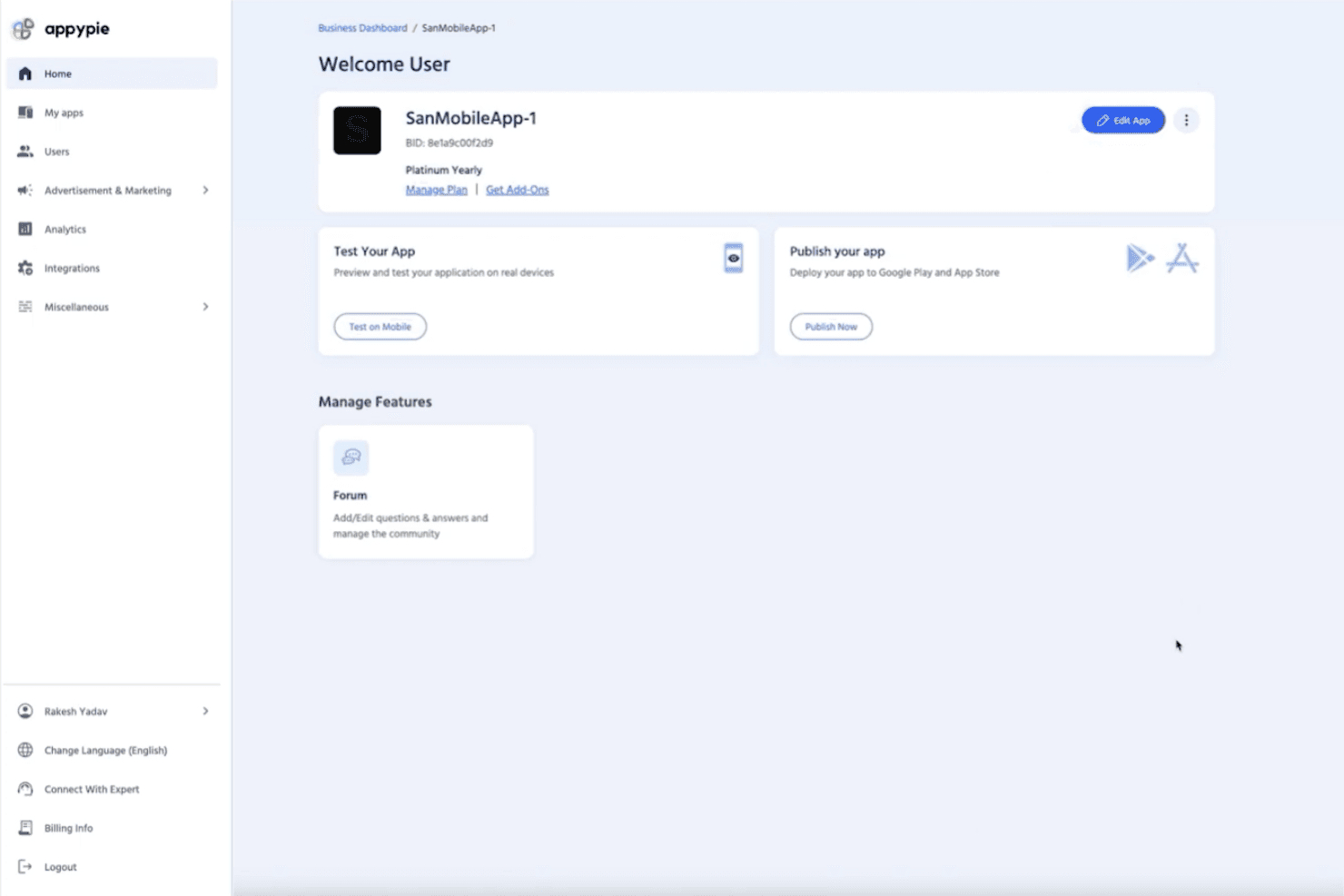
4.7/5
- From $16/app/month
- 7-day free trial available
Perché fidarsi dei nostri consigli sui software
6,700+
Reviews
20
Industry experts
16+
Evaluation factors
14
Years
Il nostro team testa e recensisce software dal 2012. In quanto leader ecclesiastici noi stessi, sappiamo quanto sia difficile — e importante — scegliere il software giusto.
Per questa guida, abbiamo valutato gli strumenti attraverso test pratici e ricerche indipendenti, assegnando un punteggio agli strumenti in base ai nostri criteri di selezione.
Le nostre recensioni riflettono il nostro giudizio editoriale umano, non un discorso di vendita.
Appy Pie Overview
If you’re judging Appy Pie as a church website tool, I think its drag-and-drop builder and affordable pricing make it a strong pick for churches with limited tech skills or budgets. Compared to others, onboarding is quick, and the interface is easy to navigate, but customization and integrations can feel basic.
Support is responsive, and you’ll find plenty of templates for ministries, but advanced features like event registration or media libraries aren’t as deep. I’d suggest Appy Pie for small to mid-sized churches wanting a simple, budget-friendly way to get online fast.
Pros
- Drag-and-drop builder makes website creation fast for churches
- Built-in push notifications help keep congregations informed
- Affordable pricing plans fit small church budgets
Cons
- Limited advanced features for sermon media or event calendars
- Template designs can feel generic for church branding needs
- Custom domain setup sometimes requires extra support steps
Is Appy Pie Right For Your Needs?
Who Would be a Good Fit for Appy Pie?
Appy Pie is a smart choice for churches and ministries that want a quick, affordable way to launch a website without technical staff. Its simple builder, built-in notifications, and budget-friendly plans make it ideal for smaller congregations, volunteer-led teams, and ministries focused on basic communication. If you need a straightforward site to share service times, announcements, and contact info, Appy Pie covers the essentials.
- Small ChurchesAppy Pie’s pricing and templates suit churches with limited budgets and staff.
- Volunteer TeamsNon-technical volunteers can build and update sites with minimal training.
- Youth MinistriesPush notifications and event pages help keep youth groups connected.
- Community OutreachQuickly launch informational sites for outreach or seasonal campaigns.
- Church PlantsNew churches can get online fast without hiring web developers.
- Rural CongregationsSimple hosting and mobile-friendly design work well for areas with limited tech resources.
Who Would be a Bad Fit for Appy Pie?
Appy Pie isn’t the best fit for churches or organizations needing advanced features, deep customization, or integration with complex systems. Larger churches, multi-site ministries, and those with specific branding or media needs may find its templates and feature set too basic.
If your team relies on custom workflows, robust event management, or multimedia libraries, you’ll likely outgrow Appy Pie’s capabilities.
- Large ChurchesAdvanced event management and media features are too limited.
- Multi-Site MinistriesNo support for managing multiple campuses or locations in one site.
- Communications DepartmentsBranding and design options don’t meet high creative standards.
- Tech-Savvy TeamsLack of developer access and custom code limits flexibility.
- Worship Media TeamsNo built-in sermon video or podcast hosting for media-heavy ministries.
- Churches With Custom SystemsLimited integrations make syncing with church management software difficult.
Come Testiamo e Valutiamo gli Strumenti
Abbiamo trascorso anni a costruire, perfezionare e migliorare il nostro sistema di test e valutazione dei software. Il nostro metodo è progettato per cogliere tutte le sfumature della selezione software e ciò che rende uno strumento efficace, concentrandosi sugli aspetti critici del processo decisionale. Qui sotto puoi vedere esattamente come funzionano i nostri test e valutazioni in base a sette criteri. Questo ci permette di offrire una valutazione imparziale dei software considerando funzionalità di base, caratteristiche distintive, facilità d’uso, onboarding, supporto clienti, integrazioni, recensioni dei clienti e rapporto qualità-prezzo.
Funzionalità di Base (25% del punteggio finale)
Il punto di partenza della nostra valutazione è sempre la funzionalità di base dello strumento. Dispone delle funzionalità e caratteristiche essenziali che un utente si aspetterebbe di trovare? Alcune di queste funzioni di base sono limitate a piani con prezzi superiori? In sostanza, ci aspettiamo che uno strumento sia all’altezza delle capacità minime offerte dai concorrenti.
Caratteristiche Distintive (25% del punteggio finale)
Successivamente analizziamo le caratteristiche distintive che vanno oltre la funzionalità base tipica degli strumenti di questa tipologia. Un punteggio alto riflette funzioni specializzate o uniche che rendono il prodotto più veloce, efficiente o offrono valore aggiunto all’utente. Valutiamo anche quanto sia semplice integrare altri strumenti comunemente presenti nello stack tecnologico per espandere la funzionalità e l’utilità del software. Gli strumenti che offrono numerose integrazioni native, connessioni di terze parti e accesso API per creare integrazioni personalizzate ottengono il punteggio migliore.
Facilità d’Uso (10% del punteggio finale)
Consideriamo quanto sia veloce e facile eseguire i compiti principali definiti usando lo strumento. I software con punteggi elevati sono ben progettati, intuitivi, offrono app mobili, mettono a disposizione modelli e rendono semplici anche i compiti più complessi.
Onboarding (10% del punteggio finale)
Sappiamo quanto sia importante adottare rapidamente una nuova piattaforma, quindi valutiamo quanto sia semplice imparare e utilizzare uno strumento con il minimo training. Esaminiamo quanto rapidamente un membro del team possa essere operativo senza esperienza precedente. Le soluzioni con punteggio alto richiedono poco o nessun supporto.
Supporto Clienti (10% del punteggio finale)
Valutiamo quanto sia rapido e semplice risolvere i problemi e ottenere assistenza tramite telefono, chat dal vivo o knowledge base. Gli strumenti e le aziende che forniscono supporto in tempo reale ottengono il punteggio migliore, mentre i chatbot ottengono la valutazione più bassa.
Recensioni dei Clienti (10% del punteggio finale)
Oltre ai nostri test e valutazioni, prendiamo in considerazione il net promoter score di clienti attuali e passati. Esaminiamo la loro propensione, data la scelta, a selezionare nuovamente lo strumento per le funzioni principali. Un software con punteggio alto riflette un net promoter score elevato da parte dei clienti attuali o precedenti.
Rapporto Qualità-Prezzo (10% del punteggio finale)
Infine, considerando tutti gli altri criteri, esaminiamo il prezzo medio dei piani base rispetto alle funzionalità principali e valutiamo il valore degli altri indicatori. I software che offrono di più, a meno, ottengono un punteggio superiore.
Core Features
Drag-and-Drop Website Builder
Create and edit pages visually without coding. This lets church staff and volunteers quickly update content and layouts.
Customizable Templates
Choose from a range of pre-built designs tailored for churches. Templates include sections for sermons, events, and contact info.
Push Notifications
Send instant updates to your congregation’s devices. This feature helps keep members informed about service changes or urgent news.
Event Management
Add, edit, and display upcoming church events on your site. Members can easily see what’s happening and when.
Mobile Optimization
Websites automatically adjust for smartphones and tablets. This ensures your church’s site looks good and works well on any device.
Form Builder
Create custom forms for prayer requests, sign-ups, or feedback. Responses are collected in one place for easy follow-up.
Ease of Use
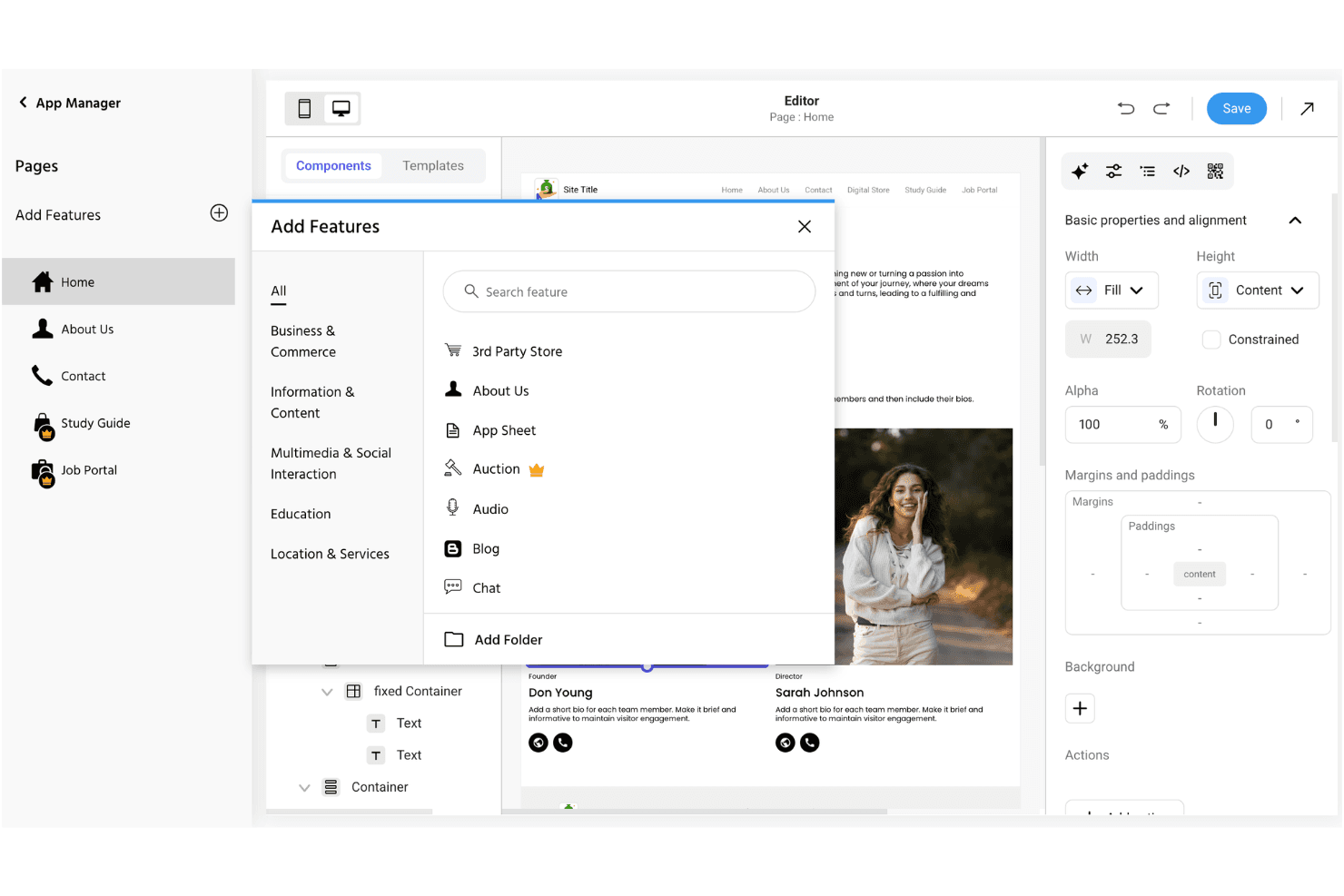
Appy Pie stands out for its straightforward, visual editor and simple setup process, making it easy for church staff and volunteers to get a site online quickly. Most users say they can publish pages, update events, and send notifications without needing technical help.
The interface is clean and intuitive, with clear prompts and helpful guides, so even first-timers can manage content and settings confidently.
Integrations
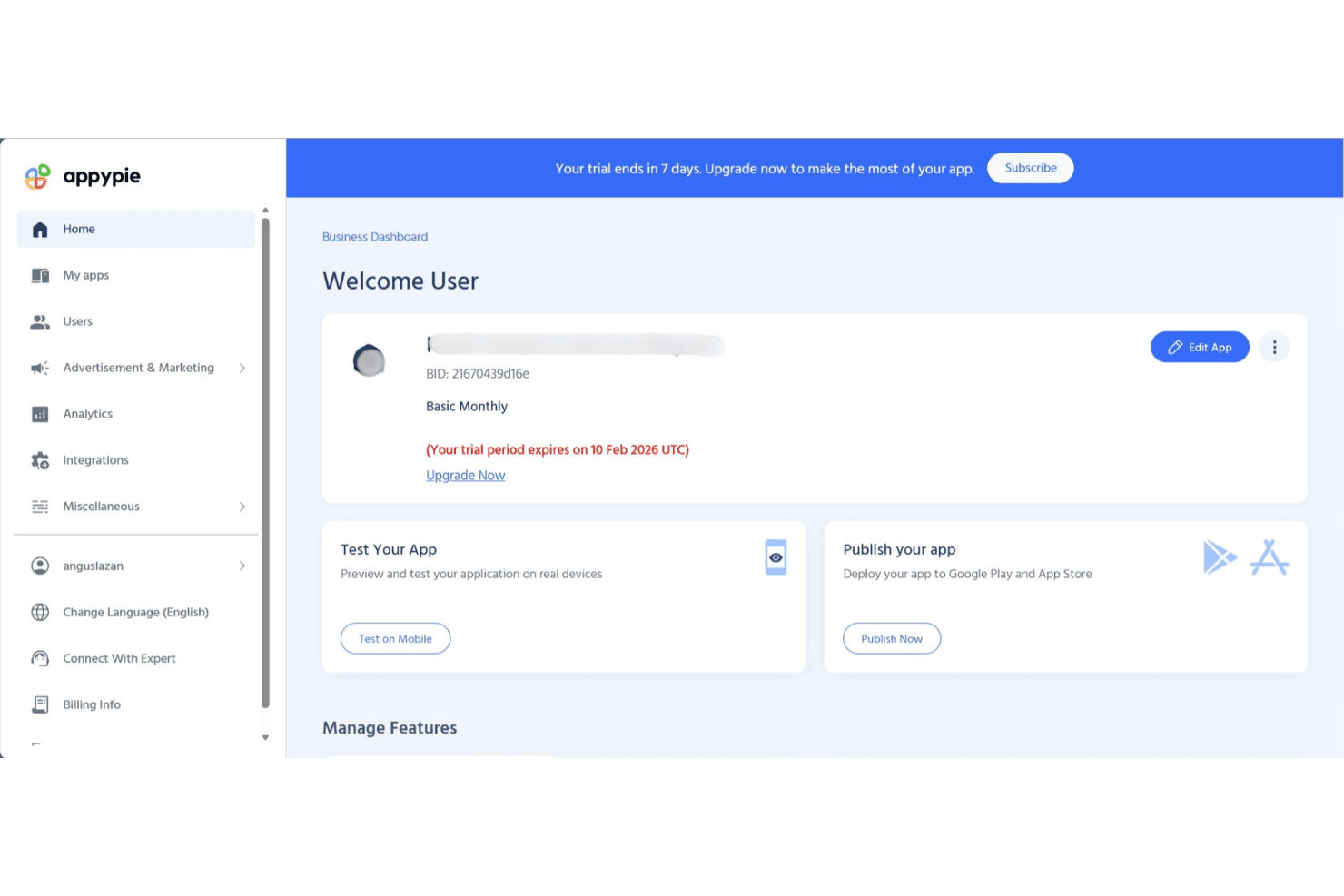
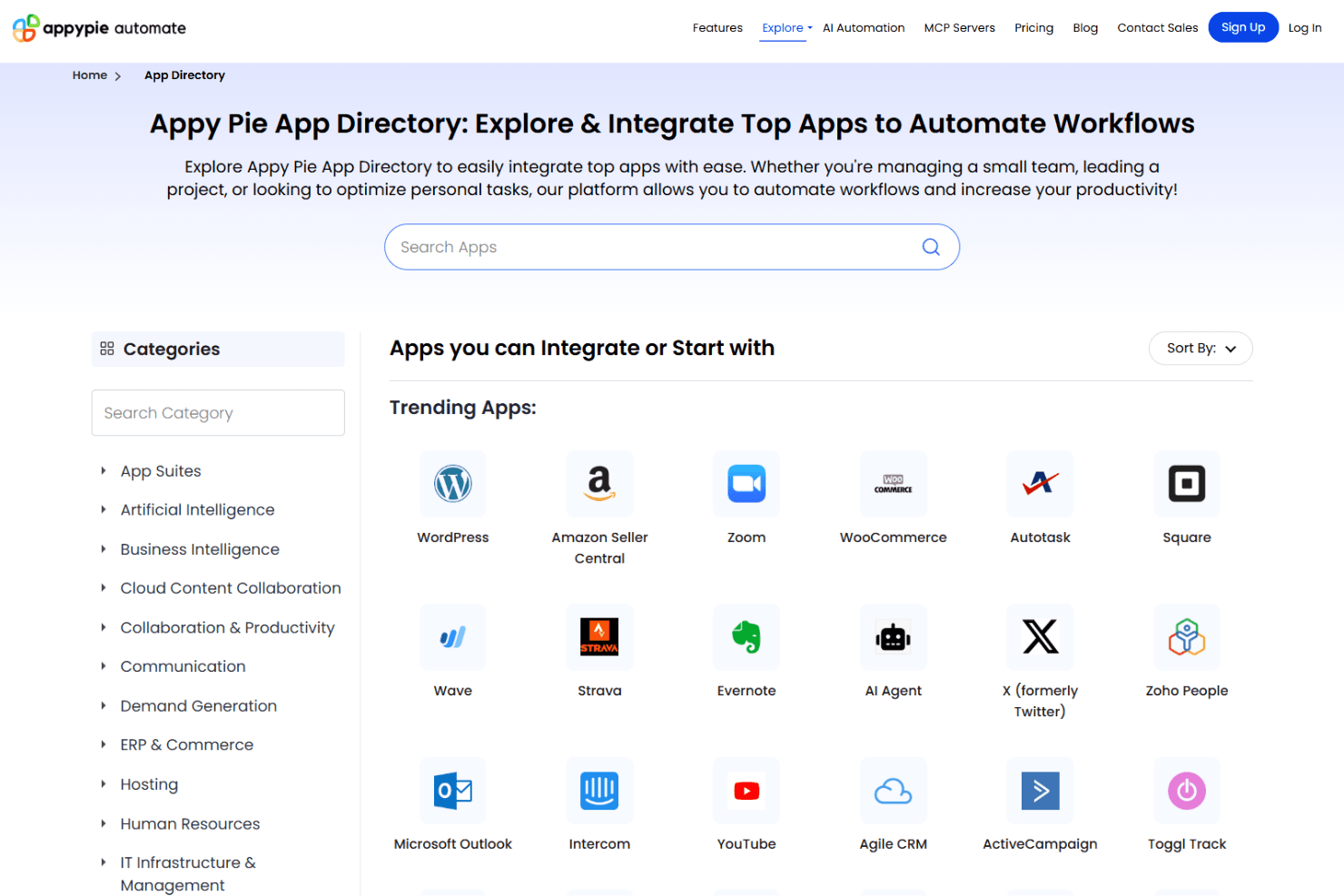
Appy Pie integrates with Google Analytics, Facebook Pixel, Stripe, PayPal, Mailchimp, Slack, Trello, Dropbox, Salesforce, and Shopify, among others.
Appy Pie also offers an API and connects with third-party integration tools for expanded functionality.
Appy Pie Specs
- API: Yes
- Bug Tracking: No
- CI/CD Integration: No
- Cloud Deployment: Yes
- Code Review: No
- Code Transformation: No
- Collaboration Support: No
- Data Export: Yes
- Data Import: Yes
- Developer Tools: Yes
- External Integrations: Yes
- Git Integration: No
- History/Version Control: No
- IDE Plugins: No
- Local Deployment: No
- Multi-User: Yes
- Notifications: Yes
- Project Management: No
- Release Management: No
- Static Analysis: No
- Task Scheduling/Tracking: No
- Testing: No


