

Reseña de Appy Pie: Ventajas, Desventajas, Características y Guía de Precios
He puesto a prueba las herramientas para sitios web de iglesias de Appy Pie. Aquí te cuento dónde destaca, en qué falla y por qué podría (o no) ser la opción adecuada para tu congregación.

Revisamos herramientas de manera independiente, y las comisiones ayudan a financiar nuestras pruebas. Consulta nuestra política de transparencia, nuestra metodología o sugiere una herramienta.
Appy Pie is a no-code church website builder for ministry leaders who need to launch a site without a developer or a design background. I'd consider it if budget and speed matter more than pixel-perfect customization—it's easier to get up and running than Squarespace, which rewards users who already have design experience and time to invest in the build.
Appy Pie Evaluation Summary
4.7/5
- From $16/app/month
- 7-day free trial available
Por qué confiar en nuestras recomendaciones de software
6,700+
Reviews
20
Industry experts
16+
Evaluation factors
14
Years
Nuestro equipo lleva probando y evaluando software desde 2012. Como líderes eclesiásticos, sabemos lo difícil —y lo importante— que es elegir el software adecuado.
Para esta guía, evaluamos las herramientas mediante pruebas prácticas e investigación independiente, puntuando las herramientas según nuestros criterios de selección.
Nuestras reseñas reflejan nuestro criterio editorial humano, no un discurso de ventas.
Appy Pie Overview
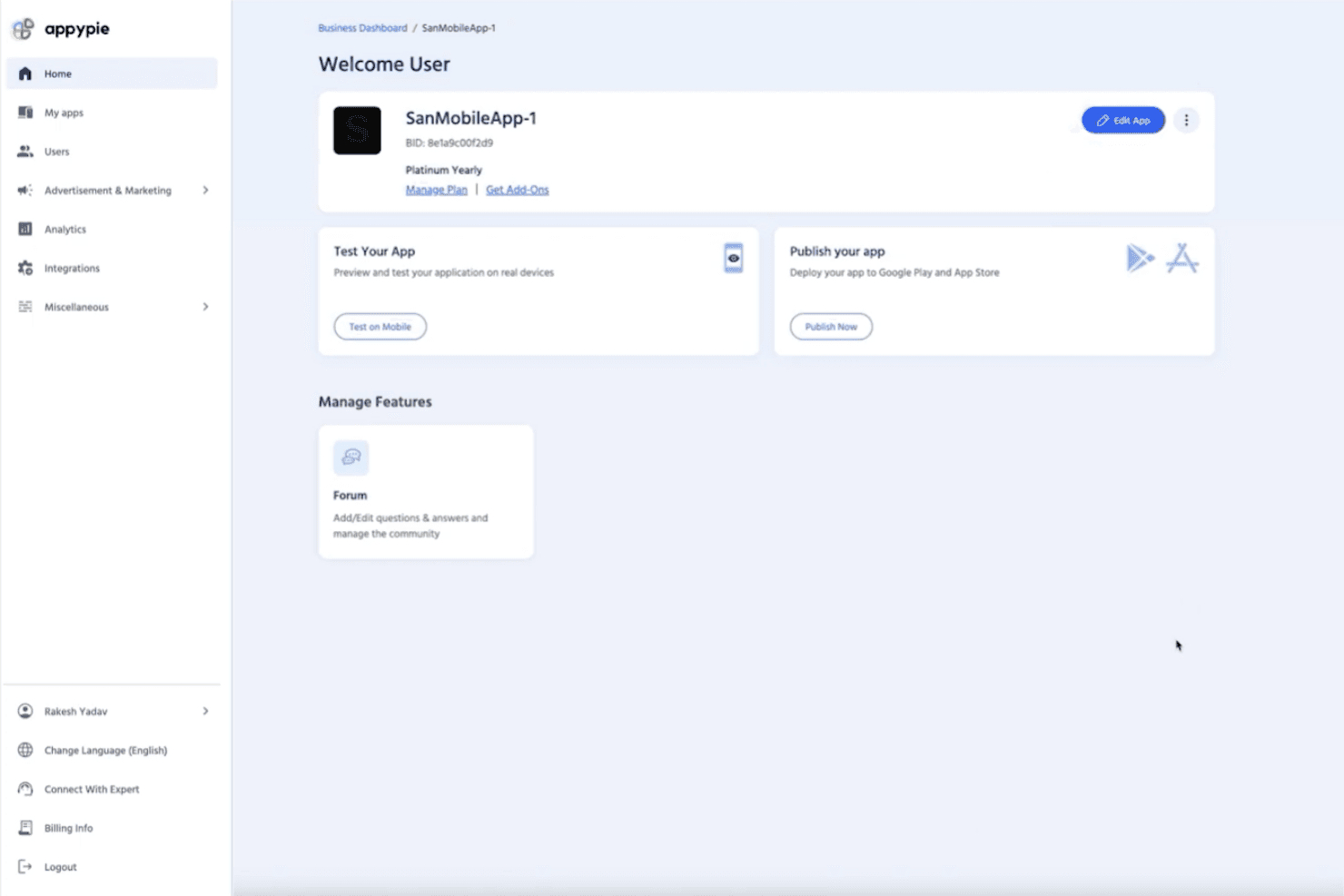
If you’re judging Appy Pie as a church website tool, I think its drag-and-drop builder and affordable pricing make it a strong pick for churches with limited tech skills or budgets. Compared to others, onboarding is quick, and the interface is easy to navigate, but customization and integrations can feel basic.
Support is responsive, and you’ll find plenty of templates for ministries, but advanced features like event registration or media libraries aren’t as deep. I’d suggest Appy Pie for small to mid-sized churches wanting a simple, budget-friendly way to get online fast.
Pros
- Drag-and-drop builder makes website creation fast for churches
- Built-in push notifications help keep congregations informed
- Affordable pricing plans fit small church budgets
Cons
- Limited advanced features for sermon media or event calendars
- Template designs can feel generic for church branding needs
- Custom domain setup sometimes requires extra support steps
Is Appy Pie Right For Your Needs?
Who Would be a Good Fit for Appy Pie?
Appy Pie is a smart choice for churches and ministries that want a quick, affordable way to launch a website without technical staff. Its simple builder, built-in notifications, and budget-friendly plans make it ideal for smaller congregations, volunteer-led teams, and ministries focused on basic communication. If you need a straightforward site to share service times, announcements, and contact info, Appy Pie covers the essentials.
- Small ChurchesAppy Pie’s pricing and templates suit churches with limited budgets and staff.
- Volunteer TeamsNon-technical volunteers can build and update sites with minimal training.
- Youth MinistriesPush notifications and event pages help keep youth groups connected.
- Community OutreachQuickly launch informational sites for outreach or seasonal campaigns.
- Church PlantsNew churches can get online fast without hiring web developers.
- Rural CongregationsSimple hosting and mobile-friendly design work well for areas with limited tech resources.
Who Would be a Bad Fit for Appy Pie?
Appy Pie isn’t the best fit for churches or organizations needing advanced features, deep customization, or integration with complex systems. Larger churches, multi-site ministries, and those with specific branding or media needs may find its templates and feature set too basic.
If your team relies on custom workflows, robust event management, or multimedia libraries, you’ll likely outgrow Appy Pie’s capabilities.
- Large ChurchesAdvanced event management and media features are too limited.
- Multi-Site MinistriesNo support for managing multiple campuses or locations in one site.
- Communications DepartmentsBranding and design options don’t meet high creative standards.
- Tech-Savvy TeamsLack of developer access and custom code limits flexibility.
- Worship Media TeamsNo built-in sermon video or podcast hosting for media-heavy ministries.
- Churches With Custom SystemsLimited integrations make syncing with church management software difficult.
Cómo Probamos y Puntuamos Herramientas
Hemos pasado años creando, refinando y mejorando nuestro sistema de prueba y puntuación de software. La rúbrica está diseñada para captar las particularidades de la selección de software y lo que hace que una herramienta sea efectiva, centrándose en los aspectos críticos del proceso de toma de decisiones. A continuación, puedes ver exactamente cómo funcionan nuestras pruebas y puntuaciones en siete criterios. Nos permite proporcionar una evaluación imparcial del software basada en la funcionalidad principal, características destacadas, facilidad de uso, incorporación, soporte al cliente, integraciones, reseñas de clientes y relación calidad-precio.
Funcionalidad principal (25% de la puntuación final)
El punto de partida de nuestra evaluación es siempre la funcionalidad principal de la herramienta. ¿Tiene las funciones y características básicas que un usuario esperaría ver? ¿Alguna de esas funciones principales está bloqueada en planes de precios superiores? En esencia, esperamos que una herramienta se mantenga frente a las capacidades mínimas de sus competidores.
Características destacadas (25% de la puntuación final)
A continuación, evaluamos características poco comunes que van más allá de la funcionalidad principal típicamente encontrada en herramientas de su tipo. Una puntuación alta refleja funciones especializadas o únicas que hacen que el producto sea más rápido, eficiente o que aporte valor adicional al usuario. También evaluamos lo fácil que es integrarse con otras herramientas habitualmente presentes en la infraestructura tecnológica, para ampliar la funcionalidad y utilidad del software. Las herramientas que ofrecen muchas integraciones nativas, conexiones con terceros y acceso API para crear integraciones personalizadas obtienen la mejor puntuación.
Facilidad de uso (10% de la puntuación final)
Consideramos qué tan rápido y fácil es ejecutar las tareas definidas en la funcionalidad principal utilizando la herramienta. El software con alta puntuación está bien diseñado, es intuitivo de usar, ofrece aplicaciones móviles, proporciona plantillas y hace que tareas relativamente complejas parezcan simples.
Incorporación (10% de la puntuación final)
Sabemos lo importante que es la rápida adopción por parte del equipo en una nueva plataforma, por lo que evaluamos lo fácil que es aprender y usar una herramienta con una formación mínima. Evaluamos lo rápido que un miembro del equipo puede configurarse y comenzar a usar la herramienta sin experiencia previa. Las soluciones mejor puntuadas indican que se requiere poco o ningún soporte.
Soporte al cliente (10% de la puntuación final)
Revisamos lo rápido y fácil que es obtener ayuda por teléfono, chat en vivo o base de conocimiento. Las herramientas y empresas que brindan soporte en tiempo real obtienen la mejor puntuación, mientras que los chatbots obtienen la peor.
Reseñas de clientes (10% de la puntuación final)
Más allá de nuestras propias pruebas y evaluaciones, consideramos la puntuación neta del promotor de clientes actuales y anteriores. Revisamos la probabilidad de que elegirían nuevamente la herramienta para la funcionalidad principal. Un software de alta puntuación refleja una puntuación neta del promotor elevada por parte de sus clientes actuales o pasados.
Relación calidad-precio (10% de la puntuación final)
Por último, en consideración del resto de los criterios, revisamos el precio promedio de los planes de nivel inicial frente a las funciones principales y consideramos el valor de los otros criterios de evaluación. El software que ofrece más, por menos, obtendrá una mejor puntuación.
Core Features
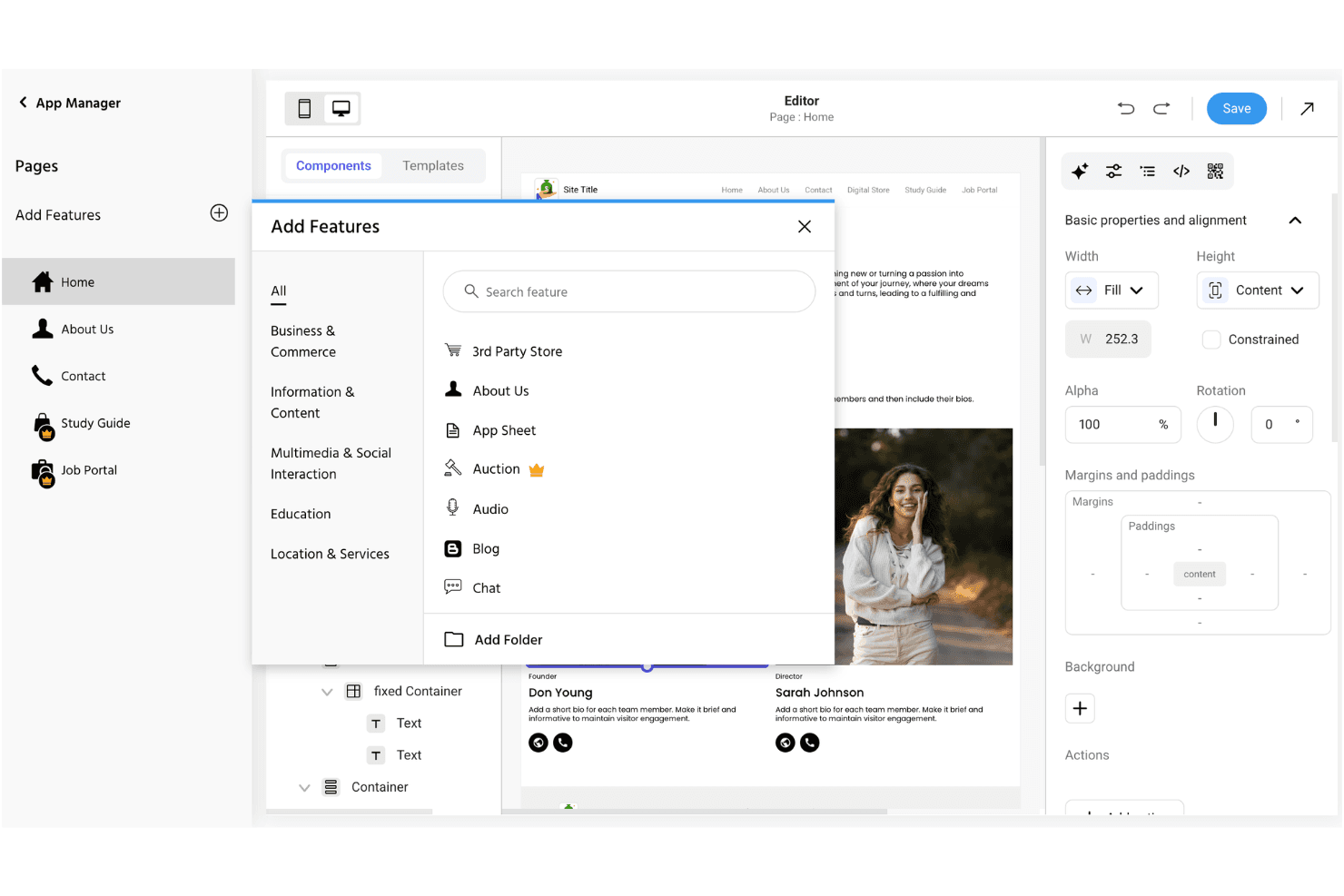
Drag-and-Drop Website Builder
Create and edit pages visually without coding. This lets church staff and volunteers quickly update content and layouts.
Customizable Templates
Choose from a range of pre-built designs tailored for churches. Templates include sections for sermons, events, and contact info.
Push Notifications
Send instant updates to your congregation’s devices. This feature helps keep members informed about service changes or urgent news.
Event Management
Add, edit, and display upcoming church events on your site. Members can easily see what’s happening and when.
Mobile Optimization
Websites automatically adjust for smartphones and tablets. This ensures your church’s site looks good and works well on any device.
Form Builder
Create custom forms for prayer requests, sign-ups, or feedback. Responses are collected in one place for easy follow-up.
Ease of Use
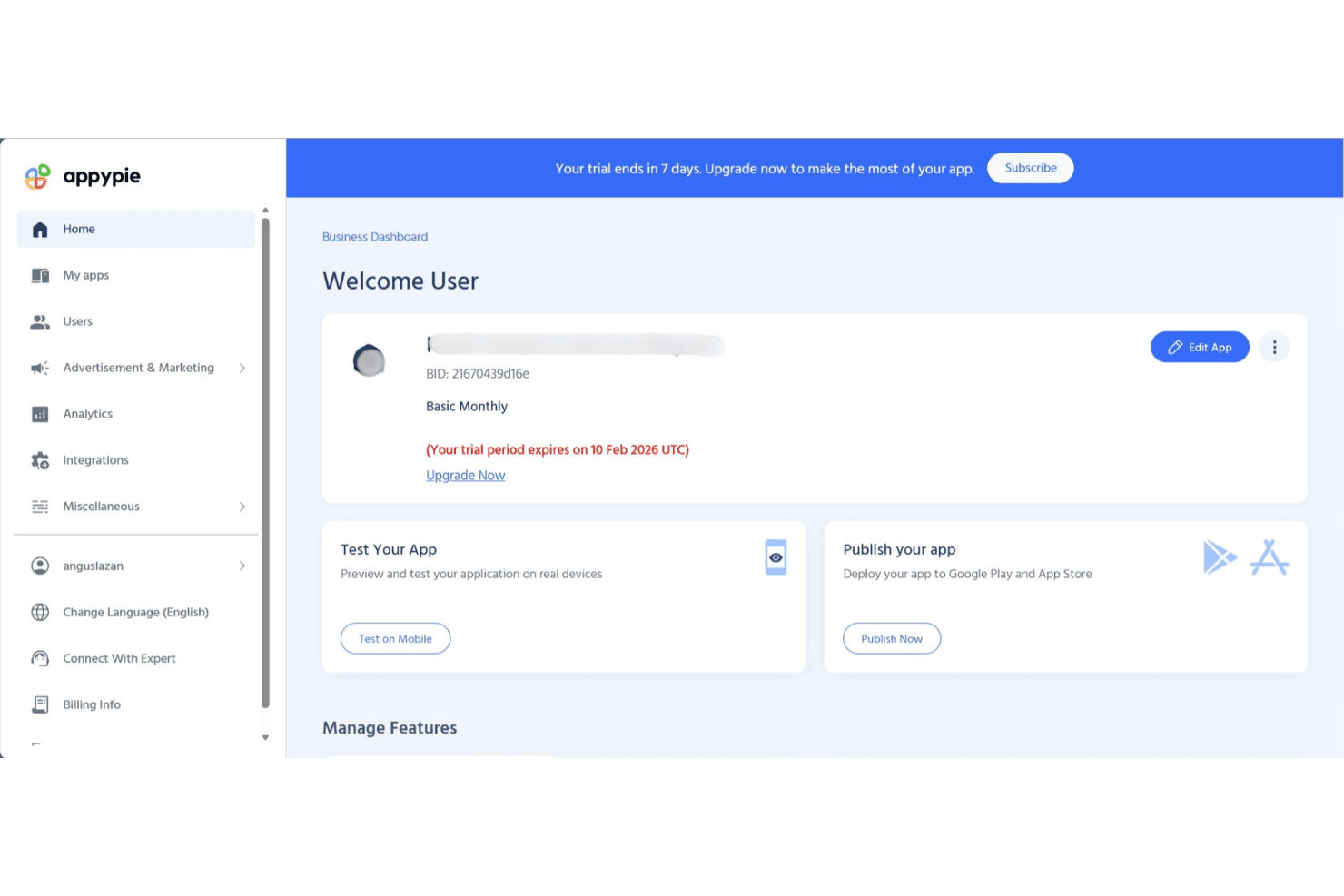
Appy Pie stands out for its straightforward, visual editor and simple setup process, making it easy for church staff and volunteers to get a site online quickly. Most users say they can publish pages, update events, and send notifications without needing technical help.
The interface is clean and intuitive, with clear prompts and helpful guides, so even first-timers can manage content and settings confidently.
Integrations
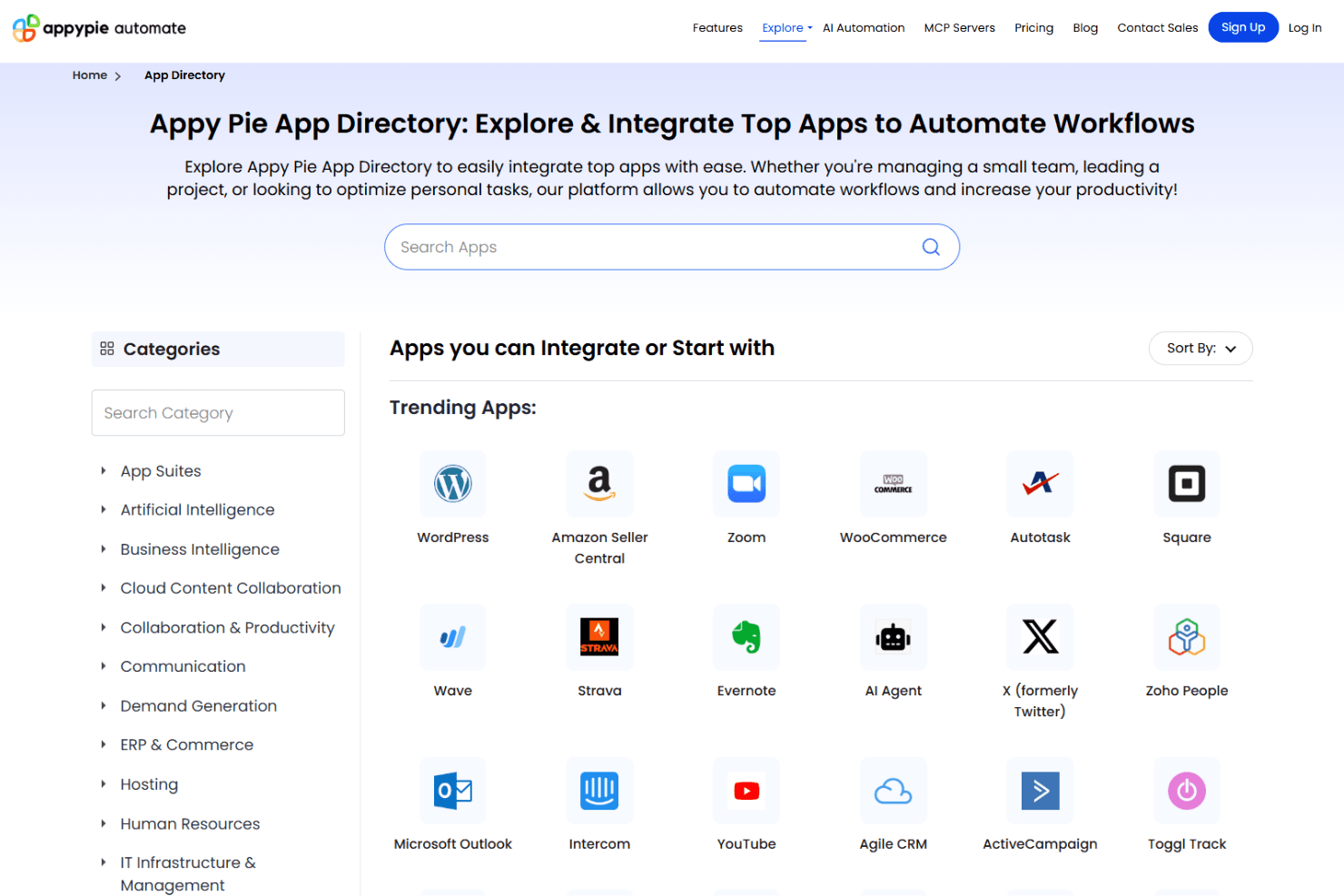
Appy Pie integrates with Google Analytics, Facebook Pixel, Stripe, PayPal, Mailchimp, Slack, Trello, Dropbox, Salesforce, and Shopify, among others.
Appy Pie also offers an API and connects with third-party integration tools for expanded functionality.
Appy Pie Specs
- API: Yes
- Bug Tracking: No
- CI/CD Integration: No
- Cloud Deployment: Yes
- Code Review: No
- Code Transformation: No
- Collaboration Support: No
- Data Export: Yes
- Data Import: Yes
- Developer Tools: Yes
- External Integrations: Yes
- Git Integration: No
- History/Version Control: No
- IDE Plugins: No
- Local Deployment: No
- Multi-User: Yes
- Notifications: Yes
- Project Management: No
- Release Management: No
- Static Analysis: No
- Task Scheduling/Tracking: No
- Testing: No


