

Appy Pie-anmeldelse: Fordele, ulemper, funktioner og prisguide
Jeg har sat Appy Pies værktøjer til kirk hjemmesider på prøve – her er, hvor de udmærker sig, hvor de kommer til kort, og hvorfor de måske (eller måske ikke) er det rigtige valg for jeres menighed.

We review tools independently, and commissions help fund our testing. See our transparency policy, our methodology, or suggest a tool.
Appy Pie is a no-code church website builder for ministry leaders who need to launch a site without a developer or a design background. I'd consider it if budget and speed matter more than pixel-perfect customization—it's easier to get up and running than Squarespace, which rewards users who already have design experience and time to invest in the build.
Appy Pie Evaluation Summary
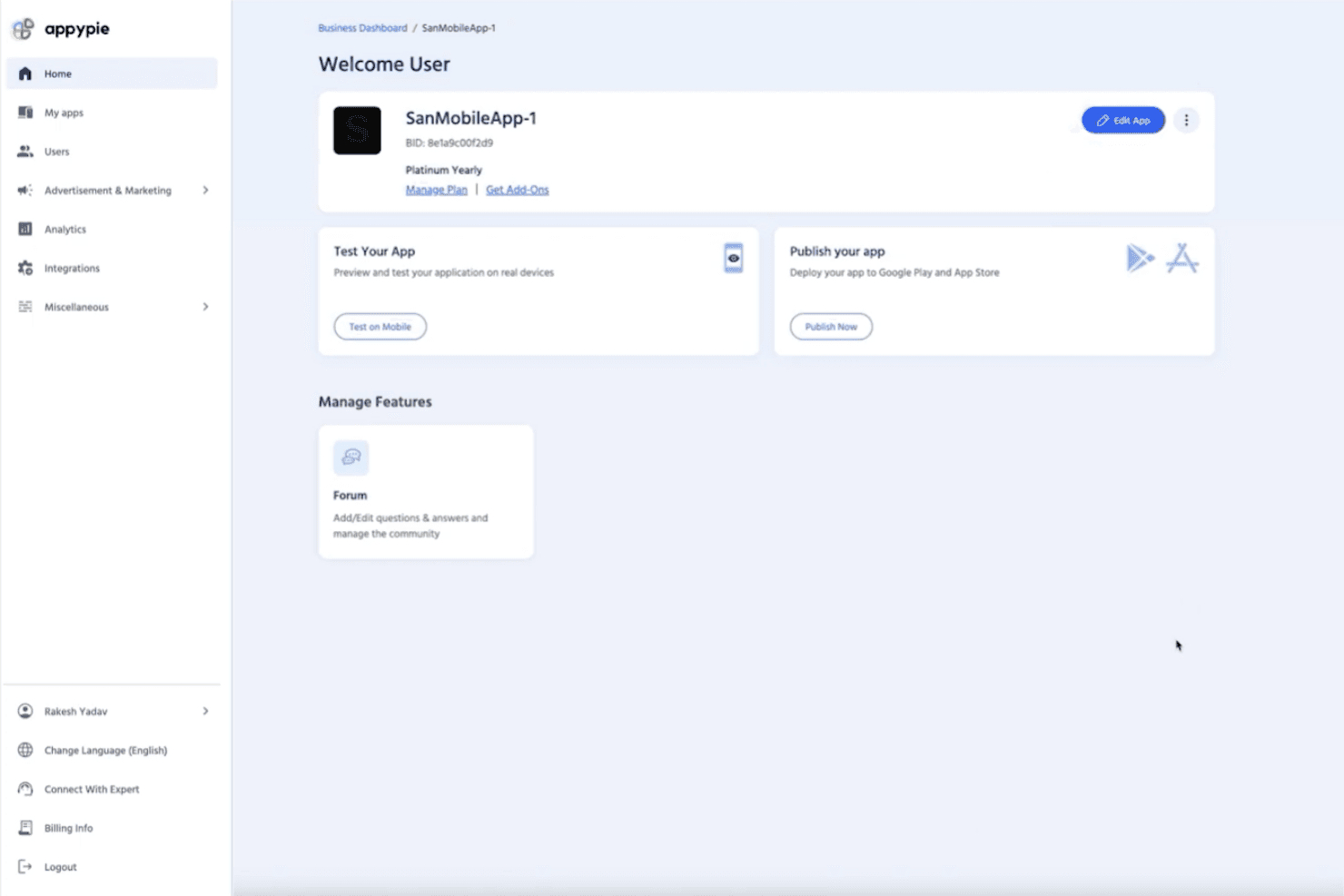
4.7/5
- From $16/app/month
- 7-day free trial available
Why Trust Our Software Recommendations
6,700+
Reviews
20
Industry experts
16+
Evaluation factors
14
Years
Our team has been testing and reviewing software since 2012. As church leaders ourselves, we know how difficult—and important—it is to choose the right software.
For this guide, we evaluated tools using hands-on testing and independent research, scoring tools using our selection criteria.
Our reviews reflect our human editorial judgment, not a sales pitch.
Appy Pie Overview
If you’re judging Appy Pie as a church website tool, I think its drag-and-drop builder and affordable pricing make it a strong pick for churches with limited tech skills or budgets. Compared to others, onboarding is quick, and the interface is easy to navigate, but customization and integrations can feel basic.
Support is responsive, and you’ll find plenty of templates for ministries, but advanced features like event registration or media libraries aren’t as deep. I’d suggest Appy Pie for small to mid-sized churches wanting a simple, budget-friendly way to get online fast.
Pros
- Drag-and-drop builder makes website creation fast for churches
- Built-in push notifications help keep congregations informed
- Affordable pricing plans fit small church budgets
Cons
- Limited advanced features for sermon media or event calendars
- Template designs can feel generic for church branding needs
- Custom domain setup sometimes requires extra support steps
Is Appy Pie Right For Your Needs?
Who Would be a Good Fit for Appy Pie?
Appy Pie is a smart choice for churches and ministries that want a quick, affordable way to launch a website without technical staff. Its simple builder, built-in notifications, and budget-friendly plans make it ideal for smaller congregations, volunteer-led teams, and ministries focused on basic communication. If you need a straightforward site to share service times, announcements, and contact info, Appy Pie covers the essentials.
- Small ChurchesAppy Pie’s pricing and templates suit churches with limited budgets and staff.
- Volunteer TeamsNon-technical volunteers can build and update sites with minimal training.
- Youth MinistriesPush notifications and event pages help keep youth groups connected.
- Community OutreachQuickly launch informational sites for outreach or seasonal campaigns.
- Church PlantsNew churches can get online fast without hiring web developers.
- Rural CongregationsSimple hosting and mobile-friendly design work well for areas with limited tech resources.
Who Would be a Bad Fit for Appy Pie?
Appy Pie isn’t the best fit for churches or organizations needing advanced features, deep customization, or integration with complex systems. Larger churches, multi-site ministries, and those with specific branding or media needs may find its templates and feature set too basic.
If your team relies on custom workflows, robust event management, or multimedia libraries, you’ll likely outgrow Appy Pie’s capabilities.
- Large ChurchesAdvanced event management and media features are too limited.
- Multi-Site MinistriesNo support for managing multiple campuses or locations in one site.
- Communications DepartmentsBranding and design options don’t meet high creative standards.
- Tech-Savvy TeamsLack of developer access and custom code limits flexibility.
- Worship Media TeamsNo built-in sermon video or podcast hosting for media-heavy ministries.
- Churches With Custom SystemsLimited integrations make syncing with church management software difficult.
How We Test & Score Tools
We’ve spent years building, refining, and improving our software testing and scoring system. The rubric is designed to capture the nuances of software selection and what makes a tool effective, focusing on critical aspects of the decision-making process.
Below, you can see exactly how our testing and scoring works across seven criteria. It allows us to provide an unbiased evaluation of the software based on core functionality, standout features, ease of use, onboarding, customer support, integrations, customer reviews, and value for money.
Core Functionality (25% of final scoring)
The starting point of our evaluation is always the core functionality of the tool. Does it have the basic features and functions that a user would expect to see? Are any of those core features locked to higher-tiered pricing plans? At its core, we expect a tool to stand up against the baseline capabilities of its competitors.
Standout Features (25% of final scoring)
Next, we evaluate uncommon standout features that go above and beyond the core functionality typically found in tools of its kind. A high score reflects specialized or unique features that make the product faster, more efficient, or offer additional value to the user.
We also evaluate how easy it is to integrate with other tools typically found in the tech stack to expand the functionality and utility of the software. Tools offering plentiful native integrations, 3rd party connections, and API access to build custom integrations score best.
Ease of Use (10% of final scoring)
We consider how quick and easy it is to execute the tasks defined in the core functionality using the tool. High scoring software is well designed, intuitive to use, offers mobile apps, provides templates, and makes relatively complex tasks seem simple.
Onboarding (10% of final scoring)
We know how important rapid team adoption is for a new platform, so we evaluate how easy it is to learn and use a tool with minimal training. We evaluate how quickly a team member can get set up and start using the tool with no experience. High scoring solutions indicate little or no support is required.
Customer Support (10% of final scoring)
We review how quick and easy it is to get unstuck and find help by phone, live chat, or knowledge base. Tools and companies that provide real-time support score best, while chatbots score worst.
Customer Reviews (10% of final scoring)
Beyond our own testing and evaluation, we consider the net promoter score from current and past customers. We review their likelihood, given the option, to choose the tool again for the core functionality. A high scoring software reflects a high net promoter score from current or past customers.
Value for Money (10% of final scoring)
Lastly, in consideration of all the other criteria, we review the average price of entry level plans against the core features and consider the value of the other evaluation criteria. Software that delivers more, for less, will score higher.
Core Features
Drag-and-Drop Website Builder
Create and edit pages visually without coding. This lets church staff and volunteers quickly update content and layouts.
Customizable Templates
Choose from a range of pre-built designs tailored for churches. Templates include sections for sermons, events, and contact info.
Push Notifications
Send instant updates to your congregation’s devices. This feature helps keep members informed about service changes or urgent news.
Event Management
Add, edit, and display upcoming church events on your site. Members can easily see what’s happening and when.
Mobile Optimization
Websites automatically adjust for smartphones and tablets. This ensures your church’s site looks good and works well on any device.
Form Builder
Create custom forms for prayer requests, sign-ups, or feedback. Responses are collected in one place for easy follow-up.
Ease of Use
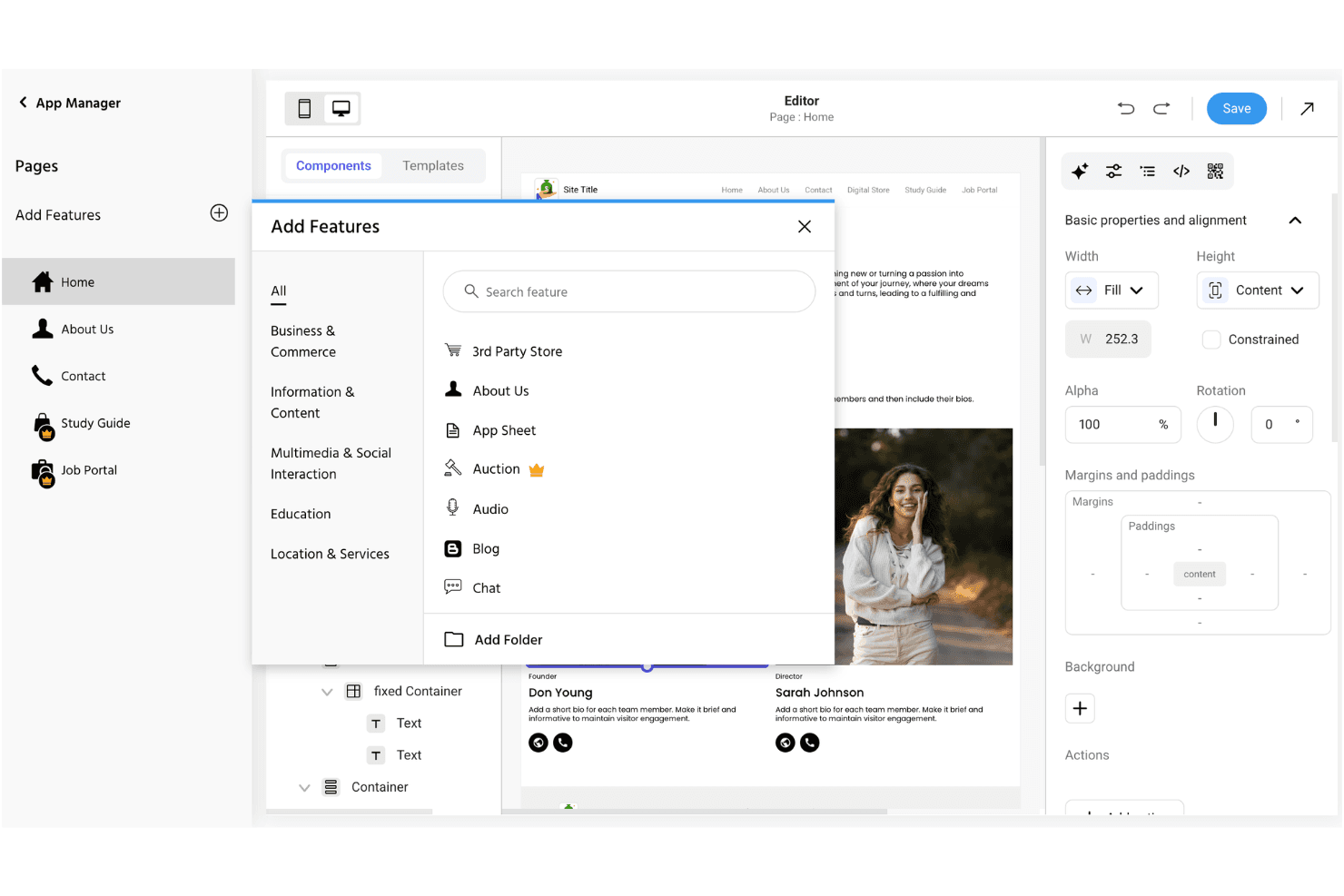
Appy Pie stands out for its straightforward, visual editor and simple setup process, making it easy for church staff and volunteers to get a site online quickly. Most users say they can publish pages, update events, and send notifications without needing technical help.
The interface is clean and intuitive, with clear prompts and helpful guides, so even first-timers can manage content and settings confidently.
Integrations
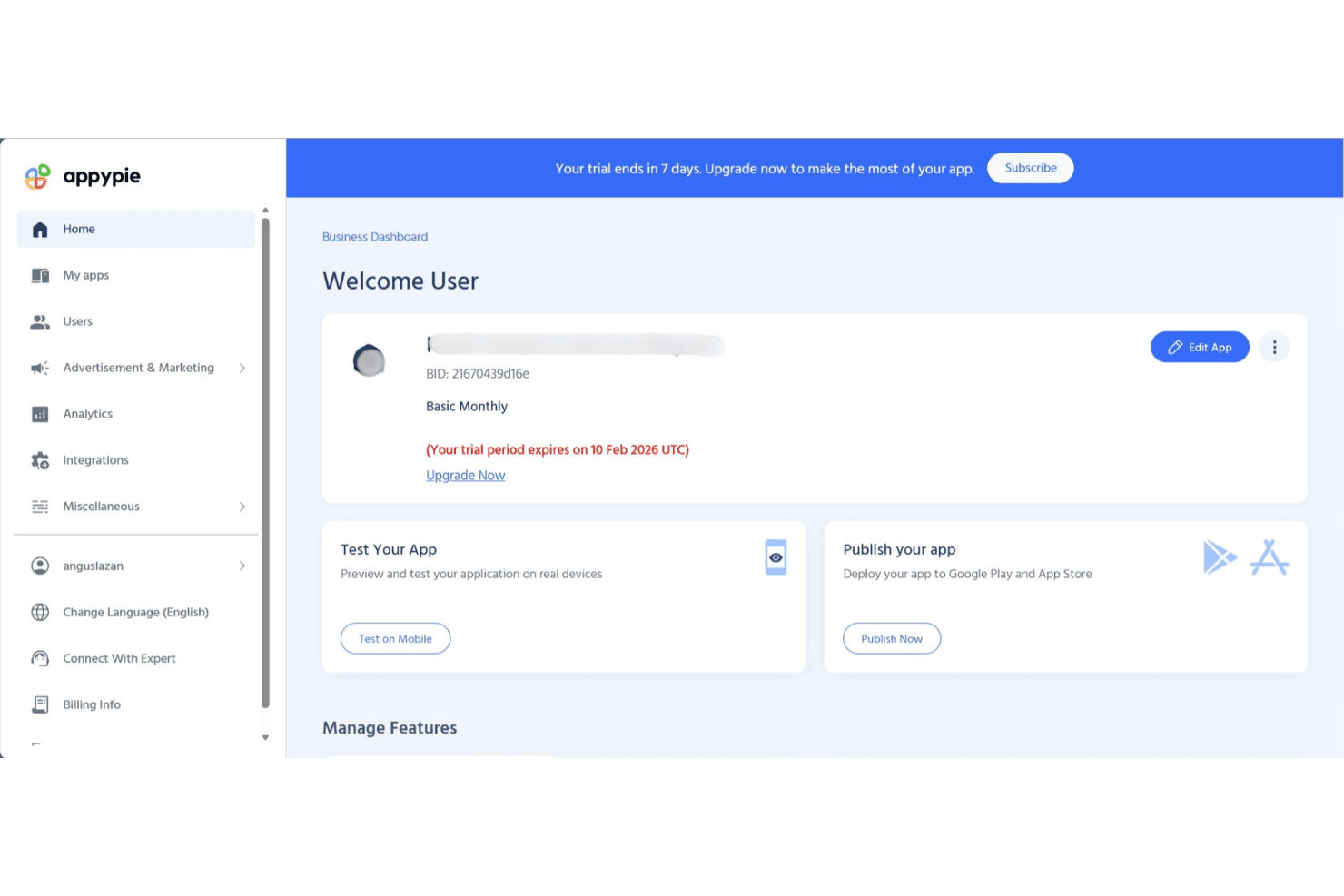
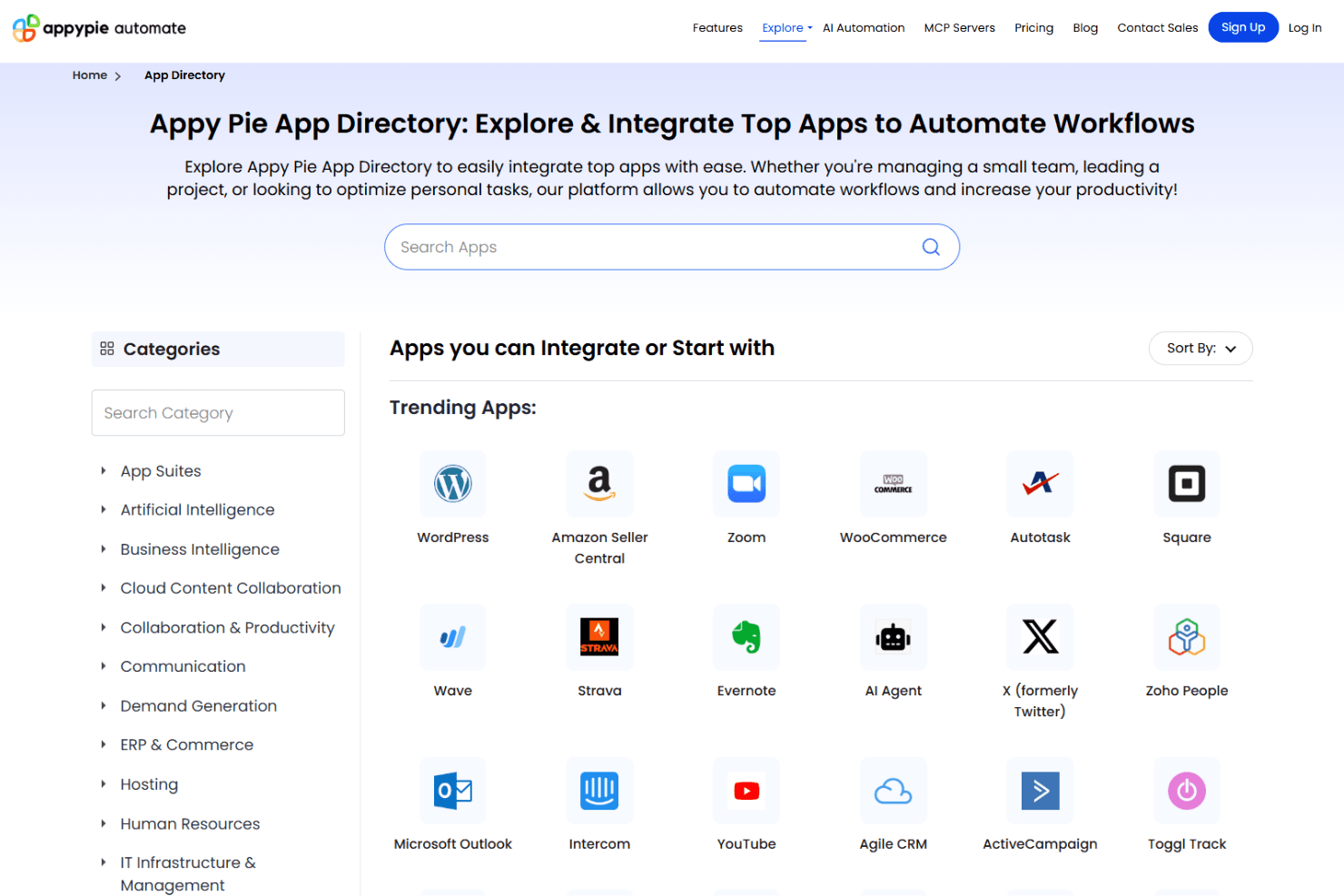
Appy Pie integrates with Google Analytics, Facebook Pixel, Stripe, PayPal, Mailchimp, Slack, Trello, Dropbox, Salesforce, and Shopify, among others.
Appy Pie also offers an API and connects with third-party integration tools for expanded functionality.
Appy Pie Specs
- API: Yes
- Bug Tracking: No
- CI/CD Integration: No
- Cloud Deployment: Yes
- Code Review: No
- Code Transformation: No
- Collaboration Support: No
- Data Export: Yes
- Data Import: Yes
- Developer Tools: Yes
- External Integrations: Yes
- Git Integration: No
- History/Version Control: No
- IDE Plugins: No
- Local Deployment: No
- Multi-User: Yes
- Notifications: Yes
- Project Management: No
- Release Management: No
- Static Analysis: No
- Task Scheduling/Tracking: No
- Testing: No


