
Anmeldelse af Aboundant: Fordele, ulemper, funktioner og priser
Aboundant hjælper kirker med at oprette websteder, administrere menighedsindhold og skabe forbindelse til deres fællesskaber gennem brugervenlige design- og engagementsværktøjer.

We review tools independently, and commissions help fund our testing. See our transparency policy, our methodology, or suggest a tool.
Aboundant is a church website builder built for churches that need a ministry-ready website without hiring a developer. I'd consider it if your congregation needs sermon libraries, event calendars, and online giving tools that work together from day one. If you've been looking at a general builder like Squarespace, Aboundant is the better fit. Its templates and features are designed around church workflows, not repurposed from business use cases.
Aboundant Evaluation Summary
0/5
- From $180/year
- 30-day free trial
Why Trust Our Software Recommendations
6,700+
Reviews
20
Industry experts
16+
Evaluation factors
14
Years
Our team has been testing and reviewing software since 2012. As church leaders ourselves, we know how difficult—and important—it is to choose the right software.
For this guide, we evaluated tools using hands-on testing and independent research, scoring tools using our selection criteria.
Our reviews reflect our human editorial judgment, not a sales pitch.
Aboundant Overview
When I compare Aboundant to other church website options, I notice its strengths in ready-to-use templates, built-in giving tools, and simple pricing plans. I think its support team understands church needs better than most, and the admin interface is easy enough for volunteers to manage. You might choose Aboundant if you want quick onboarding and don’t need complex integrations. For small to midsize congregations looking to unite their digital presence without tech stress, I’d say Aboundant deserves serious consideration. It may underperform if you want deep customization or advanced event features, but for most churches, it checks the right boxes.
Pros
- Built-in church calendar with event management tools
- Online giving forms included at all pricing tiers
- Ministry-specific content widgets simplify update
Cons
- No native mobile app for member access
- Limited options for advanced sermon media organization
- Fewer pre-built integrations than other platforms
Is Aboundant Right For Your Needs?
Who Would be a Good Fit for Aboundant?
Aboundant is a strong fit for congregations and ministries that need accessible, easy-to-maintain websites with church-focused content tools. It works best for teams with limited tech skills or staff who want templated content blocks, built-in giving, and event coordination. I think you’ll especially appreciate Aboundant if you value streamlined onboarding, visual editors, and responsive, ministry-savvy support.
- Small CongregationsAboundant’s drag-and-drop builder and hands-on support simplify website management for churches without dedicated IT staff.
- Multisite Church NetworksCentralized calendar tools and ministry widgets make it easy to manage multiple campuses’ events and content in one place.
- Faith-Based NonprofitsIts built-in donation tools and accessible templates ensure stewardship and outreach organizations can quickly launch donation-friendly sites.
- Volunteer TeamsNon-technical volunteers can confidently update pages or post news without learning code, thanks to pre-built layouts and help resources.
- Youth and Student MinistriesCustomizable blog, event, and media sections are ideal for sharing updates and media with parents, youth, and leaders.
- Churches Needing AccessibilityAboundant’s commitment to accessibility-first design ensures websites are easier to use for visitors with disabilities.
Who Would be a Bad Fit for Aboundant?
Aboundant isn’t right for organizations needing highly custom integrations, deep database connectivity, or a fully bespoke design. Power users or agencies seeking total creative control won’t find enough flexibility, and those needing mobile apps or advanced media tools may feel limited. Major enterprises or businesses outside the faith sector also won’t benefit from church-specific features.
- Large EnterprisesThe platform focuses on church needs, lacking the scalability, integrations, and customization required for enterprise operations.
- Schools and UniversitiesEducational organizations will miss student management features or learning tools built specifically for academic settings.
- Marketing AgenciesAgencies producing custom themes and advanced workflows will find Aboundant’s templated approach too restrictive.
- Churches Requiring an AppAboundant doesn’t provide native mobile app capabilities, so congregations prioritizing app-based engagement should look elsewhere.
- Media-Heavy MinistriesAdvanced sermon archives or rich multimedia tools are more limited, making it a weak fit for media-centric ministries.
- Corporate NonprofitsNon-faith-based nonprofits won’t benefit from Aboundant’s ministry-specific features or church-centered language throughout the tool.
How We Test & Score Tools
We’ve spent years building, refining, and improving our software testing and scoring system. The rubric is designed to capture the nuances of software selection and what makes a tool effective, focusing on critical aspects of the decision-making process.
Below, you can see exactly how our testing and scoring works across seven criteria. It allows us to provide an unbiased evaluation of the software based on core functionality, standout features, ease of use, onboarding, customer support, integrations, customer reviews, and value for money.
Core Functionality (25% of final scoring)
The starting point of our evaluation is always the core functionality of the tool. Does it have the basic features and functions that a user would expect to see? Are any of those core features locked to higher-tiered pricing plans? At its core, we expect a tool to stand up against the baseline capabilities of its competitors.
Standout Features (25% of final scoring)
Next, we evaluate uncommon standout features that go above and beyond the core functionality typically found in tools of its kind. A high score reflects specialized or unique features that make the product faster, more efficient, or offer additional value to the user.
We also evaluate how easy it is to integrate with other tools typically found in the tech stack to expand the functionality and utility of the software. Tools offering plentiful native integrations, 3rd party connections, and API access to build custom integrations score best.
Ease of Use (10% of final scoring)
We consider how quick and easy it is to execute the tasks defined in the core functionality using the tool. High scoring software is well designed, intuitive to use, offers mobile apps, provides templates, and makes relatively complex tasks seem simple.
Onboarding (10% of final scoring)
We know how important rapid team adoption is for a new platform, so we evaluate how easy it is to learn and use a tool with minimal training. We evaluate how quickly a team member can get set up and start using the tool with no experience. High scoring solutions indicate little or no support is required.
Customer Support (10% of final scoring)
We review how quick and easy it is to get unstuck and find help by phone, live chat, or knowledge base. Tools and companies that provide real-time support score best, while chatbots score worst.
Customer Reviews (10% of final scoring)
Beyond our own testing and evaluation, we consider the net promoter score from current and past customers. We review their likelihood, given the option, to choose the tool again for the core functionality. A high scoring software reflects a high net promoter score from current or past customers.
Value for Money (10% of final scoring)
Lastly, in consideration of all the other criteria, we review the average price of entry level plans against the core features and consider the value of the other evaluation criteria. Software that delivers more, for less, will score higher.
Core Features
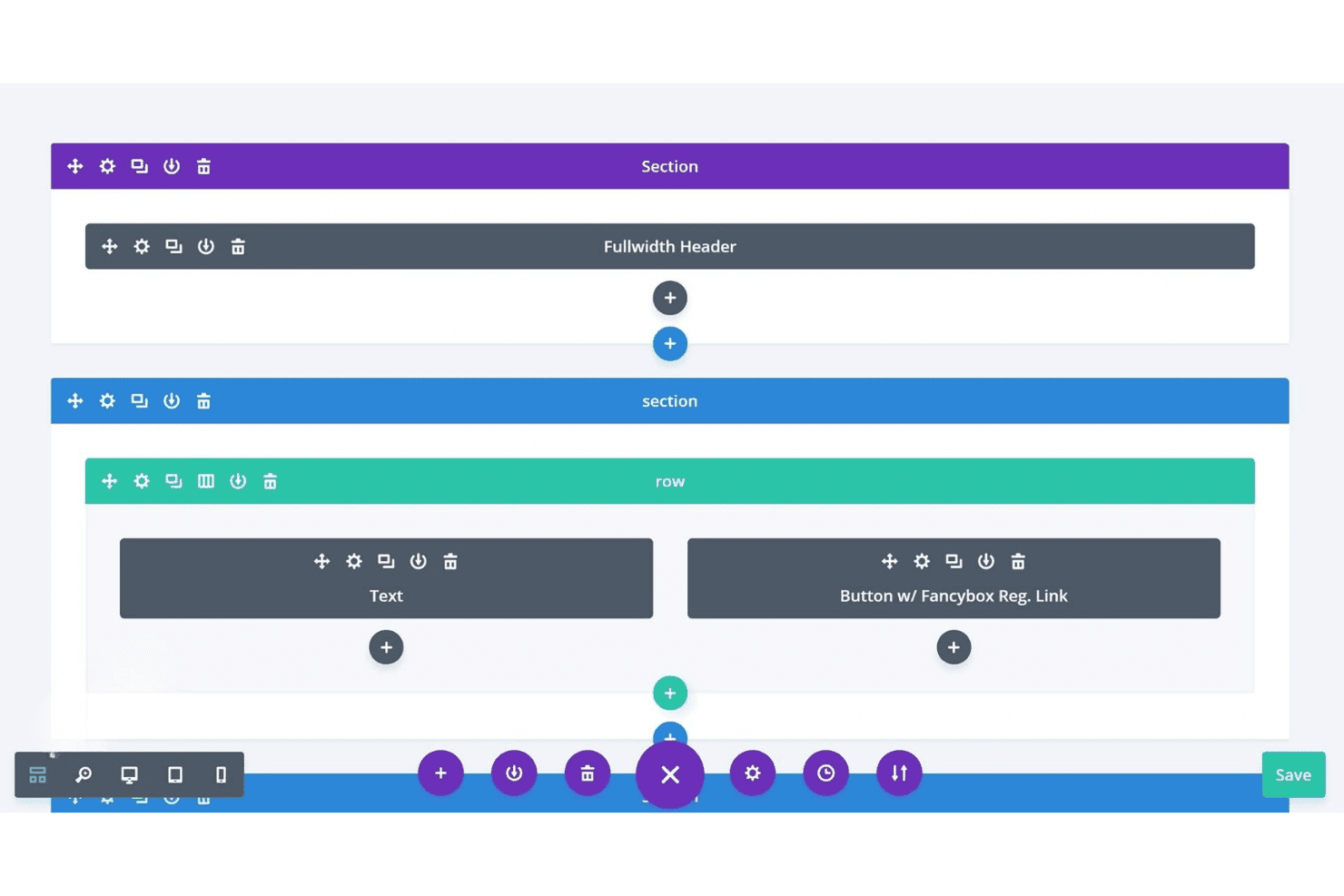
Drag-and-Drop Page Builder
Create pages visually with intuitive drag-and-drop tools. This lets any staff or volunteer quickly update content without coding.
Church Calendar and Event Tools
Publish upcoming services, group meetings, and community events in a unified calendar. Members can view details or RSVP with a click.
Online Giving and Donation Forms
Embed branded giving forms on any page for easy contributions. All pricing plans include donation tracking and recurring gift options.
Sermon Media Library
Organize and display sermons by date, topic, or preacher. Users can watch media directly on your site or download sermon files.
Built-In Blog and News Feed
Share updates, devotionals, or ministry stories with a built-in blogging tool. Scheduled publishing keeps your congregation in the loop.
Ministry-Focused Content Widgets
Add content blocks like staff bios, prayer requests, or scripture easily. Pre-built widgets help churches display ministry-specific information in seconds.
Ease of Use
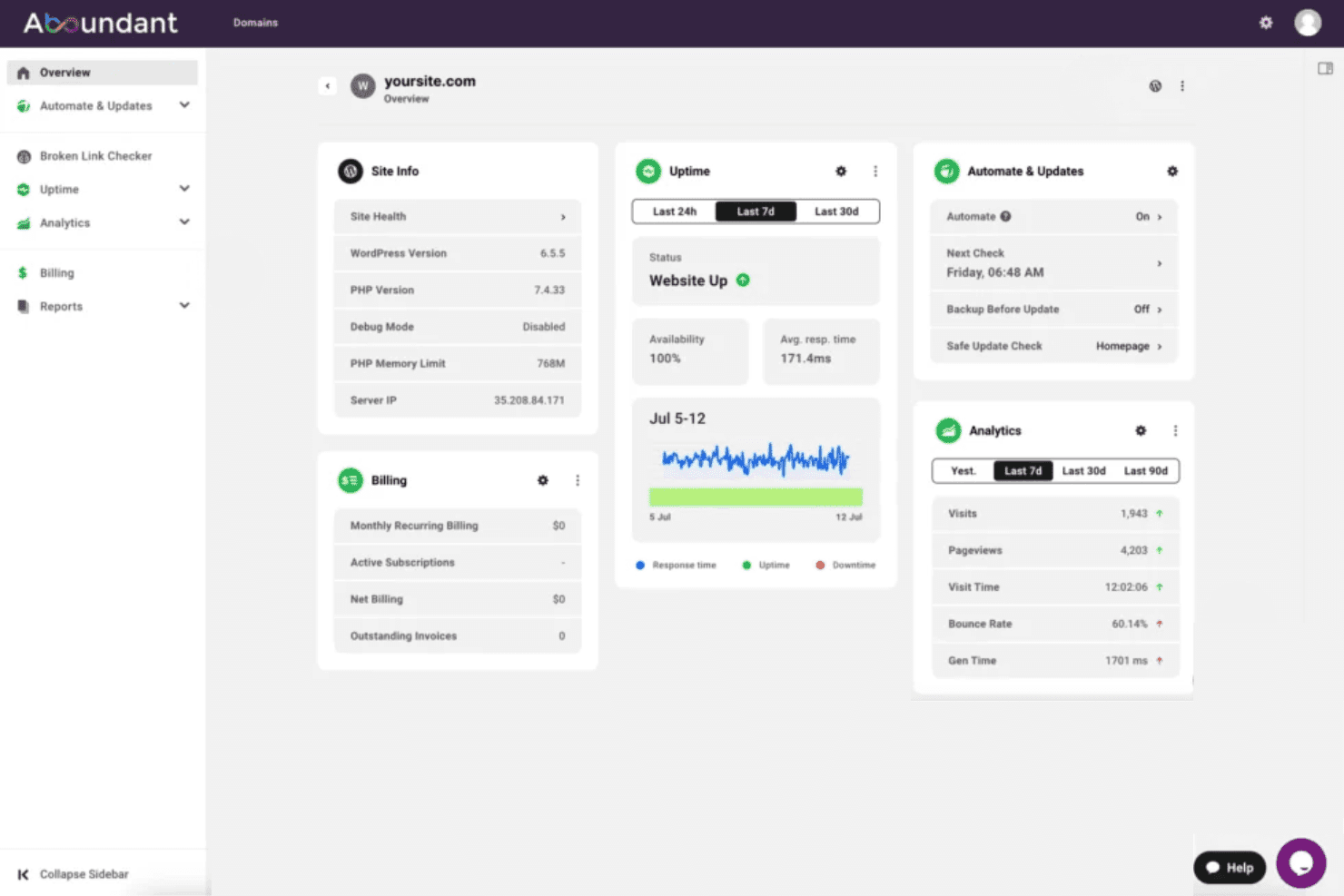
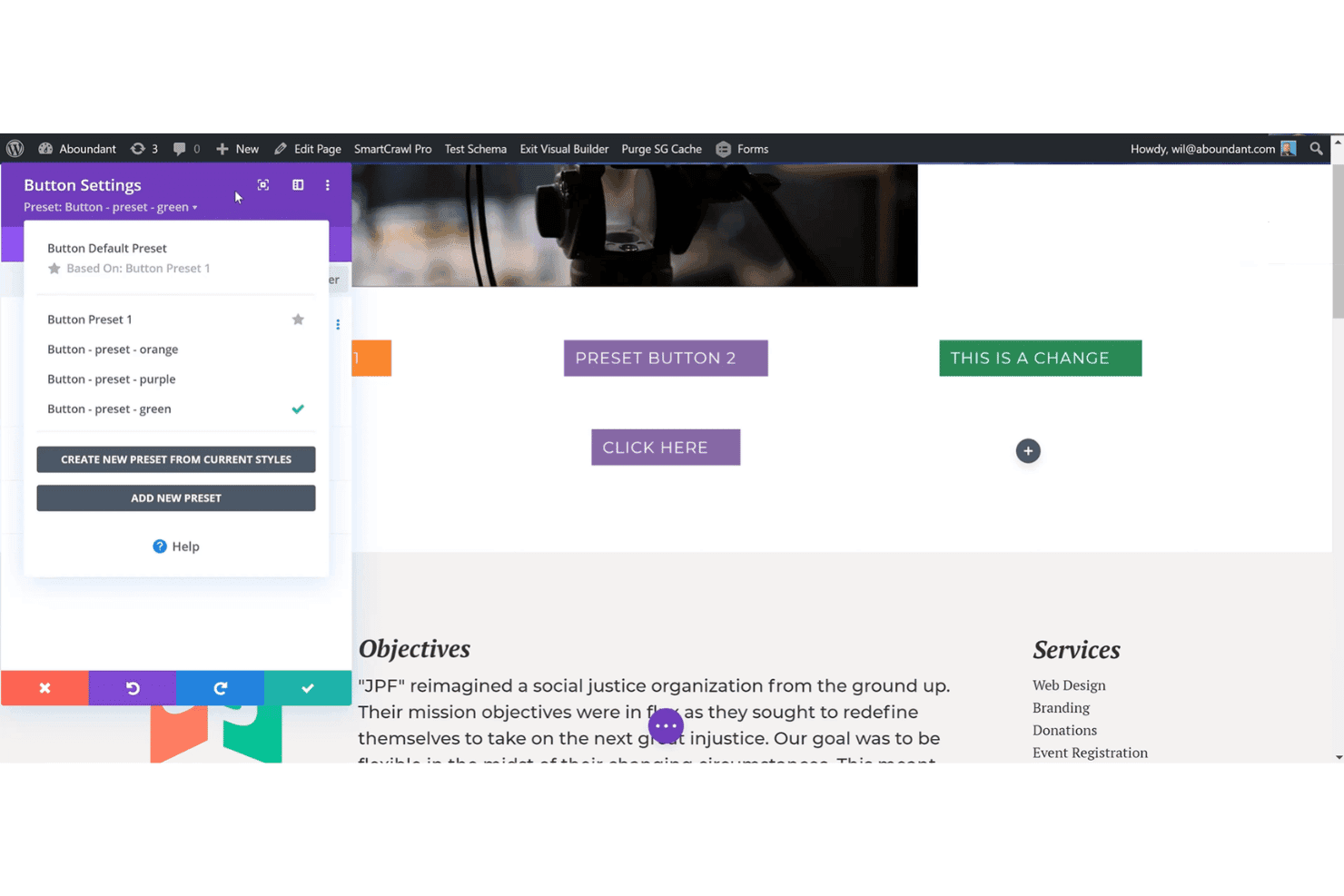
Aboundant stands out for its genuinely accessible interface—most church volunteers can build pages or update events with minimal tech skills. Its drag-and-drop builder, clear navigation, and pre-made ministry widgets reduce confusion and rework.
Users mention fast setup, while built-in tutorials guide you through common site tasks, making it one of the more approachable options available.
Integrations
Aboundant integrates with PayPal, Stripe, Google Analytics, Mailchimp, Vimeo, YouTube, Facebook, Twitter, Google Maps, and Google Calendar.
Aboundant does not currently offer an open API or direct connections with third-party integration platforms.
Aboundant Specs
- API: No
- Calendar Management: Yes
- Contact Management: No
- Dashboards: No
- Data Export: Yes
- Data Import: Yes
- Document Management: Yes
- External Integrations: Yes
- Multi-User: Yes
- Notifications: Yes
- Payment Gateway Integration: No
- Scheduling: Yes
- Workflow Management: Yes


