

Reseña de Canva: Ventajas, Desventajas, Características y Precios Explicados
Canva destaca por sus herramientas de diseño fáciles de usar y plantillas flexibles, lo que lo convierte en una opción ideal para iglesias que buscan soluciones creativas y asequibles para boletines.

Revisamos herramientas de manera independiente, y las comisiones ayudan a financiar nuestras pruebas. Consulta nuestra política de transparencia, nuestra metodología o sugiere una herramienta.
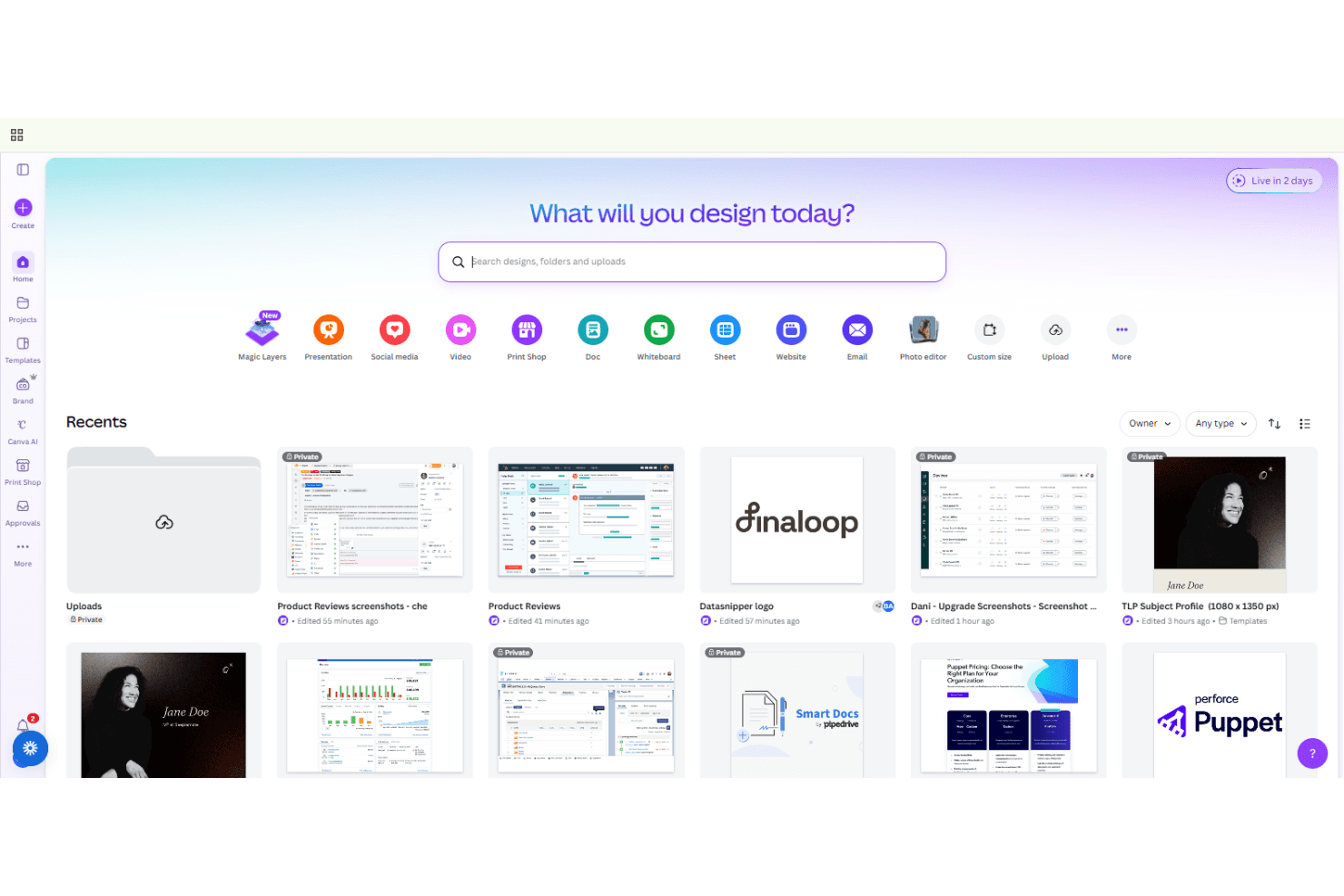
Canva is a church bulletin software that helps churches design visually engaging bulletins with ease and flexibility. For pastors and church leaders balancing ministry demands with limited design resources, Canva offers a practical solution for content creation and creating professional bulletins without specialized design skills or graphic design tools.
This review explores Canva’s features, use cases, pros and cons, and pricing—helping you decide if it’s the right church bulletin software for your congregation’s needs.
Canva Evaluation Summary
4.7/5
- From $144/user/year (billed annually)
- Free trial + free plan available
Por qué confiar en nuestras recomendaciones de software
6,700+
Reviews
20
Industry experts
16+
Evaluation factors
14
Years
Nuestro equipo lleva probando y evaluando software desde 2012. Como líderes eclesiásticos, sabemos lo difícil —y lo importante— que es elegir el software adecuado.
Para esta guía, evaluamos las herramientas mediante pruebas prácticas e investigación independiente, puntuando las herramientas según nuestros criterios de selección.
Nuestras reseñas reflejan nuestro criterio editorial humano, no un discurso de ventas.
Canva Overview
When judging Canva as a church bulletin software, its intuitive interface for graphic design, vast template library, and affordable pricing make it a top pick for churches wanting creative control without design expertise. Canva outperforms competitors in ease of onboarding and template variety, but underperforms if you need advanced print layout or direct church management integrations. It’s best for leaders who value quick, visually appealing bulletins and are comfortable with cloud-based tools. For example, small to mid-sized churches can select Canva to empower volunteers or staff with minimal training, while larger churches may determine it lacks some specialized features.
Pros
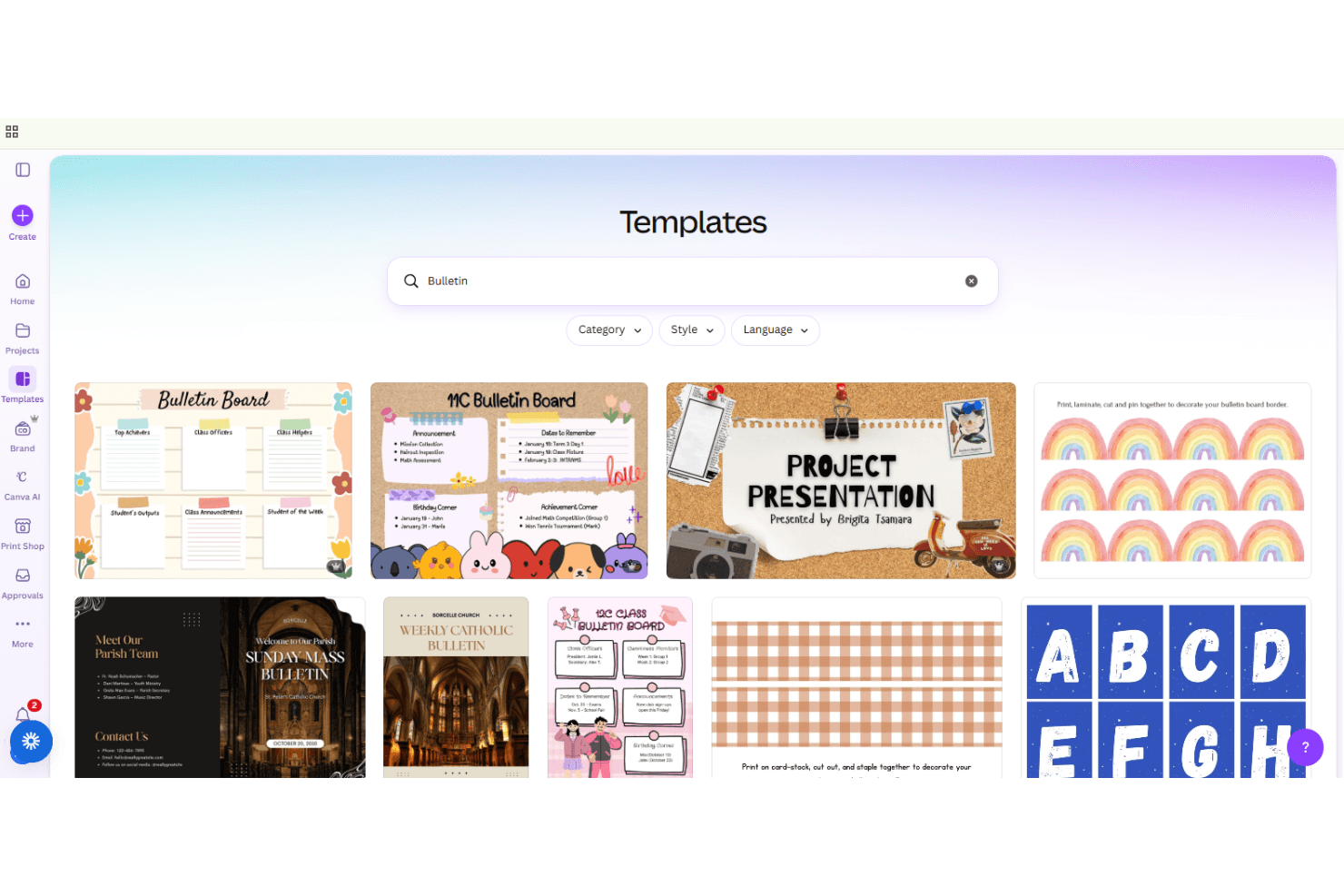
- Offers thousands of church bulletin templates for quick customization
- Provides free Pro features for eligible nonprofits and churches
- Enables collaborative editing for staff and volunteers in real time
Cons
- Lacks advanced print layout controls for complex bulletins
- Does not integrate directly with church management systems
- Requires internet access for most design and editing features
Is Canva Right For Your Needs?
Who Would be a Good Fit for Canva?
Canva is a strong choice for churches and ministries that prioritize visual appeal, collaboration functionality, and quick turnaround for bulletin creation. Its template library, real-time editing, and nonprofit pricing make it especially useful for smaller teams, volunteer-driven environments, and those without dedicated design staff. Canva’s cloud-based platform supports flexible, distributed work and is ideal for organizations that value creativity and the ability to quickly produce social media graphics.
- Small ChurchesCanva’s templates and simple interface help small teams create bulletins without design experience.
- Youth MinistriesYouth leaders can use Canva’s modern designs to engage younger audiences.
- Volunteer TeamsVolunteers can collaborate on bulletin projects from anywhere using shared links.
- Remote StaffCloud-based access allows distributed staff to edit and approve bulletins together.
- Nonprofit OrganizationsEligible nonprofits receive free Pro access, reducing costs for churches.
- Event CoordinatorsEvent-specific templates make it easy to create themed bulletins for special services.
Who Would be a Bad Fit for Canva?
Canva may not suit organizations needing advanced publishing, strict brand controls, or deep integration with church management systems. Larger churches or those with complex print requirements may find Canva’s layout tools limiting. If your workflow depends on offline access, industry-standard graphic design software, or specialized print production, Canva’s cloud-first approach and export options may fall short.
- Large ChurchesComplex, multi-page bulletins may exceed Canva’s print layout capabilities.
- Print Production TeamsLack of advanced print settings limits control over final output.
- Communications DepartmentsNo direct integration with church management software for automated content updates.
- Traditional CongregationsModern design templates may not match traditional bulletin aesthetics.
- IT-Restricted EnvironmentsRequires reliable internet access, which may not suit all facilities.
- Accessibility-Focused TeamsLimited accessibility features may not meet all congregation needs.
Cómo Probamos y Puntuamos Herramientas
Hemos pasado años creando, refinando y mejorando nuestro sistema de prueba y puntuación de software. La rúbrica está diseñada para captar las particularidades de la selección de software y lo que hace que una herramienta sea efectiva, centrándose en los aspectos críticos del proceso de toma de decisiones. A continuación, puedes ver exactamente cómo funcionan nuestras pruebas y puntuaciones en siete criterios. Nos permite proporcionar una evaluación imparcial del software basada en la funcionalidad principal, características destacadas, facilidad de uso, incorporación, soporte al cliente, integraciones, reseñas de clientes y relación calidad-precio.
Funcionalidad principal (25% de la puntuación final)
El punto de partida de nuestra evaluación es siempre la funcionalidad principal de la herramienta. ¿Tiene las funciones y características básicas que un usuario esperaría ver? ¿Alguna de esas funciones principales está bloqueada en planes de precios superiores? En esencia, esperamos que una herramienta se mantenga frente a las capacidades mínimas de sus competidores.
Características destacadas (25% de la puntuación final)
A continuación, evaluamos características poco comunes que van más allá de la funcionalidad principal típicamente encontrada en herramientas de su tipo. Una puntuación alta refleja funciones especializadas o únicas que hacen que el producto sea más rápido, eficiente o que aporte valor adicional al usuario. También evaluamos lo fácil que es integrarse con otras herramientas habitualmente presentes en la infraestructura tecnológica, para ampliar la funcionalidad y utilidad del software. Las herramientas que ofrecen muchas integraciones nativas, conexiones con terceros y acceso API para crear integraciones personalizadas obtienen la mejor puntuación.
Facilidad de uso (10% de la puntuación final)
Consideramos qué tan rápido y fácil es ejecutar las tareas definidas en la funcionalidad principal utilizando la herramienta. El software con alta puntuación está bien diseñado, es intuitivo de usar, ofrece aplicaciones móviles, proporciona plantillas y hace que tareas relativamente complejas parezcan simples.
Incorporación (10% de la puntuación final)
Sabemos lo importante que es la rápida adopción por parte del equipo en una nueva plataforma, por lo que evaluamos lo fácil que es aprender y usar una herramienta con una formación mínima. Evaluamos lo rápido que un miembro del equipo puede configurarse y comenzar a usar la herramienta sin experiencia previa. Las soluciones mejor puntuadas indican que se requiere poco o ningún soporte.
Soporte al cliente (10% de la puntuación final)
Revisamos lo rápido y fácil que es obtener ayuda por teléfono, chat en vivo o base de conocimiento. Las herramientas y empresas que brindan soporte en tiempo real obtienen la mejor puntuación, mientras que los chatbots obtienen la peor.
Reseñas de clientes (10% de la puntuación final)
Más allá de nuestras propias pruebas y evaluaciones, consideramos la puntuación neta del promotor de clientes actuales y anteriores. Revisamos la probabilidad de que elegirían nuevamente la herramienta para la funcionalidad principal. Un software de alta puntuación refleja una puntuación neta del promotor elevada por parte de sus clientes actuales o pasados.
Relación calidad-precio (10% de la puntuación final)
Por último, en consideración del resto de los criterios, revisamos el precio promedio de los planes de nivel inicial frente a las funciones principales y consideramos el valor de los otros criterios de evaluación. El software que ofrece más, por menos, obtendrá una mejor puntuación.
Core Features
Bulletin Templates
Choose from thousands of pre-made church bulletin templates for quick, professional designs. This ensures brand consistency for your church across bulletins and marketing materials.
Collaborative Editing
Invite staff or volunteers to edit bulletins together in real time from any device.
Magic Resize
Instantly resize your bulletin design for print, digital, or social formats with one click.
Brand Kit
Store your church’s logos, colors, and fonts to keep bulletins visually consistent and on-brand.
Video Editing for Church Bulletins
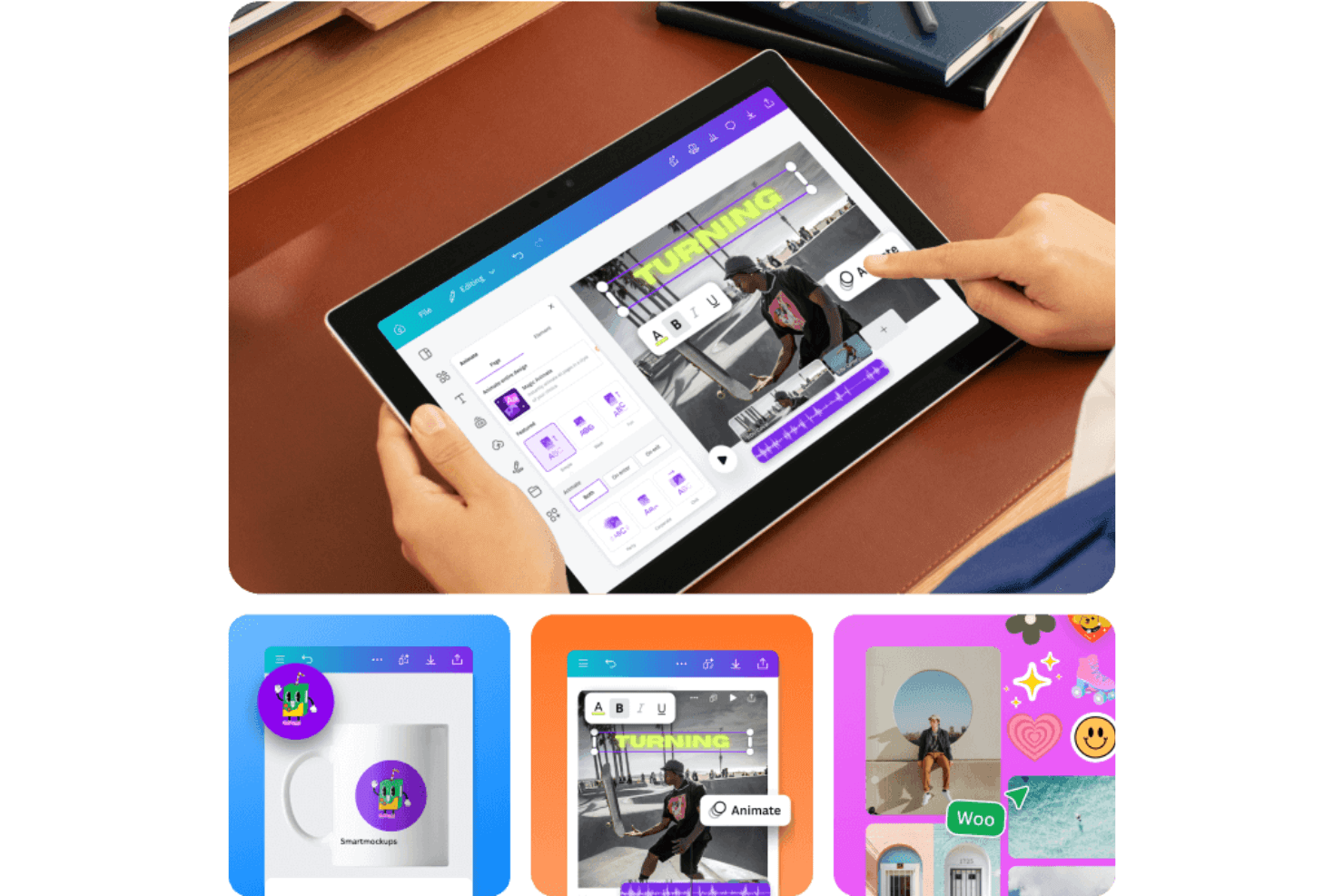
Create and edit engaging video versions of your church bulletins, add simple animations, and then export high-quality formats for sharing online or displaying during services.
AI-Powered Design Tools
Use features like Magic Write, Color Palette AI, and background remover to enhance bulletin content and implement design elements quickly.
Ease of Use
Canva is widely recognized for its intuitive drag-and-drop interface, making it accessible even for users with no design background. Most church staff and volunteers can create and edit bulletins quickly, thanks to clear navigation and helpful tooltips. User reviews consistently praise how easy it is to start a project, customize templates, and collaborate in real time. The platform’s cloud-based design also means there’s nothing to install or update, reducing technical barriers.
Integrations
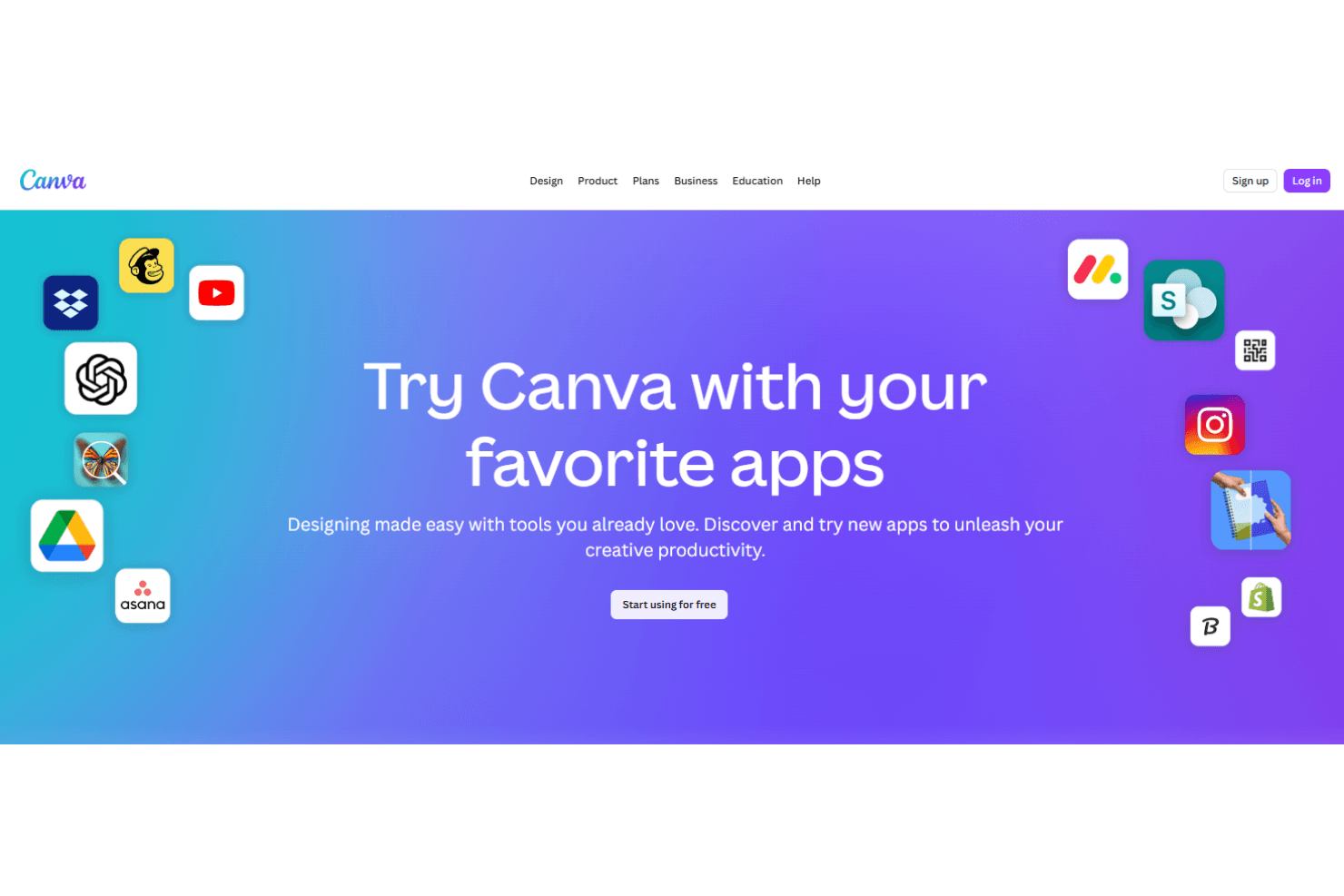
Canva integrates with Facebook, Instagram, Slack, Microsoft Teams, Pinterest, LinkedIn, and YouTube, among others.
Canva also offers an API and connects with third-party integration tools like Zapier for expanded automation and workflow options.
Canva Specs
- CAD Tools: Yes
- Data Export: Yes
- Data Import: Yes
- Multi-User: Yes
- Pixel Graphics: Yes
- Third-Party Plugins/Add-Ons: Yes
- Vector File Support: Yes
- Video: Yes


